Tool discovery

What type of AI tool
are you looking for?

Search the active catalog with LambdaBase AI Search, or keep browsing the popularity-ordered directory below.

Submitted search queries and interaction metrics may be analyzed to improve result quality. Do not include personal or confidential information

Browse popular tools.

Screenshot of Nano Banana 2.5
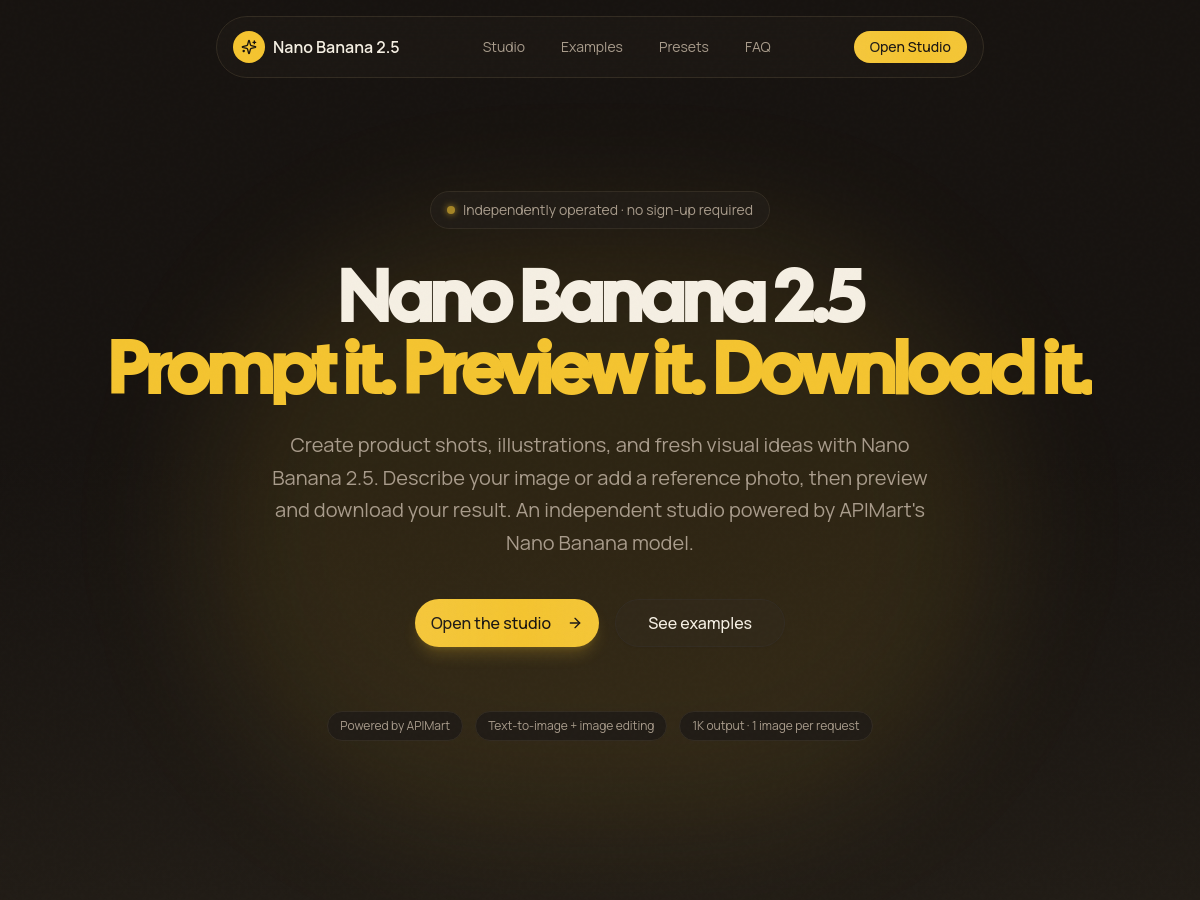
Nano Banana 2.5
AI Image Generator Free

Nano Banana 2.5 is a browser-based AI image studio that lets users generate and edit 1K-resolution images from text prompts and optional reference photos. The tool is an independent web interface powered by APIMart's Nano Banana model, rather than an official Google product. It requires no sign-up or payment and is designed around a simple workflow: choose a prompt, optionally upload a reference image, select an aspect ratio, and generate one downloadable result per request. The studio includes creative presets such as product shots, watercolor portraits, isometric app icons, and cyberpunk skylines, with aspect ratios from square to widescreen. Each successful generation returns a single image at 1K resolution, and output links are temporary, so users are advised to download promptly. The service is rate-limited to five requests per ten minutes per IP. Because it is a third-party interface, users should review APIMart's docs and privacy policy for model details and data handling.

Solves

Nano Banana 2.5 reduces the effort of creating and editing custom imagery by allowing users to quickly turn a descriptive prompt or a reference photo into a downloadable 1K image, all within a web browser and without requiring an account or payment.

Screenshot of Flux Lora
Flux Lora
Ai Generative Media Unknown

Flux Lora is an independent FLUX workspace that provides image generation, Kontext editing, workflow presets, model comparison, and managed LoRA training. The platform is being built around dedicated Flux LoRA discovery, generation, and training workflows, with the goal of helping creators maintain consistent character likenesses, product appearances, and brand aesthetics across multiple AI-generated outputs. The current AI Studio is described as a separate general-purpose tool, while the dedicated LoRA model and example library are planned for future development. The homepage presents a creative reference gallery with AI-generated images and video examples. These examples are explicitly described as illustrative references and are not presented as outputs from a specific Flux LoRA model. Flux Lora offers free credits for new users and provides pricing information through its website. As an independent platform, it focuses on FLUX-specific workflows rather than general-purpose generative media, making it a specialized option for users who want to train, discover, and use LoRA models within a single web-based environment.

Solves

Creators using generative video and image tools often struggle with consistency, such as maintaining character likenesses, product appearances, or brand aesthetics across multiple outputs. Flux Lora addresses this by providing focused FLUX workflows for LoRA discovery, generation, and training, enabling users to create and reuse custom models that keep visual identity consistent across generations.

Screenshot of GPT Image 2.5 AI Video Generator
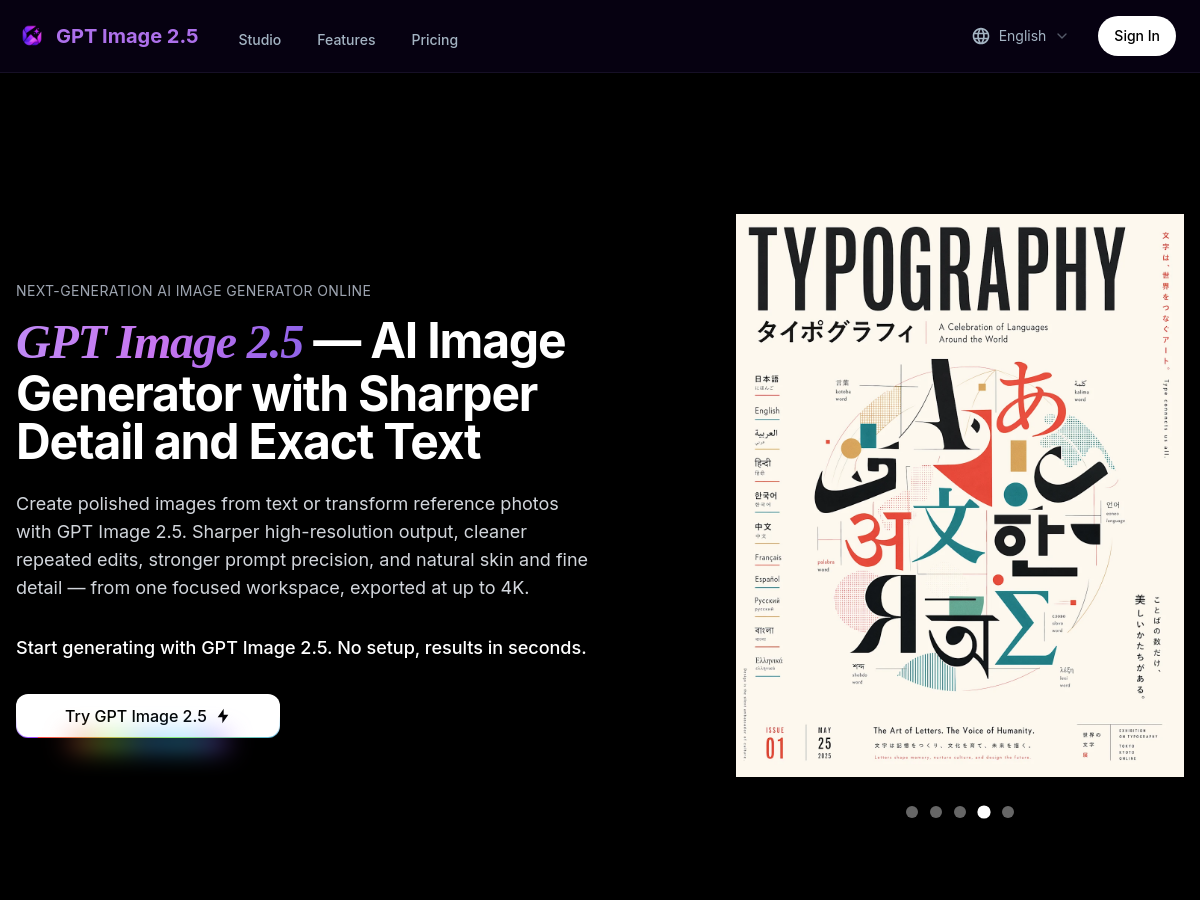
GPT Image 2.5 AI Video Generator
AI Image Generator Unknown

GPT Image 2.5 is a commercial, web-based studio for AI image generation. According to the product website, it is powered by OpenAI and is positioned as a next-generation image generator offering sharp, high-resolution output, accurate text rendering, and reliable layout control. Users can create images from text prompts or transform existing images using reference-image inputs. The interface supports text-to-image and image-to-image workflows, common aspect ratios such as 1:1, 16:9, 9:16, 3:2, and 2:3, and exports at 1K, 2K, or 4K resolution. The service highlights several capabilities that are important for creative production: sharper high-resolution results, cleaner repeated edits, stronger prompt precision, natural rendering of skin and fine detail, exact text and layout placement, and a reasoning step before the final image is rendered. For image-to-image editing, the website says users can provide up to 16 reference images per edit. The workflow is described as simple: enter a prompt, choose a mode and aspect ratio, generate, then download and share. A free trial is available after logging in, but pricing details are not published on the homepage. No source code, GitHub repository, self-hosting documentation, or public API documentation appears on the site. GPT Image 2.5 is therefore best understood as a closed, hosted SaaS product rather than an open model or library. Although the listing label provided to this analysis calls it a video generator, the actual homepage and product description exclusively describe AI image generation, not video generation.

Solves

GPT Image 2.5 addresses the need for AI-generated images that are sharp at high resolutions and accurately follow detailed prompts, especially when text, layout, and repeated edits must stay clean. It provides a hosted workspace for text-to-image and reference-based image-to-image creation, with up to 4K export and tools aimed at reducing typos, inconsistent characters, and layout drift.

Screenshot of Orelon AI
Orelon AI
AI Video Generator Unknown

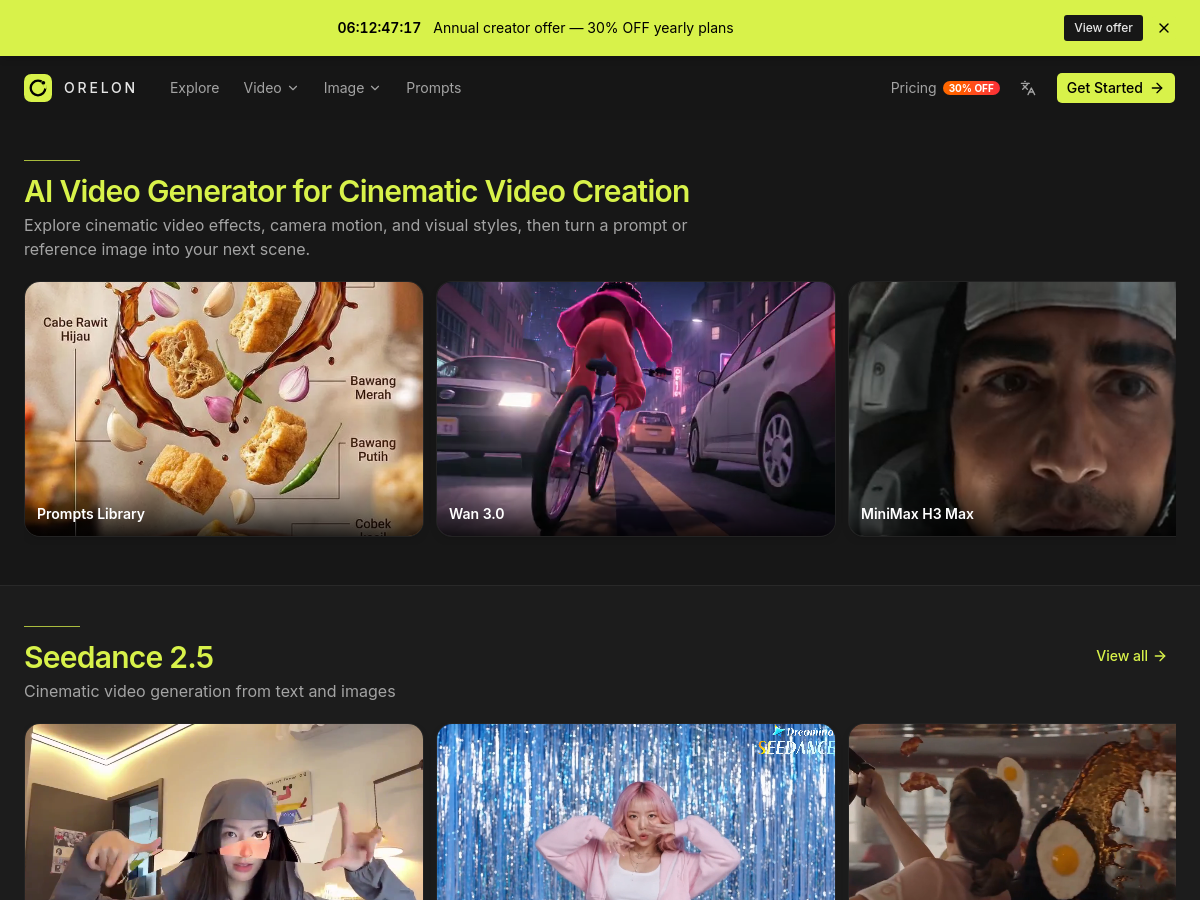
Orelon AI is a cloud-based creative platform that enables users to generate cinematic videos and high-quality images from text prompts, reference images, and creative templates. It aggregates multiple state-of-the-art generative models from leading providers such as ByteDance's Seedance, Kling, Wan, MiniMax, PixVerse, and xAI's Grok Imagine, allowing users to compare and choose the best model for their specific creative needs. The platform emphasizes cinematic quality, offering features like direct camera motion control, reusable effects, and a prompts library for remixing. In addition to video generation, Orelon AI provides a comprehensive image generation suite with models like GPT Image 2, Nano Banana, Seedream, Qwen Image, Flux, and Grok Imagine. Users can create 4K images with text rendering, edit existing images naturally, and explore various artistic styles. The platform is designed for both quick experimentation and professional production, with a user-friendly interface that supports model comparison and prompt remixing. Orelon AI also includes a curated prompts library and themed templates (e.g., KongFu, Ice & Fire, Face Punch) to help users get started quickly. The service appears to be a web application with pricing available on its site, though specific pricing details are not provided in the available information. It targets content creators, marketers, filmmakers, and designers who need fast, high-quality visual content generation without managing underlying AI infrastructure.

Solves

Orelon AI simplifies the process of creating cinematic videos and images by providing a single interface to access multiple leading AI models, eliminating the need to subscribe to separate services or handle complex prompt engineering. It helps users produce professional-looking visual content quickly from text or images, with built-in templates and camera controls.

Screenshot of Roomvana
Roomvana
AI Interior Design Unknown

Roomvana is an AI-powered interior design service that lets homeowners and renters redesign a room from a single photo. Users upload a picture of a kitchen, living room, bedroom, bathroom, or exterior, choose one of 23 design styles, and receive a realistic before/after image in about 30 seconds. The service is designed to preserve the room's actual walls, windows, and layout, so results look like the user's real space rather than a generic template. It is free to try with three designs and does not require a subscription; additional designs are available through credit packs that never expire.

Solves

Homeowners and renters often struggle to visualize redecorating or renovating a room without expensive design services or physical samples. Roomvana lets them upload a photo of an existing room, select a style, and see a realistic AI-generated before/after in about 30 seconds, preserving the room's actual walls, windows, and layout.

Screenshot of ParentMate
ParentMate
AI Parenting Unknown

ParentMate is a SaaS platform offering personalized, evidence-based parenting guidance for everyday challenges. Parents can describe real situations—such as toddler tantrums, bedtime battles, homework struggles, sibling conflicts, and teen communication—and receive thoughtful, research-based support. The service is built with licensed child psychologists and grounded in established developmental frameworks and real-life therapeutic scenarios rather than internet trends or opinion threads. The platform includes a journal feature that lets parents save useful plans and follow-ups, then look back at what they tried and how things changed over time. It also offers age-relevant activities for emotional, social, physical, and cognitive development. ParentMate remembers context across conversations, allowing parents to ask follow-up questions, add family details, and receive advice that adapts as circumstances change. Privacy is a core focus: conversations remain private, with no selling or sharing of data, and the product is positioned as a calm, judgment-free space. It is designed for first-time parents, working parents, parents of toddlers and teens, and co-parents. Pricing is not publicly listed on the homepage.

Solves

ParentMate solves the problem of parents needing immediate, trustworthy, personalized guidance for everyday parenting challenges. Instead of relying on generic search results or opinion threads, parents can ask about real situations and receive research-based support developed with licensed child psychologists, while tracking what works over time.

Screenshot of worldmodel generate
worldmodel generate
Image to 3D Model Unknown

World Models Watch is an AI-powered web platform that turns a single image into a downloadable 3D model or an explorable 3D world. It provides a unified studio where users can submit an image, text prompt, or multi-view references and choose between object generation and world generation. The platform connects to multiple generation engines, including Tripo H3.1, Meshy 6, Hunyuan3D 3.1 Pro, Rodin 2.5, Marble 1.1, Skybox AI World Mesh, Hunyuan World 1.0, and Echo 2, allowing users to compare outputs without learning a separate workflow for each provider. The service is designed for practical creative workflows. Users can download GLB files and any additional asset or world formats supported by the selected engine, making the results usable in game engines, product visualization, film/VFX, and architecture visualization. The platform also includes editorial content, guides, news, demos, and a model directory, positioning itself as a hub for world model and image-to-3D developments. Privacy and reliability are built into the workflow. Inputs remain private by default, are scheduled for deletion, and completed result downloads expire after 7 days. Credits are reserved at submission and automatically returned if a provider fails or times out. This makes the platform a low-friction option for creators who need consistent access to multiple AI 3D generation tools.

Solves

World Models Watch solves the problem of going from a single 2D image to a usable 3D asset or explorable environment without manual modeling or juggling multiple AI generation services. It aggregates several image-to-3D and image-to-world engines behind one interface, handles credit reservation and provider failures, and delivers downloadable files for downstream workflows.

Screenshot of Text Deblur
Text Deblur
AI Unblur Image Free

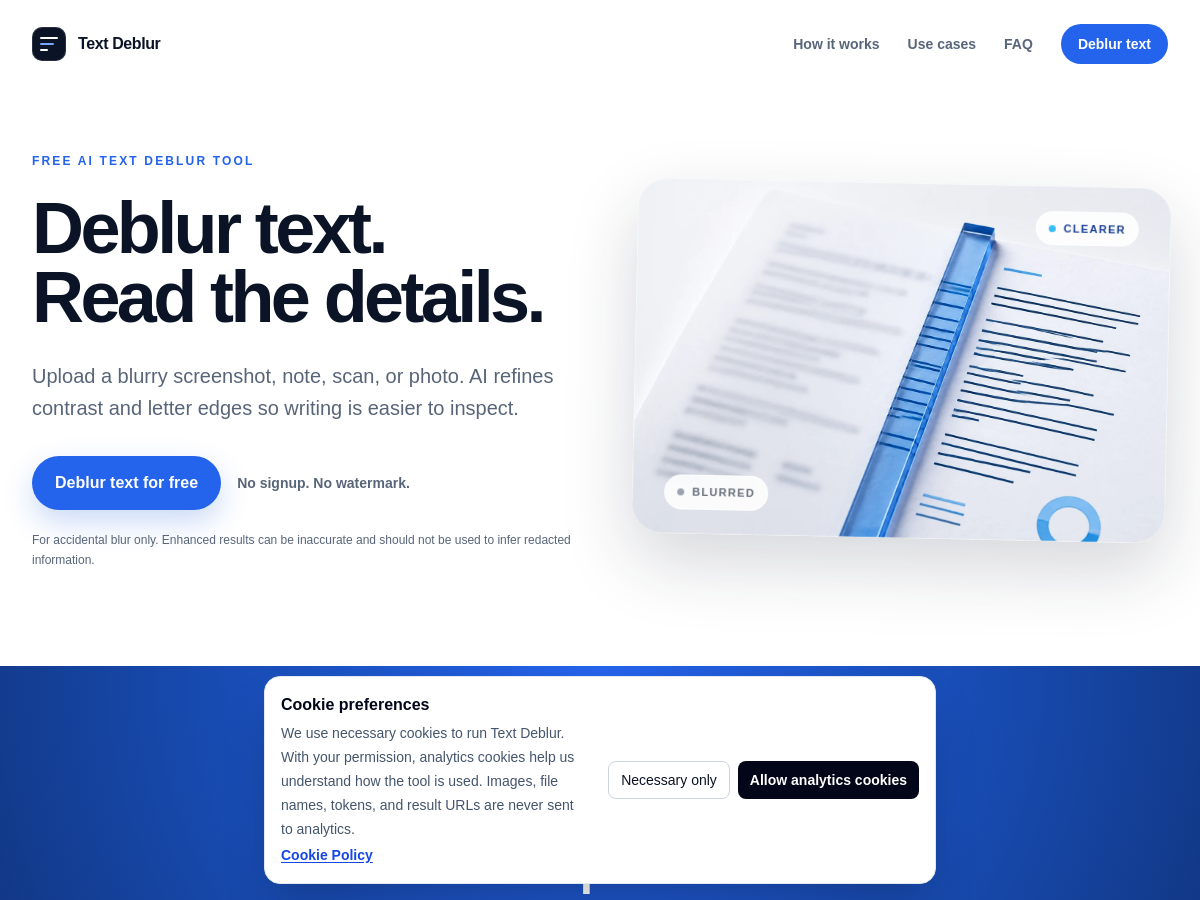
Text Deblur is a free, browser-based AI tool designed to improve the readability of text in blurry images such as screenshots, photos of notes, whiteboards, signs, and labels. Users upload a static image, complete a quick human check, and the built-in text enhancement model sharpens contrast and letter edges to make writing easier to inspect. No account, signup, or watermark is required, and results are provided via private links that expire after 24 hours. The service supports a wide range of input formats including JPG, PNG, WebP, AVIF, GIF, BMP, TIFF, HEIC, and HEIF, with a 20 MB size limit. It outputs JPG by default, while transparent images remain PNG. Users are allowed up to 20 free enhancements per UTC day. The tool emphasizes that it performs image enhancement, not OCR, and is intended for accidental blur rather than recovering intentionally redacted or pixelated text. Text Deblur's effectiveness depends on the input containing some recognizable letter structure. For best results, a tight crop around the blurry text is recommended. The tool is honest about generative enhancement limitations: it may invent plausible edges on severe blur, so important details should always be checked against the original source. The website includes a clear disclaimer that it cannot reveal covered or removed information.

Solves

Blurry text images from camera shake, poor focus, low resolution, or compression make it hard to read notes, screenshots, labels, and documents. Text Deblur refines contrast and letter edges to make writing easier to inspect without requiring registration or paid software.

Screenshot of PixResolve
PixResolve
AI Image Enhancer Unknown

PixResolve is a web-based AI photo enhancer that lets users improve image quality online by choosing a specific problem they can see in their photo, such as noise, soft edges, JPEG blocks, ringing artifacts, or color casts. Instead of requiring manual sliders or model knowledge, the service presents a simple problem-oriented workflow: upload an image, review dimensions and Credits, then run a single private enhancement. PixResolve also includes dedicated modes for improving picture resolution, unblurring photos, and restoring old images. The platform offers a one-time Guest Trial for an eligible single-image result up to 2 MP. After signup, users get a Free Allowance that includes three results per 24 hours, covering Quick Enhance 2x and eligible Standard Resolution results. More advanced enhancement goals—such as Overall Quality or Specialist Enhance—cost Credits. All processed results are delivered with no watermark, and an interactive before/after slider lets users inspect the cleaned-up edges, texture, and detail. PixResolve is designed for photos that still contain useful structure but suffer from digitization noise, compression artifacts, or softness. It does not reconstruct missing faces or guarantee the recovery of identity-level detail. With its straightforward free-tier structure and one-click enhancement approach, PixResolve is suitable for anyone who wants fast AI photo fixes without a steep learning curve.

Solves

PixResolve solves the problem of quickly and easily improving perceived image quality for online photos. It automatically reduces visible noise, softness, JPEG compression artifacts, ringing, and unwanted color casts while preserving readable edges, giving users a one-click workflow for cleaning up scans and compressed images without manual editing skills.

Screenshot of OpenGen ai
OpenGen ai
AI Video Generator Unknown

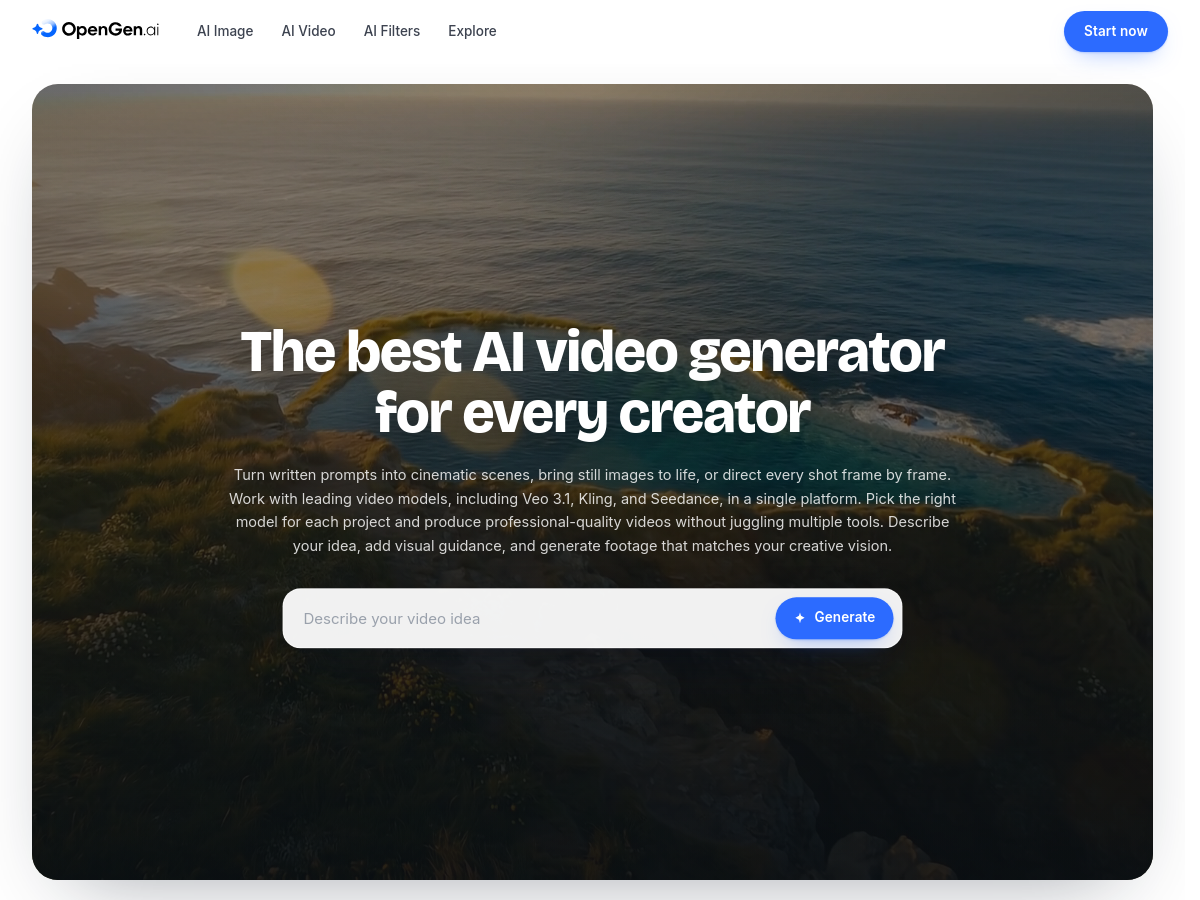
OpenGen is an all-in-one AI creative platform focused on AI video generation, while also offering image generation and voiceover tools. It provides access to multiple leading video models, including Sora 2, Veo 3.1, Seedance, Kling, Runway, Luma, and others, all within a single workspace. Users can generate video from text prompts, animate still images, and control shots with start and end frames and camera movement. The platform is designed for speed and iteration, letting creators produce polished clips with lifelike motion and stable characters. It supports both desktop and mobile workflows, with mobile apps that use the same models as the web version. Additional tools include AI image generation with models like Flux, Seedream, and GPT Image, as well as AI filters for restyling photos. OpenGen positions itself as a toolkit for creators who need professional results without switching between multiple subscriptions. It is model-agnostic, allowing users to choose the best model for each project. Pricing is not publicly listed on the homepage, and the service is accessed as a hosted web platform.

Solves

OpenGen solves the problem of fragmented AI video creation by aggregating many leading video models into one platform. Creators can generate videos from text or images, control camera and frames, and iterate quickly, avoiding the need to subscribe to and switch between multiple standalone AI video tools.

Screenshot of ToolTrim
ToolTrim
Business Intelligence Software Unknown

ToolTrim is a software decision-support tool designed for freelancers and small teams overwhelmed by tech stack choices. It positions itself as a practical way to choose which software to keep, replace, or add, based on an organization’s current stack, budget constraints, and real workflows. The tool helps cut through vendor claims by focusing the decision on what is actually used and what is worth paying for. Instead of relying solely on generic software reviews, ToolTrim asks users to account for their existing tools and how those tools fit daily operations. This makes it possible to identify underused or redundant subscriptions, justify upgrades, and introduce new tools that fill genuine gaps without overspending. The target is not enterprise procurement; the language on the website is specifically for freelancers and small teams with tight budgets. While more detailed product information—such as pricing, integrations, and underlying data sources—is not published on the public homepage, the core value proposition is clear: structured software stack rationalization. For users who want quick, actionable stack decisions, ToolTrim offers a focused remedy to search paralysis.

Solves

Choosing a tech stack can feel paralyzing: hundreds of software products claim superiority and budgets for freelancers and small teams are limited. ToolTrim helps these users evaluate their current software stack to decide what to keep, what to replace, and what to add—using budget and actual workflow as the basis.

Screenshot of JsonTranslate
JsonTranslate
Engineering Development Unknown

JsonTranslate provides an online workspace for translating multilingual product files without breaking existing internationalization structures. It focuses on JSON-driven localization workflows, where keys, nested paths, and file organization need to be preserved during translation. Users can upload, drag and drop, or paste JSON, TXT, and other plain-text content into the Web Studio; start with an incremental, full-file, project, or full-project translation mode. The platform tracks changes using a Git-diff-like mechanism, ensuring that only added or edited strings are sent for translation in incremental runs. The tool supports project-level path mapping. Users can define locale directories, module directories, or suffix conventions, and the translated output is generated according to those original rules. This allows batch delivery as a ZIP archive with the folder hierarchy intact, which engineers can write directly back into their source tree. The unified Web Studio displays source and result panes with multiple target locale tabs, while a separate task center shows status, progress, queue, and failures for long-running or batch operations. JsonTranslate also offers a CLI via an npm package, `jsontranslate`. The CLI connects the hosted Web Studio to local codebases: it can initialize a project, log in, upload source files, trigger translation, check status, and pull results back. This creates a continuous localization loop for developers. In addition, the platform supports both a hosted model workflow and bring-your-own-key (BYOK) setup, giving teams control over costs and API usage.

Solves

Product teams often struggle to bring multilingual software to market because translation work spans many languages and file locations, requiring manual coordination among developers and localization teams. JsonTranslate reduces these coordination costs by centralizing JSON and text file translation in an online workspace, preserving keys and directory rules, and providing a CLI to synchronize with existing i18n repositories.

Screenshot of Z Image Turbo
Z Image Turbo
Ai Generative Media Unknown

Z Image Turbo, hosted at Z Image, is an online AI image generator built around the Z-Image Turbo model. It aims to make high-quality image synthesis accessible from a browser, eliminating the need for expensive local GPUs or complex local environment configuration. The interface focuses on natural-language prompting, letting users describe images and adjust available parameters and ratios before generating. The service showcases a gallery of generated outputs and provides a prompt library covering products, posters, portraits, and illustration workflows. It also supports composition references, where existing media can be used to guide new generations. A notable feature is its emphasis on bilingual posters, suggesting capability for text rendering in multiple languages. For users interested in running the model locally, Z Image publishes a guide covering FP8 and GGUF setup options, bridging the gap between its hosted online generator and open-source deployment approaches. The platform offers free credits through its dashboard and includes separate showcase, prompts, and pricing pages to document usage and options.

Solves

Z Image Turbo solves the problem of costly or complicated AI image generation by providing a streamlined online generator that runs the Z-Image Turbo model in the browser, with included prompt guides and local setup resources for users who want to generate photorealistic images or bilingual posters without a local high-end GPU.

Screenshot of Explainer Video
Explainer Video
Ai Generative Media Unknown

Explainer Video is a web-based AI generation platform that transforms textual source material into animated explainer videos. By taking a topic, script, URL, or document, the service automates scriptwriting, storyboard creation, visual asset generation, voiceover narration, and captioning, enabling users to go from an idea to a finished video in minutes. The tool is hosted as a SaaS product with a dashboard for managing generation tasks, a credit-based pricing system, and a free starter allotment of 50 credits for new users. The generator supports several visual languages: motion graphics, illustrated scenes, infographic-style diagrams, character-driven storytelling, and product-focused visuals. This variety allows the output to be roughly matched to different kinds of source material or explanatory goals, from abstract concepts to concrete product demonstrations. Users can preview and iterate on their scenes, and the generated videos are intended for use in online content, education, and business communication. Because it handles the entire production workflow, the tool is specifically useful for people and teams without access to professional animators or video editors. It lowers the barrier to creating polished animated content and reduces the time spent on repetitive stages such as lip-syncing, animating, and subtitle alignment. The homepage emphasizes clarity and explanation, suggesting that the primary goal is to communicate complex ideas in a simple visual manner. As of the available marketing pages, Explainer Video does not publicly list full pricing details or system requirements. It is positioned as a content-creation utility rather than an open-source library or developer framework. Users can sign in to access their dashboard, create projects, and monitor task progress from the browser.

Solves

Producing high-quality animated explainer videos traditionally requires significant time, money, and specialized skills in scriptwriting, motion design, and sound editing. Explainer Video solves this problem by automatically generating storyboards, visuals, voiceovers, and captions from a simple text prompt or document. It removes the technical barriers to creating clear, animated explanations for businesses, educators, and content creators.

Screenshot of AgentBridge
AgentBridge
AI Agents Open Source

AgentBridge is an open-source command-line tool that enables live, bidirectional collaboration between two leading AI coding assistants: Claude Code and OpenAI Codex. Running entirely on the user's local machine, AgentBridge creates a shared session where both agents operate as peers rather than in separate silos. This allows developers to harness the distinct strengths of each AI for more robust and efficient coding workflows. The tool is designed to support several collaborative patterns. It handles mid-turn review, where one agent can pause and request feedback from the other during a task, and task splitting, which lets developers allocate different parts of a problem to each agent and have them work concurrently within the same context. It also facilitates quota-boundary handoffs, enabling one agent to take over seamlessly when the other reaches an API usage limit. This makes AgentBridge particularly useful for long or difficult coding sessions where continuity and coordination are important. AgentBridge is distributed under the permissive MIT license, making it free to use, modify, and integrate. Its command-line interface is lightweight and straightforward, so developers can incorporate it into existing terminal-based workflows without significant overhead. As a local-first tool, it also helps keep code and conversation data on the user's own hardware, addressing privacy and compliance concerns common in enterprise environments.

Solves

AgentBridge solves the problem of disjointed AI-assisted development where multiple coding agents operate in isolation. It bridges Claude Code and OpenAI Codex in a single local session, enabling them to review each other's work, divide tasks, and hand off cleanly when one hits a quota limit. This reduces manual context switching and allows developers to combine the unique capabilities of each agent without losing state or duplicating effort.

Screenshot of Meowdoku
Meowdoku
Games Unknown

Meowdoku is a cat-themed logic puzzle available as a free web game and mobile app. It blends the row and column constraints of Sudoku with tactile colored regions and a unique "cats cannot touch" adjacency rule. Each puzzle presents a grid divided into colored areas, and players must place exactly one cat per row, column, and color block while ensuring no two cats touch diagonally. The game emphasizes pure deduction and guarantees every layout has exactly one logical solution with no guessing required. The Meowdoku website offers a browser-based experience for boards in four difficulties—Easy (5×5), Normal (7×7), Hard (9×9), and Extreme (10×10). Players can also track daily campaigns and streaks, and quick download links provide native iOS and Android apps. The site includes an AI solver (Meowdoku Solver) and a collection of tips and how-to-play guides to help players learn and master the puzzle. Meowdoku was created to fill a niche in the puzzle market for cat-themed and non-numeric logic games. Unlike traditional Sudoku, Meowdoku uses spatial adjacency rules that require scanning for contradiction and cascade deductions. It is designed for mobile play but adapts to desktop via the web, so it suits casual puzzle enthusiasts and dedicated logic-game fans alike. The development of the site and app is supported by donations, and the site itself is a fan-made guide independent from the original Oakever Games mobile title.

Solves

Provides a fresh alternative to Sudoku by combining familiar row/column placement with colored-region and no-touch constraints, giving logic puzzle fans a unique cat-themed challenge that requires no arithmetic and offers guaranteed single-solution boards.

Screenshot of Krillion Infinite
Krillion Infinite
Games Unknown

Krillion Infinite is a free daily browser-based word game that inverts traditional trivia and word games. Rather than rewarding players for knowing widely-known answers, it scores players based on how uncommon or rare their correct answers are among the global player base. Each day, the game presents seven prompts (e.g., 'name a cheese,' 'name an actor'), and all players answer the same set. The obvious, most common answers yield very few points (10 points for 'Cheddar' when naming a cheese), while rare, less-thought-of correct answers yield much higher scores (85 points for 'Taleggio'). The game is played against a 25-second clock per prompt, and each correct answer increases the player's metaphorical depth in metres, from the 'Plankton' tier to 'One in a Krillion.' Played entirely in the browser with no account, app, payment, or advertising, a full dive takes about four minutes. The scoring system is built around six tiers that reflect how widely an answer is known among players: Plankton (10 points), Too Clever (15), Schooler (30), Rare (60), Deep Cut (85), and One in a Krillion (100). One point buys four metres of descent, so a perfect score of 700 points corresponds to a 2800-metre dive. The game matches answers loosely and intentionally—missing accents, pluralization, and British/American spellings are all tolerated. A missed answer costs time but not the round, so guessing is encouraged. This design rewards divergent thinking and self-awareness over rote memorization, making each dive a fresh way to test not just what you know, but what you assume others know.

Solves

Krillion Infinite solves the problem of word games becoming repetitive and knowledge-based, offering a lightweight, fast daily challenge that rewards creativity and divergent thinking rather than a fixed vocabulary list. It provides a cultural measurement: players must consider not just a correct answer, but the probability that others will think of the same answer.

Screenshot of SmartHumanizer
SmartHumanizer
Humanizer AI Unknown

SmartHumanizer is a web-based AI text humanizer designed to rewrite content generated by large language models such as ChatGPT, Gemini, and Claude into clearer, more natural prose. The tool positions itself as a one-click solution for improving flow, readability, and phrasing while preserving the original meaning, tone, and key points. It is aimed at writers who want to remove the mechanical feel of AI-generated text and make it sound more human. Key features include adjustable humanization strength, tone controls, an "Extra Human" mode, and support for more than 50 languages. The platform also claims to keep citations, quotes, and references untouched during rewriting, making it suitable for academic and professional writing. SmartHumanizer is free to start and does not require a credit card, with a simple paste-and-humanize workflow. According to the homepage, the service is trusted by over 100,000 writers and is designed to work with text from major AI models. It also presents output as "Human" in tests with common AI detectors such as GPTZero and Turnitin, though such results may vary. The product is available as a hosted web application with login and pricing pages, but no detailed pricing information is publicly listed.

Solves

SmartHumanizer solves the problem of AI-generated text sounding stiff, repetitive, or robotic by rewriting it into natural, human-sounding prose. It helps writers improve clarity and flow while preserving meaning, tone, and citations, and it can help content pass AI detection tools.

Screenshot of LLaDA Image
LLaDA Image
AI Image Generator Unknown

LLaDA-Image is an independent cloud workspace for the inclusionAI LLaDA-Image open model family, offered through the lladaimage.com website. It provides a visual interface for generating images from text prompts, editing images through natural-language instructions, and creating bilingual Chinese-English posters. The workspace also offers a Turbo mode based on a twin-DMD distilled version of the model that targets two-to-four-step generation for faster drafts.

Solves

LLaDA-Image provides an accessible online interface for high-quality AI image synthesis and editing without requiring local GPU resources. It simplifies the process of creating photoreal imagery, performing targeted edits on uploaded visuals, and producing bilingual poster layouts, unifying generation and editing in one model to save time for designers and content teams.

Screenshot of Music Prompt Studio
Music Prompt Studio
AI Prompt Generator Unknown

Music Prompt Studio is a web-based AI tool that helps users compose structured, style-rich prompts for AI music generators such as Suno, Udio, MusicGen, and Riffusion. It presents an interactive builder with separate tabs for core, tonal, instruments, structure, lyrics, vocals, mix, and references, allowing users to select genres, moods, energy levels, instruments, key, tempo, and song sections. As selections are made, the tool generates a clean natural-language prompt in real time that can be copied into any text-to-music model. The studio is designed to lower the barrier to creating detailed music prompts. It includes tooltips for musical terms, visual aids like a keyboard scale view, tempo pulse, time signature pattern, and an energy meter, making it possible to work by ear and eye rather than through jargon. Users can start with presets or use the 'Surprise me' feature for creative inspiration. Share links encode the current prompt configuration, making it easy to collaborate or revisit specific settings. The built-in 'Generate song' feature lets signed-in users produce music directly within the studio using ElevenLabs Music, with credits deducted per 30 seconds and automatic saving to a user library. The prompt builder itself is free and works offline in the browser; an optional ScholarSail account adds song generation, storage, and a monthly credit allowance. Audio previews for each genre, mood, instrument, and production style are provided by ElevenLabs sound-effect models and are meant only to illustrate the options. Music Prompt Studio serves a wide range of creators, from hobbyists and independent artists to content producers and researchers exploring AI music generation. By generating structured prompts, it reduces trial-and-error and helps users achieve more consistent and intentional results across multiple generators.

Solves

Music Prompt Studio solves the challenge of writing detailed, structured prompts for AI music generators. By translating intuitive selections into a natural-language prompt, it helps non-experts produce higher-quality and more reproducible outputs without needing music theory knowledge or remembering the vocabulary used by different AI models.

Screenshot of Claras
Claras
AI Youtube Summary Unknown

Claras is an AI-powered YouTube video companion that transforms any YouTube link into an instant transcript, an AI-generated summary with clickable chapters, and an interactive chat interface. Designed for people who want to extract value from videos quickly, it eliminates the need to watch long content linearly by providing searchable text and timestamped navigation. The tool works directly in the browser with no installation required for the core experience, and a Chrome extension is available for even faster access while browsing YouTube. Claras supports 17 languages, making it useful for non-English content and cross-language understanding. Its 'Contents' tab presents comprehensive clickable chapters, while the 'Summary' tab delivers a condensed overview of key points. The 'Ask AI' chat allows users to pose specific questions about the video and receive answers grounded in the transcript. A newer feature, SuperSearch, enables bulk summaries for users working with multiple videos. The product is positioned as a free-to-start service, requiring no credit card for initial use. While pricing details are not fully disclosed on the homepage, users can log in and begin using the tool immediately. Claras appears to target students, professionals, researchers, and content enthusiasts who regularly engage with video content and want to save time, take notes, or revisit critical moments without scrubbing through footage.

Solves

Claras solves the problem of consuming long YouTube videos efficiently by providing instant transcripts, concise AI summaries with clickable chapters, and a chat feature that answers specific questions about a video's content, all in multiple languages.

Screenshot of Varo Cloud
Varo Cloud
AI Video Generator Unknown

Varo Cloud is a generative AI cloud platform that provides access to over 500 leading image, video, audio, and language models through a single API and unified balance. It aims to simplify the process of discovering, testing, and building with generative AI models by aggregating models from multiple providers into one cloud environment. The platform is designed for creators and developers who need a cost-effective and efficient way to integrate AI capabilities into their workflows. Varo Cloud emphasizes day-zero access to new models, ensuring users can leverage the latest AI advancements as soon as they are released. With unified APIs, developers can switch between models without rewriting integration code, reducing development time and operational overhead. The platform also offers lower costs compared to using individual model providers, making it attractive for startups and content creators. By centralizing model access, Varo Cloud aims to remove the friction of managing multiple subscriptions and API keys, providing a single balance and dashboard for all activities. Whether for generating images, videos, audio, or language-based content, the service supports a wide range of generative tasks, positioning itself as a comprehensive cloud solution for the AI-driven creator economy.

Solves

Creators and developers face the challenge of accessing and integrating multiple generative AI models from various providers, each with its own API, pricing, and subscription. Varo Cloud solves this by offering one platform with 500+ models, a unified API, and a single balance, enabling simpler experimentation, development, and cost management.

Screenshot of FinConv
FinConv
Accounting Software Unknown

FinConv is an online bank statement converter. It accepts PDF, JPG, or PNG bank and credit card statements and extracts transaction rows, including dates, descriptions, debits, credits, and balances. Users upload a file, preview the extracted table directly in the browser, and can download the full set as Excel (XLSX), CSV, or JSON after signing in with a free account. During the beta period, conversion is free and no sign-up is required for the preview step. FinConv is built around common bookkeeping and accounting workflows: converting a bank statement PDF to Excel removes the need to retype data, while CSV export is useful for imports into accounting tools. It supports scanned statements and images as well as password-protected PDFs up to 50MB. Files are sent to an AI provider for transaction extraction and are not stored by FinConv itself. Because it is a cloud-based converter, FinConv requires no software installation. It is intended as a lightweight browser tool for freelancers, bookkeepers, and small teams. The homepage recommends always reviewing the extracted data before using it.

Solves

Manually entering transaction data from bank statement PDFs is tedious and prone to errors. FinConv solves this by automatically extracting transaction rows from PDF, JPG, PNG, scanned, and password-protected statements, then exporting them as Excel, CSV, or JSON. This lets accountants, bookkeepers, and small business users convert bank and credit card statements into spreadsheet-ready data without retyping.

Screenshot of Neonjelly
Neonjelly
AI API Unknown

Neonjelly is an AI-native Shopify competitor research and store tracking platform. It provides structured access to a catalog of 1.37 million Shopify stores, including modeled traffic and revenue, SKU counts, product catalogs, price changes, and new product feeds. The service is designed to be used through AI assistants such as Cursor, Claude Code, ChatGPT, Windsurf, and VS Code via MCP, or directly through a catalog API and interactive playground. The platform exposes 59 MCP tools covering store search, store details, product search, store products, price drops, store changes, analytics, movers, signal stats, and product ideas. Users can ask plain-language questions such as "Look up Gymshark" or "What moved on prices?" and receive structured catalog rows. Paid Signals watches add ad spend, units, inventory, and ad lift observations sourced from EcomScout. Neonjelly offers a 14-day free trial with 100 lookups per day and no account or card required. Paid plans start at $29/month for Explorer, with higher tiers for daily operations and teams. Data is sourced from the EcomScout catalog, and traffic and revenue figures are modeled estimates; Signal figures are labeled as observes. The service is aimed at e-commerce researchers, product managers, and developers building AI-powered competitor intelligence workflows.

Solves

Neonjelly solves the problem of gathering and monitoring Shopify competitor intelligence by giving AI assistants and developers a structured API/MCP interface to query store traffic, modeled revenue, product changes, price drops, and paid ad/unit Signals across 1.37M stores, instead of manually scraping or visiting stores.

Screenshot of TaroTown - AI Tarot Reader
TaroTown - AI Tarot Reader
AI Religion Unknown

TaroTown is a web-based AI tarot reading service featuring distinct authored characters, each with a unique voice, backstory, and reading style. Users can choose from readers such as Elara, Bruno, and Inés and converse naturally in their own words. A key characteristic is the "live card draw" inside the conversation: cards appear as visual tarot draws during the chat, with structured spreads and a complete tarot deck, rather than plain-text card mentions. Readings can evolve over time, as the system preserves the conversation and allows the user to return later to the same thread, enabling revision and continuity based on what has changed since the previous session. Memory and continuity are controlled by the user. TaroTown lets the user individually decide whether to build long-term context and whether a reader may use that context. Temporary conversations are also supported. The platform emphasizes that underlying records stay private, and the reader's interpretations are presented as inferences rather than absolute facts.

Solves

Traditional tarot reading apps treat each reading as isolated, so users cannot follow up or update interpretations as circumstances change. TaroTown provides a persistent, conversational experience with optional memory, allowing readings to be revised in light of new facts and giving users a sense of long-term guidance.

Screenshot of Decato
Decato
AI Interior Design Unknown

Decato is a macOS desktop application that combines an editable interior-design canvas with an AI agent to automate the process of furnishing a room from a floor plan. Built for interior design studios and professionals, it takes a floor plan and a brief, generates a furniture layout, then sources real, in-stock products from live retailers. Each item is dimension-checked to ensure it clears walls and fits within the space before it is placed in the render, producing a buyable, priced room rather than a generic 3D concept. Unlike AI rendering or staging tools that stop at a realistic image, Decato is positioned as full workflow software: it moves from layout to product sourcing, fit validation, true-scale rendering, and client presentation in a single application. The agent works in the same canvas as the designer, so every generated element remains fully editable. Designers can move furniture, adjust the layout, or take over at any point, effectively using the AI as an interactive collaborator rather than a one-click generator. At launch, Decato integrates live product catalogs from Wayfair and IKEA for the United States, with IKEA also live for Europe and additional retailers such as West Elm, Crate & Barrel, CB2, Article, Pottery Barn, Ashley, JYSK, HAY, John Lewis, Maisons du Monde, BoConcept, Westwing, and La Redoute planned for future rollout. The app is free to download for Mac and supports one active project on the free tier, with paid plans covering renders and sourcing volume.

Solves

Interior designers need to take a client’s floor plan and turn it into a concrete, buyable room, but traditional workflows separate layout, product sourcing, fit checking, and client presentations. Decato solves this by using an AI agent to automatically build a room layout from a floor plan, populate it with real, in-stock furniture that has been dimension-checked for proper clearance, and prepare a priced list a client can order from—so the entire journey from plan to purchase is handled in one tool.

Screenshot of Cyclops
Cyclops
AI Agents Open Source

Cyclops is an open-source coordination tool designed to manage AI coding agents that operate inside tmux sessions. It provides a durable mailbox that allows agents to exchange messages reliably, even when terminals are busy or sessions are interrupted. The system enforces FIFO message ordering per recipient, which keeps agent communication deterministic and prevents out-of-order processing that can lead to inconsistent state. Cyclops also includes guarded terminal notifications so that AI agents can only send essential alerts to the human developer without flooding the terminal with noise. A key safety feature is fail-closed human-composer protection, which prevents autonomous agents from taking over the user's command prompt or overriding human instructions. This addressing approach gives developers a clear channel for supervision and intervention. The tool is designed to be lightweight and accessible from a terminal, leveraging tmux as the environment for long-running agent processes. Cyclops also optionally supports workspaces, allowing different agents or agent groups to be isolated in separate tmux windows or panes. As an open-source project, Cyclops is positioned for developers who want a transparent, self-hosted way to orchestrate coding agents. It does not replace agents themselves but instead provides the plumbing for coordinating multiple agents, assigning tasks, and managing messages between them. This can be particularly useful in local development setups where multiple AI assistants or automated coding workflows need to coexist and collaborate securely.

Solves

Cyclops addresses the need for a safe, ordered communication layer between multiple AI coding agents running in tmux. It prevents missed or scrambled messages, shields developers from notification overload, and blocks agents from taking control of the human composer, thereby ensuring reliable human-in-the-loop operation.

Screenshot of Canary Wharfian
Canary Wharfian
AI Coaching Unknown

Canary Wharfian is an online career platform designed for candidates targeting competitive roles in investment banking, private equity, consulting, law, and other high finance fields. It functions as a comprehensive resource hub that combines a job board, application management, interview practice, and skill assessments in one interface. The platform claims to offer an AI-powered career coach experience, providing personalised feedback on recorded job interviews and automated evaluation for various recruitment exercises. The service includes practice modules for HireVue and Pymetrics-style video interviews and gamified online assessments, as well as psychometric tests covering numerical, verbal, and abstract reasoning. Other tools let users generate tailored application documents, track the progress of multiple applications, and prepare for technical questions with quizzes and financial modeling exercises. Premium tiers provide access to more advanced preparation content, including MBA interview support, consulting case prep, and CFA/GMAT exam resources. In addition to these practical tools, Canary Wharfian hosts a library of career guides, a company directory with detailed interview reviews, and aggregated salary data. Users can also browse job listings—ranging from spring weeks and summer internships to graduate programmes—and engage with a community forum and podcast. The platform appears to target ambitious students and early-career professionals, primarily within the UK and across the global finance industry, and is promoted through partnerships with reputable outlets such as Forbes and Yahoo Finance. Whether one is seeking entry-level positions or experienced hires, Canary Wharfian provides a structured approach to recruitment preparation.

Solves

Preparing for recruitment in banking, consulting, and other high-paying sectors can be overwhelming, with fragmented sources for mock interviews, assessments, and application tips. Canary Wharfian consolidates these tasks into a single platform, giving job seekers structured practice sessions, AI-based feedback, and management tools to increase their chances in each stage of the selection process. It also reduces the information asymmetry by offering salary data and interview reviews from an active community.

Screenshot of Parrot App
Parrot App
AI Language Learning Unknown

Parrot is a language learning app designed to teach Spanish through short-form vertical videos, resembling TikTok. It applies the comprehensible input method, a research-backed approach that focuses on understanding messages in the target language. The app claims to turn scrolling habits into productive learning sessions, with thousands of learner testimonials supporting its effectiveness. Backed by Y Combinator and trusted by over 520,000 users, Parrot positions itself as a science-based alternative to traditional language applications. The core experience consists of a feed of bite-sized video clips from native speakers, accompanied by interactive subtitles and quizzes to reinforce comprehension. Users learn by watching, listening, and repeating in context, which helps develop practical conversation skills quickly. The app is available on iOS, Android, and via the web, and it emphasizes learning in just a few minutes per day, making it suitable for busy schedules. While currently focused solely on Spanish, Parrot differentiates itself from conventional apps by avoiding repetitive grammar drills and streak-guilt mechanics. Instead, it leverages engaging, real-world content that learners find more immersive and enjoyable. Reviews indicate that users often see faster progress in speaking and understanding Spanish compared to earlier experiences with other platforms.

Solves

Parrot solves the problem of boredom and low retention in language learning by offering an immersive, TikTok-style experience that keeps learners engaged daily. Its comprehensible input method helps users acquire practical Spanish faster, enabling them to communicate with native speakers without traditional grammar-heavy study routines.

Screenshot of Pensieve
Pensieve
AI Knowledge Base Unknown

Pensieve is a hosted AI knowledge-base service, described as a self-maintaining context layer for company AI. Once connected to workplace tools such as Slack, Notion, Google Drive, GitHub, and HubSpot, it continuously ingests and organizes scattered information into a navigable tree of pages representing products, customers, engineering, go-to-market, operations, and other business areas. This distilled company map is kept current automatically, with every claim cited to an underlying source. Pensieve does not replace AI assistants. Instead, it plugs into assistants including Claude, Cursor, ChatGPT, and Codex through the Model Context Protocol (MCP). An agent first reads the company map to orient itself, then queries live systems only when needed, reducing repeated searching and unnecessarily broad tool access. The platform positions itself as solving wasted effort and token spend: rather than agents relearning company structure every session, they retain access to a maintained picture of the business. Homepage benchmark material reports roughly 28% fewer tokens per session, 46% fewer searches, and 32% fewer tool calls on a public 4,161-file benchmark, while maintaining answer quality. Pensieve is aimed at teams that want more accurate AI interactions without manual tagging, data preparation, or custom engineering. After connecting sources and AI tools, the service handles ongoing extraction, update, page merging, and trust/grounding metrics. Pricing is not published on the homepage.

Solves

AI agents typically lack a persistent understanding of a company; each session they search raw tools, pay for every document, and may act on outdated or wrong context, then discard what they learned. Pensieve solves this by building and maintaining a continuously updated, cited knowledge layer that agents can read through MCP, so they start every session with a grounded map of the business and use fewer tokens, searches, and tool calls.

Screenshot of AI Image
AI Image
AI Image Generator Unknown

AI Image is a multi-model AI workspace that lets users generate, edit, and restyle images entirely in the cloud. The platform brings together leading image-generation models such as Nano Banana Pro, GPT Image 2, Midjourney, Seedream, Flux, Ideogram, Grok, and Qwen under one consistent interface. Users can switch from one model to another depending on the aesthetic or functional need, such as cinematic stills, typography-focused designs, high-fidelity edits, or reference-preserving generations. AI Image is built around a simple three-step workflow: customize settings, describe the vision or upload a reference photo, and receive finished images. It supports one-click creation from a text prompt, reference-guided looks to preserve subject identity and lighting, and campaign-ready polishing. The service can export the entire output set into appropriately cropped and formatted assets for web, print, and social channels, making it suitable for content teams and independent creators alike. The product is aimed at users who may not have professional design skills but still need high-quality, publish-ready visuals. Because the service runs in the browser and requires no installation, it offers a low-friction path from idea to image. AI Image also remembers user preferences between sessions, enabling repeatable setups for future generations. Annual billing is mentioned as a cost-saving option, with monthly credits preserved at a reduced rate.

Solves

AI Image solves the problem of accessing and coordinating multiple high-quality AI image models in one place. Rather than maintaining separate subscriptions and learning different interfaces for text-to-image generation, editing, and restyling, users can write prompts, upload references, and generate images across a curated collection of top models. The platform also simplifies output preparation by offering multi-size export for different distribution channels.

Screenshot of Polimake
Polimake
AI Video Search Unknown

Polimake is a cloud-based creative operations platform for agencies and in-house creative teams. It provides a unified media library where users upload photos and videos and rely on AI to index and find content based on what appears in each frame. Instead of enforcing strict file names or manual tags, Polimake is designed to recognize visual elements in videos and images, so teams can search their files by the people, objects, scenes, ideas, or concepts captured in the media. Beyond asset discovery, Polimake is positioned as a creative operations hub for managing, producing, and approving content. The platform can store campaign archives, sketches, audio, images, and concept references, giving creative and brand teams one place to track work across the content lifecycle. It also offers an MCP connector that lets users connect their asset library to AI assistants such as ChatGPT; through that integration, team members can ask questions and retrieve approved campaign content without leaving their chat environment. The public homepage is primarily in Spanish and references well-known global brands such as Mastercard, PlayStation, Nespresso, National Geographic, Formula 1, and Ubisoft as customers. It therefore targets brand and agency teams that need both creative production workflow and AI-based visual search. Pricing details are not published on the main site, but a dedicated pricing page is linked from the homepage.

Solves

Polimake solves the challenge of managing large, growing creative media libraries without relying on manual tagging or consistent file naming. By using AI to index what appears inside images and video frames, it lets teams find, reuse, produce, and approve content by visual meaning in a centralized platform.

Screenshot of fal.live
fal.live
AI Video Generator Free

fal.live is an interactive AI television platform that streams continuously generated content over the internet. Viewers can tune into themed channels such as Anime, Storybook, Chaos, Sitcom, Crafty Critters, Cartoon, and Soap Opera, and collectively shape the direction of each episode by voting on narrative choices. The experience is powered by fal, the generative AI infrastructure that runs the video models behind the scenes, creating a real-time, audience-driven broadcast. The service demonstrates the potential of advanced text-to-video models, including MiniMax H3, for entertainment. Rather than simply viewing a fixed stream, the audience acts as a director, influencing story transitions and events through their votes. Clips can be saved from streams, providing shareable moments. Creators are invited to pitch and apply to run their own channels, making fal.live both a consumer experience and a platform for experimenting with live AI-generated media. Content on fal.live is explicitly labeled as AI-generated and for entertainment purposes only. The site notes that output may contain errors and does not reflect human expertise. Access requires confirming that the viewer is at least 18 years old, and there are mechanisms to report content. As a free product, fal.live serves as both a demo for fal's AI video infrastructure and a new form of participatory media.

Solves

fal.live solves the problem of one-way, passive AI video consumption by letting audiences vote to direct the narrative in real time. It transforms AI video generation into a shared, interactive entertainment experience while showcasing the capability of fal-powered text-to-video models.

Screenshot of 8080.AI
8080.AI
AI App Builder Unknown

8080.AI is a cloud-based platform that uses a team of specialized AI agents to autonomously build production-ready, scalable software applications. The platform emulates a full engineering organization with agents acting as Tech Lead, Project Manager, Designer, Frontend Developer, Backend Developer, and DevOps. Users can start with a single sentence describing an idea, and the AI system handles requirements, architecture, design, coding, and deployment. The platform is designed to support multi-agent collaboration, running for hours and processing up to 100 million tokens, making it capable of complex, long-horizon engineering tasks. The workflow includes automated generation of detailed project requirements, clickable design mockups, architecture diagrams, task breakdowns, and code. All work is presented in a shared dashboard that supports human review gates, allowing users to approve or reject each step. Once approved, the platform automatically deploys the application to Kubernetes-based staging and production environments, and generates a live URL. The built-in development environment includes a full VS Code experience in the browser or via a desktop extension, with support for branch-per-task workflows merged through pull requests. 8080.AI targets a wide range of users, from non-technical business owners who want to ship a SaaS product without writing code, to developers and data scientists looking to accelerate delivery. The platform also supports team collaboration with roles for owners, admins, and members, and offers flat-cost pricing models for predictable unit economics. It has track record of over 5,900 projects built on the platform, of which 2,800 are public with completed designs and deployments.

Solves

8080.AI solves the problem of building production-grade software from scratch, which traditionally requires a large engineering team, months of time, and significant cost. By using AI agents to handle the entire lifecycle—from requirements and design to coding and deployment—the platform enables users to turn a one-sentence idea into a fully functional, scalable SaaS application in hours instead of months, democratizing software creation.

Screenshot of Renoise Live
Renoise Live
AI Video Generator Unknown

Renoise Live is an interactive AI-powered survival show portrayed as a live broadcast that never stops filming. The concept places four contestants on a storm-hit island while viewers in a live chat decide what happens to them next. Presented as a website at renoise.live, the experience uses AI-generated video to maintain a continuous narrative around the fictional contestants and their survival challenge. Renoise Live blends live-streaming, audience participation, and generative video to create a real-time story with outcomes influenced by chat activity. The available homepage copy emphasizes the core interaction loop: the show is always filming, and the live chat is responsible for affecting the island events. While detailed technical specifications and production methods are not provided, the product sits within the AI video generator space by offering automated, generative content in a broadcast format. The site uses straightforward marketing and metadata, describing itself as an AI survival show and positioning it as a form of entertainment rather than a traditional productivity tool. It appears targeted at broadcast platforms, content creators, and audiences interested in novel, participatory media experiences. Pricing, platform access, and backend details are not disclosed in the public source material reviewed.

Solves

Renoise Live solves the challenge of generating continuous, engaging AI-video entertainment by letting a live audience shape the outcome, making each broadcast session interactive and unique rather than a passive, pre-recorded experience.

Screenshot of Dotless
Dotless
AI Lead Generation Unknown

Dotless is a SaaS platform designed for sales and business development professionals to discover local businesses that lack an online presence. It combines business search, contact enrichment, and outreach campaign management into one connected workflow. Users can describe the type of business they want to find using natural language, filter results by location and category, and access enriched contact details for outreach. The platform is particularly useful for agencies and freelancers that provide web design, digital marketing, or other services to local establishments such as restaurants, salons, and tradespeople. The tool offers lead pipelines to organize prospects, email sequences with unlimited sending, and AI-powered email personalization. It integrates with popular CRMs and email providers including Google, Outlook, Salesforce, HubSpot, and GoHighLevel. Dotless uses a credit-based pricing model, with a free tier that includes 5 credits and paid plans starting at €9 per month for solo operators. Each credit equals one business record, and credits are used for searches or enrichment actions. By focusing on businesses without websites, Dotless aims to help users reach prospects before competitors discover them and reduce reliance on scattered data sources.

Solves

Local businesses without websites are difficult to find and contact using conventional web search and business directories. Dotless solves this by providing an AI-powered workflow that helps users discover such businesses, enrich their contact information, and automate outreach, so agencies and freelancers can win new clients early.

Screenshot of Meitu Design Studio
Meitu Design Studio
AI Product Photography Unknown

Meitu Design Studio is a cloud-based, all-in-one AI design platform developed by Meitu and available at designkit.cn. It is positioned as a free online design workspace for e-commerce sellers, marketers, and small teams to generate product photography, promotional posters, social media content, and other commercial visuals without learning complex design software. The platform integrates a range of AI-powered tools: one-click product photo generation and background replacement, entire product image-set creation, AI model and virtual clothing try-on, batch AI editing, low-quality image enhancement, AI eraser, ID photo processing, logo design, poster design, and short-video generation. It also offers a library of templates for e-commerce, marketing, cross-border listings, and detail page designs. Because workflows run entirely in the browser, users can start from a template or an existing image, use pre-built Skills to automate repeated tasks, and export marketing-ready output in seconds. The platform serves everyone from independent sellers to cross-border e-commerce operators, with a focus on simplifying visual production pain points such as background removal, product scene generation, and localized campaign assets.

Solves

E-commerce sellers and marketing teams often need high-quality product images and promotional visuals but lack design skills, budgets, or time. Meitu Design Studio solves this by combining AI product photography, background replacement, image retouching, and reusable templates into one browser-based workspace, allowing users to produce commercial-ready visuals quickly without desktop software.

Screenshot of Monaro
Monaro
AI Document Extraction Unknown

Monaro is an AI-powered SaaS platform designed specifically for HVAC and plumbing distributors to automate mechanical quantity takeoffs from construction drawings. The system reads uploaded floor plans, identifies equipment such as diffusers, grilles, fans, HVAC units, and related tags, and extracts the quantities and model information into a structured format. According to the product website, manual takeoffs that typically take 4 to 8 hours can be completed in under 20 minutes with Monaro. The platform is intended to help bid desks respond to contractor RFQs faster without requiring additional staff, enabling quotes to be sent out the same day. Monaro includes a review interface that surfaces every detection and flags uncertain items, so estimators can verify and correct results before finalizing. It also provides quoting capabilities that integrate supplier pricing and margin settings, allowing distributors to generate customer-ready quotes within the same platform. The software is marketed primarily to HVAC and mechanical distributors, with a focus on streamlining the entire bid and quote workflow.

Solves

Manual HVAC takeoffs for distributor quotes are slow and labor-intensive, often requiring 4 to 8 hours per drawing set and delaying bid responses. Monaro automates the reading of construction plans and the counting of HVAC equipment, reducing takeoff time to under 20 minutes and producing structured quantity data that can be used for same-day quoting.

Screenshot of Ansehn
Ansehn
AI SEO Tools Unknown

Ansehn is a buyer intelligence platform that helps B2B companies measure and improve their brand visibility in AI-powered search. It tracks where brands appear in recommendations and answers from AI assistants such as Google AI Overview, ChatGPT, Perplexity, Claude, and others. The platform then translates those insights into a clear strategy for winning buyer attention in the agentic web. The platform gives marketing teams interactive tools like buying simulations to see which vendors AI chooses and why, an AI copilot for asking questions about brand visibility data, server log analytics to distinguish AI crawler traffic from AI-referred human visitors, and prompt monitoring to capture real buyer questions across AI engines. It also supports persona development to understand who is buying and what they ask during the research process. By acting as a measurement and optimization layer for AI search, Ansehn helps enterprises move from relying on traditional SEO methods toward a targeted approach for earning recommendations inside AI tools. With an emphasis on B2B buying scenarios, the platform claims to reveal the specific content gaps, support documents, and pricing pages that cause AI to favor competitors, then guides creation of content that wins back potential buyers.

Solves

Traditional SEO tools cannot see how AI chat interfaces influence B2B purchasing decisions. Buyers now ask ChatGPT, Perplexity, Google AI Overview, and Claude for vendor recommendations, and if a competitor is named, that often decides the deal. Ansehn solves this by measuring where brands appear in AI-generated answers, showing why AI recommends competitors, and helping content teams create materials that earn stronger representation in AI search outcomes.

Screenshot of Spassword
Spassword
Password Managers Unknown

Spassword is a zero-knowledge Chrome password manager available at spassword.net. All encryption and decryption happen on the user's device. The Cloudflare backend only stores ciphertext, so the company cannot access user passwords. The extension includes a web vault, autofill, password generator, multi-device sync, offline support, TOTP-based 2FA codes, and passkey creation/use. The homepage states that all core features are live and in daily use. Security architecture is built around a master password that never leaves the device. Argon2id derives a master key in memory, HKDF splits it into an encryption key and an auth key, and the auth key produces a one-way verifier sent for login. The server only sees ciphertext and the verifier, never the plaintext password, master key, or encryption key. Login, registration, and account-lookup endpoints are rate-limited to block brute-force attempts and account enumeration. Spassword is distributed as a downloadable ZIP for Chrome and Edge (Manifest V3) and must be loaded in developer mode. The extension is described as free and provides a changelog and blog. It is available in English and Chinese.

Solves

Spassword solves the problem of trusting a password manager with plaintext credentials by providing a zero-knowledge architecture where the service provider never sees master passwords or decrypted vault entries, while still offering autofill, sync, 2FA, and passkey support.

Screenshot of Best10.ai
Best10.ai
AI Tools Directory Free

Best10.ai is an independent AI tools directory that publishes rankings, reviews, and comparisons across a wide range of AI use cases. The site states that every ranking is based on hands-on testing, pricing checks, scorecards, screenshots, and editorial review. It presents top-10 style lists that show how many tools were tested for each category, such as 97 free AI voice generators, 100 AI note-taking apps, 100 AI image generators, and 99 AI presentation tools. These articles compare dozens or nearly a hundred alternatives and then highlight ten standout options, including practical details on limits, pricing, and features. The platform is free and focuses on helping work, creativity, and business users choose AI software. Its editorial team curates categories for specific needs, including AI summaries, translation, video generation, PDF summarization, tools for students, and writing. Each article lists the number of tools tested and the date of update, so readers can assess freshness. Screenshots and scorecards accompany many recommendations. As a web destination rather than a software library, Best10.ai does not require installation and is accessible from any browser. It is similar to consumer research sites, but with a dedicated focus on AI tools. For decision makers and professionals overwhelmed by AI product claims, Best10.ai aims to simplify the research phase by doing the comparison and ranking in advance. It also acts as an easy way to discover niche AI tools that may not be widely known.

Solves

Best10.ai helps users quickly discover the most suitable AI tool from a crowded market by providing independent, hands-on rankings and reviews across categories, with verified pricing, feature comparisons, and screenshots.

Screenshot of AITop10.ai
AITop10.ai
AI Tools Directory Free

AITop10.ai is a free online publication that provides independent rankings, reviews, and comparisons of AI websites and tools. The editorial team conducts hands-on testing, pricing checks, feature research, and product screenshot analysis, then publishes clear recommendations for work, creativity, and business workflows. Each article typically reviews dozens to hundreds of tools and presents a concise shortlist, making it easier for readers to find a strong product without manually testing every option themselves. The platform covers a broad range of AI categories, including resume builders, headshot generators, trading bots, search engines, voice agent APIs, dubbing tools, music generation, AI detectors, serverless platforms, and generative engine optimization. Articles are updated frequently, often covering 60 to 100 tools per roundup, and they cite the exact number of products evaluated to convey the breadth of research. AITop10.ai positions itself as an independent alternative to promotional directories and sponsored 'best of' lists, offering an editorial approach to AI tool discovery. All content on AITop10.ai appears to be publicly accessible without registration or payment. The site is designed for decision-makers who want a reliable, expert-driven shortlist rather than a comprehensive community review database. It is especially useful for staying informed about a fast-moving ecosystem through regular, focused articles rather than navigating fragmented user reviews or vendor marketing.

Solves

Helps technology buyers and professionals choose the right AI tool by providing independent, hands-on reviews, verified pricing, and ranked comparisons across dozens of categories, saving time and reducing the risk of selecting an overhyped or unsuitable product.

Screenshot of BibleImages.app – AI Bible Image Generator
BibleImages.app – AI Bible Image Generator
AI Caption Generator Unknown

BibleImages.app is a web-based AI image generator designed specifically for creating artwork from Bible verses, passages, and stories. The service combines a searchable Bible reader with an AI Studio, allowing users to choose Scripture, refine a creative direction, and generate images intended for sermons, devotionals, church presentations, social media, and personal study. The homepage describes the result as context-aware and reverent by design, emphasizing suitability for sacred and religious settings. The Bible reader includes public-domain English and Chinese translations, and users can search by book, reference, or keyword, read surrounding chapters, and select up to plan-specific verse counts. Selected Scripture carries into the Studio, where users can combine their own prompt with suggested quick additions, apply visual styles, choose aspect ratios, and request multiple images. Higher-tier subscription plans can embed the Scripture text and its reference into the final image file, making verse cards and presentation-ready graphics easier to produce. The workflow is built to avoid disruptions: drafts remain after page changes, generation continues in the background, and completed work retains its Scripture, prompt, and settings in history for recreation or editing. Every generated image starts private. Users can download source/PNG/JPG files, delete history, or publish selected work to the public Gallery and withdraw it later. BibleImages.app is offered as a subscription service with Creator, Studio, and Church plans. Monthly plans include image credits, passage limits, presets, and per-request image counts, with annual plans available at a 20% savings. Because it is a specialized Scripture-to-image platform rather than a general AI art tool, it targets ministers, church teams, Bible teachers, and other creators who need consistently biblical visual content.

Solves

BibleImages.app solves the problem of creating reverent, context-aware visual content directly from Bible text. Rather than copying passages from a separate Bible app into a generic AI image generator and manually matching style and format, users work in one studio: search or enter a passage, direct the image with a prompt and style, generate, review, download, and optionally embed the Scripture reference.

Screenshot of fikaclip
fikaclip
Long Video To Short Video AI Unknown

FikaClip is an AI-powered video clipping tool designed to transform long-form video content into short, engaging clips ready for platforms like YouTube Shorts, TikTok, and Instagram Reels. By simply pasting a video link, users can have the AI automatically identify the most compelling moments, hook-driven openings, and relevant segments, significantly reducing the time and effort required to repurpose content. The platform claims to produce ready-to-post shorts in about three minutes, making it a fast solution for creators and marketers who need a consistent stream of short content. Beyond basic clipping, FikaClip offers context-aware story analysis that understands the narrative flow of hour-long videos, enabling it to suggest appropriate titles, hooks, and thumbnail concepts. The tool uses templates built from successful short-form patterns, helping ensure the output matches current trends and viewer preferences. The built-in editor includes transcript-based editing, allowing users to delete words to cut video segments, adjust captions with animated styles, choose from copyright-safe background music, and access a suite of editing tools in a single screen. This all-in-one approach aims to replace traditional editing software by combining AI automation with manual fine-tuning capabilities. The platform also emphasizes automation of repetitive editing tasks, including layouts, voice-over text, name tags, and silent cuts. It is designed for both individual content creators and larger teams or enterprises, with solutions for business use and pricing tiers. FikaClip's workflow is centered on easing the process of repurposing existing long-form content into multiple short videos that are optimized for social media performance.

Solves

FikaClip solves the time-consuming problem of manually selecting and editing the most interesting parts of long videos to create short social media clips. It automates the discovery of high-engagement moments, applies popular editing styles, and generates captions and titles, enabling creators to publish short videos in minutes instead of spending hours in complex editing software.

Screenshot of Video to notes
Video to notes
AI Video Summarizer Unknown

Vid2notes is a cloud-based AI note-taking tool that turns videos and audio files into structured, illustrated notes. It automatically captures on-screen screenshots, attaches timestamps, generates chapter summaries, and produces an AI summary. Its multimodal AI combines speech recognition with visual understanding to reduce transcription errors and create context-aware notes. The platform accepts common video and audio formats up to 10 hours or 5 GB per file, supports 98+ languages, and can transcribe non-English speech into English. It includes speaker recognition for meetings and podcasts, allows batch processing of up to 50 files, and lets users export results as Markdown, CSV, TXT, or SRT/VTT subtitles. Typical use cases include lectures, screen recordings, interviews, meetings, voice memos, and study/revision sessions. A free plan provides three notes per day without a credit card; unlimited usage starts at US$10 per month billed yearly, or US$20 month-to-month.

Solves

Video and audio content is time-consuming to manually summarize, and text-only transcripts often miss important visual information. Vid2notes addresses this by automatically generating illustrated notes that combine screenshots, timestamps, and an AI summary, while using on-screen visuals to improve transcription accuracy. This helps users quickly review and share structured knowledge from long recordings.

Screenshot of Seedance 2.5 — Text, Photo, Video & Audio to Video

Seedance 2.5 is ByteDance's video generation model, available through reAPI's unified endpoint and designed to produce 4–30 second video clips in a single pass from text, images, video, and audio references. It can render in 480p, 720p, or 1080p and includes audio output synchronized to the visuals, with support for speech, sound effects, and music. Requests are sent to an asynchronous API, and the generation mode is selected implicitly by the media fields included in the request. The model exposes five generation modes: text-to-video, image-to-video, first-frame/last-frame interpolation, multimodal reference generation (up to 30 images, 10 video clips, and 10 audio tracks), and prompt-driven video editing. In addition to standard between-frames and image-reference use, it accepts audio-only input, and editing durations are controlled with the duration parameter set to -1 to preserve the source clip length. Users can select aspect ratios such as 9:16, 1:1, and 16:9, choose MP4 or MOV output, optionally disable watermark, and request the last frame URL for chaining clips. Seedance 2.5 is particularly suited to paid workflows at scale because pricing is per second of actual generated output. On reAPI the model is promoted with a rate starting at $0.071 per second and supports 4–30 second clips, meaning a single request can cost roughly $0.28–$2.13 depending on duration and resolution. This makes abandoned or low-quality takes relatively inexpensive to iterate on.

Solves

Seedance 2.5 solves the difficulty of producing short-form video with synchronized audio without a full production pipeline. It replaces multiple specialized tools by letting users pass text prompts, still images, video clips, reference footage, and audio tracks to a single asynchronous endpoint. Per-second billing and automatic duration selection reduce wasted spend, while real-person references and multimodal inputs support consistent characters and context-aware generation for commercial video.

Screenshot of ScholarSail
ScholarSail
AI Flashcard Maker Unknown

ScholarSail is a connected AI study workspace that combines flashcards, mind maps, 3D memory palaces, and productivity tools in one web application. It is designed for active learning workflows, allowing users to move from notes and source material to structured recall and planning without changing apps. The platform includes an AI flashcard maker that can generate front-and-back and cloze cards from user-provided text, plus manual card creation and deck import. Flashcards can be reviewed on spaced-repetition schedules or placed into pre-built 3D memory palaces, where users walk along a route and recall content at fixed points.

Solves

ScholarSail solves the problem of fragmented study workflows by providing a single workspace where notes can be turned into flashcards, mind maps, and spatial memory routes, while planning and focus tools remain connected to the same study materials.

Screenshot of AlphaAI
AlphaAI
AI For Finance Unknown

AlphaAI is a hosted financial news API that delivers pre-scored, ticker-linked news stories over REST and MCP. It is designed for developers building trading bots, AI agents, and financial dashboards. Each article in its feed comes with a relevance score from 1 to 10, the affected tickers, per-ticker sentiment and reasoning, an impact category, and timestamps. The API also exposes structured SEC filing data, including insider trades (Form 4) and corporate events. The feed is constructed through a four-step pipeline: collection from global sources (GDELT, SEC EDGAR, curated publisher RSS), enrichment with LLM-based relevance scoring and sentiment classification, validation against active symbol lists with deduplication, and serving only articles that meet a relevance threshold. This pre-filtering reduces noise, allowing clients to save tokens and processing time when using the data with language models. Developers can filter by ticker symbol, category, minimum relevance, and time using simple query parameters. Responses are cursor-paginated JSON with full OpenAPI 3.1 documentation and a Swagger UI. Optional TypeScript and Python SDKs are available, and an MCP server exposes the same feed as tools for use in agentic systems. A free tier requires no credit card and offers 20 requests per minute and 100 requests per day.

Solves

AlphaAI solves the problem of noisy financial news streams by delivering only stories that are relevant to specific tickers, with pre-computed relevance scores, sentiment, and SEC filing context. This reduces the burden on trading bots and AI agents to sift through raw headlines, and minimizes token costs when ingesting news into LLMs.