Tool discovery

What type of AI tool
are you looking for?

Search the active catalog with LambdaBase AI Search, or keep browsing the popularity-ordered directory below.

Submitted search queries and interaction metrics may be analyzed to improve result quality. Do not include personal or confidential information

Browse popular tools.

Screenshot of AI Watercolor Generator
AI Watercolor Generator
AI Image Generator Unknown

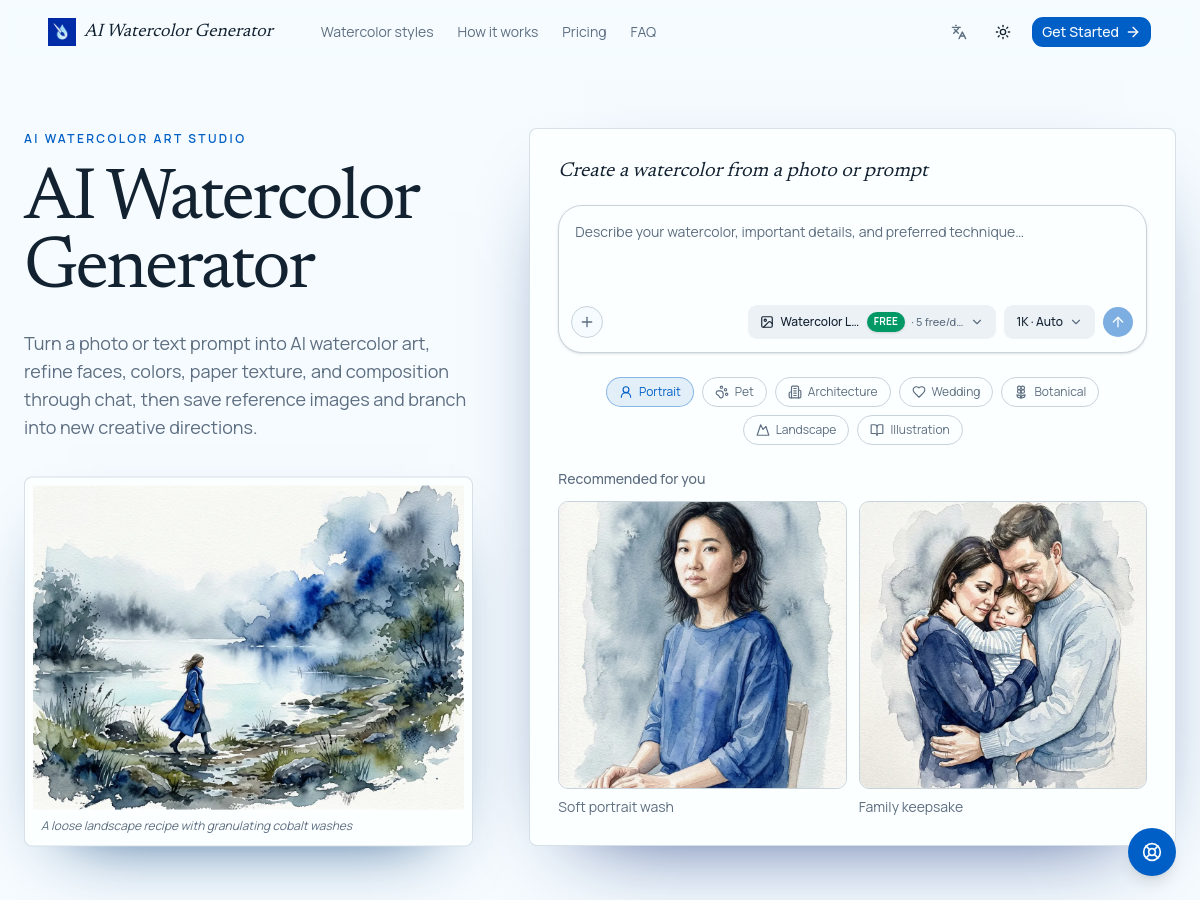
AI Watercolor Generator is a browser-based creative studio that converts photographs or text prompts into watercolor-style artwork. Users can upload a portrait, pet, house, or venue photo, or start entirely from a written idea, then choose a watercolor direction, an AI image model, an aspect ratio, and an output resolution of 1K, 2K, or 4K before generating the painting. The product emphasizes iterative, conversational refinement rather than a single one-click filter. After the initial generation, users continue in the same chat thread and describe changes in plain language, such as softer edges, richer pigment, or more accurate facial features, and can mark a specific region of the image to receive a targeted edit while earlier versions remain available in the workspace. Several generation models are offered, including Watercolor Lite, GPT Image 2, Nano Banana Pro, and Nano Banana 2, alongside editable prompt recipes for portraits, pets, architecture, weddings, botanicals, landscapes, and storybook illustrations. A reusable asset library lets users save reference images so they can be reused in later chats without re-uploading, and conversations can be branched to explore alternative palettes or compositions while preserving the original direction. The service targets keepsake and design use cases such as family portraits, pet memorials, house paintings, wedding stationery, clipart collections, and botanical studies. A free tier provides five 1K Watercolor Lite images per day, while higher resolutions, additional styles, and premium models appear to be tied to the paid plans described on the pricing page.

Solves

Turning a photo into convincing watercolor art traditionally requires illustration skill or manual digital painting, and simple one-click filters produce flat, generic results. This tool lets users generate watercolor artwork from a photo or text prompt, then iteratively refine faces, colors, paper texture, and composition through chat-based edits, making personalized keepsakes and design assets achievable without artistic training.

Screenshot of FreeResume
FreeResume
AI Resume Builder Free

FreeResume is a browser-based AI resume builder that helps job seekers create ATS-friendly resumes and matching cover letters. Users can import an existing PDF or DOCX resume, which the tool parses into an editable draft, or start from a blank page. The editor combines a resume canvas with an AI writing panel so drafts and suggestions appear side by side. The AI writer generates achievement-oriented bullet points, a short professional summary, and skill suggestions from brief notes about a role or work history. A keyword targeting feature extracts terms from a pasted job description and flags which of them are missing from the resume, while a live Resume Score updates as the document is edited. The platform also includes an ATS resume checker and a cover letter generator that reuses the work history already stored in the account. Fifteen ATS-friendly templates across several styles are offered, and finished resumes can be downloaded as PDF. Content and prompts are tailored to specific audiences such as students, nurses, career changers, military veterans, and software engineers. FreeResume is offered as a free-to-start web service with no credit card required, aimed at reducing the effort of writing and formatting resume content. Exact company details, infrastructure, and model providers are not documented on the homepage.

Solves

Job seekers must tailor resumes to applicant tracking systems and job descriptions, but writing strong bullet points and summaries from scratch is time-consuming and it is hard to know whether a resume will pass automated screening. FreeResume addresses this by drafting resume content with AI from short user notes, importing existing resumes for editing, scoring ATS-friendliness, and flagging missing keywords from a job posting before the user applies.
Screenshot of Tenuo
Tenuo
AI Agents Open Source

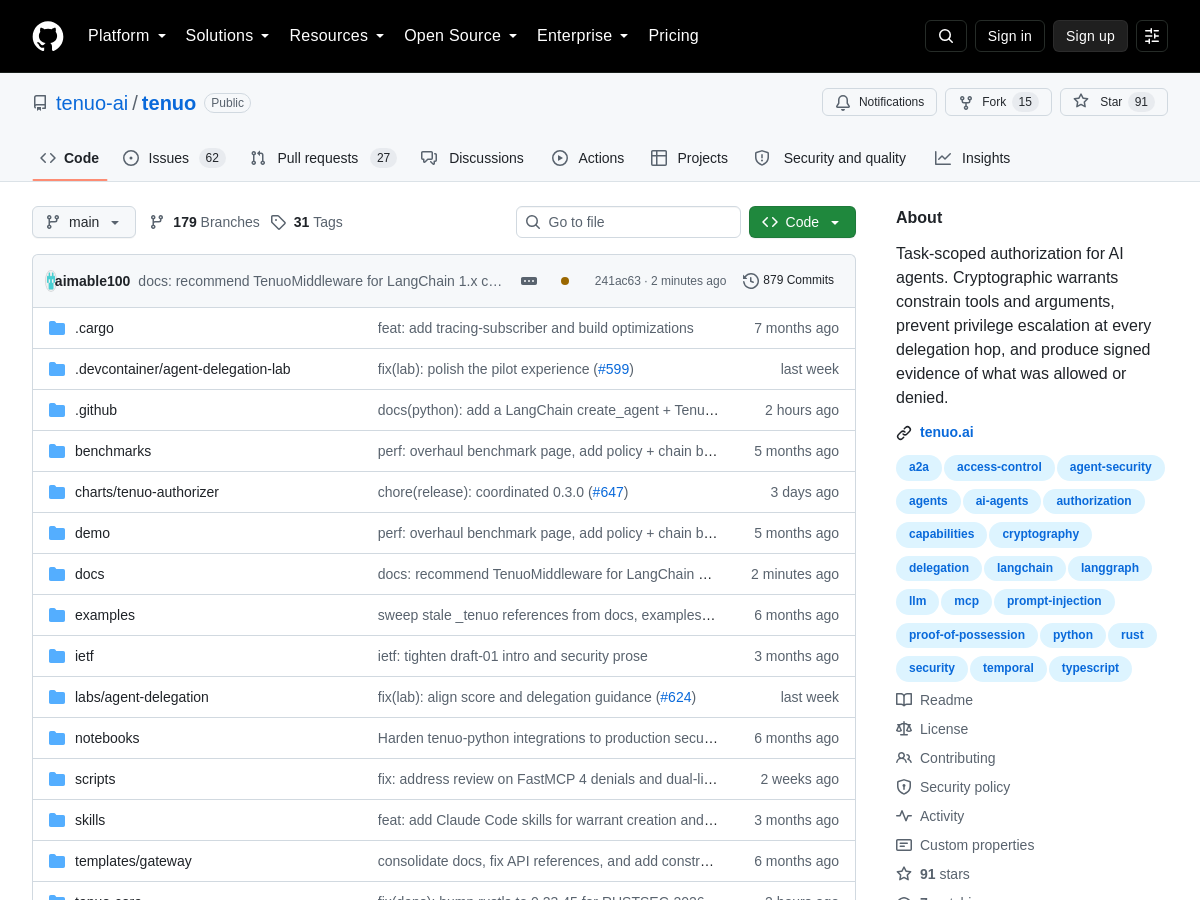
Tenuo is an open-source authorization layer for AI agent tools. It provides task-scoped permissions by issuing cryptographic warrants that constrain which tools an agent may call and which arguments are acceptable. Each tool invocation is checked at the argument level, so authorization decisions are made per call rather than at a coarse session or agent level. The project is designed to prevent privilege escalation as authority is delegated across multiple agents or steps. Authority is traced across delegation chains: when a parent agent delegates a task to a child agent, the child receives only a constrained subset of the parent's warrants. Tenuo can produce signed evidence of what was allowed or denied, supporting auditability and post-hoc analysis of agent behavior. The project is hosted on GitHub under the tenuo-ai organization and is positioned as an open-source building block for secure AI agent systems.

Solves

AI agents can invoke external tools with broad or inherited permissions, making it difficult to enforce least privilege and audit what actions were actually authorized. Tenuo addresses this by checking each tool call at the argument level and tracing authority across delegation chains, preventing privilege escalation and generating signed evidence of allow or deny decisions.

Screenshot of C2Anime
C2Anime
AI Anime Generator Unknown

C2Anime is a web-based AI anime studio that converts a story, script, or idea into a voiced anime video. According to its homepage, an AI Film Director plans the structure, designs a consistent cast, writes a real screenplay, and renders dialogue-driven anime scenes that can be watched and shared. The suggested workflow moves from story to cast, storyboard, and final anime video, with opportunities to review the screenplay, character/location/prop references, and shots before video production. The site presents published C2Anime examples across distinct visual worlds, including literary adaptations such as The Last Leaf, The Monkey’s Paw, and The Open Window, as well as original shorts like The Last Light, The Umbrella Inspector, Accra After Dark, The Rooftop Star, and One More Shot. Outputs shown are landscape (16:9) and portrait (9:16), with English, Chinese, and dialogue-free examples, and runtimes in the range of roughly 32 seconds to 1 minute 41 seconds. The product interface exposes sections for Create, Explore, Guide, My Animations, Projects, Characters, Chat, and Pricing, indicating a studio-oriented project workflow around story creation, character management, and animation library management. Pricing details are not specified in the supplied homepage content. Technical implementation details, language/framework stack, license, repository, and release data are not provided.

Solves

Turning a written story or script into a watchable anime video traditionally requires manual screenwriting, character design, storyboarding, animation, voice acting, and editing. C2Anime addresses this by using AI to plan a screenplay, maintain consistent characters, generate storyboards and shots, and render voiced anime scenes, allowing storytellers to move from text to a shareable anime short without operating a full animation pipeline.

Screenshot of Unpixelate AI
Unpixelate AI
AI Image Upscaler Unknown

Unpixelate AI is a browser-based image enhancement tool that depixelates, sharpens, and upscales blurry or low-resolution pictures. Users drag in a JPG, PNG, or WebP file up to 10MB, choose between a free Standard mode and a stronger HD mode, and receive a clean high-resolution result in about 10 seconds. The site says no signup is required, uploads are automatically deleted, and downloads are not watermarked. It provides several focused image utilities: unpixelate image, fix pixelated image, pixelate image, unpixelate text, and restore old photo; a video upscaling tool is listed as coming soon. The homepage highlights results on low-res profile photos, old scanned photos, zoomed-in screenshots, game and pixel-art captures, compressed downloads, and AI-generated images. Example before-and-after pairs show avatars, AI art, family photos, game captures, and compressed photos being enlarged from small resolutions to 1024px or higher. The service is presented as made for one job, with Standard described as free and fast and HD as its strongest model for faces and fine texture. Pricing details beyond the free Standard tier are not provided on the homepage. The tool is entirely web-based and does not expose an API, desktop application, or open-source repository in the available homepage content.

Solves

Pixelated, blurry, and low-resolution images result from compression, small thumbnails, old scans, screenshots, and repeated re-saves. Unpixelate AI uses AI models to reconstruct and enlarge these images, aiming to recover sharp detail and make faces, text, and textures clearer without manual editing.

Screenshot of Sealed Rose AI Deepfake Detector

Sealed Rose AI Deepfake Detector is a free web-based tool for checking whether a video is a deepfake or AI-generated. Users can upload a video file or paste a direct video URL; the service accepts common formats such as MP4, MOV, and AVI up to 50 MB, with a recommended maximum length of 5 minutes and a free limit of three checks per day. No login is required, and the site states that processing is performed in memory with zero storage. The detector analyzes clips frame by frame, sampling frames across the video to look for face-swap artifacts and signatures associated with known generative video models. It returns a clear verdict of real or deepfake/AI, along with separate deepfake and AI-generation scores, the likely generator, and the number of frames analyzed. Specialized detector pages cover generative video models such as Kling, Google Veo, Runway Gen-3, MiniMax Hailuo, and Luma Dream Machine, as well as platform-specific checks for TikTok, Instagram Reels, YouTube Shorts, WhatsApp calls, Telegram video, and FaceTime calls. Sealed Rose also provides related verification tools for photos, voice, text, and phone numbers, positioning the video detector as part of a broader authenticity-checking suite. The homepage includes a quick demo clip and educational guidance on visual deepfake tells such as blinking, lip-sync, face edges, lighting, skin texture, and motion. The tool is aimed at anyone who needs a fast, no-cost first-pass check on suspicious video content, though it is not a substitute for full forensic analysis.

Solves

Deepfakes and AI-generated videos can be used for misinformation, fraud, scams, and catfishing, but manual inspection is unreliable and most people lack forensic tools. Sealed Rose provides a free, no-login way to upload or link a video and receive an automated deepfake and AI-generation assessment, helping users make quicker judgments about video authenticity.

Screenshot of reference to video
reference to video
AI Video Generator Unknown

Reference to Video is a web-based AI video generator that creates videos from image, video, and audio references. Users choose a model, add compatible reference assets, mention them in a prompt, and generate videos intended to preserve specific elements such as characters, products, motion, camera direction, style, sound, and timing. The product promotes a reference-first workflow in which source assets act as creative evidence for different parts of a shot, rather than asking a text prompt to remember every detail. The homepage shows templates and examples for same-character scenes, stylized 3D game UI, multi-character stories, product-plus-person UGC ads, anime/OC characters, fashion outfit consistency, product consistency, music video performers, and mascot or game characters. The interface exposes model selection and output settings, with an example configuration listing Seedance 2.0 Mini, 16:9 aspect ratio, 720P, 10 seconds, and 1× generation. The site offers a free start option and displays credit history, though public pricing specifics are not included in the available homepage source. No GitHub repository or public API documentation is referenced.

Solves

AI video generators often struggle to keep character identity, product appearance, wardrobe, motion, camera direction, style, and audio consistent across multiple shots when relying only on text prompts. Reference to Video addresses this by letting users upload image, video, and audio references that define specific visual or auditory elements of the output, reducing drift and the need for reshoots.

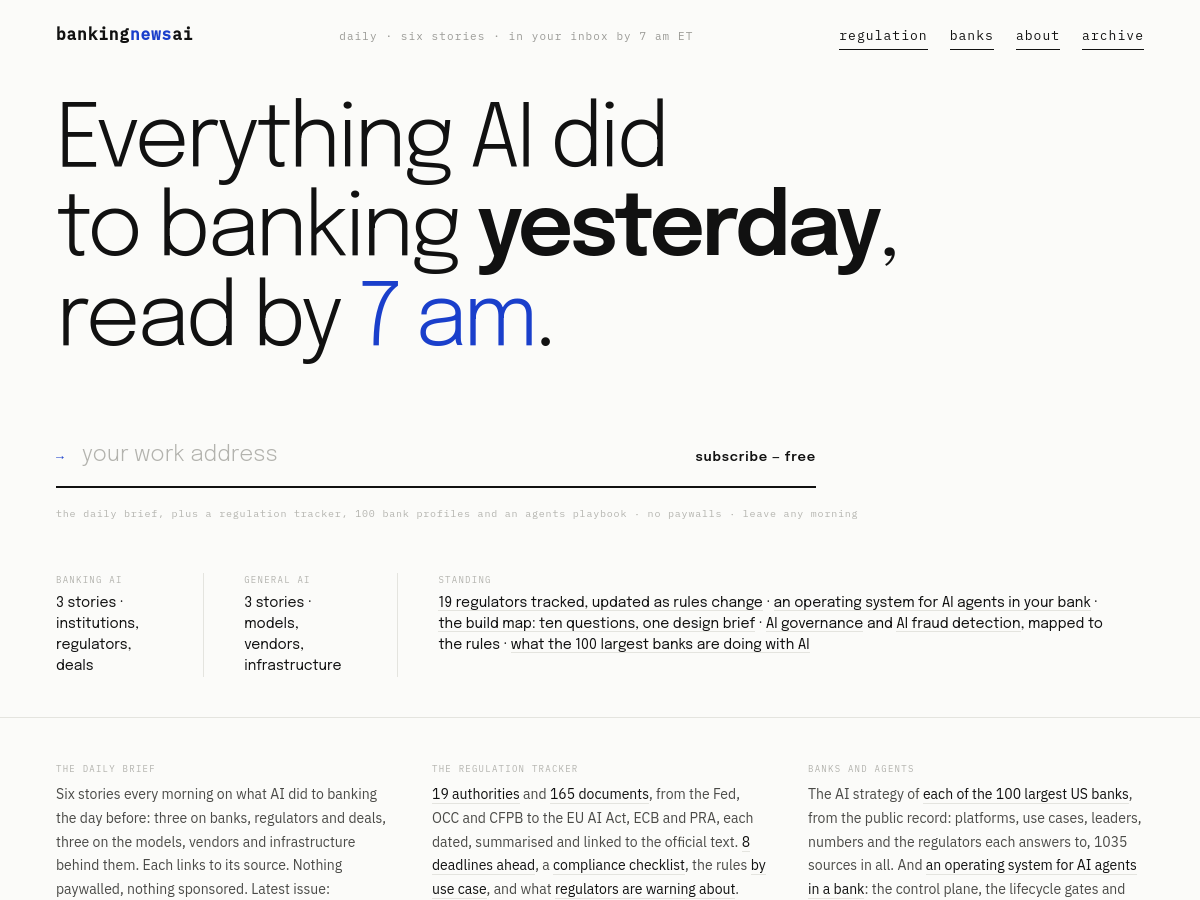
Screenshot of BankingNewsAI
BankingNewsAI
AI News Free

BankingNewsAI is a free, paywall-free daily briefing service that curates AI news for banking and fintech executives. It publishes six stories each morning by 7 a.m. ET: three focused on banking AI, including institutions, regulators, and deals, and three on general AI developments such as models, vendors, and infrastructure. Each item links to its original source, and the service states that content is neither paywalled nor sponsored. Beyond the daily email/newsletter, BankingNewsAI maintains an AI regulation tracker covering 19 authorities and 165 documents, with summaries, dates, official links, upcoming deadlines, a compliance checklist, rules organized by use case, and regulator warnings. It also provides AI strategy profiles of the 100 largest U.S. banks based on public records, including platforms, use cases, leaders, numbers, and relevant regulators. The site includes an \"agentic banking\" section describing an operating system for AI agents in a bank, including a control plane, lifecycle gates, supervisory commentary, and a build map that turns ten questions into a design brief with patterns, controls, applicable rules, and examiner questions. The content is written for boards and executives as well as compliance officers.

Solves

Bank and fintech executives face fragmented AI news, rapidly changing regulation, and scattered public information about competitors' AI strategies. BankingNewsAI reduces that burden by delivering a curated daily brief, tracking AI regulatory documents and deadlines in one place, and summarizing the AI initiatives of large U.S. banks, so decision-makers can stay informed without paywalls or manual research.

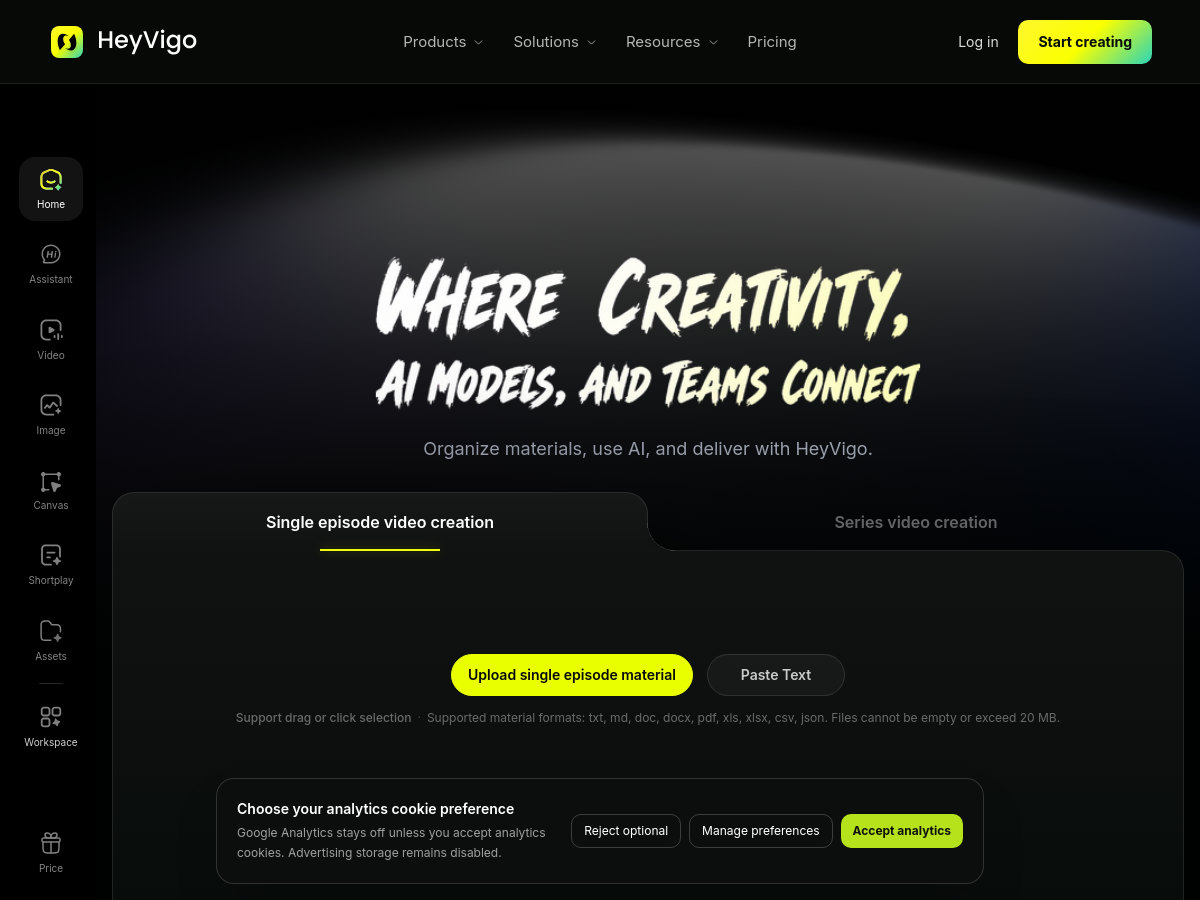
Screenshot of HeyVigo AI
HeyVigo AI
Text to Video Unknown

HeyVigo AI is a browser-based AI video production workspace aimed at creative teams and solo creators. Rather than being a single model, it acts as a front end that brings prompt writing, script drafting, storyboarding, reusable assets, generation, review, revision, and final delivery into one continuous workflow. Users work inside a hosted application, with a quick-start 'video chat' entry point for getting to a first result. The platform aggregates a large catalog of third-party generative models through an 'AI Model Center', listing video and image engines such as Seedance 2.0, Kling 3.0, Runway Gen-4.5, Veo 3.1, Wan 2.7, Hailuo 2.3, Adobe Firefly Video, GPT Image 2, Gemini 3.1 Flash Image, and Seedream 5.0 Lite. Creative tooling spans text to video, image to video, reference image to video, first and last frame to video, and video to video conversion, letting a team pick a model per shot instead of committing to one vendor. Beyond raw generation, HeyVigo packages vertical workflows. An AI short drama generator covers script generation, script-to-video, storyboard generation, character generation, and batch shot generation. Marketing and ecommerce tracks cover image to marketing video, script to ad video, brand videos, TikTok ad videos, product showcase and explainer videos, batch product video, and Amazon product video. Homepage content also points to customer stories for short drama, marketing, ecommerce, social media, agencies, and small business use. The homepage positions the tool around organizing scripts and assets and managing production from concept to final delivery, which implies collaborative review and revision features rather than a one-shot generator. Pricing details are not exposed in the provided homepage markdown beyond a pricing link marked as unknown, and no public repository, API documentation, or technical specifications were available in the supplied sources, so implementation details, hosting regions, and model licensing arrangements remain unverified.

Solves

AI video creation is fragmented: teams typically juggle separate subscriptions and interfaces for script writing, storyboards, character consistency, image generation, and video generation, then lose track of versions during review. HeyVigo AI addresses this by consolidating prompts, scripts, reusable assets, multiple leading generative models, generation, review, revisions, and delivery into a single hosted workspace, so creative teams can manage an end-to-end video production pipeline instead of stitching together disconnected tools and manual handoffs.

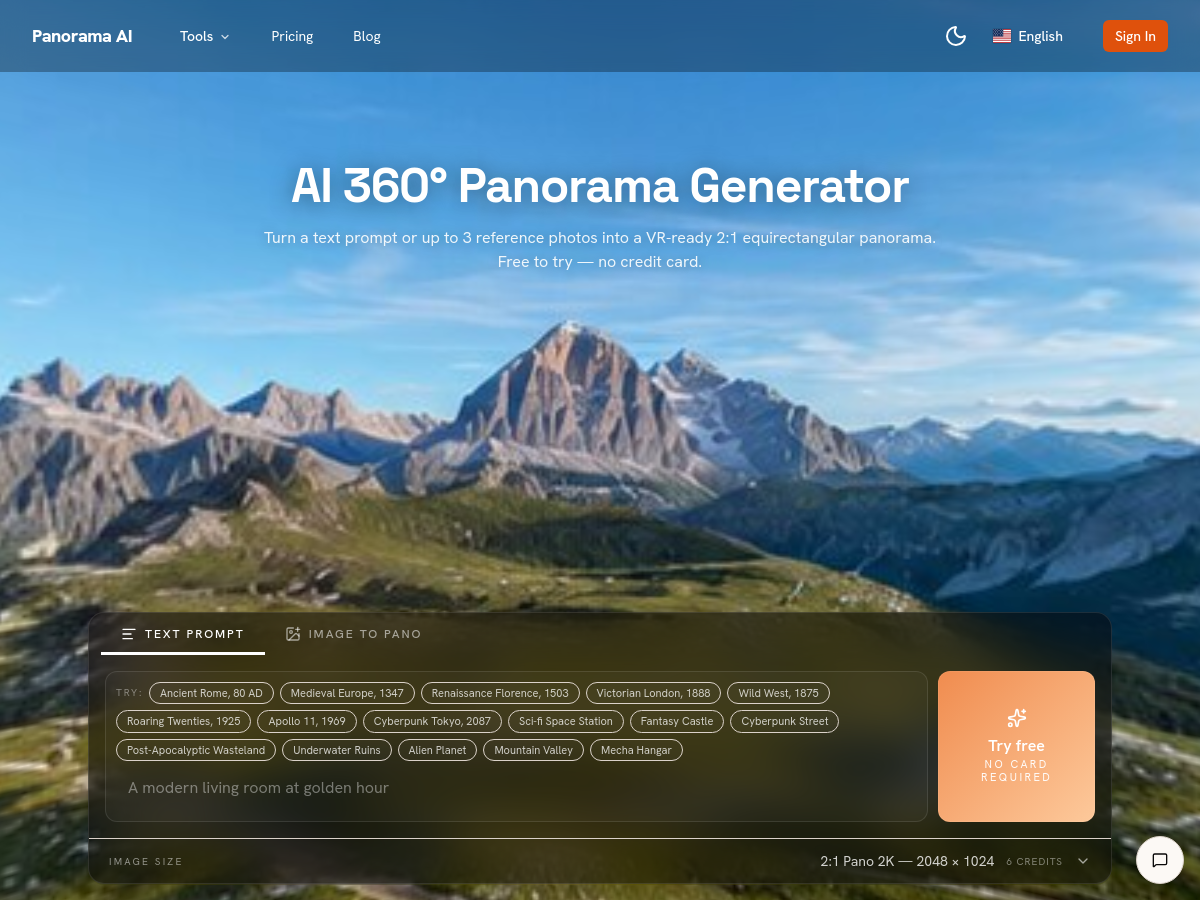
Screenshot of Panorama AI
Panorama AI
Other Unknown

Panorama AI is a web-based generator that turns a text prompt or up to three reference photos into a 2:1 equirectangular 360-degree panorama intended for VR and virtual-tour use. Output is delivered as PNG at 1024x512 (1K), 2048x1024 (2K), or 3840x1920 (4K), with generation typically taking a few minutes per image. The service adds panorama-specific prompt rewriting so general-purpose image models receive equirectangular guidance, plus seam-aware post-processing that mirrors and cross-fades the outer edges over a symmetric alpha gradient to hide the wrap-around seam, and a pole correction step. The product bundles several adjacent tools beyond the core generator, including a photo-to-360 converter, text-to-360, a 360 image maker, an AI HDRI generator, a skybox generator, cubemap generation and conversion, HDRI-to-cubemap and cubemap-to-equirectangular converters, map-to-globe, an HDRI viewer, a 360 panorama viewer, a 360 metadata injector, 360 photo-to-video and 360 product video tools. A REST-style Panorama API is offered for programmatic generation. Results can be previewed in a built-in interactive 360 viewer that supports pan, zoom, and fullscreen on mobile and desktop, then downloaded as PNG, shared by link, or embedded. The site positions AI generation as complementary to hardware 360-camera capture: cameras win on real-world geometric accuracy, while AI generation is aimed at imagined or concept scenes that would otherwise require expensive capture hardware and a stitching pipeline. Access appears to be freemium with a credit system (for example, a 2K text-to-panorama generation is listed at 6 credits) and an advertised free trial with no credit card required. Commercial rights for client work such as real estate listings, game backdrops, and renders are described as part of Pro plans. Public pricing details, underlying model names, and any open-source components are not disclosed on the homepage.

Solves

Producing a VR-ready 360-degree panorama normally requires a dedicated 360 camera plus a stitching and pole-fixing workflow, or manual equirectangular authoring in 3D tools. Panorama AI removes that hardware and stitching requirement by generating seamless 2:1 equirectangular images from a text description or a few reference photos, and by handling seam blending, pole correction, and VR-friendly export formats so the output can be dropped directly into a 360 viewer or headset.

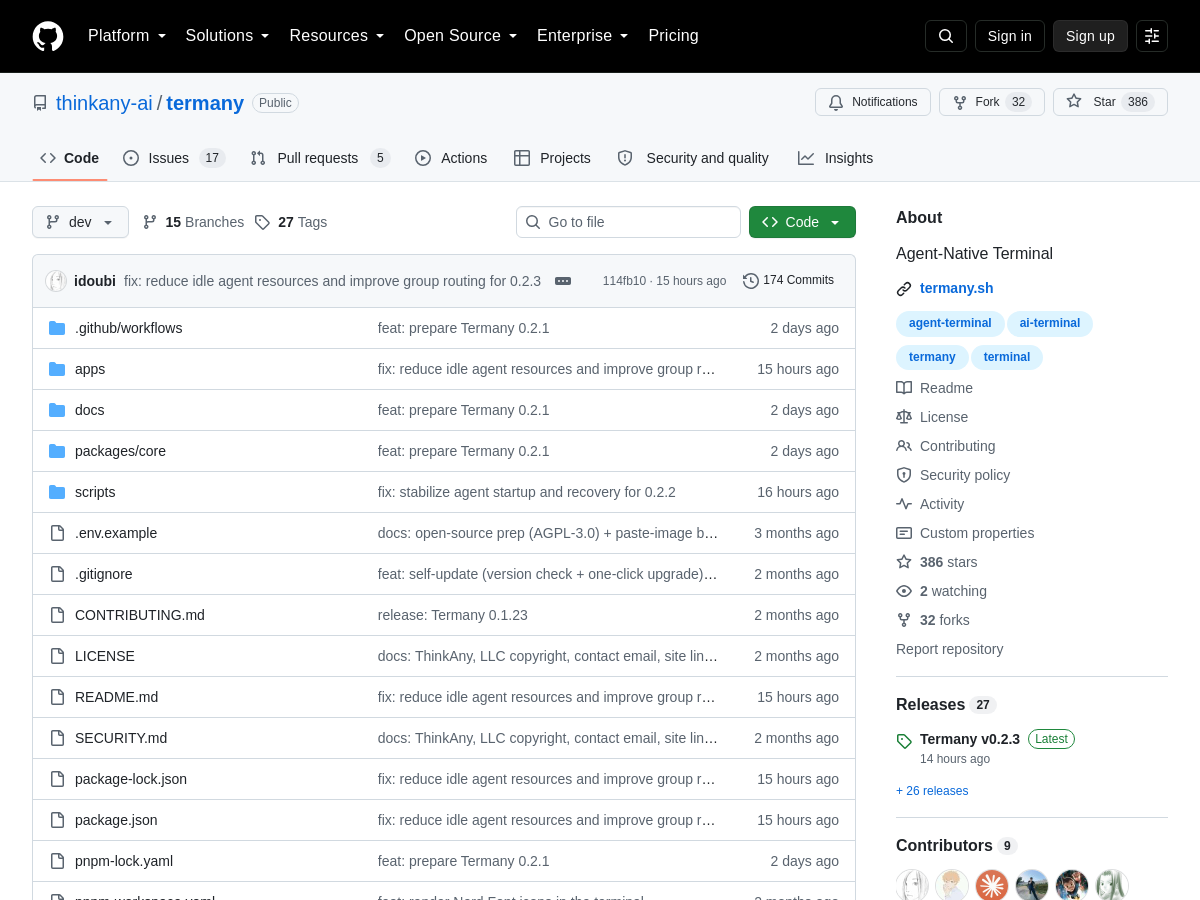
Screenshot of termany
termany
AI Agents Open Source

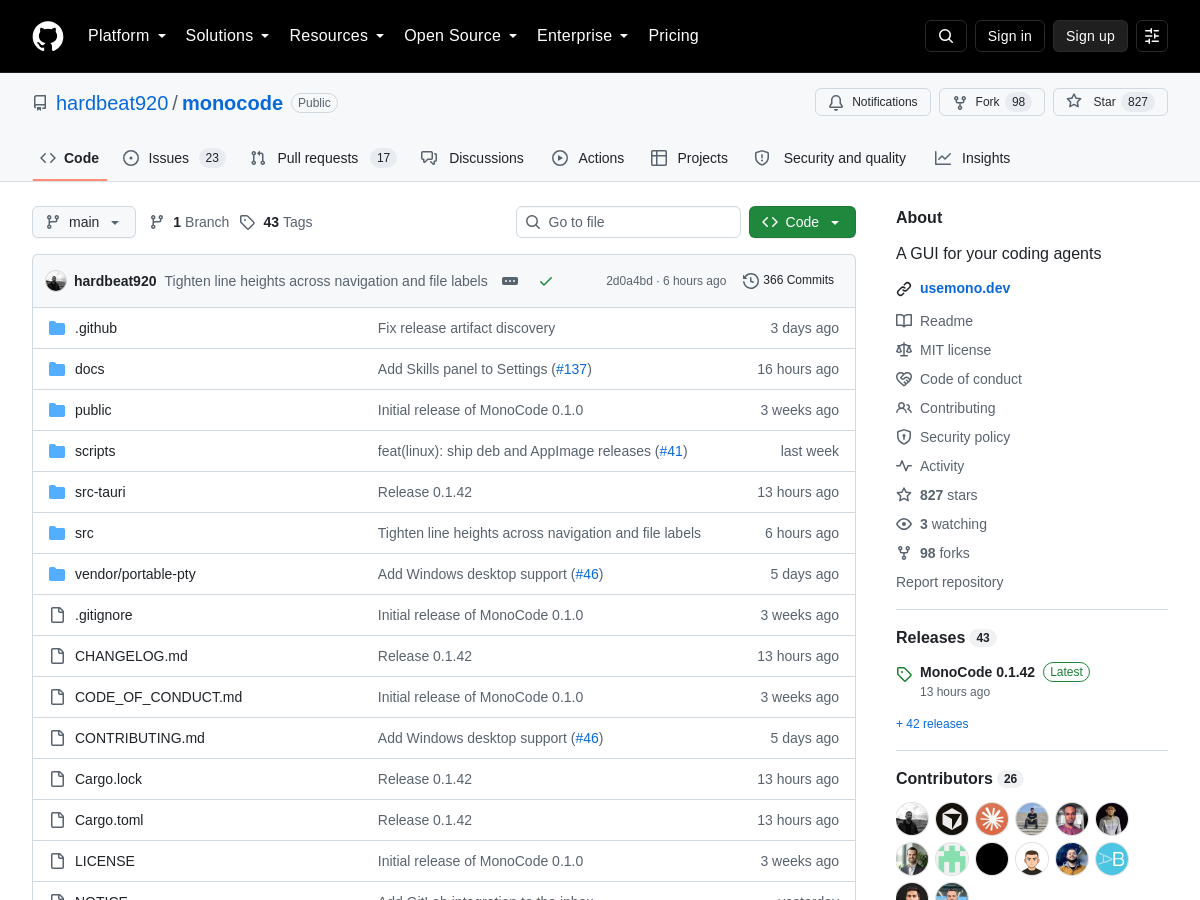
termany is an open source, agent-native terminal application from the thinkany-ai project. Unlike a conventional terminal multiplexer, it is designed around running many AI agent sessions inside a single window, with each pane representing an independent agent job. The distinguishing feature is how pane status is derived: termany tags each pane as working, done, or needs-attention based on the state of the running job rather than by parsing the shell prompt. This makes it possible to see at a glance which agents are still busy, which have finished, and which are waiting on user input. The tool also bundles workflow features common to agent-driven development, including diff viewing, git worktree handling, port management for processes started inside panes, and support for remote hosts. These aim to reduce the manual window and branch juggling that usually accompanies running several coding agents in parallel. termany is distributed as an open source project via its GitHub repository at thinkany-ai/termany and is positioned explicitly as an "Agent-Native Terminal."

Solves

Developers running several coding agents in parallel typically rely on separate terminal windows or generic multiplexers, where pane status is inferred only from the shell prompt and cannot tell you whether an agent job is still running, finished, or blocked awaiting input. termany addresses this by tracking job-level state per pane and surfacing working, done, and needs-attention statuses, so users can spot the session that requires their attention without polling every window.

Screenshot of Video Sweden
Video Sweden
AI Video Generator Unknown

VideoAny (videoany.se) is a browser-based AI media studio marketed in Swedish as an "AI Video Generator". It bundles a broad set of generative creative tools into a single web interface, including text-to-video, image-to-video, video-to-video, video face swap, photo and GIF face swap, AI lip sync, video effects templates, text-to-image, image-to-image editing, video-to-audio, image-to-audio, text-to-music, and audio-to-video. Rather than training its own models, the studio aggregates third-party generative models and lets users pick between them. Models named on the homepage include Seedance 2.0, Kling 3.0, Wan 3.0, LTX 2.3, Grok Imagine, MiniMax H3, HappyHorse, Nano Banana / Nano Banana 2 / Nano Banana Pro, GPT Image 2, Seedream 5.0, Flux 2 Pro, Qwen Image Edit, Suno, ElevenLabs, MMaudio, ThinkSound, and Kling Audio. The site emphasises comparing model output, motion, camera behaviour, style, format, length, and audio support before generating. A credit system underpins usage, with a pricing page that advertises a 50% discount and a login flow for registered accounts. The homepage mentions a free entry point ("free selection", no registration required for free submissions) alongside credit-based generation. Terms of service and a privacy policy are published on the site, and the generator notes that content filters apply. The primary interface is Swedish, with an English-language counterpart at videoany.io. Vertical 9:16 output and short-form social formats are highlighted, and the site offers themed effect presets such as kissing, hugging, and bullet-time generators.

Solves

Creating AI video, image, and audio content normally requires juggling many separate tools, each with its own model, pricing, and interface. VideoAny consolidates text-to-video, image-to-video, face swap, lip sync, image generation, and audio generation across multiple third-party models into one credit-based studio, so users can compare model outputs and produce media without subscribing to each provider individually.

Screenshot of pappardelle
pappardelle
AI Agents Open Source

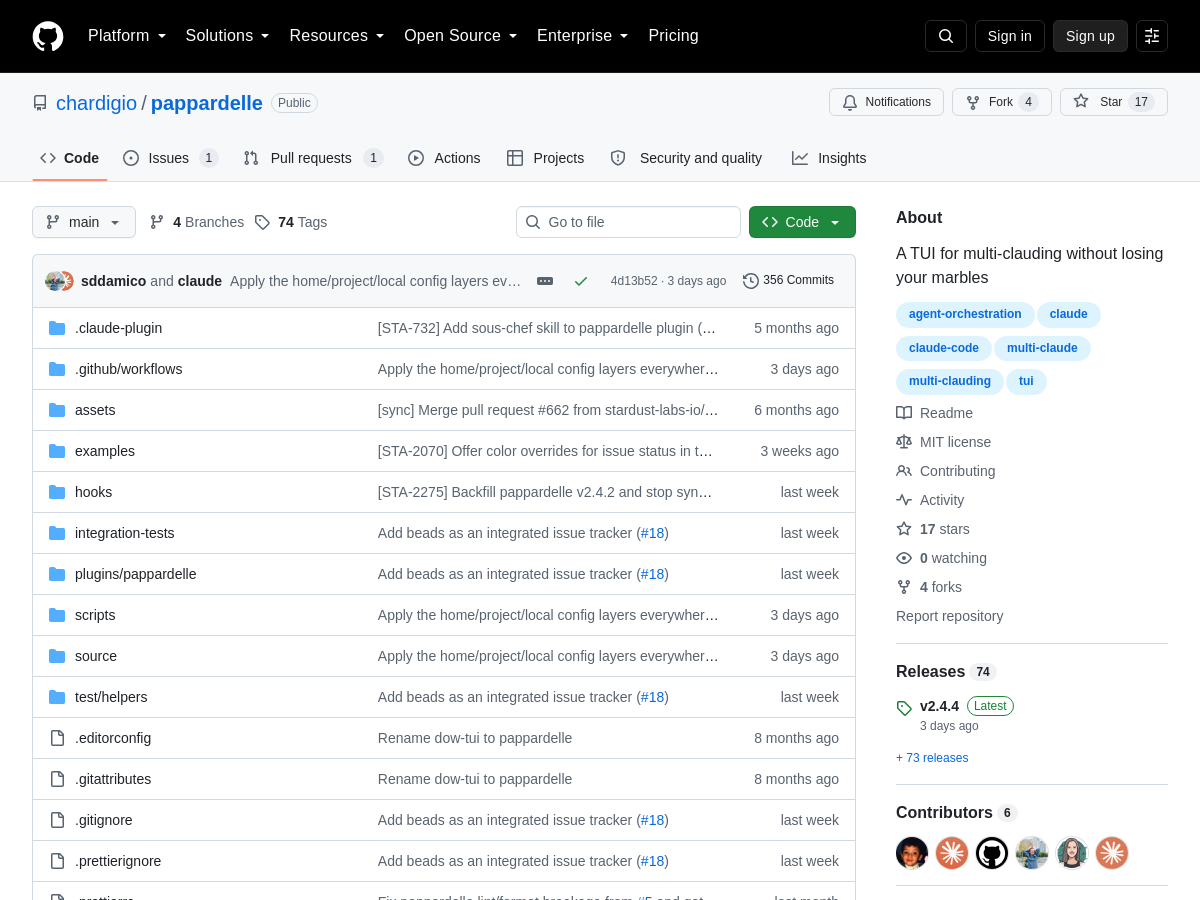
Pappardelle is an open-source terminal user interface (TUI) designed to orchestrate multiple Claude Code sessions without losing track of tasks. It turns a natural-language description into a tracked issue in Linear, GitHub, or beads, creates a dedicated git worktree, opens a pull request, and launches a Claude Code session alongside a companion pane. These components are arranged in a three-pane tmux layout, giving developers a single terminal workspace for AI-assisted coding. The tool targets developers who run several AI coding agents in parallel and need a repeatable workflow for issue creation, branch isolation, and pull request management. By automating the setup of worktrees and tmux panes, Pappardelle aims to reduce context switching and the risk of tangled git state when "multi-clauding." It is distributed as an open-source project and is intended for local, terminal-based development environments.

Solves

Developers running multiple AI coding agents often manually juggle issue trackers, git worktrees, pull requests, and terminal sessions, which leads to context switching, duplicated setup, and lost work. Pappardelle automates this setup by generating the issue, worktree, PR, and Claude Code session in a structured tmux layout.

Screenshot of Pixel Lord
Pixel Lord
Other Unknown

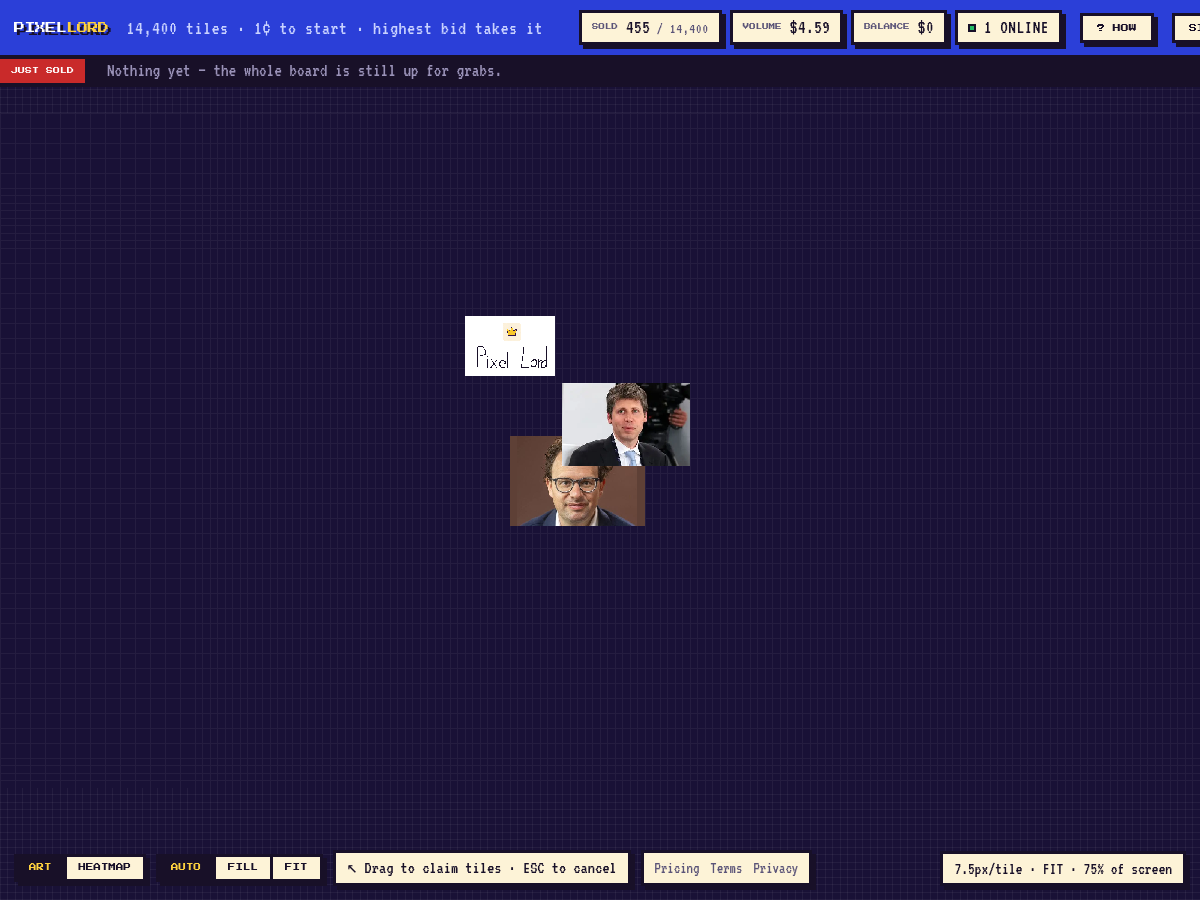
Pixel Lord is a web-based pixel advertising and auction platform operated by SKALDOS LTD. It presents a single shared digital canvas divided into 14,400 tiles. Users can buy any tile starting at 1¢, customize it with pixel art, text, or a link, and hold it until another user outbids them. The platform uses an auction/outbid model rather than fixed ownership. According to the homepage, when someone outbids a tile, the previous owner receives 70% of the outbid amount, while the new bidder pays more to take control. There are no seasons or resets, but tile ownership is never permanent because bids can always displace the current owner. Pixel Lord positions itself as a persistent, gamified digital billboard and pixel-art space. It combines elements of the Million Dollar Homepage concept with ongoing bidding, allowing tiles to function as micro-advertisements, personal messages, or collaborative artwork. The homepage provides limited technical details, and no public GitHub repository is listed.

Solves

Pixel Lord provides a simple way to claim and display content on a shared public pixel grid, addressing the need for low-cost, gamified digital advertising and pixel-art collaboration. Its auction mechanism lets tile ownership change based on higher bids, creating ongoing competition and a return for outbid users.

Screenshot of Calyx
Calyx
AI Agents Open Source

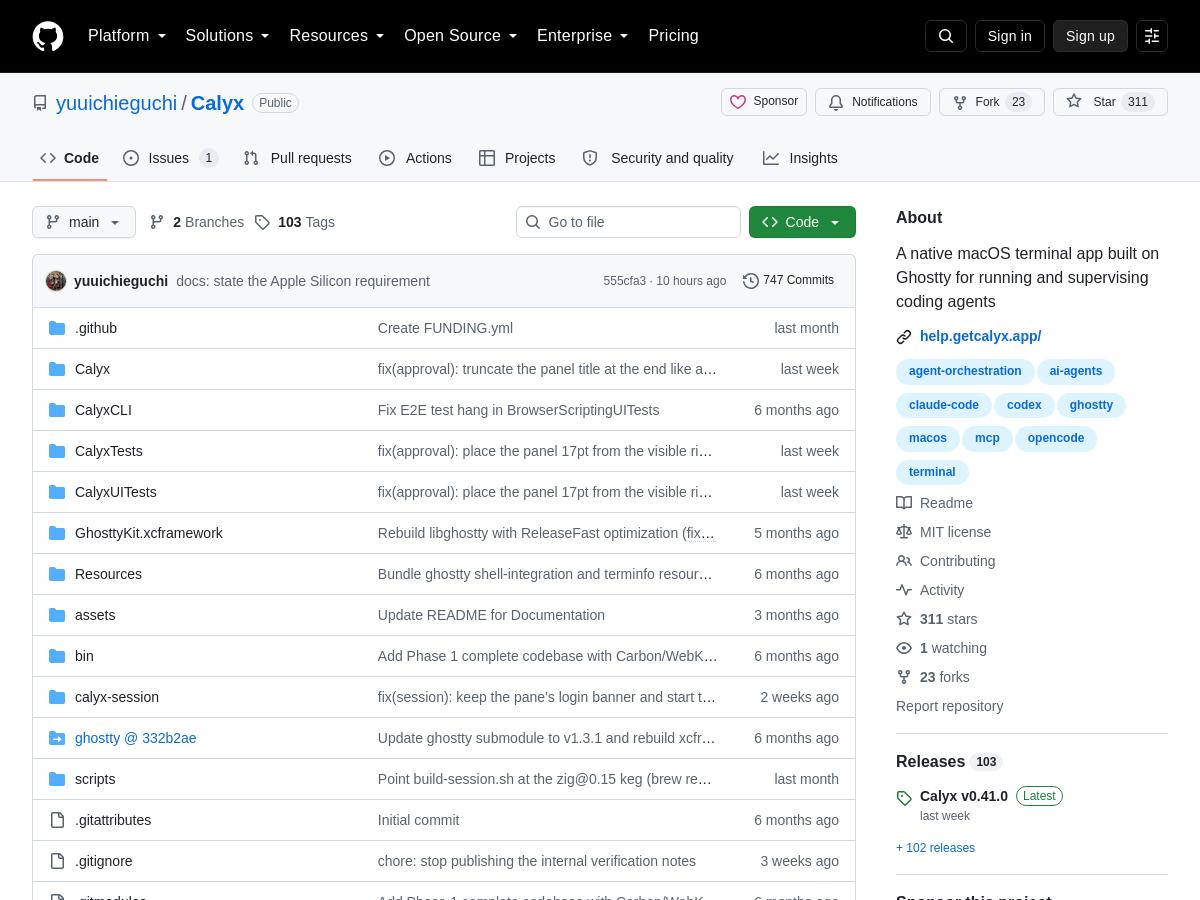
Calyx is a native macOS terminal application built on top of libghostty, the terminal emulation core that also powers the Ghostty terminal. Unlike a general-purpose terminal, Calyx is designed specifically for running and supervising AI coding agents, wrapping the shell experience with purpose-built supervision UI rather than treating agent sessions as ordinary shell tabs. The app centers on an approval inbox that collects permission prompts raised by agents, so a user can review and respond to elevated or risky actions from one place instead of hunting through multiple terminal panes. A sidebar surfaces the state of each session as working, blocked, or idle, giving a quick overview of which agents need attention and which are progressing on their own. Calyx also provides in-terminal diff review, letting a developer inspect changes an agent has produced without leaving the terminal window. Combined with the approval inbox and status sidebar, this positions Calyx as a supervisory cockpit for agentic coding workflows rather than a plain emulator, aiming to reduce the context switching that normally accompanies multi-agent or long-running agent sessions. It is published as an open source project on GitHub and is distributed as a native macOS desktop app, so it is limited to Apple platforms. Exact build requirements, supported agent integrations, licensing terms, and release history are not fully specified in the available repository metadata and should be verified from the project itself. It is published as an open source project on GitHub and distributed as a native macOS desktop application, so it is limited to Apple platforms. Exact build requirements, supported agent integrations, licensing terms, and release history are not fully specified in the available repository metadata and should be verified from the project itself.

Solves

Running AI coding agents in a conventional terminal makes supervision hard: permission prompts, blocked sessions, and generated diffs are scattered across panes, so users lose track of what each agent is doing and which one needs input. Calyx addresses this by adding an approval inbox, a working/blocked/idle status sidebar, and in-terminal diff review to a native macOS terminal.

Screenshot of ShimmerPic
ShimmerPic
AI Image Generator Unknown

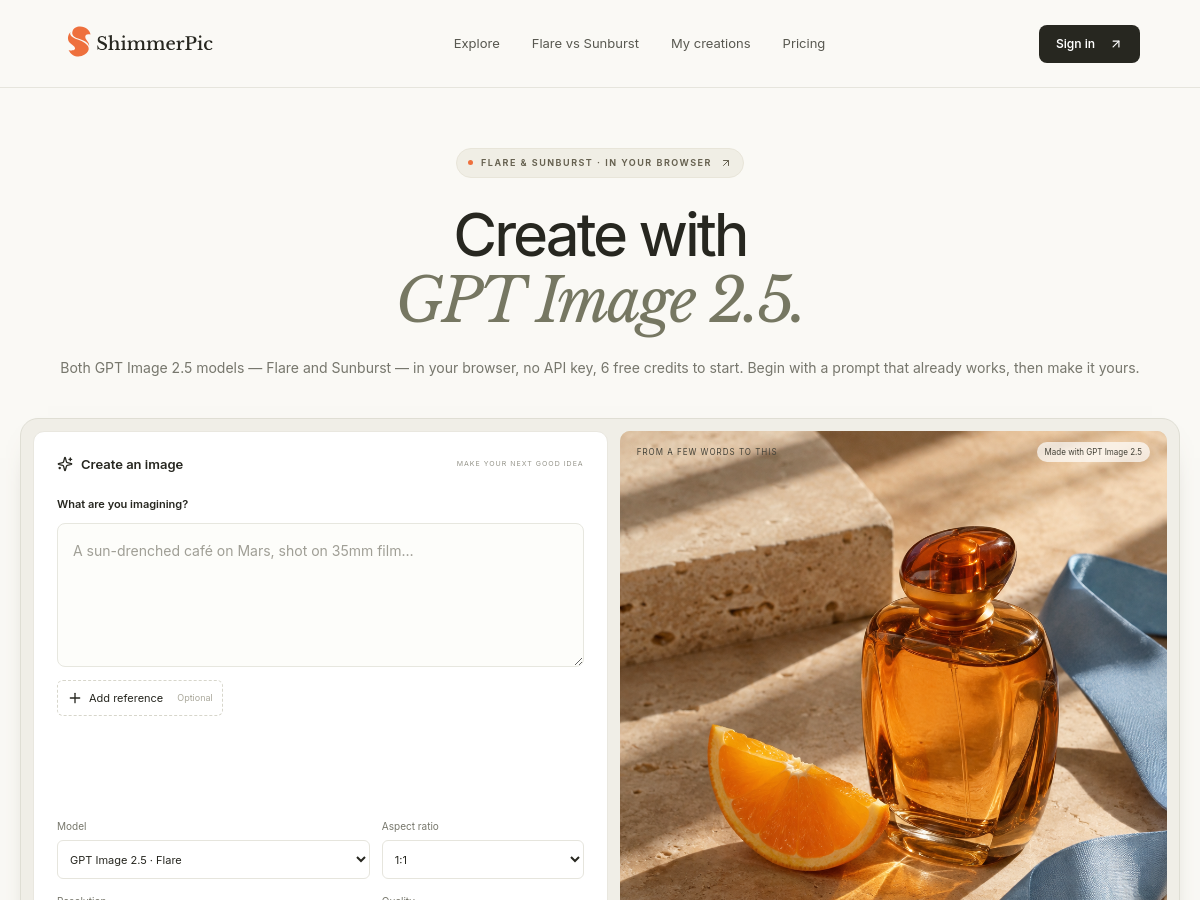
ShimmerPic is a browser-based AI image generation and editing service built around OpenAI's GPT Image 2.5 models. It exposes both released variants — Flare, described as the fast default model, and Sunburst, described as the precision/detail model — in a single web studio, with no API key required from the user. New accounts receive 6 free credits to start. The workflow is prompt-driven. Users can write their own prompt or open one of the roughly 531 community prompts in the Explore library, which are organized by output type such as product photography, posters and typography, illustration and art, charts and infographics, documents and publishing, and scenes and storytelling. Each listed prompt is shown alongside an example output and a link to the original creator on X. Community examples are explicitly labelled as inspiration rather than a guarantee of identical results. Generation settings include aspect ratios from 1:1 to 9:16, resolution options from 1K to 4K, and up to three reference photos for reference-guided editing — useful for keeping a real product or person recognisable while rebuilding the scene around them. The interface states a price quote before generation begins and updates as settings change. Both models are offered at the same credit price, and results are private until the user downloads them. Generated images are stored under 'My creations' and can be reopened as a reference for further edits.

Solves

Getting consistent, editable AI images usually means juggling API keys, opaque per-generation costs, and no easy way to compare a fast model against a high-detail one. ShimmerPic removes those barriers by running both GPT Image 2.5 variants in the browser at the same credit price, showing an exact cost quote before you generate, and supporting reference-photo editing so real products or subjects stay recognisable across iterations.

Screenshot of izzedo chat
izzedo chat
AI Chatbot Unknown

izzedo chat is a multi-model AI chat platform that gives users a single subscription and a single conversation interface for accessing leading large language models, including OpenAI's GPT, Google's Gemini, xAI's Grok, Anthropic's Claude, Perplexity, and DeepSeek. Rather than paying for several separate AI subscriptions, users access the models through one account and can switch between them mid-conversation, for example starting research with a web-search-oriented model and then handing the thread to a long-form writing model for drafting. The product extends beyond plain chat with features such as projects and folders for organizing conversations, project-level system prompts, and a user-controlled memory system where the AI proposes memory updates that the user can review, edit, or approve. A knowledge base lets users upload PDFs, papers, and repository content and query them conversationally, while a skills feature bundles instructions and context from a conversation into a reusable asset that can be applied in future chats. izzedo chat also provides multimodal and productivity capabilities, including image understanding, text-to-image generation with multiple image models, document processing, real-time web search, scheduled automations that run recurring AI tasks, bookmarks, and the ability to branch a conversation from any point without losing the original thread. Context can be pulled from connected third-party services such as Notion, Google Drive, GitHub, Gmail, Airtable, Google Calendar, Google Sheets, Confluence, OneDrive, and Zendesk, with the vendor stating that more than 50 integrations are available. A companion desktop application for macOS brings the same experience to a native app and adds local projects, allowing the AI to read, edit, and create files directly in a folder on the user's machine. A project's skills, instructions, and memory can reside in that local folder or in the cloud, and projects and history sync to the cloud so work can be resumed from the web app on another device.

Solves

Teams and individuals often need several separate AI subscriptions to reach the best model for a given task, which is costly and forces context to be copied between tools. izzedo chat consolidates access to multiple leading models under one subscription and one conversation, letting users switch models mid-thread, connect external data sources, and automate recurring AI work without maintaining multiple accounts or losing conversational context.

Screenshot of Oakleaf 3D
Oakleaf 3D
Image to 3D Model Unknown

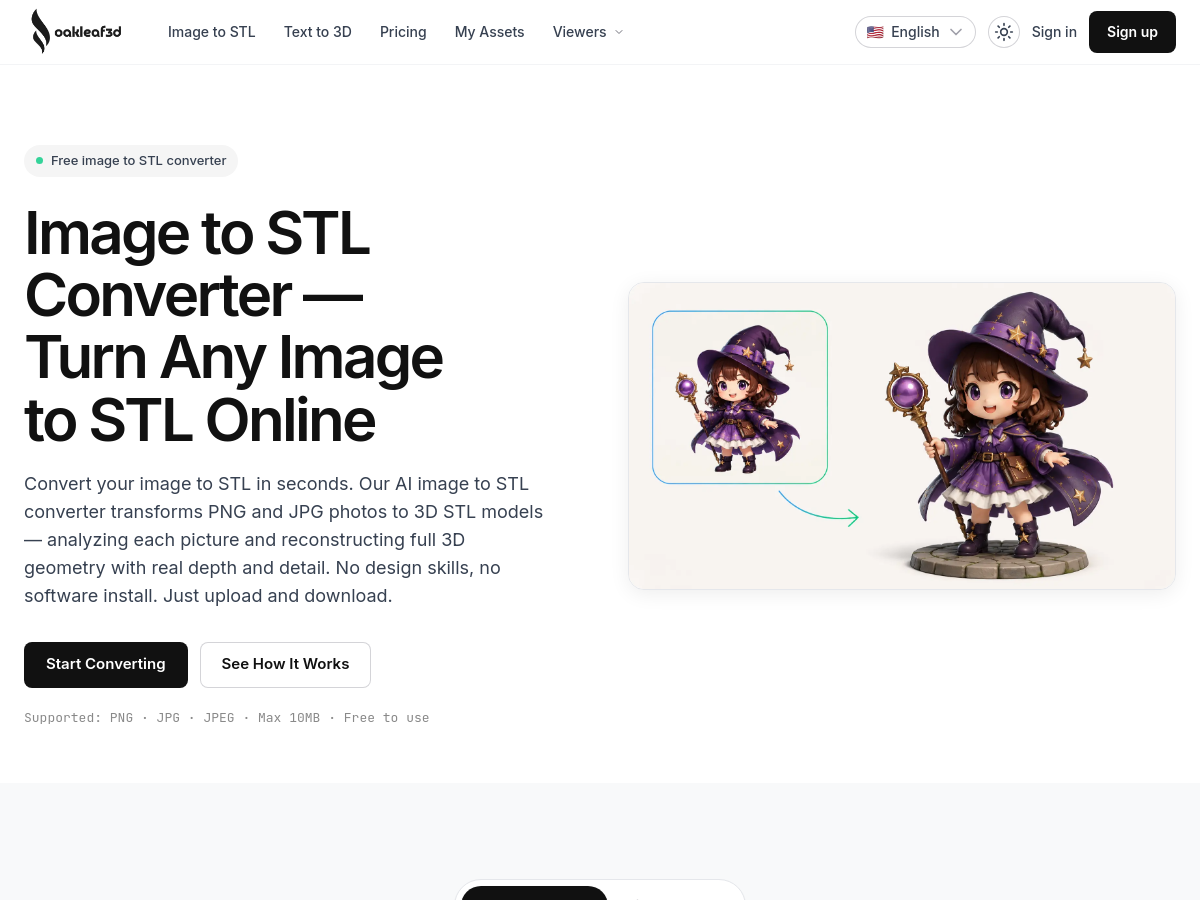
Oakleaf 3D is a browser-based AI service that converts 2D images such as PNG, JPG and JPEG files (up to 10 MB each) into 3D-printable STL models. According to its homepage, the system analyses the shape, depth and proportions of an uploaded photo and reconstructs full 3D geometry rather than simply tracing outlines, so the resulting mesh can be sliced and printed on FDM, SLA or resin 3D printers. The workflow is upload, choose quality options, preview in an in-browser 3D viewer, then download the STL — no desktop software install or manual modelling is required. A companion text-to-3D generator is offered on the same site. Generation is organised into quality tiers: Basic (2 credits) for a fast draft mesh, Pro (25 credits) for clean topology and HD textures, and Ultra (35 credits) for maximum detail with multi-view input of up to eight angles and additional control. Output settings include adjustable face counts in the 50K–1.5M range, topology and material options, and PBR textures. Files are exported as watertight geometry with corrected normals, which the vendor describes as ready for 3D printing, CNC or Blender. Access is credit-based. A free sign-up tier provides 30 credits that expire 30 days after registration, with assets released under CC BY 4.0; paid one-time credit packs range from a $9.90 Starter pack (200 credits) to a $199 Studio pack (6,500 credits), and a subscription option is also advertised. Paid plans state full-resolution export, unlimited downloads, private assets and commercial-use rights. Because the product is a hosted web application, all processing happens on the vendor's servers and users interact only through the website; no public repository, model weights or on-premise option is documented on the homepage.

Solves

Producing a 3D-printable model traditionally requires CAD or sculpting skills and hours of manual mesh work, and most people only have ordinary 2D photos of the object they want. Oakleaf 3D removes that barrier by using AI to infer depth and volume from a single image (or up to eight views) and returning a slice-ready STL, so non-designers can go from a photo to a printable part without learning modelling software.

Screenshot of RTF to PDF Converter
RTF to PDF Converter
AI PDF Free

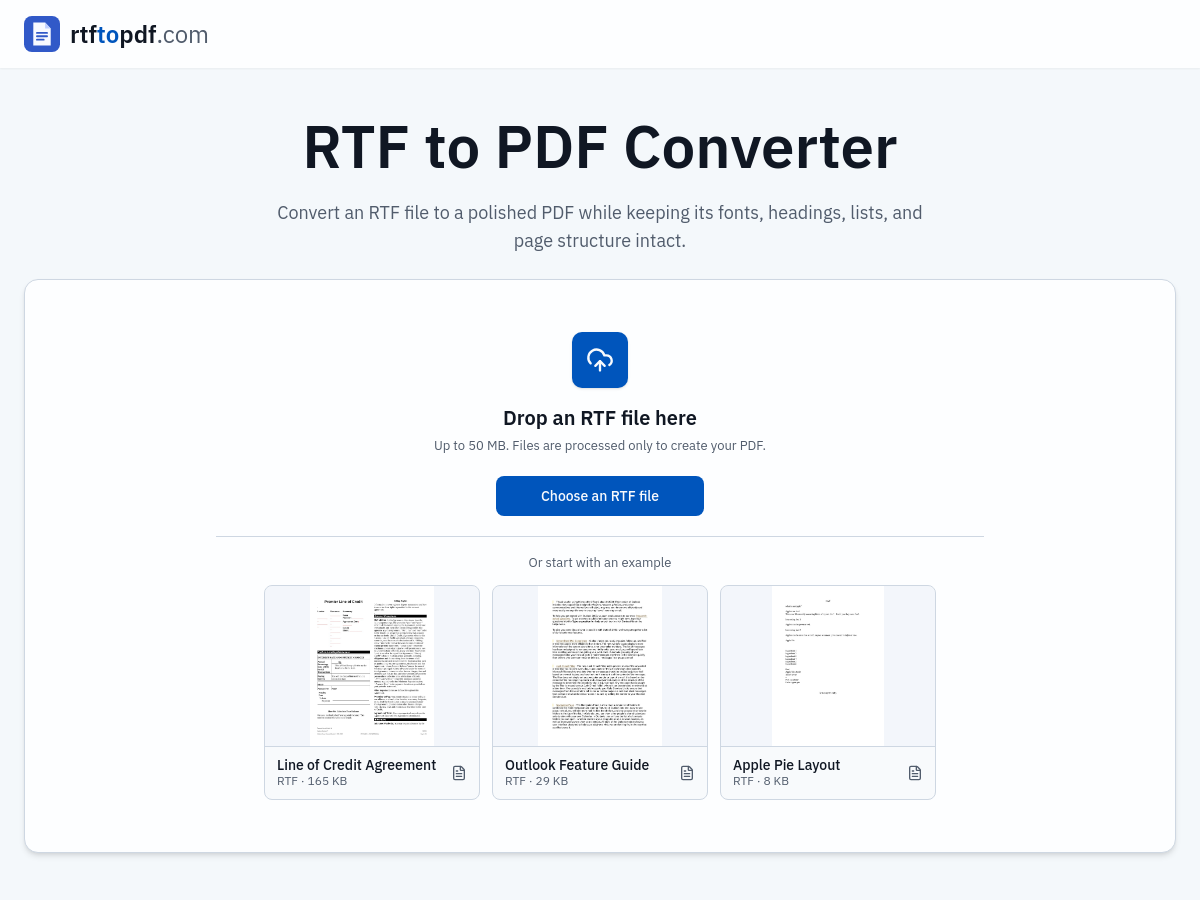
RTF to PDF Converter is a free browser-based utility hosted at rtftopdf.com that converts Rich Text Format (.rtf) documents into standard PDF files. Users can drag and drop an RTF file up to 50 MB, paste source text, or load one of the provided example documents (such as a line of credit agreement, an Outlook feature guide, or a formatting sample) to try the workflow before uploading their own content. The service interprets common RTF formatting and document settings and renders the result as a PDF. The converter is designed to preserve document structure rather than flattening content into plain text. According to the vendor, it carries over common font choices, sizes, emphasis, colors, paragraph alignment, headings, numbered and bulleted lists, line spacing, and page breaks, and it retains embedded images and tables where the source RTF uses supported features. This matters for documents that have already been approved or laid out, since converting to PDF avoids re-creating the layout manually in another editor. The workflow stays on a single page: select the RTF file, run the conversion, then preview the rendered PDF in an in-browser result panel before downloading. The preview step is intended to let users check page order, line wrapping, headings, lists, images, and margins against the source, and to catch unexpected page breaks or unsupported styling before the file is used. Users can then download the PDF, reset the workspace, and convert another document. The site positions RTF as the editable source and PDF as the delivery copy, noting that PDFs offer more consistent page layout across common viewers and are more widely accepted by forms and document portals, while RTF remains better suited to continued editing. The tool is offered free of charge and states that uploaded files are processed only to create the PDF.

Solves

RTF documents are editable but render inconsistently across word processors and are often not accepted by submission portals, forms, or reviewers that require a fixed-layout file. This tool converts an RTF document into a PDF while attempting to retain its fonts, headings, lists, spacing, images, and page structure, so users can share, print, sign, or archive an approved document without manually rebuilding its layout in a separate editor.

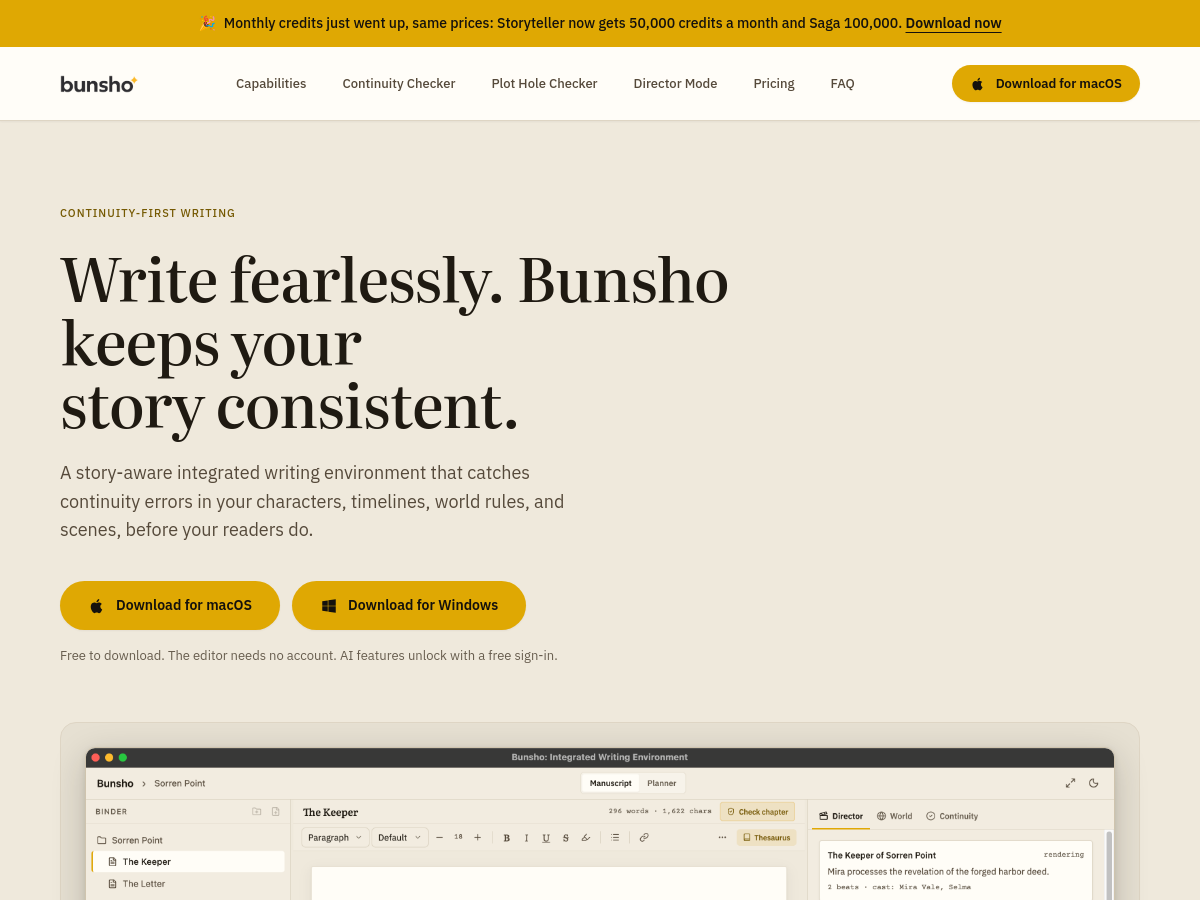
Screenshot of ProgSEO
ProgSEO
SEO Writing AI Unknown

ProgSEO is a SaaS tool for AI-powered SEO content automation. It connects to a website, analyzes the domain, and identifies keywords with growth potential, then builds a month-long SEO content calendar. The platform generates SEO-optimized articles and pages that can be edited and published from the product. The tool is aimed at founders and busy teams who want organic traffic without doing manual SEO. It generates content daily and continuously updates SEO pages, positioning the workflow as programmatic SEO at scale. The homepage states it is built for AI recommendations as well as search rankings, meaning articles are structured for search engines and AI understanding. ProgSEO's workflow includes connecting a website, receiving a content plan of 30+ topics, and generating, editing, and publishing articles. It supports ongoing content production, with the goal of growing organic traffic on autopilot. Pricing details are not provided in the available homepage source.

Solves

Manual SEO content production is slow and resource-intensive: it requires keyword research, content planning, article writing, editing, publishing, and ongoing optimization. ProgSEO addresses this by automating keyword discovery, content calendar creation, and SEO article generation, allowing founders and small teams to scale organic traffic with less manual work.

Screenshot of Vidney
Vidney
AI Video Generator Unknown

Vidney is a SaaS platform for AI-powered video and image generation that aggregates over 40 leading AI models into a single workspace. It supports text-to-video, image-to-video, text-to-image, and image-to-image generation, as well as a library of creative effects. The platform provides access to models such as Seedance, Sora, Veo, Kling, Runway, Flux, Nano Banana, and others without requiring users to manage separate API keys or accounts. Users type a prompt, select a model, and generate a clip or image using a unified credit balance. Vidney offers free credits to start and is designed for creators who want to experiment with multiple state-of-the-art models quickly. It also includes themed effects like AI Kiss, AI Hug, Animate Old Photos, and various photo effects such as AI Polaroid and AI Pet Portrait.

Solves

AI video and image generation is fragmented across dozens of providers, each requiring separate accounts, API keys, and billing. Vidney solves this by unifying 40+ top models into one workspace with a single credit balance and no API key setup, letting users compare and use different models from one prompt.

Screenshot of InflammaScan | Anti-Inflammatory Diet App

InflammaScan is a mobile application designed to help users follow an anti-inflammatory diet by scoring meals based on their inflammatory potential. Using AI, it analyzes a photo of a meal to identify ingredients and calculate an InflammaScore, categorized as Low, Medium, or High. The app tracks over 20 biomarkers and provides a daily inflammation dashboard. After seven days of logging, InflammaScan offers personalized insights by detecting patterns between specific foods and symptoms, helping users identify hidden triggers. It includes a library of anti-inflammatory recipes and a meal planner. The app is available on iOS and Android, with a 3-day free trial. According to its homepage, it has analyzed over 10,000 meals and holds a 4.9 App Store rating.

Solves

Many people struggle to identify which foods cause inflammation because symptoms may appear days later and elimination diets are slow and error-prone. Even foods considered healthy can trigger inflammation for some individuals. InflammaScan addresses this by using AI to score meals instantly and uncover personal dietary triggers, making it easier to manage inflammation through diet.

Screenshot of Animate Photo
Animate Photo
Image to Video Unknown

Animate Photo is a browser-based AI photo and image animator that converts a single still image into a short animated video clip. The website markets it as a free AI photo animator powered by 60+ AI models, and the interface offers modes such as image-to-video and text-to-video alongside preset motion prompts like "smile and look at camera," "talk (beta)," "walk / dance," and "animate the scene." Users upload a photo, choose a model or style, and generate a clip. Beyond the core animation flow, the product bundles a set of adjacent AI media utilities. The navigation lists Animate Photo AI, Image to Video AI, AI Video Generator, AI Video Upscaler, Talking Photo, Reference to Video, Add Audio, and Video Effects, plus image-side tools such as AI Image Generator, Image to Image, AI Image Upscaler, Photo Effects, GIF background removal, video-to-GIF conversion, and a live photo maker. Creations can be stored and revisited in a "My Creations" section. The site highlights a dedicated "Video Effects Studio" with single-purpose effect models rather than a generic prompt, including AI Hug, AI Dance, AI Cartoon, Gender Swap, AI Action Figure, plus mention of wedding videos and cartoon-doll transformations. The homepage claims 35,000+ photos animated, 18,000+ happy users, and 60+ animation styles, and states that generations are refunded if they fail. Showcase examples span portraits, pets, anime illustration, product photography, and sci-fi cityscapes.

Solves

Turning a static photograph into motion traditionally requires video editing skills, multi-frame animation tools, or expensive production work. Animate Photo addresses this by letting users upload a single photo and generate an animated video clip through a hosted web interface, with preset motion and style models so that no animation expertise or local software is needed.

Screenshot of ShopChief
ShopChief
AI Agent Unknown

ShopChief is an AI agent workspace designed for global e-commerce sellers. It provides a unified platform for store operations, product marketing, SEO, social content, and website building. The tool connects to a seller's products, store, and advertising accounts to automate and assist with various e-commerce tasks. Key features include product research and validation, listing generation, visual studio for images and videos, store building, SEO and GEO optimization, and ads and marketing automation. It integrates with platforms such as Shopify, TikTok, Instagram, X, Google Ads, GA4, Gmail, Google Sheets, and Google Docs. After authorization, ShopChief reads commerce, ads, analytics, email, docs, and team data to create assets, update records, and perform approved platform actions. ShopChief offers scheduled automation for daily tasks like ad spend checks, inventory alerts, competitor scans, and email content drafts. It emphasizes commerce-native workflows, actionable outputs, safety with audit trails, and team collaboration with granular permissions. The service is free to start, with pricing details available on its website.

Solves

E-commerce sellers often juggle multiple disconnected tools for product research, listing creation, SEO, advertising, and content generation, leading to inefficiencies and missed growth opportunities. ShopChief solves this by providing a single AI-powered workspace that connects store, ads, and analytics data to automate and streamline these operations, reducing manual work and tool switching.

Screenshot of RunwayAI
RunwayAI
Ai Generative Media Unknown

RunwayAI is an independent, browser-based AI video studio that sits on top of Runway's generative video models and API. It exposes a hosted generator where users type a text prompt or upload a reference image and receive a short motion clip, with configuration controls for practical settings, live progress tracking on a task dashboard, in-browser preview, and download of finished files. The site positions itself explicitly as a third-party platform and states it is not the official Runway website. Beyond the core generator, it bundles supporting resources for creators: a public showcase of generated clips, a prompt library, a pricing/credits page, a blog, and API documentation aimed at users who want to script or integrate video generation into their own workflows. Access is credit-based, with a promotional offer of 50 free credits on sign-up and a dashboard task list for managing in-flight jobs. Because generation runs server-side on the vendor's infrastructure, no local GPU or installation is required — the entire workflow happens in the browser. The product targets the practical end of generative video: rapid iteration on concepts, converting stills into motion, and producing short clips for social, marketing, and previsualization work rather than long-form production.

Solves

Producing motion video traditionally requires cameras, editing suites, and significant time or budget, while raw AI video models are often exposed only through APIs or research interfaces. RunwayAI reduces that barrier by wrapping hosted text-to-video and image-to-video generation in a browser workflow with settings, progress tracking, preview, and download, so creators can turn an idea into a clip without local hardware or deep technical setup.

Screenshot of Hailuo AI
Hailuo AI
Ai Generative Media Unknown

Hailuo AI (hailuoaivideo.com) is a browser-based AI video generation service that turns written prompts or still images into short video clips. The site describes itself as an independent third-party Hailuo AI video generator built around Hailuo video models, and presents its current offering as "Hailuo 2.3". Generation runs entirely in the cloud through a web app, with no local installation required. Core workflows cover text-to-video and image-to-video generation, supported by a creative direction library of prompt and motion references. The interface combines prompt guidance, camera controls, reusable settings, and clear task status tracking in a single workflow, so users can iterate on a clip without leaving the page. Access is credit-based, with a free starter credit allowance and paid options described on a separate pricing page. Outputs are positioned for short-form content across social media, marketing, ecommerce, character animation, and general creative exploration. Because the site is an independent third-party front end rather than the official Hailuo/MiniMax product, the available models, feature set, credit costs, and pricing are controlled by that operator and may change without notice.

Solves

Producing polished short-form video traditionally requires cameras, editing skills, stock footage, and hours of manual work. Hailuo AI lowers that barrier by letting a user describe a scene in text or supply a single image and receive a generated short clip, so marketers, creators, and small teams can produce video assets without a full production pipeline.

Screenshot of PDF Translator
PDF Translator
AI Translate Free

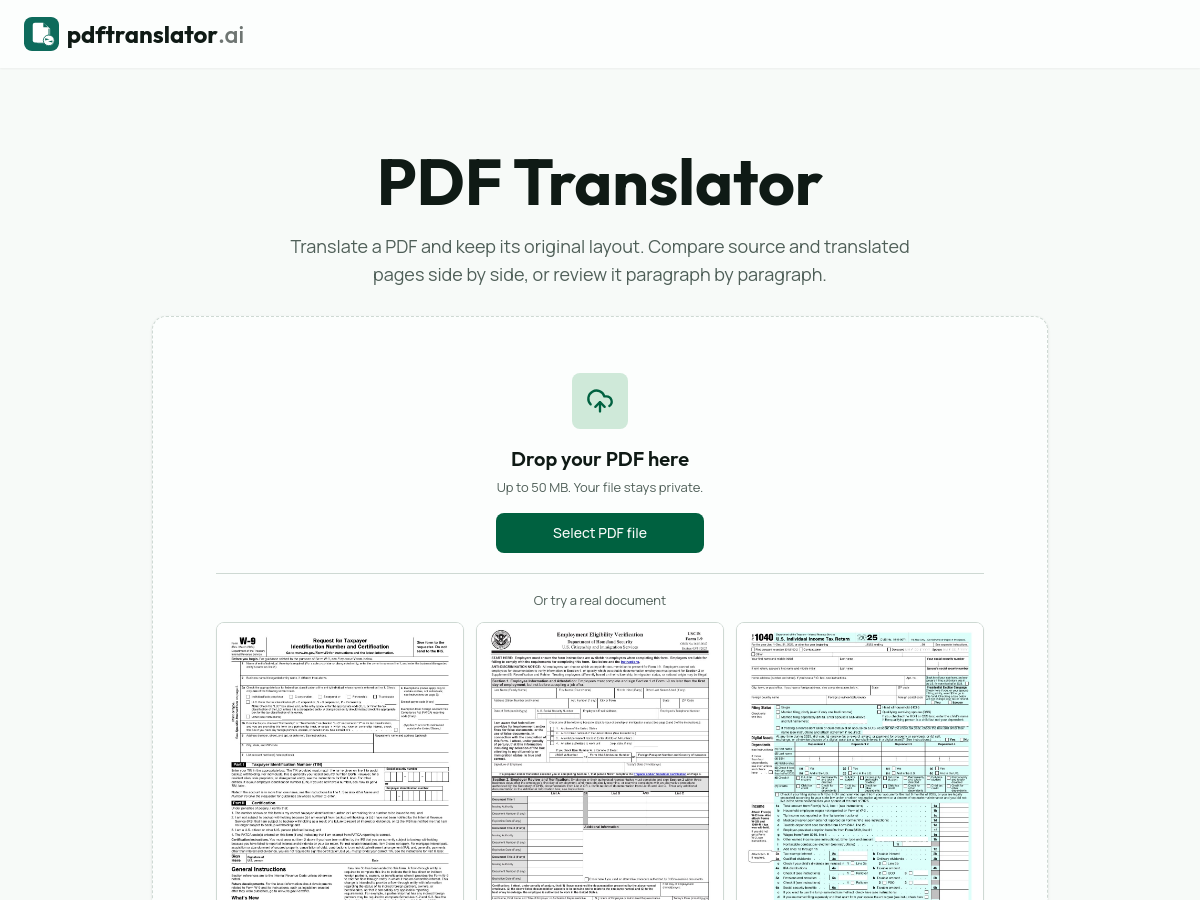
PDF Translator (pdftranslator.ai) is a free web-based service that translates PDF documents while attempting to preserve the original page layout, including columns, tables, headings, fonts and reading order. Users upload a PDF of up to 50 MB, choose a source and target language from a set of 20+ supported languages, and optionally restrict the job to a specific page range instead of processing the whole document. Unlike copy-and-paste workflows that strip formatting, the tool rebuilds each page: it first analyzes the structure and positioning of text on the page, then re-places the translated text into the same columns, tables and headings. Every job produces two outputs — a bilingual side-by-side PDF for review and a clean translated-only PDF that can be sent or filed. The product includes a browser-based review viewer that shows the source page next to the translated page, with paragraph-level alignment so a reader can hover a translated passage and see where it sits in the original. The site provides public sample documents (including IRS Form W-9, USCIS Form I-9 and IRS Form 1040) and a demo based on the 'Attention Is All You Need' paper that can be previewed in multiple languages before uploading anything. Positioning emphasizes document types where structure matters, such as contracts, academic papers and official or immigration correspondence, where clause numbers, citation markers, reference numbers, dates and signature blocks need to remain in place. The service is offered free of charge and states that uploaded files stay private.

Solves

General-purpose text translators discard the visual and structural information of a PDF, so contracts, academic papers and official forms come back as an unstructured wall of text, and someone has to manually rebuild tables, columns, footnotes and numbering. PDF Translator addresses this by parsing the layout of each page first and reinserting translated text into the same positions, letting users review source and translation side by side and export either a bilingual or translated-only PDF.

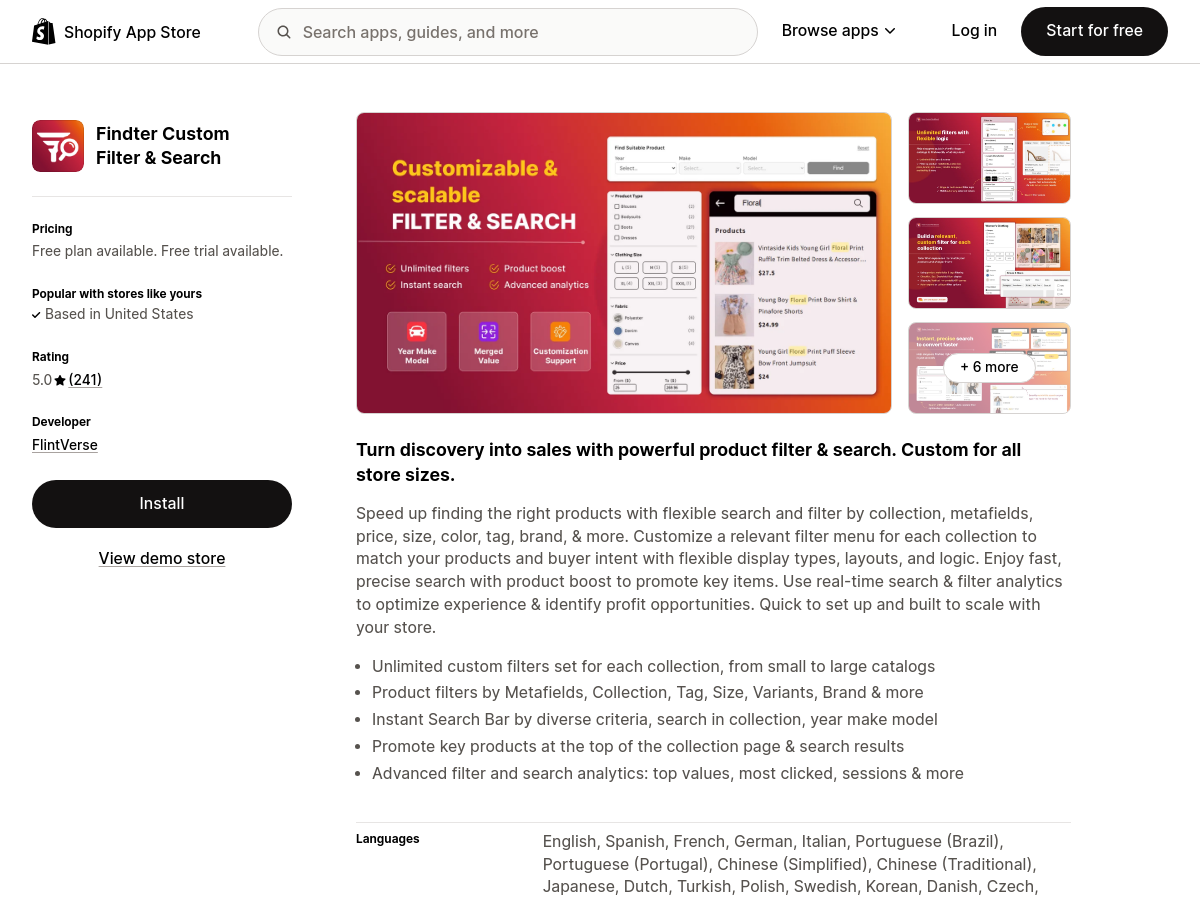
Screenshot of Findter Custom Filter & Search
Findter Custom Filter & Search
Shopify Apps Unknown

Findter Custom Filter & Search is a Shopify app developed by FlintVerse that adds advanced product filtering and search capabilities to Shopify storefronts. It allows merchants to create custom filters based on product collections, metafields, tags, color, size, vendor, and other attributes. The app also provides a fast search function and deep analytics to track customer behavior and conversion performance. The app aims to improve product discovery, reduce cart abandonment, and increase conversions by helping customers find relevant products quickly. It supports a free plan and a free trial, making it accessible for stores of various sizes. As of the Shopify App Store listing, it holds a 5.0 rating from 241 reviews. By offering granular filtering and search analytics, Findter helps merchants understand what shoppers are looking for and optimize their catalog accordingly. The app is designed for e-commerce businesses on Shopify that want to enhance the user experience and drive sales through better navigation.

Solves

E-commerce customers often struggle to find products in large catalogs, leading to abandoned carts and lost sales. Findter Custom Filter & Search solves this by providing customizable product filters and fast search, enabling shoppers to quickly narrow down options and discover relevant items, which helps merchants increase conversions and revenue.

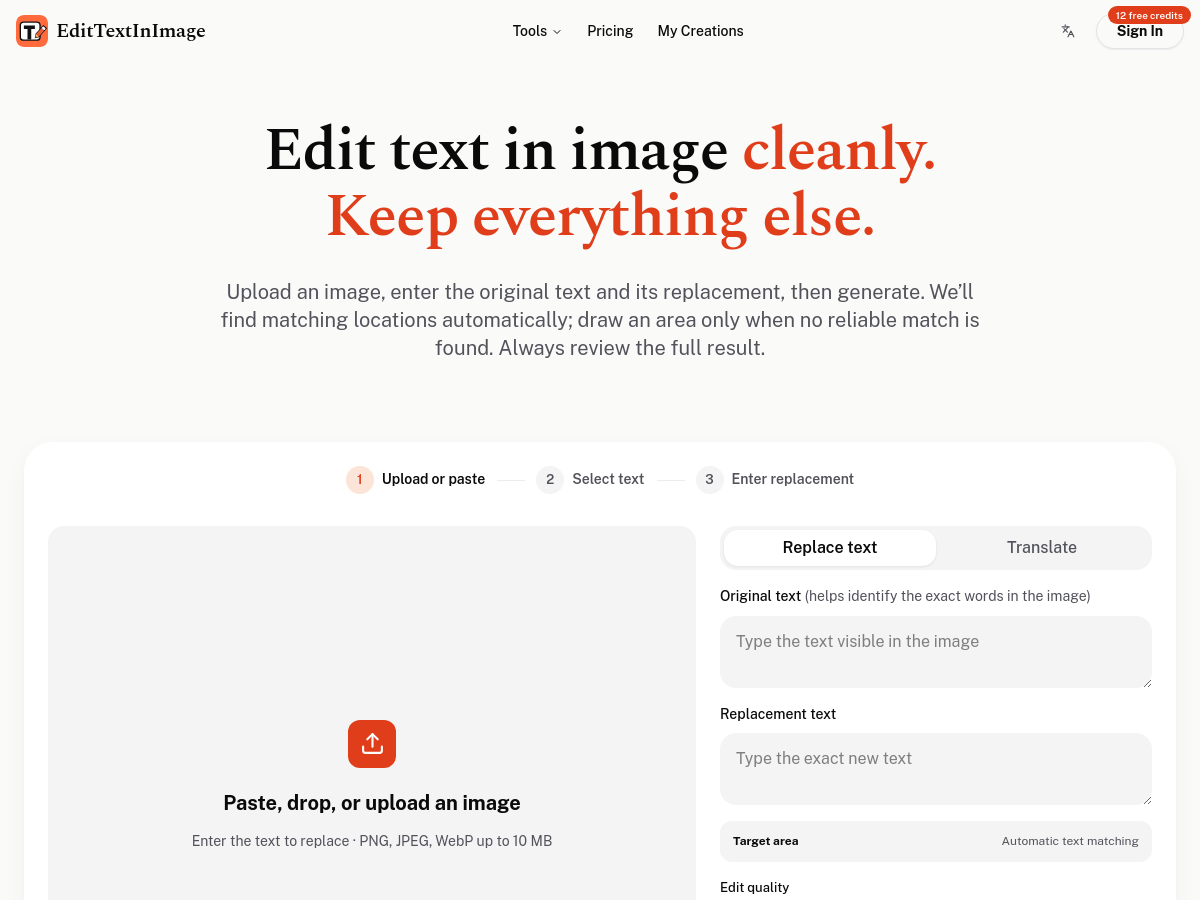
Screenshot of EditTextInImage
EditTextInImage
Text editing Freemium

EditTextInImage is a web-based AI text editing tool for images. Users upload or paste an image (PNG, JPEG, or WebP up to 10 MB), enter the original text to identify and the replacement text, and optionally draw a target area. The service automatically finds matching text locations; manual area selection is available when no reliable match is found. The tool is designed for editing existing text in images without rebuilding the source design file. It offers dedicated workflows for translating text in images, editing screenshots, matching fonts, editing photos, posters, and changing dates. Example scenarios include fixing exported slides, updating posters and flyers, localizing app screenshots, changing e-commerce product labels, testing social ad headlines, and reusing event materials. Pricing is freemium and credit-based: 1K edit quality costs 12 credits and 2K costs 20 credits. Starter credits cover one image edit, no subscription is required, credits never expire, and commercial use is included. Users must own or be licensed to edit the image and must not intend to deceive. The acceptable use policy states the service does not process IDs, official seals, bank statements, or tampered receipts. Results should always be reviewed.

Solves

Editing text inside a flattened image traditionally requires recreating the design or using advanced image editing skills. EditTextInImage solves this by using AI to locate specified text and replace it while preserving the surrounding background, layout, and style, so users can update words in screenshots, posters, photos, and other finished images without reopening the original design file.

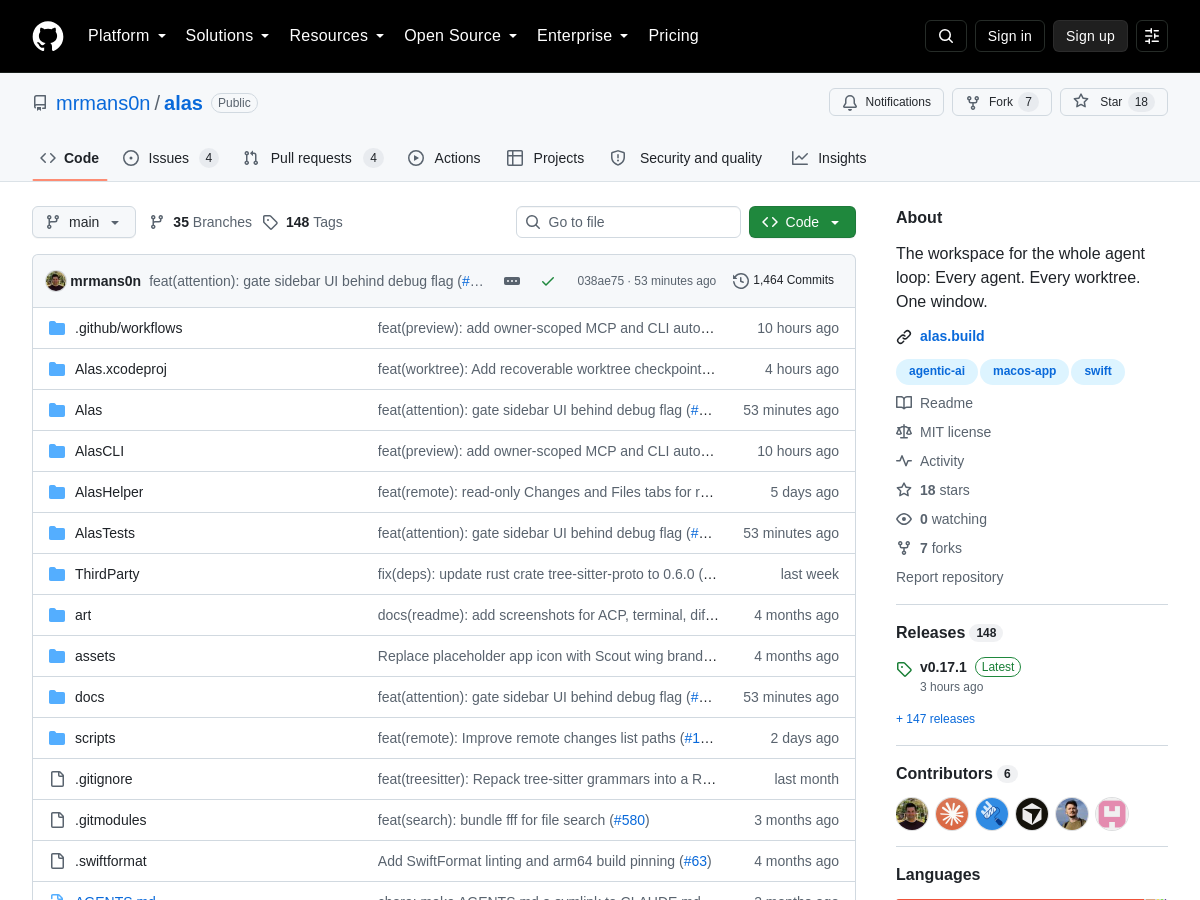
Screenshot of alas
alas
AI Agents Open Source

Alas is an open-source native macOS workspace designed to streamline the entire AI agent development loop. It provides a unified interface that combines libghostty-based terminals with native chat panes, allowing developers to interact with multiple AI coding agents simultaneously across different Git worktrees. The application is built for macOS and leverages the performance and integration capabilities of the platform to deliver a seamless experience. The tool supports both local and remote workflows, enabling users to work on their own machine or connect over SSH to manage agents on remote servers. It includes comment-based code review, allowing developers to provide feedback on agent-generated changes directly within the workspace. Additionally, alas offers in-app merge functionality, so users can integrate agent branches without leaving the application. The session pickup feature lets users resume their work from where they left off, maintaining context across sessions. Alas is particularly useful for developers who rely on AI coding agents and need to manage multiple worktrees, review generated code, and merge changes efficiently. As an open-source project, it is available on GitHub and can be customized or extended by the community. The tool targets individual developers, startups, and enterprises looking to enhance their AI-assisted development workflows.

Solves

Alas addresses the fragmentation of AI agent workflows by providing a single native macOS workspace that integrates terminals, chat panes, code review, and merge operations. It reduces context switching and helps developers manage multiple agents across worktrees and remote machines efficiently.

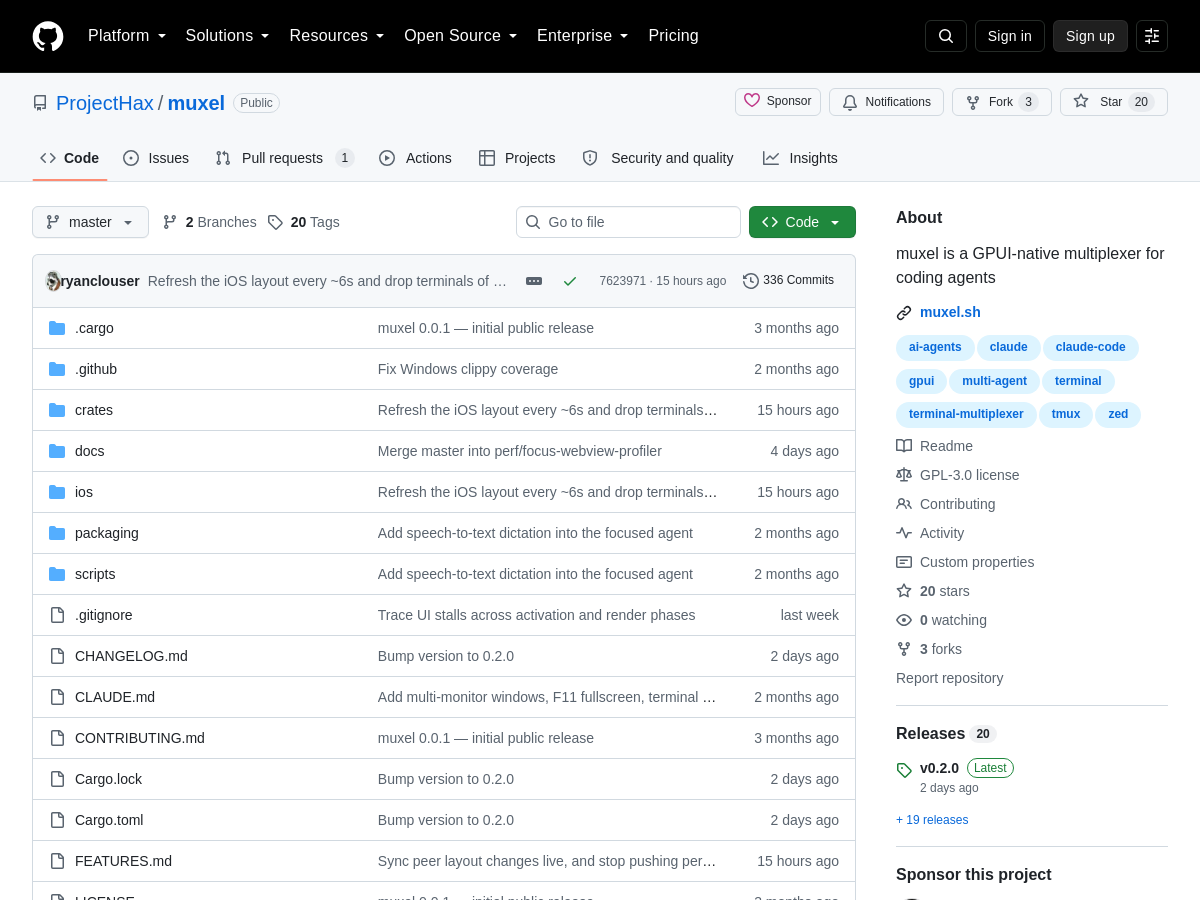
Screenshot of muxel
muxel
AI Agents Open Source

Muxel is an open-source, GPU-accelerated native desktop multiplexer built specifically for coding agents. Unlike traditional terminal multiplexers that operate in a text-based interface, muxel provides a graphical desktop environment where every pane embeds a real terminal running a coding agent. This allows developers to visually manage multiple AI-driven coding sessions simultaneously, with each pane acting as a fully functional terminal. Key features include first-class git worktree support, which enables each agent to work in an isolated branch or worktree without conflicts. Live agent status indicators show the current state of each coding agent, and scheduled runs allow agents to execute at predefined times. Notifications keep developers informed when agents finish tasks or require intervention, making it easier to oversee complex workflows. Built with GPUI, a Rust-based GPU-accelerated UI framework, muxel leverages hardware acceleration for a smooth and responsive interface. The project is available on GitHub under the ProjectHax organization and is distributed as an open-source tool. It is designed for developers who rely on AI coding agents and need a more organized, visual way to run and monitor multiple agents at once.

Solves

Muxel addresses the challenge of managing multiple AI coding agent sessions in a cluttered terminal environment. It offers a native desktop interface with dedicated panes for each agent, integrated git worktree management, and live status monitoring, enabling developers to run, schedule, and track coding agents more efficiently.

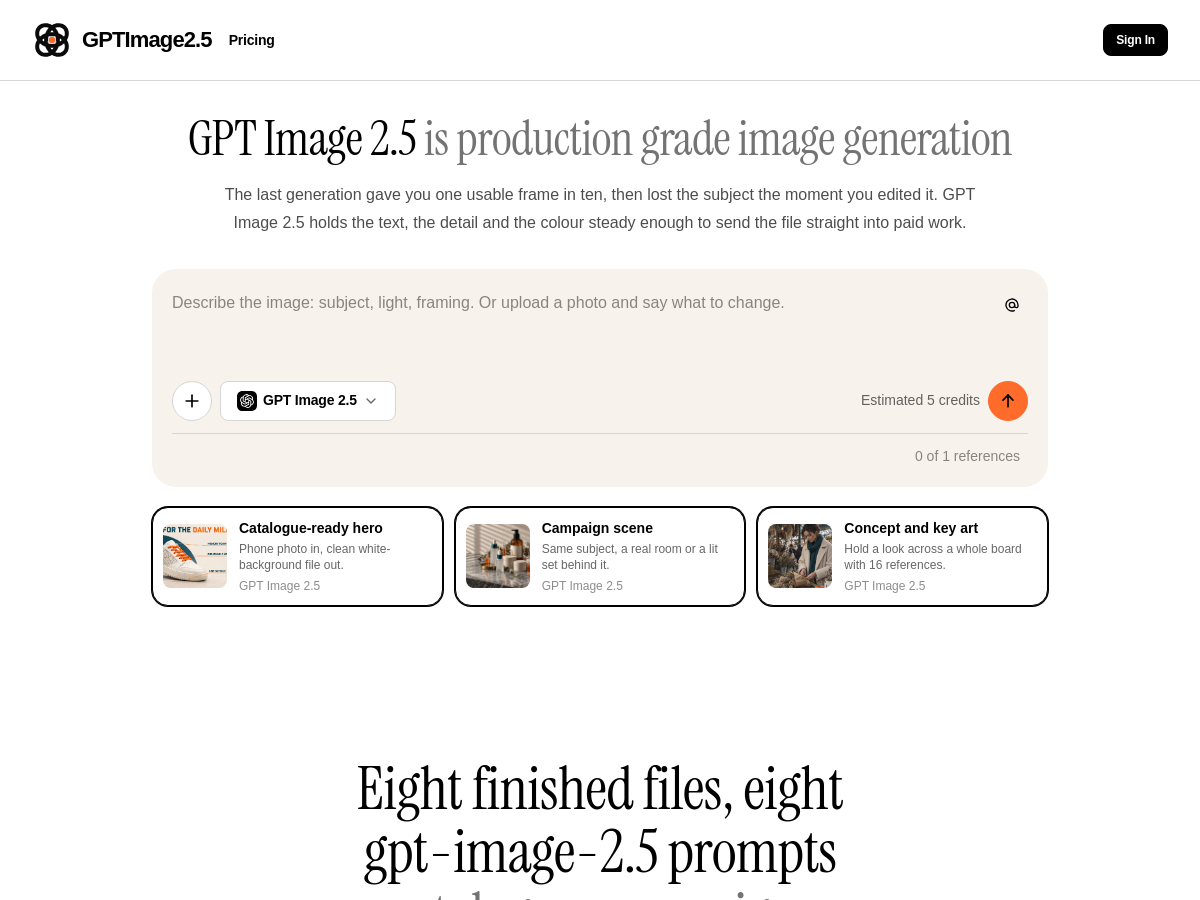
Screenshot of GPT Image 2.5
GPT Image 2.5
AI Image Generator Unknown

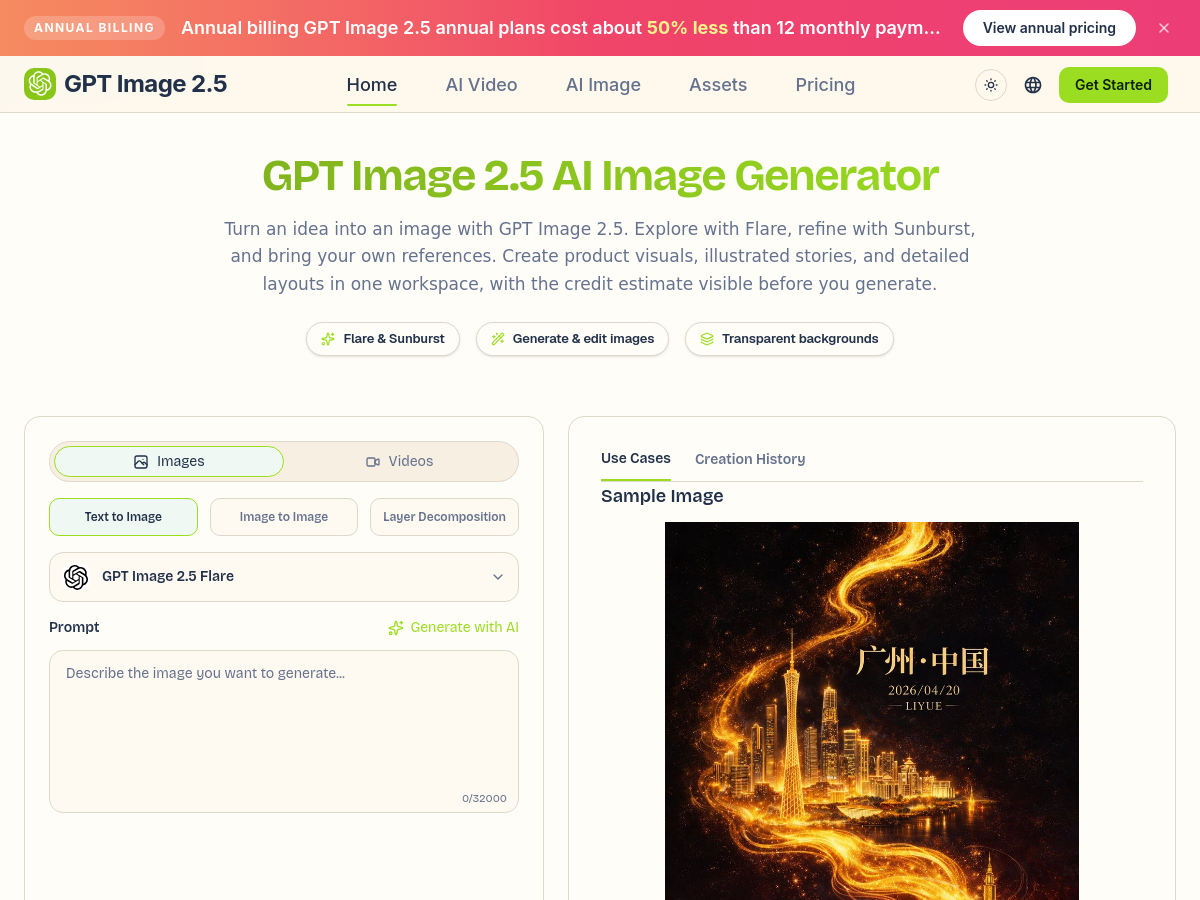
GPT Image 2.5 is an AI-powered image generation and editing workspace available at gptimage25.ai. It provides access to two model variants, Flare and Sunburst, through official fal endpoints. Flare is positioned for everyday creation and quick exploration, emphasizing natural lighting, rich textures, and complex compositions. Sunburst is described as a precision-focused model with longer generation times, suited for final compositions, demanding layouts, and focused edits. The workspace supports text-to-image, image-to-image, reference editing, layer decomposition, and transparent backgrounds, allowing users to move from initial concept to polished visual in one place. The platform is designed around a simple review loop: describe the picture, choose settings and credits, then review and refine. Users can specify subject, setting, composition, lighting direction, and exact text for headlines. The credit estimate is shown before generation, with a default square 1K high-quality PNG output currently quoted at 6 credits. Users can adjust quality, dimensions, quantity, and model choice to manage costs while comparing concepts. Annual billing plans are offered at roughly 50% less than 12 monthly payments. GPT Image 2.5 also includes practical features for real-world creative work, such as generating product visuals, illustrated stories, detailed layouts, and typography-heavy designs. The homepage provides official examples, including a Sunburst poster with a hummingbird across multiple visual styles, and guidance on lighting, materials, and composition. The service is aimed at users who want a unified workspace for generating and editing images without switching between separate tools.

Solves

GPT Image 2.5 solves the problem of moving between separate tools for image generation and editing by combining text-to-image, image-to-image, reference editing, and layer decomposition in one workspace. It also provides transparent credit estimates before generation, helping users manage costs while iterating on concepts and refining details with different model variants.

Screenshot of LLMFly AI
LLMFly AI
AI API Unknown

LLMFly AI is a hosted API service that provides a single OpenAI-compatible endpoint for accessing multiple large language model families, including OpenAI GPT, Anthropic Claude, Google Gemini, and xAI Grok. It is designed for developers who want to call different models without rebuilding integrations for each provider. The service includes a model catalog, pricing comparison, and documentation for authentication, model IDs, SDKs, and error handling. Developers can create separate API keys for each application and environment, allowing them to isolate development from production and revoke a compromised key without affecting other environments. The platform supports common clients such as the OpenAI SDK and Anthropic SDK, and can be used from coding agents like Claude Code, Codex, and Cursor, as well as backend services and automation scripts. LLMFly AI also provides usage history so customers can see what each request consumed. The homepage highlights discounted rates compared with official provider pricing, such as 70% off OpenAI GPT, 60% off Gemini and Grok, and 50% off Claude Code. LLMFly AI is operated by FLAMEWRIGHT TECHNOLOGIES LTD. Exact pricing and data retention policies are described on the site; prompts and responses are processed to provide the API service, with retention limited to what is reasonably needed for service delivery, security, disputes, and legal obligations.

Solves

Developers need a unified way to access multiple LLM providers without maintaining separate SDKs, base URLs, authentication, and billing. LLMFly AI solves this by exposing GPT, Claude, Gemini, and Grok through one OpenAI-compatible API, with per-environment keys and a catalog of model IDs and rates.

Screenshot of ateam
ateam
AI Agents Open Source

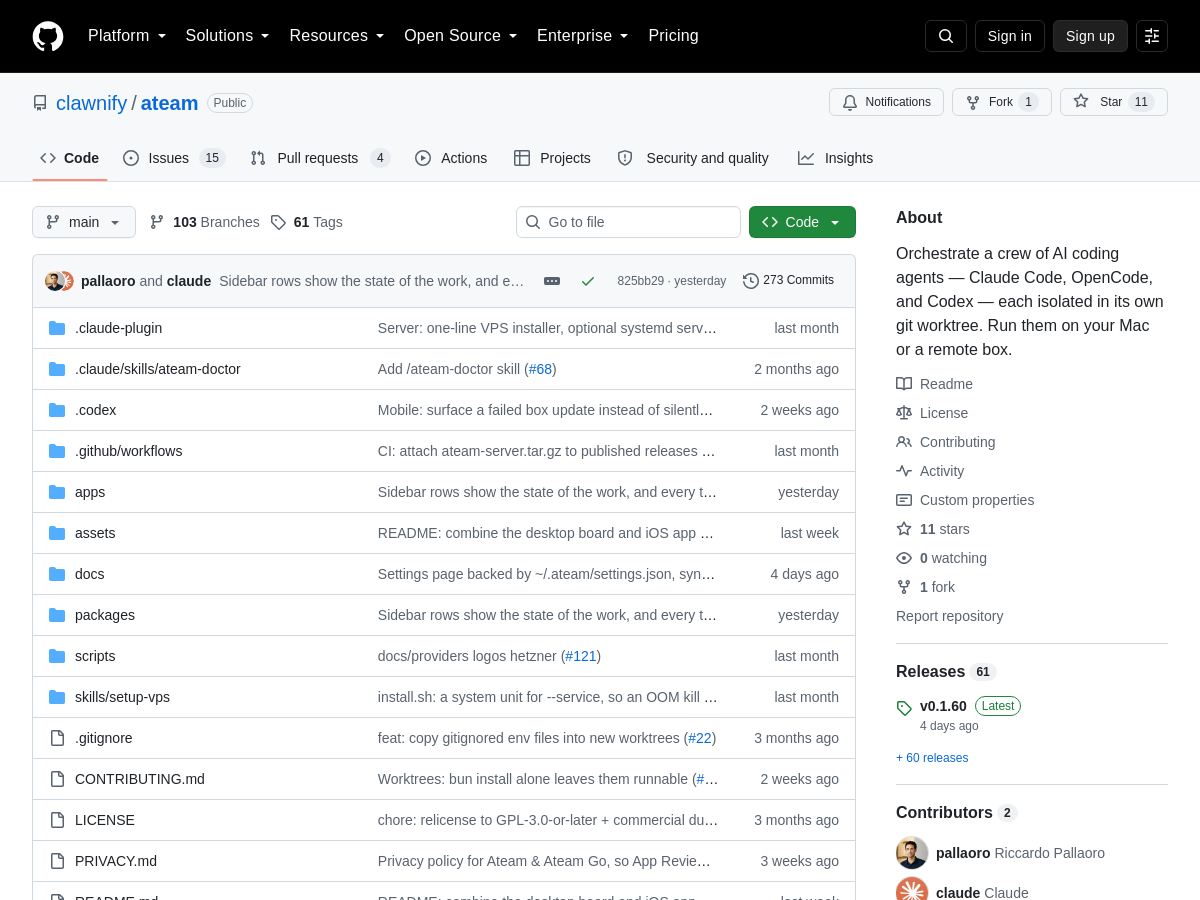
ateam is an open-source macOS and iPhone application that orchestrates a crew of AI coding agents, including [PERSON_NAME] Code, OpenCode, and Codex. Each agent is isolated in its own git worktree, allowing multiple agents to work on the same repository simultaneously without interfering with each other's changes. The app provides a unified interface to launch, monitor, and manage these agents, whether running locally on your Mac or on a remote server. By leveraging git worktrees, ateam ensures that each AI agent operates in a clean, separate working directory. This prevents common issues such as merge conflicts, overwritten files, and chaotic development environments when using multiple AI assistants. The app is designed for developers who want to harness the strengths of different AI coding tools in parallel, comparing their outputs and combining their results. ateam is built for both local and remote workflows. Users can run agents on their own machine or connect to a remote box, making it flexible for various development setups. As an open-source project, ateam is freely available and can be extended or customized by the community. It targets the growing ecosystem of AI-powered development tools and aims to simplify the orchestration of multiple coding agents.

Solves

Developers often want to use multiple AI coding agents on the same codebase, but running them concurrently can lead to conflicts and messy working directories. ateam solves this by giving each agent its own isolated git worktree, so they can work in parallel without stepping on each other's changes. It also provides a unified app interface for launching and monitoring these agents locally or on a remote server.

Screenshot of YYLO
YYLO
AI Agents Open Source

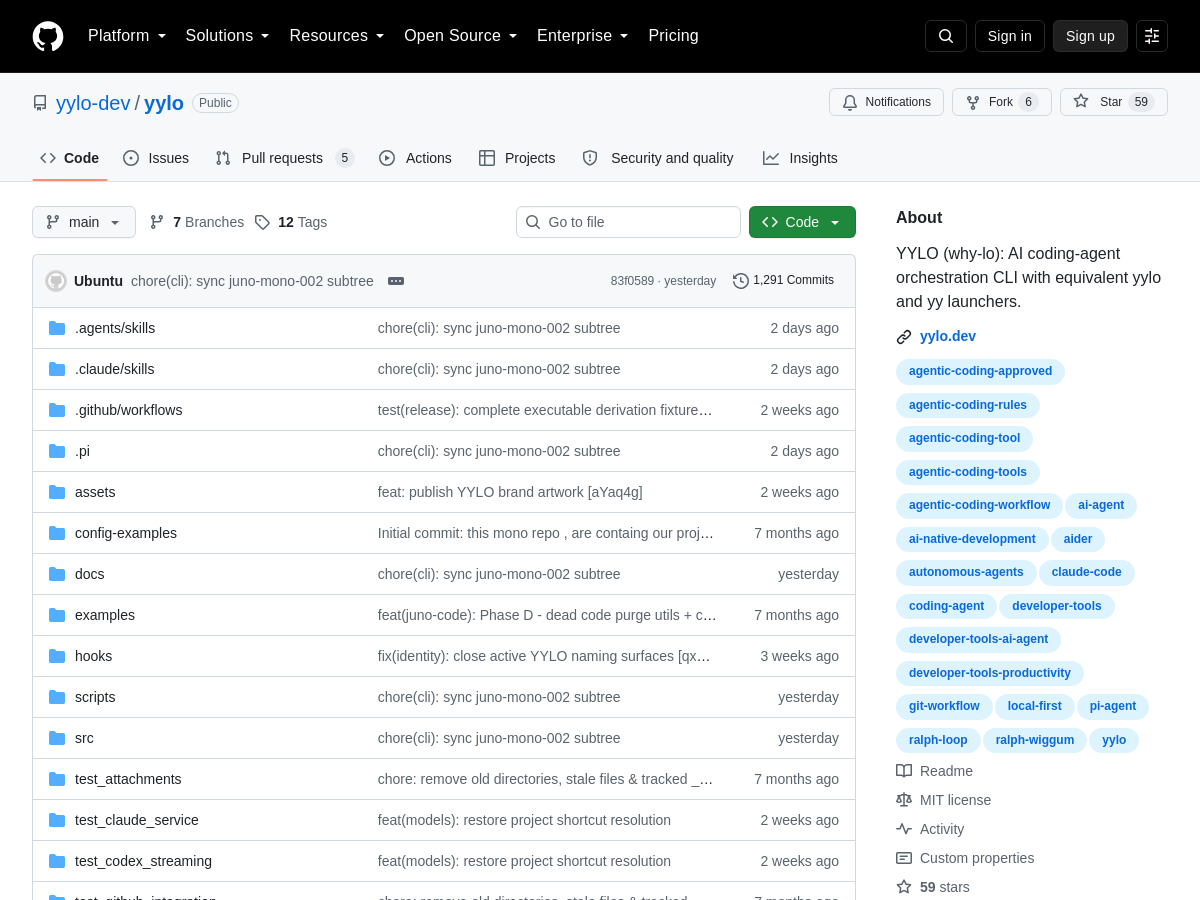
YYLO (pronounced why-lo) is an open-source command-line orchestrator designed to manage AI coding agents in software development workflows. It provides a structured pipeline where each task is executed in a dedicated Git branch and worktree, ensuring isolation between concurrent agent activities. The tool introduces typed task boundaries, validation steps, merge queues, and release-readiness checks to maintain code quality and prevent conflicts. The orchestrator operates through equivalent `yylo` and `yy` launchers, offering flexibility in how developers invoke it. By enforcing a risk-based merge queue review, YYLO helps teams evaluate changes based on their potential impact before integration. This approach is particularly useful for teams that rely on multiple AI agents to generate or modify code, as it brings governance and control to the automated development process. As an open-source project, YYLO can be self-hosted and customized to fit existing Git-based workflows. It targets developers and teams looking to scale AI-assisted coding without sacrificing codebase stability. The tool's emphasis on task boundaries and release readiness makes it suitable for both experimental projects and production environments.

Solves

YYLO solves the coordination problem of running multiple AI coding agents on the same repository. Without orchestration, agents can interfere with each other, produce conflicting changes, and introduce unreviewed code. YYLO isolates each task in its own branch and worktree, applies validation and merge policies, and uses a risk-based review queue to ensure only safe, release-ready changes are integrated.

Screenshot of ai-devkit
ai-devkit
AI Agents Open Source

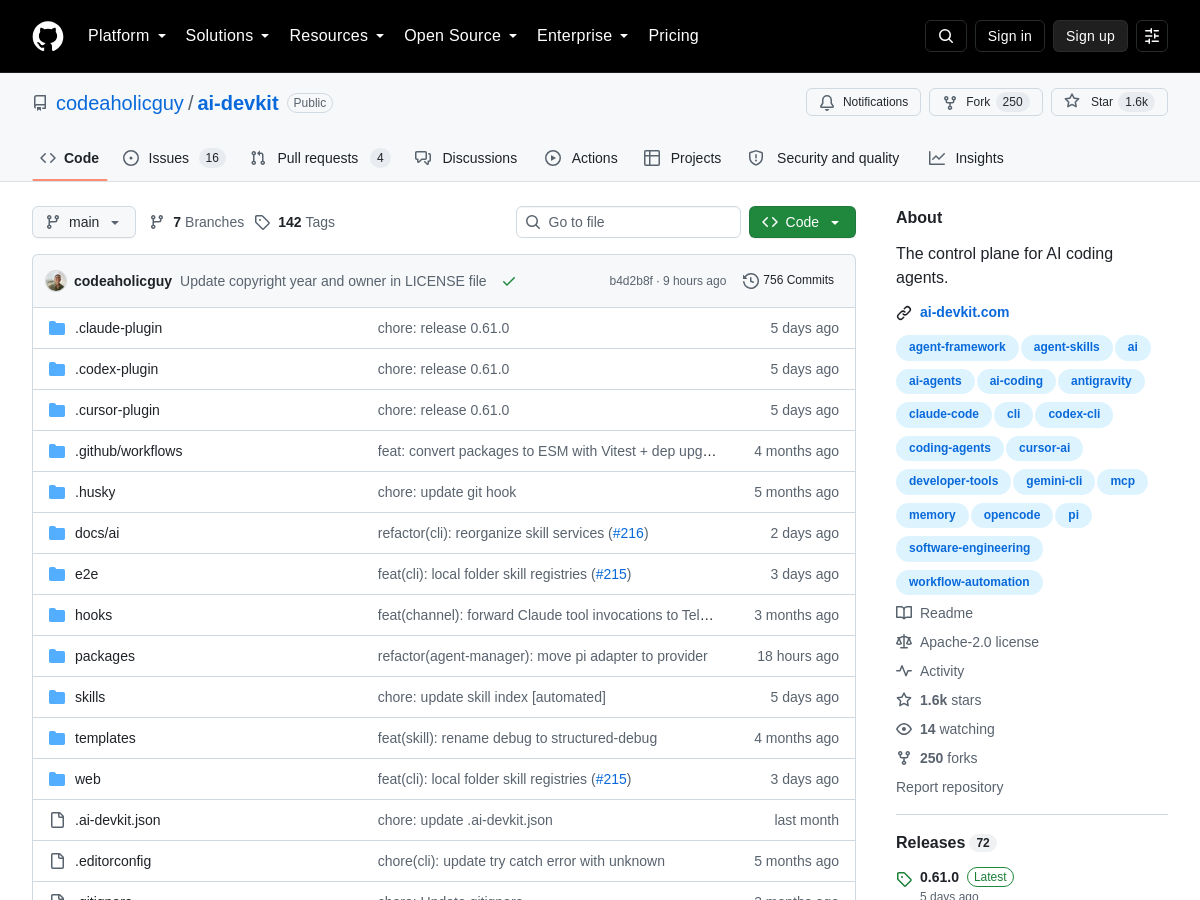
ai-devkit is an open-source CLI control plane designed for managing AI coding agents. It runs agent sessions in managed tmux instances, allowing developers to launch and maintain multiple agents concurrently with persistent, resumable sessions. This approach provides a robust foundation for long-running coding tasks that require continuous agent activity. The tool offers a unified terminal interface and a TUI console for interacting with running agents. Users can send prompts directly to agents, monitor logs in real time, and observe outputs without needing to switch between different terminal windows. This centralized control simplifies the workflow of supervising multiple AI agents working on different parts of a codebase. A key feature of ai-devkit is its shared local memory, which gives every agent a consistent setup and enables context to be passed between sessions. Additionally, it includes built-in verification mechanisms to check agent outputs, helping ensure the quality and correctness of generated code. These capabilities make it a practical tool for developers who want to integrate AI agents into their development workflow. As an open-source project, ai-devkit is freely available and can be customized to fit specific needs. It is particularly useful for developers, startups, and enterprises looking to leverage multiple AI coding agents in a controlled, terminal-based environment.

Solves

ai-devkit solves the problem of managing multiple AI coding agent sessions by providing a CLI control plane that runs agents in managed tmux sessions, enabling persistent, concurrent execution, centralized prompt sending, log monitoring, shared memory, and output verification from a single terminal interface.

Screenshot of Merge
Merge
AI API Unknown

Merge is a connective infrastructure platform for production AI, providing a single layer to connect AI products, agents, APIs, tools, and large language models. It offers a unified API for customer-facing data integrations across hundreds of applications, an Agent Handler for connecting AI agents to thousands of pre-built tools via MCP connectors, and a Gateway for routing LLM requests through one API with spend and performance controls. Merge also includes Merge for Workforce, which lets organizations govern internal AI by pushing approved models, MCPs, and skills to employee AI tools with cost controls and audit logging. The platform is designed for builders and enterprises that need to ship integrations quickly without maintaining point-to-point connectors. It provides pre-built connectors, observability, security controls, and a catalog of integrations, MCP connectors, and AI models. Merge markets itself as the connectivity layer for AI, with use cases spanning AI product development, employee AI governance, and operational workflows such as candidate sourcing, financial analysis, and payment reconciliation. Merge is trusted by companies building AI products, including OpenAI, and positions itself as infrastructure rather than an end-user application. It is delivered as a hosted SaaS platform and offers documentation, pricing, and security information on its website.

Solves

Merge solves the integration and connectivity problem for AI systems by providing one platform to connect products, agents, APIs, tools, and LLMs. Instead of building and maintaining many point-to-point integrations, teams can use Merge's unified APIs, agent tool connectors, and LLM gateway to access hundreds of apps and models, while retaining control over cost, performance, security, and governance.

Screenshot of Honcho
Honcho
AI Agent Unknown

Honcho is an AI-native memory platform developed by Plastic Labs that provides stateful, continually learning context for AI agents. Rather than simply storing and retrieving facts, Honcho uses custom reasoning models powered by Neuromancer to analyze every message, infer conclusions, detect patterns across interactions, and generate hypotheses about users. This reasoning layer is designed to deliver the context that matters while reducing token consumption, with claimed token savings of 60-90% compared to naive retrieval approaches. The platform exposes a simple API: developers write messages to Honcho, which are stored and indexed, while Neuromancer automatically reasons over them. The context() method returns instantly curated reasoning plus conversation history, giving agents continuity at every turn. For more complex queries, chat() provides on-demand advanced reasoning with configurable resource tiers ranging from Minimal to Max, allowing developers to balance cost, latency, and depth of analysis. Honcho is model-agnostic and works with any stack or scale. It offers integrations with popular agent frameworks and coding tools, including Claude Code, OpenAI Codex, OpenClaw, Hermes Agent, and DeepSeek Harness. The platform also provides a CLI for quick setup and agent skills for developers. Honcho reports state-of-the-art results on benchmarks such as LongMem, LoCoMo, and BEAM, and is available as an open source project on GitHub under plastic-labs/honcho, with a hosted app at app.honcho.dev.

Solves

Traditional memory systems store facts but fail to reason about them, wasting tokens and missing important context. Honcho solves this by continually learning from user interactions, automatically reasoning over stored data, and providing agents with instant, curated context that improves statefulness and reduces token usage.

Screenshot of Models.dev
Models.dev
AI Models Free

Models.dev is an open-source database that serves as a comprehensive reference for AI models. It aggregates specifications, pricing, and features from a wide range of providers and labs, enabling users to compare models side by side. The platform covers key attributes such as context window size, output token limits, reasoning capabilities, tool calling support, structured output, temperature settings, and weight availability. It also includes pricing per million tokens, release dates, and the number of providers offering each model. The database is designed to be a practical tool for developers, ML engineers, and researchers who need to evaluate models for their projects. Each model has a dedicated page with detailed information, and the main table allows for quick scanning and filtering. The data is continuously updated to reflect new releases and pricing changes, making it a valuable resource in the fast-moving AI ecosystem. As a free and open-source project, Models.dev relies on community contributions to keep the information accurate and comprehensive. It is hosted on GitHub, where users can contribute updates or report issues. The project aims to reduce the friction of researching AI models by providing a single, searchable source of truth.

Solves

Models.dev solves the problem of fragmented and outdated AI model information by centralizing specifications, pricing, and provider availability in one open-source database. It helps users quickly compare models and make informed decisions without visiting multiple websites.

Screenshot of 🌐 Openwork - Open Browser Automation Agent

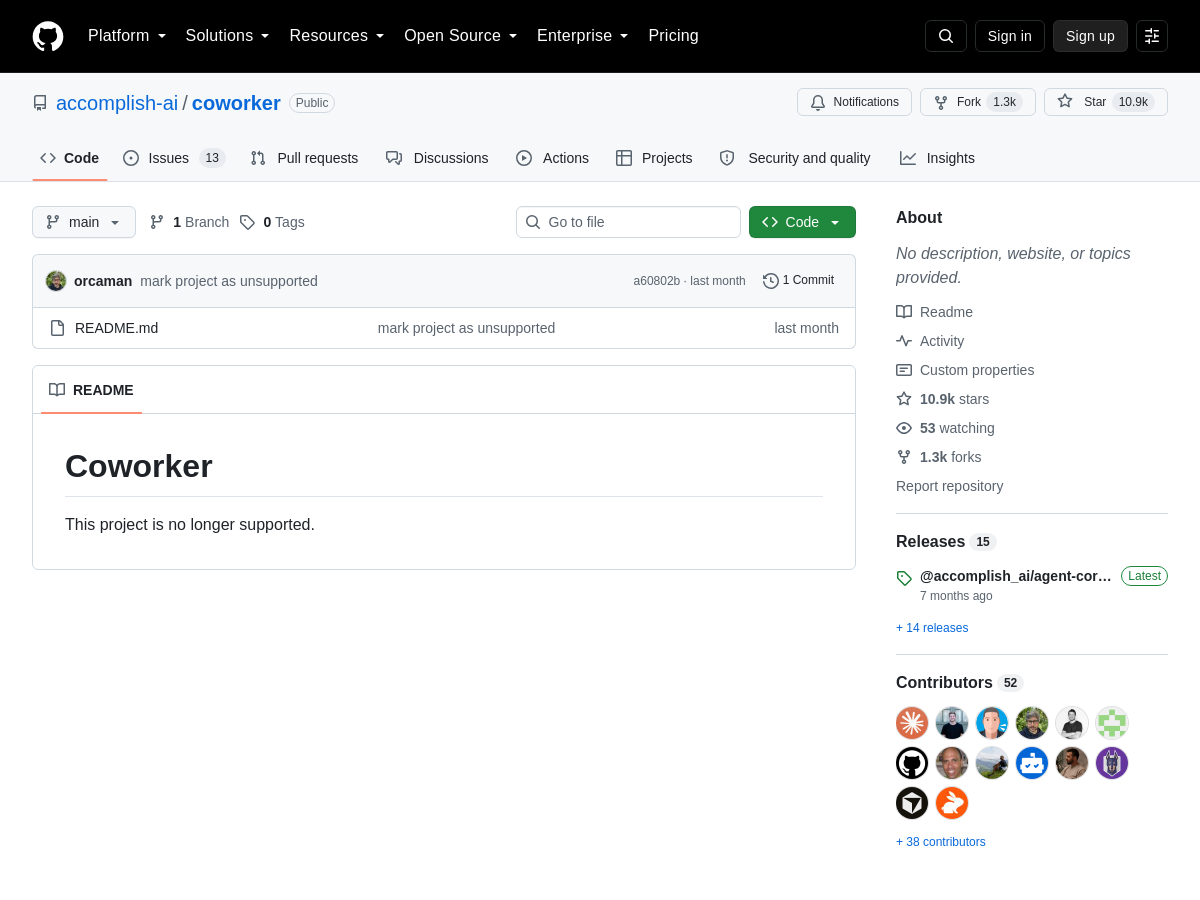
Openwork, also known as coworker, is an open-source browser automation agent developed by accomplish-ai. It is designed to operate a real browser to perform tasks autonomously, leveraging AI to interpret instructions and interact with web pages. The project is hosted on GitHub and is available for free, making it accessible to developers and researchers who need a flexible and customizable automation solution. By using a real browser, Openwork aims to provide more reliable and human-like interactions with websites compared to traditional scripting approaches. It can potentially handle dynamic content, complex navigation, and multi-step workflows. As an open-source project, it encourages community contributions and can be adapted to specific use cases, though users may need to set up and configure the environment themselves.

Solves

Openwork solves the challenge of automating complex browser interactions by providing an AI-driven agent that operates a real browser, reducing the need for brittle, hard-coded scripts and enabling more natural, adaptable web automation.

Screenshot of PikpikGo
PikpikGo
AI Image Generator Unknown

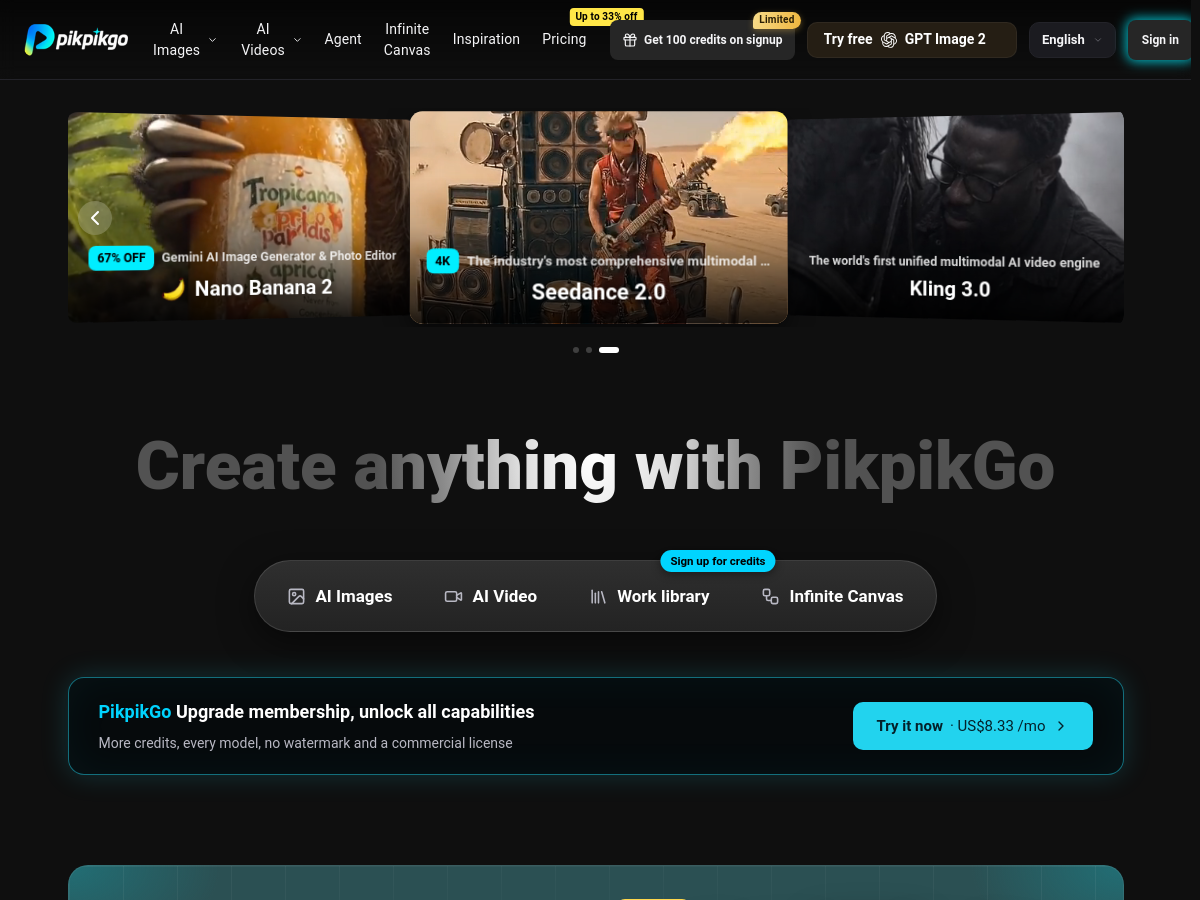
PikpikGo is a browser-based, multi-model AI creative platform that aggregates leading image and video generation models under a single interface. It supports models such as GPT Image 2, Nano Banana, Seedance, Kling, Sora, Wan, Veo, and Hailuo, allowing users to switch freely between them while drawing from one unified credit balance. The platform is positioned as an end-to-end creative workspace, from a one-line idea to a finished export, entirely in the browser. The platform includes dedicated tools for AI Images and AI Video, plus a Work library that archives all generated assets for revisiting and continuing projects. Reusable assets can be saved and dragged back as references, and an Infinite Canvas lets users arrange assets and connect nodes to keep generating without breaking flow. Additional utilities include HD export, upscaling, background removal, and relighting. PikpikGo offers 100 free credits for new users and a paid membership that unlocks more credits, all models, no watermark, and a commercial license. It is designed for creators who want broad model access without managing multiple subscriptions. Pricing is presented with a discounted rate of about US$8.33 per month, though full pricing details are not fully documented in the public homepage.

Solves

PikpikGo solves the fragmentation of AI creative tools by bringing multiple top image and video generation models into one browser-based platform. Users avoid juggling separate subscriptions and credit systems, and can move from ideation to generation, editing, and export in a single workflow with unified credits and a persistent work library.

Screenshot of PPT Maker
PPT Maker
AI Presentation Generator Unknown

PPT Maker is a web-based AI presentation generator that converts raw content such as text, PDFs, articles, and videos into structured, editable slide decks. The platform provides an AI Agent mode that analyzes source material and shapes it into a narrative, as well as a Creative mode for visual polish. Users can choose output parameters such as slide count, text density, and aspect ratio, and the tool generates a deck that can be further edited or exported. Built on AI technology, PPT Maker is designed for students, educators, and professionals who need presentation-ready slides quickly. It includes a free tier with credits, and the homepage highlights example decks across topics like world cuisines, music fundamentals, nutrition, happiness, memory, travel, climate science, morning routines, AI, and algebra. The service requires sign-in to save and manage slide history. PPT Maker is positioned as a practical alternative to manual slide creation, reducing the time spent on outlining, formatting, and designing. It is available online as a SaaS product, with pricing information on its pricing page and a current free plan. The tool is not open source and does not appear to offer a self-hosted deployment option.

Solves

PPT Maker solves the problem of turning unstructured content—such as notes, PDFs, articles, and videos—into polished presentation slides without manual outlining and design. It uses an AI agent to structure the story and generate editable decks, helping users save time and produce professional presentations from existing material.

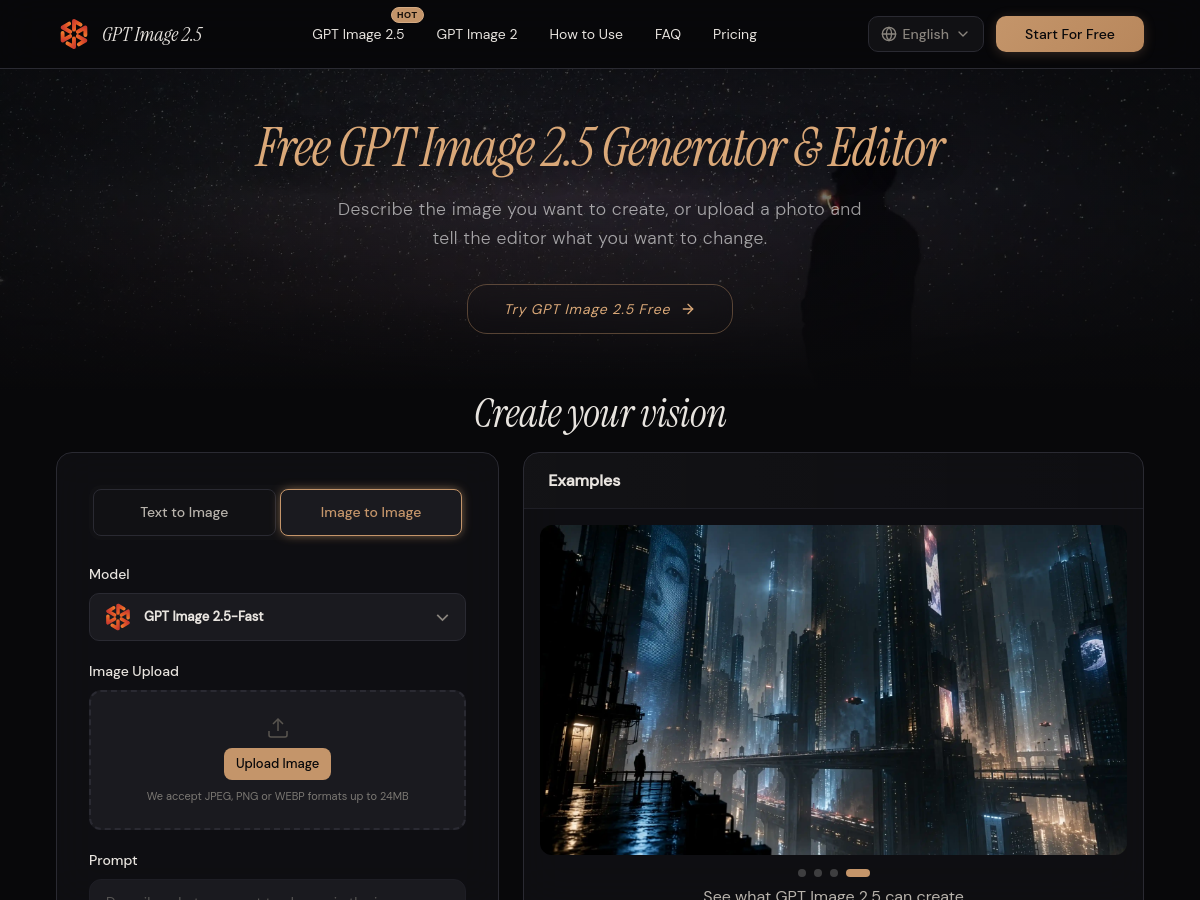
Screenshot of Free GPT Image 2.5 – AI Image Generator & Photo Editor

GPT Image 2.5 is a web-based AI image generator and photo editor that lets users create images from text descriptions or modify existing photos through natural language instructions. The tool is presented as a free-to-try service and supports both text-to-image and image-to-image workflows. Users can upload JPEG, PNG, or WEBP images up to 24MB, choose from quality levels such as 1K, 2K, and 4K, select aspect ratios including 4:3, 1:1, 16:9, 9:16, and 3:4, and generate up to four outputs per request. According to the product page, GPT Image 2.5 emphasizes improved subject retention and consistent editing, allowing familiar people, pets, and products to remain recognizable when placed in new settings. The interface is designed for non-technical users: instead of describing manual editing steps, users can request changes like swapping backgrounds, replacing objects, adjusting lighting, or changing visual style. The site includes example showcases such as product virtual try-ons, portrait-to-figurine transformations, and stylized illustrations. The platform also provides a step-by-step guide for iterative refinement, recommending that users start with a text prompt or reference photo, generate a result, then build on the closest version with further text instructions. A pro tip suggests separating the change from the preservation request for product edits, for example: “Place the bottle on pale stone; keep the label, bottle shape, and camera angle.” The website is available in multiple languages, including English, Simplified Chinese, Spanish, Japanese, German, French, and Brazilian Portuguese. While the tool is branded as “GPT Image 2.5,” the homepage does not provide detailed technical documentation, model architecture, or licensing information. Pricing is listed as unknown, and the service appears to operate as a hosted web application rather than a self-hosted or open-source project. Users should verify current availability, credit costs, and terms before relying on it for production work.

Solves

GPT Image 2.5 solves the problem of creating and editing images without requiring manual photo-editing skills. It lets users generate new visuals from text prompts and modify existing photos by describing the desired change, such as replacing a background, adjusting lighting, or changing style, in plain language.

Screenshot of GPT Image 2.5 AI
GPT Image 2.5 AI
AI Image Generator Unknown

GPT Image 2.5 AI is a web-based image generation service positioned for commercial production work. It is presented as a GPT Image 2.5 generator that turns a single text prompt or an uploaded photo into catalogue packshots, campaign frames, key art, packaging comps, and similar marketing assets. The platform emphasizes consistency across a set of images, claiming to hold text, detail, and color steady so that renders can be used directly in paid work rather than requiring extensive retouching. Users can describe the subject, lighting, and framing, or upload a photo and request changes such as background removal or product cleanup. The tool supports up to 16 reference images to maintain color, logo, and wardrobe across a set, and offers multiple aspect ratios including square, 16:9, and 2160x3840 poster size. Outputs are available up to 4K, with quality steps from low to high so users can draft cheaply and finish at higher quality. The interface also provides four variations per run and downloadable PNG files without watermarks, with commercial rights included. According to the homepage, GPT Image 2.5 is designed for e-commerce, advertising, and brand creative teams that need finished assets rather than exploratory generations. The workflow is intentionally simple: name the product and surface, choose crop and size, then download or fix one detail. The site notes that editing is not pixel-locked, so labels, reflections, and fine texture can drift, and recommends checking the subject before publishing.

Solves

GPT Image 2.5 AI solves the problem of producing commercially usable product and campaign images from a single prompt or photo, without losing text, detail, or color consistency across a set. It replaces the need for multiple retouching rounds by generating catalogue-ready packshots, campaign frames, key art, and packaging comps at up to 4K with commercial rights.

Screenshot of Bunsho
Bunsho
AI Checker Unknown

Bunsho is a story-aware integrated writing environment for novelists, available as a free desktop application for macOS and Windows. It combines a traditional manuscript editor with a continuity engine that reads the user's prose and builds a story model of characters, places, objects, and world rules. Instead of requiring writers to fill out forms, Bunsho extracts these elements directly from the text, then uses them to detect continuity errors, plot holes, and inconsistencies in timelines, character knowledge, and scene details. Beyond checking, Bunsho provides four views of a story: Editor for writing, World for tracked entities, Planner for chapter intents, and Continuity for flagged contradictions. When a check finds an issue, both conflicting passages are shown side by side. The software also maps the ripple effects of a fact change, showing which scenes, lines, and callbacks need a second look. Director Mode allows writers to @-tag characters and describe what happens next; Bunsho drafts the scene as a beat sheet, runs a preflight check against what characters already know, and renders prose that the writer can accept, re-render, or discard. Bunsho is free to download and the editor requires no account. AI features unlock with a free sign-in and monthly credits, with Storyteller and Saga tiers receiving increased monthly credits. It is positioned for novelists, plotters, and discovery writers who care about story logic and continuity, not just prose style.

Solves

Bunsho solves the problem of maintaining story consistency in long-form fiction by automatically detecting continuity errors, plot holes, and character/world inconsistencies before readers encounter them, and by helping writers understand the downstream impact of changes.

Screenshot of Sumi — AI Manga Translator
Sumi — AI Manga Translator
AI Image Translator Unknown

Sumi is an AI-powered manga translator that re-letters manga, manhwa, webtoons, and doujinshi into the reader's language directly on the page. It works as a Chrome/Edge/Firefox browser extension, an online translator, and an iOS/iPadOS/Mac app with a built-in browser. The tool does not host manga or require uploading files; instead, it translates pages in place on the sites the user is already reading, such as Shonen Jump+, MANGA Plus, and WEBTOON. It supports 134 languages and has been tested on 30 official manga platforms. Sumi offers a free tier: the first page requires no sign-up, and creating an account grants 5 free pages plus 5 more daily. The interface includes a floating 'Sumi ball' that users tap to translate the current page, with an Auto mode that translates each subsequent page automatically. The online translator also accepts image uploads (JPEG, PNG, WebP, ZIP, CBZ) and supports batch translation. Sumi is available as a Chrome extension, Firefox add-on, Safari extension, and App Store app for iPhone, iPad, and Mac.

Solves

Sumi solves the problem of reading manga in a foreign language by automatically translating and re-lettering text into the artwork, eliminating the need to screenshot pages and use separate translation apps. It provides a seamless reading experience on official manga sites and supports a wide range of languages.

Screenshot of MonoCode
MonoCode
AI Agents Open Source

MonoCode is an open-source desktop application built with Tauri that provides a unified graphical interface for multiple AI coding agents. It organizes each agent session as a tab within a single window, allowing developers to run and switch between Claude Code, Codex, Cursor, Grok Build, OpenCode, Pi, omp, and fx without leaving the desktop environment. The application leverages the user's existing subscriptions to these services, meaning no additional API costs or separate logins are required beyond what the user already has. It is designed for macOS, Linux, and Windows, making it a cross-platform solution for developers who work with multiple AI assistants. The core value of MonoCode lies in its ability to consolidate the growing ecosystem of coding agents into a single, manageable interface. Instead of juggling multiple terminal windows or switching between different applications, developers can keep all their agent sessions in one place, each in its own tab. This is particularly useful for comparing outputs, running parallel tasks, or simply keeping a clean workspace. The use of Tauri ensures a lightweight and efficient desktop app that does not consume excessive system resources compared to Electron-based alternatives. As an open-source project, MonoCode invites community contributions and customization. It is positioned as a GUI layer on top of existing agent CLIs, so it does not replace the agents themselves but rather enhances their usability. The project is still evolving, and users can expect ongoing improvements and support for additional agents as the ecosystem grows.

Solves

MonoCode solves the problem of managing multiple AI coding agents by providing a tabbed desktop interface that runs them side by side, eliminating the need to switch between separate terminal windows or applications.

Screenshot of Formable
Formable
AI Contract Management Unknown

Formable is an AI-native contract management platform that combines drafting, AI review, negotiation, redlining, and electronic signature into a single connected workflow. It is designed to replace the fragmented experience of using separate tools for each stage of the contract lifecycle. From a unified dashboard, teams can manage templates, track signature status, monitor revisions, and prioritize follow-ups. The platform offers an intelligent contract review capability that uses AI to identify hidden risks and missing terms based on an organization's playbook. The negotiation module provides a collaborative redlining editor with tracked changes and comments, eliminating email chains and enabling counterparties to work directly within a contract. The e-signing feature lets users send agreements for signature quickly and provides a tamper-evident audit trail on every signed copy. Formable also serves developers through its embedded signing and redlining APIs, allowing e-signature and document negotiation functionality to be integrated into custom products and workflows. This makes it relevant not only for legal and business teams but also for product teams looking for white-label contract infrastructure.

Solves

Formable solves the problem of contract workflows being fragmented across separate drafting, review, negotiation, and signing applications. It provides a single platform where teams can generate contracts, use AI to spot risks, negotiate with clean redlining, sign electronically, and track all activity, reducing delays and creating a reliable audit trail.