Tool discovery

What type of AI tool
are you looking for?

Search the active catalog with LambdaBase AI Search, or keep browsing the popularity-ordered directory below.

Submitted search queries and interaction metrics may be analyzed to improve result quality. Do not include personal or confidential information

Browse popular tools.

Screenshot of Today AI
Today AI
AI Assistant Unknown

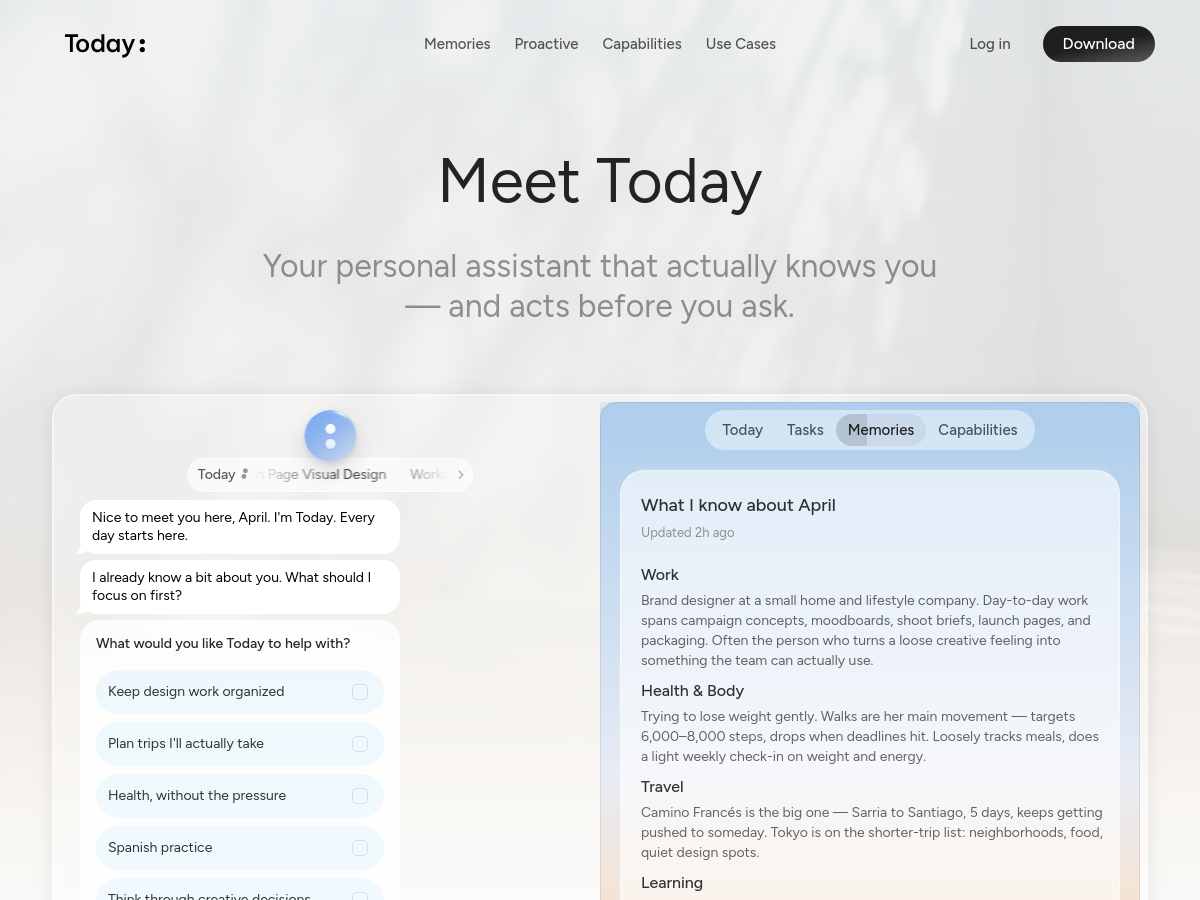
Today AI is a proactive personal AI assistant designed to build a living memory of a user's context, including daily activities, relationships, preferences, recurring goals, tasks, and health signals. The homepage describes it as an assistant that "knows you" and "acts before you ask," with dedicated areas for Chat, Today, Memories, Tasks, and Capabilities. It positions the product around remembering what matters and turning that context into timely help across devices. Users interact with Today through a chat interface and a daily briefing-style "Today" view. The assistant can surface proactive prompts, such as adjusting a walk after poor sleep, preparing review notes, organizing design changes, or managing recurring routines. Homepage examples include morning briefs with sleep, HRV, movement, and heart-rate recovery data; trip planning with routes and packing lists; language practice; meal planning; pet care; and research organization. Today is presented as a cross-device application with login and download access, suggesting a cloud-backed SaaS model. The homepage emphasizes user control over memory and context, though detailed pricing, platform availability, and technical implementation are not specified. The service appears geared toward everyday personal and professional life management rather than a single narrow task.

Solves

General-purpose AI assistants often lack persistent personal context and require users to restate goals, preferences, and schedules for every task. Today AI aims to solve this by maintaining a living memory of the user's life and proactively offering relevant help—such as schedule adjustments, reminders, research organization, and wellness suggestions—before the user explicitly asks.
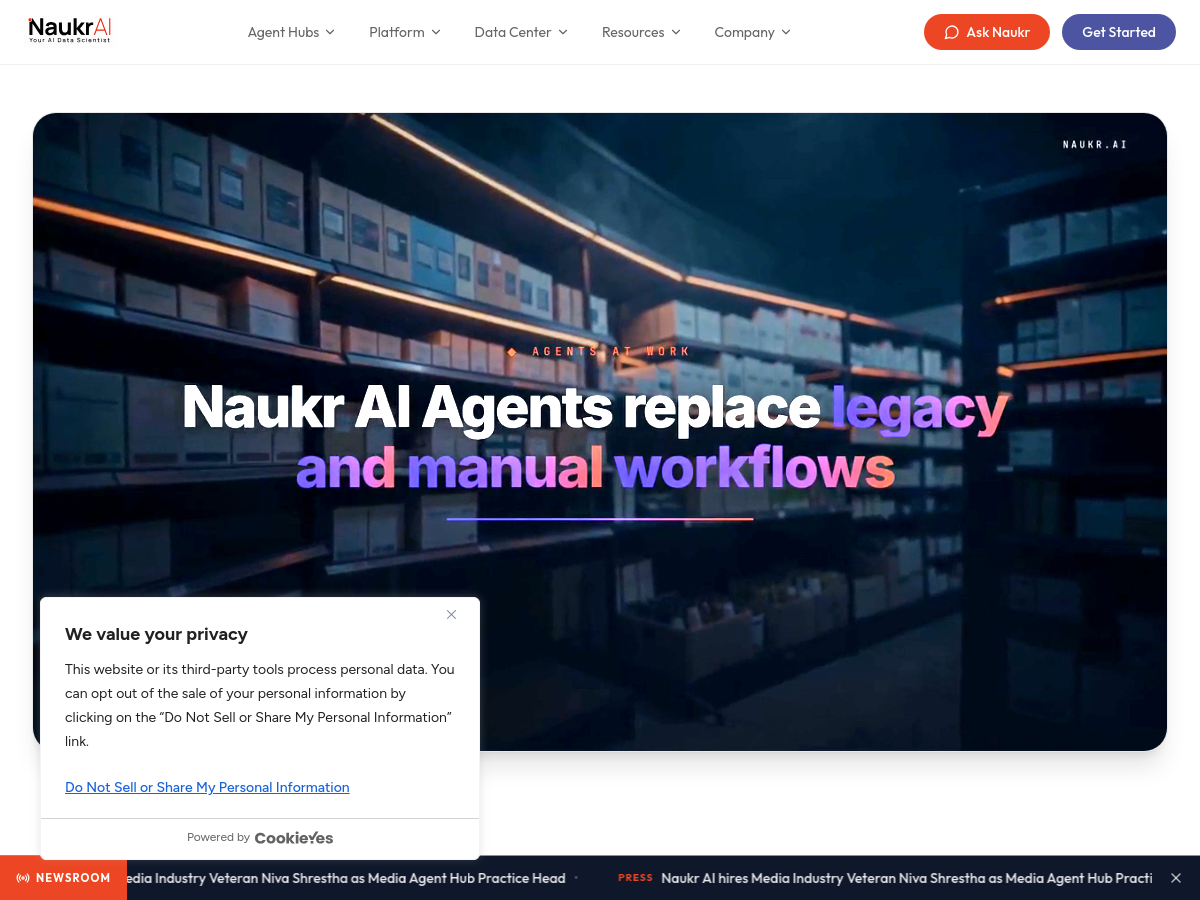

Screenshot of Naukr AI
Naukr AI
AI Agent Unknown

Naukr AI is a vertical AI platform that deploys autonomous agents purpose-built for retail and consumer packaged goods (CPG) analytics. The product organizes its capabilities into four "Agent Hubs": Supply Chain (Demand Signals, Store Signals, Inventory Signals), Category Management (Assortment Signals, Shelf Signals, Pricing Signals, Promo Signals, Consumer Signals), Media (Agentic MMM, Omni-Channel Measurement, Retail Media Networks, Walmart Connect), and Reporting/Briefing agents (NextGen BI, chat-based insights, and a custom agent builder). Each agent wraps statistical and machine learning techniques — forecasting, clustering, marketing mix modeling, test-and-control lift measurement, and anomaly detection — behind a conversational interface so users can query data in natural language. The platform positions itself as an alternative to traditional analytics stacks that require data scientists and static dashboards. Users ask questions such as projected revenue, churn risk segments, or optimal budget allocation, and the agents return quantitative outputs plus suggested business actions. The vendor claims 10x faster time-to-insight, roughly 3x lower cost, and up to 60% lower cost than legacy approaches, with insights delivered in minutes rather than weeks. Naukr AI is marketed as enterprise-grade, citing SOC 2 certification, SSO integration, HIPAA compliance, dedicated support with custom SLAs, white-glove onboarding, and data-security controls. The Data Center section lists retail data integrations for POS, inventory and supply chain data, plus media connectors covering retail media networks, programmatic, social and ad-server sources, with a live two-way sync capability. Detailed public technical specifications — programming language, licensing, and release history — are not published on the homepage, so those attributes are omitted here. Pricing is likewise not disclosed publicly; the site directs visitors to a contact/get-started flow.

Solves

Retail and CPG teams typically depend on scarce data scientists to build forecasting, pricing, promotion, assortment, and marketing-mix models, producing static dashboards and insights that take weeks and cost six figures annually. Naukr AI packages those statistical and machine learning workflows as autonomous, chat-driven agents, letting business and analytics users get measurement, forecasting, and optimization answers in minutes without scaling headcount.

Screenshot of Tezign
Tezign
AI Agent Unknown

Tezign (特赞) is an enterprise AI agent company that builds agentic AI systems for business transformation and workflow automation. Its flagship offering, Tezign GEA (General Enterprise Agent), is positioned as an enterprise-grade agent system that connects company context, people, data, and existing systems so that AI agents can act within governance boundaries and drive work toward measurable results rather than only generating content. The company also ships Tezign Model Hub, which performs divergent reasoning and multi-model orchestration, dynamically selecting and routing models per task while managing quality, cost, permissions, and compliance. Alongside the enterprise platform, Tezign offers professional-facing AI products for specific work objects: Atypica converts complex business questions into research designs and combines multi-agent research with audience simulation; Clipo supports content and creative workflows; and MuseAIMuseDAM addresses design, asset, and brand asset management scenarios. Two in-house foundation models underpin many of these products: a Creative Reasoning Model for divergent exploration of open business problems, and a Subjective World Model aimed at modeling human perception, cognition, and choice. Tezign pairs software with a professional services portfolio covering Agentic AI transformation, creative content, content operations, and content growth, using upfront deployment work and specialist teams to move AI from pilots into production workflows. The company reports serving more than 180 enterprise customers, over one million professional users across 50-plus countries, and 60-plus Fortune Global 500 and Fortune China 500 clients including Unilever, P&G, L'Oréal, Nestlé, Adidas, LVMH, Bosch, Bayer, Alibaba, Tencent, and ByteDance. Tezign states that it holds China's first proprietary divergent reasoning model, more than seven algorithm and large-model filings, and 180-plus AI patents and applications, with self-developed models recognized under Shanghai's model service provider programs. The platform is delivered as a cloud SaaS offering for enterprise customers, largely oriented toward the Chinese market with an English-language site presence.

Solves

Large enterprises struggle to move generative AI past experiments into governed, production business workflows, because generic chatbots lack access to company context, cannot execute multi-step tasks across existing systems, and offer no control over cost, permissions, or compliance. Tezign addresses this by providing enterprise-grade AI agents, multi-model orchestration, and vertical products for research, content, and design, together with deployment services that embed effective methods into repeatable workflows.

Screenshot of Voiskey
Voiskey
AI Speech-to-Text Unknown

Voiskey is an AI voice typing product that converts natural speech into polished, ready-to-use text for messages, emails, notes, documents, and AI prompts. According to its homepage, it is available as apps for macOS, Windows, iOS, and Android, and it works across applications on the device. Voiskey is positioned as more than basic transcription. The homepage states that it handles fillers, stumbles, changes of mind, and grammar slips, then automatically tailors formatting, tone, and word choice to the user's intent. It also learns names, jargon, and spelling preferences so the output matches the user's style. The product supports voice-to-text in 100+ languages and can turn spoken descriptions into clean AI-ready prompts, capturing files, paths, commands, and key details. Pricing and independent performance benchmarks are not provided on the source homepage.

Solves

Traditional dictation often produces raw transcripts filled with filler words, false starts, punctuation issues, and inconsistent formatting, forcing users to edit before sending. Voiskey aims to solve this by interpreting natural, imperfect speech and generating polished, context-appropriate text that is ready for messages, documents, or AI tools.

Screenshot of Brevo
Brevo
AI Email Marketing Unknown

Brevo is an all-in-one customer engagement platform that combines email marketing, marketing automation, SMS and WhatsApp campaigns, transactional messaging, CRM, live chat, and a customer data platform in a single product. The platform is designed to let small businesses and larger organizations manage contacts, build multichannel campaigns, and track engagement without stitching together separate tools. Core capabilities include drag-and-drop campaign builders, automated customer journeys, segmentation and personalization, sales pipeline management with custom deal stages, and a loyalty program module for rewards. Brevo also offers transactional email and SMS delivery through SMTP relay and a REST API, making it usable as infrastructure for application-generated messages as well as for bulk marketing sends. Brevo exposes developer resources including an open API, SDKs, guides, and code recipes, and it advertises integrations with more than 150 third-party tools such as Shopify, WordPress, Stripe, and Zapier. Plans target entrepreneurs and small businesses through to mid-market and enterprise customers that need tailored onboarding, data control, and enterprise-grade security. Brevo was formerly known as Sendinblue and rebranded in 2023, expanding from an email and SMS marketing suite into a broader customer engagement and CRM platform. Exact pricing tiers, free-plan send limits, and feature gating vary by region and change over time, so current details should be confirmed on the vendor's pricing page.

Solves

Marketing, sales, and transactional communication are typically split across separate email, SMS, CRM, and chat vendors, which fragments customer data and forces teams to manage multiple subscriptions and integrations. Brevo consolidates these channels into one platform with a shared contact database, automation engine, and API so businesses can run campaigns and transactional messaging from a single system.

Screenshot of Serpier
Serpier
AI SEO Tools Unknown

Serpier is described on its homepage as an AI marketing operator that executes SEO, ads, content, and retention workflows automatically, with the user approving actions before they run. The platform positions itself around two main promises: helping brands rank on Google and get cited by AI systems such as ChatGPT. It combines content creation, publisher distribution, and AI visibility monitoring in a single web application. According to the homepage, Serpier publishes content across more than 200,000 media outlets worldwide and monitors brand visibility in AI assistants. It also states that first actions are delivered within 24 hours and that the service was part of a €1.4M pre-seed funding round. The product is accessed via app.serpier.com, with free sign-up and pricing available separately. The tool targets marketing execution rather than only analytics, offering an approval-based automation model. Its stated capabilities span SEO, advertising, content production, retention, and AI search visibility, making it relevant for teams that want to manage organic and AI-driven discovery channels together.

Solves

Marketing teams often manage SEO, content production, AI search visibility, and publisher distribution across disconnected tools and manual workflows. Serpier addresses this fragmentation by automating execution and monitoring in one platform, with human approval checkpoints before actions are taken.

Screenshot of Shotbase
Shotbase
AI Video Recording Unknown

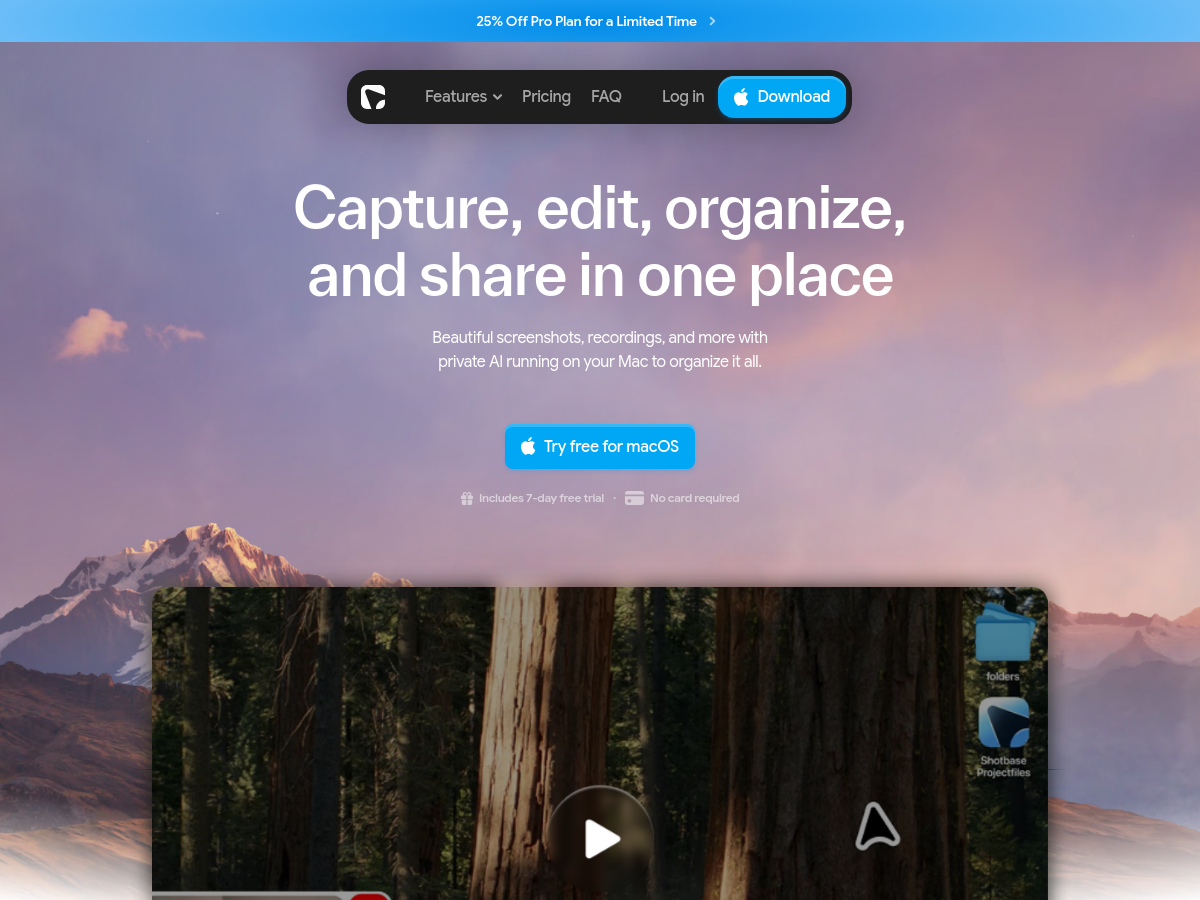
Shotbase is a private macOS workspace for capturing, editing, organizing, and sharing screenshots and screen recordings. It is designed as an all-in-one workflow, allowing users to capture screenshots, record screen activity, and take web page screenshots from a single application. The homepage highlights support for full-page or viewport web captures, light and dark modes, and multiple responsive breakpoints. Beyond capture, Shotbase includes an editor for static and motion content. Users can add backgrounds, frames, shadows, borders, watermarks, arrows, text, highlights, shapes, and callouts. For recordings, it can apply automatic zooms, turn flat recordings into 3D-style visuals, and add text, shadows, and effects. Captures are stored in a unified library with smart filenames, automatic tags, quick summaries, and search. Shotbase emphasizes privacy with local AI that runs on Apple silicon Macs. The local AI names, tags, and summarizes captures without sending image content to a remote model for analysis, according to the homepage. The product offers a free macOS download with a 7-day trial and mentions a Pro plan, though full pricing details are not provided on the page.

Solves

Capturing screenshots and recordings usually involves switching between separate tools for capture, annotation, organization, and sharing, which slows down workflows and can expose sensitive visual content to cloud services. Shotbase consolidates these tasks into a private macOS workspace and uses local AI to automatically name, tag, and summarize captures so users can find and reuse them efficiently.

Screenshot of Playwriter
Playwriter
AI Browsers Unknown

Playwriter is a tool that enables AI agents to control a user's real Chrome browser using Playwright. It works by installing a Chrome extension and a CLI, allowing agents to interact with the browser while preserving existing logins, cookies, and extensions. This avoids the limitations of headless browsers and provides a more realistic browsing environment for automation tasks. The tool supports multiple integration methods, including a command-line interface (CLI), an MCP server for agent communication, and a skill recorder. It offers features such as accessibility snapshots, search and diff capabilities, visual labels, session management, isolated state, dedicated pages, a debugger and editor, network interception, and screen recording. Remote access via tunnel or LAN is also supported. Playwriter is available as a Chrome extension with over 20,000 users and a 4.7 rating on the Chrome Web Store.

Solves

AI agents often struggle to interact with websites that require authentication or have complex client-side behavior. Headless browsers lack the logged-in state and extensions that real users have. Playwriter solves this by letting agents control the user's actual Chrome browser, preserving sessions, cookies, and extensions, enabling seamless automation of web tasks that depend on a real browsing context.

Screenshot of Waldo
Waldo
AI Agent Free

Waldo is a personal AI assistant described as an action layer for the human day. It combines body signals from wearables such as Apple Watch, WHOOP, Garmin, and Fitbit with calendar, task, communication, learning, and memory context, then uses that context to plan and close daily workflow loops. The homepage says it reads night and recovery data to rebuild the day, remembers people and preferences, and returns only for consequential judgment. The assistant is designed to coordinate work across existing AI models and agents, including Claude and Codex, as well as tools and apps, under explicitly granted authority. It verifies what actually became true and carries forward open items, aiming to reduce repeated explanations and manual coordination. Over time, Waldo is intended to surface patterns and compound personal context across months and years. Waldo's first surface is Kennel, a free and open-source Mac app that lives in the notch and manages multiple AI sessions and their outcomes. The site also lists planned plugins for WhatsApp, Slack, Linear, Claude, and Codex, plus a coming iOS app for health and personal context. Waldo is listed as free and is offered through an early-access waitlist.

Solves

Individuals and knowledge workers currently spread context across separate AI agents, calendars, tasks, messages, and wearable health data. This forces repeated explanations and manual coordination across tools. Waldo aims to unify that context into one assistant that plans around body signals, coordinates existing agents and apps, remembers preferences, and verifies outcomes so daily work and personal workflows close automatically.

Screenshot of Joxo
Joxo
AI Agent Unknown

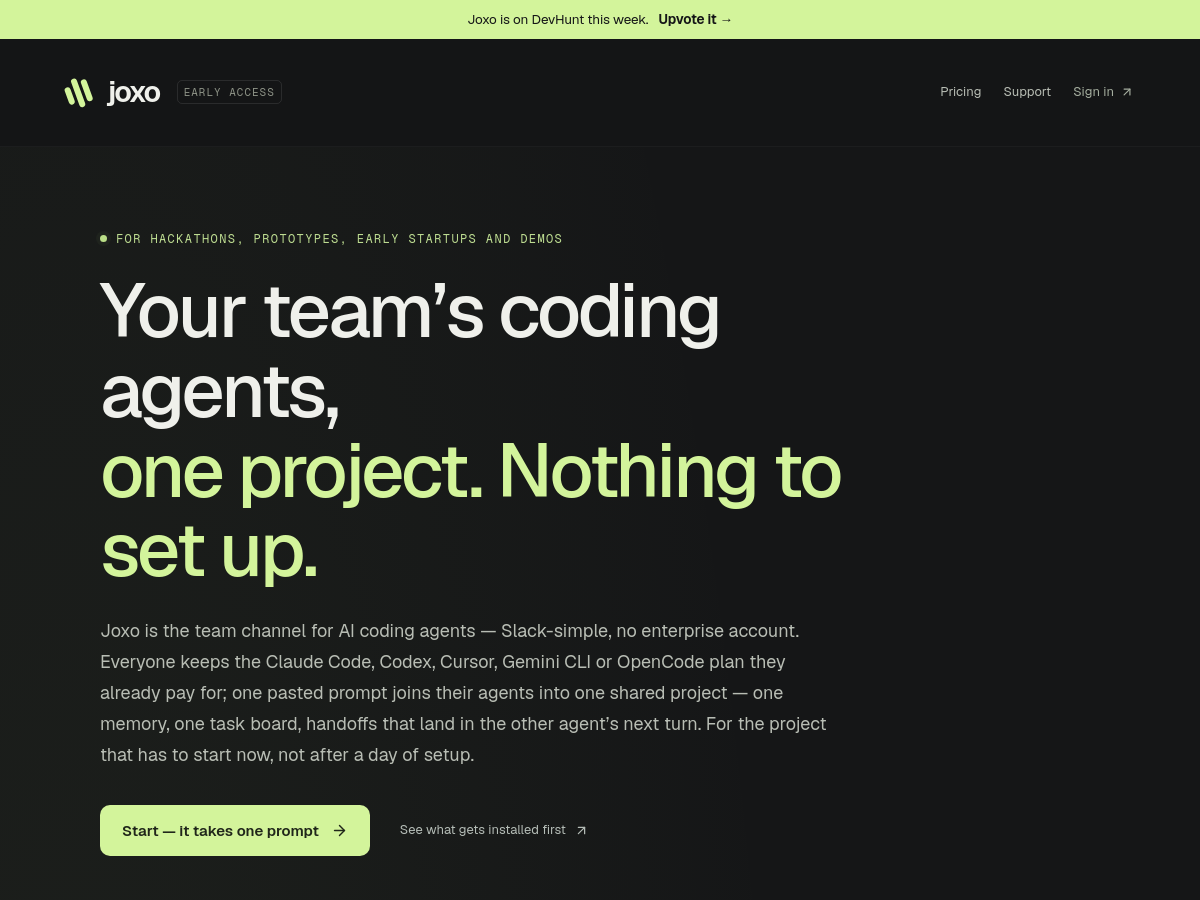
Joxo is a shared project workspace for teams using AI coding agents. It acts as a team channel for agents such as Claude Code, Codex, Cursor, Gemini CLI, and OpenCode, letting each teammate keep their existing subscription while connecting their agents to one project with shared memory, a task board, and handoffs. Setup is initiated by pasting a prompt into an agent, which installs the Joxo connector, pairs the project, and wires up an MCP server and session hooks. Joxo does not include a chat window or act as a model intermediary. It passes messages between agent sessions and maintains the board; commands are initiated by people, and each computer runs on its owner's plan. Decisions, blockers, and task ownership are delivered into another agent's next turn, with peer text fenced as untrusted context. Live file access remains off until explicitly enabled and permissions are granted. Joxo provides a connector consisting of an MCP server and CLI, a desktop app for macOS, Windows, and Linux, and a phone app that is not yet in app stores and can wake a machine and send instructions. Hosting a project requires an Apple Silicon Mac that stays online. The service is in early access and is aimed at hackathons, prototypes, early startups, and demos.

Solves

Teams using AI coding agents often work in isolated sessions, so decisions, context, and handoffs are lost between different plans and machines. Joxo solves this by providing a shared project with one memory, task board, and handoff channel, allowing agents from different teammates to continue work without re-explaining context or manually copying information.

Screenshot of aivideoflux
aivideoflux
AI Video Generator Unknown

AiVideoFlux is a browser-based AI video generation service that produces short cinematic clips from text prompts, still images, or reference material. The site markets itself as a multi-model workspace, letting users pick among a rotating roster of frontier video models that it names as Omni, Seedance, Kling, Veo, Wan, Flux, Grok, Runway, and MiniMax H3, rather than locking users into a single provider. A single generation console exposes prompt entry, model choice, aspect ratio (2:3, 3:2, 1:1, 16:9, 9:16), clip duration (6 to 30 seconds), resolution (480P, 720P, 1080P), and output count, with an estimated credit cost shown before the user commits to rendering. The product supports three distinct creation modes: text to video, image to video, and reference to video. Reference-based creation is the most advanced mode, allowing camera movement, character appearance, and audio to be borrowed from separate input assets and applied to a new generation — for example, referencing a camera move from one video, a character from a second image, and vocals from a third audio track. Prompts accept up to 2000 characters, and the interface suggests including camera movement, lighting, subject, and mood to improve controllability. A public gallery of model outputs doubles as documentation. Each sample on the site records the provider, exact model name, prompt, and inputs where available, so prospective users can compare stylistic strengths (for instance, high-action montage work versus surreal narrative sequences) before spending credits. The gallery is browsable by trending and by individual model pages. Access is credit-based. New accounts receive 100 signup credits valid for three days with no card required, and the interface shows an estimated credit cost per render — one example prompt shown on the homepage displays an estimate of 57 credits for a multi-second generation. Beyond the free trial, the site lists a separate pricing page, though public details about paid tiers were not available at the time of cataloging.

Solves

Creating AI video normally means juggling separate accounts, credit balances, and interfaces for each frontier model, and it is hard to know which model suits a given shot before paying for it. AiVideoFlux consolidates multiple text-to-video, image-to-video, and reference-to-video models into one console with a shared credit pool, unified prompt and output settings, and a public gallery of labeled outputs so users can compare model behavior before generating.

Screenshot of OneSearch - Deepsearch Anyone
OneSearch - Deepsearch Anyone
AI Research Tool Unknown

OneSearch is a web-based people research tool that builds a single sourced brief on a named individual using only publicly indexed web pages — company sites, GitHub, news coverage, podcasts, and public social profiles. A user types a name, reviews candidate cards showing role, city, and a public snippet to confirm the correct person, and then reads one page summarizing public work history, talks, writing, and profiles, with each claim linked back to its original URL. Follow-up questions are answered against the same brief and its underlying sources rather than triggering a new search, so a session stays attached to the person already confirmed. The homepage frames the workflow as three steps — confirm, brief, ask — and positions the product around the short window of research that happens just before a conversation. The vendor emphasizes privacy and provenance: lookups are described as private, the subject is never notified, only indexed public pages are used, and the output is explicitly stated not to be a background check and not to be built from purchased people files. If the public record is thin, the brief stays thin rather than filling gaps with guesses. OneSearch is presented as a hosted product with login and a pricing page, though the reviewed homepage content does not disclose specific pricing tiers or plan details.

Solves

Researching a person before a meeting typically means opening many tabs, skimming conflicting profiles, and manually tracking where each claim came from. OneSearch compresses that work into a single sourced brief on a confirmed individual and keeps follow-up questions tied to that same set of public sources.

Screenshot of TikViewer
TikViewer
AI Tiktok Unknown

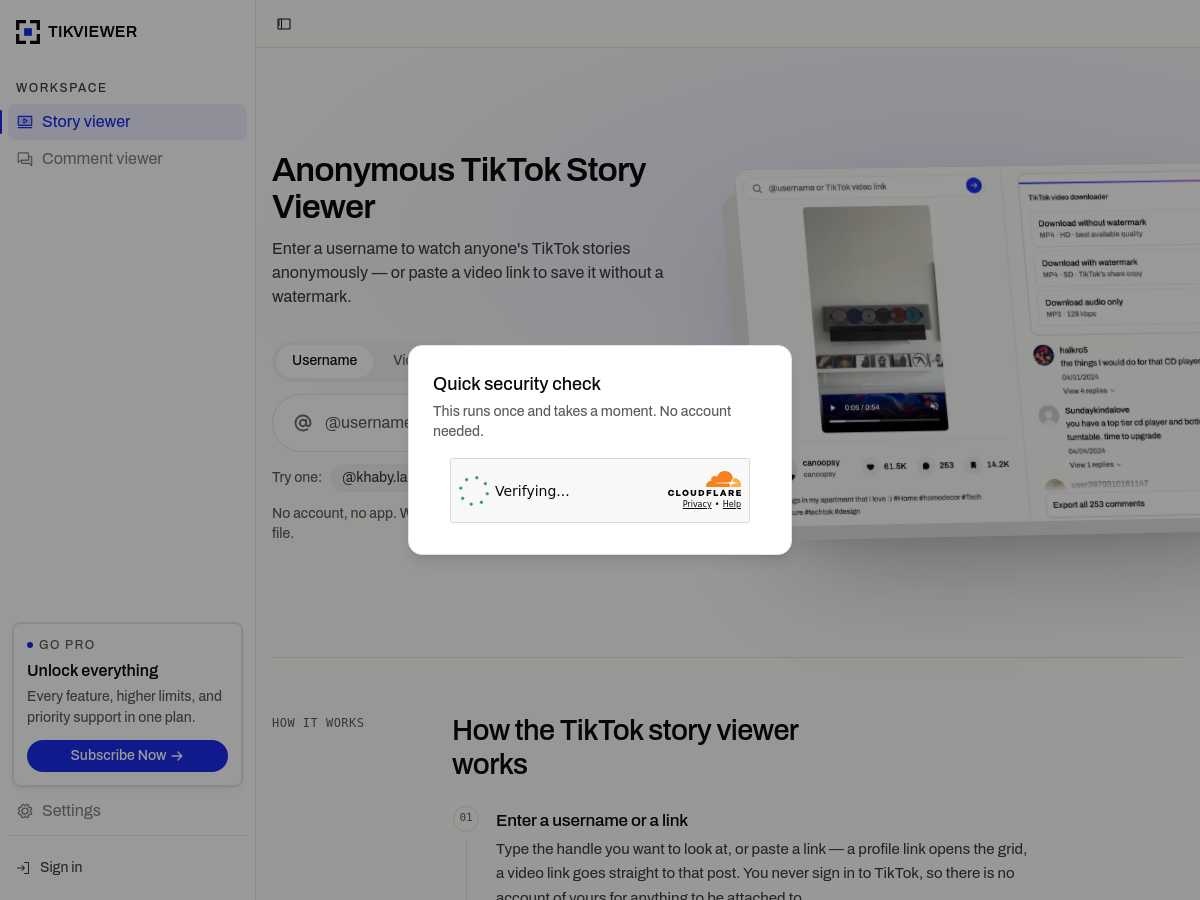
TikViewer is a browser-based SaaS tool for anonymously viewing public TikTok stories and posts, downloading TikTok videos, and exporting comment data. Users enter a TikTok username or paste a video link, then browse public posts, comments, and profile details without signing in to TikTok or installing an app. The site emphasizes that nothing is written to a viewer list because no TikTok account is connected. The tool can save videos as MP4 without the burned-in watermark, download the watermarked share copy, or extract audio as MP3. It also lets users read a post's comment section and export comments to CSV or Excel, including text, author, profile link, likes, reply counts, pinned and creator-liked flags, and dates, with optional replies. Viewing is described as free, while saving files may require an account and credits, with a Pro subscription for higher limits. TikViewer states clear limitations: it works with public profiles and posts only and cannot access private accounts, deleted or region-locked videos, photo posts, viewer lists, password-protected content, or upscale videos beyond their uploaded quality. Video downloads stream from TikTok's CDN; only MP3 extraction is processed server-side, and those files are reportedly removed after a limited period. The service runs responsively in modern browsers on desktop and mobile devices.

Solves

TikViewer solves the need to view and preserve public TikTok stories, videos, and comments without logging into TikTok, leaving a viewer trace, or installing separate apps. It provides a single browser interface for anonymous story browsing, no-watermark video and audio downloads, and structured comment exports before the 24-hour story window closes.

Screenshot of Privaro.ai
Privaro.ai
AI Workflow Unknown

Privaro is an AI governance and compliance platform designed for enterprise privacy. It detects personally identifiable information (PII) in LLM prompts and responses, masks that data, and audits every interaction to help organizations use AI without exposing sensitive information. The platform is positioned as GDPR and EU AI Act ready, addressing regulatory requirements for AI usage. The platform provides a live demo that runs in the browser, allowing users to paste a real prompt and see Privaro detect and mask names, IBANs, health data, and other identifiers. The demo also logs the interaction, demonstrating the auditing capability. Privaro mentions an Agent Privacy Layer as a new feature. According to its homepage, Privaro requires no integration to get started and offers an AI risk assessment tool. It highlights that EU AI Act high-risk obligations apply from 2 August 2026, and that AESIA is already supervising in a placeholder location. The platform is marketed for enterprise AI security, AI DLP, prompt anonymization, and PII detection via API.

Solves

Organizations using large language models risk exposing sensitive data such as PII, health information, and financial identifiers in prompts and responses. Privaro solves this by detecting and masking such data, auditing LLM interactions, and providing governance controls to help meet GDPR and EU AI Act compliance requirements.

Screenshot of AgileHero
AgileHero
AI Project Management Unknown

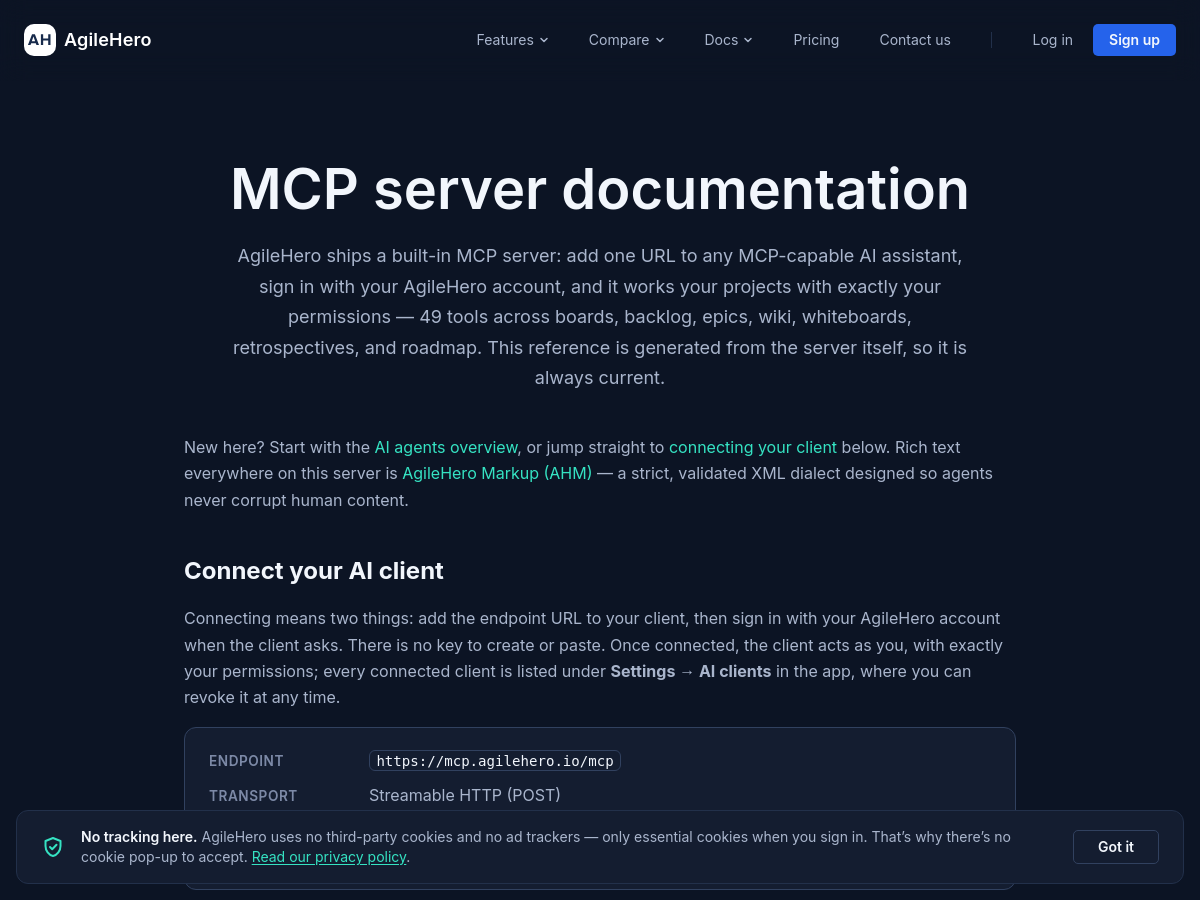
AgileHero is an agile project management workspace that combines kanban boards, backlog, epics, roadmap, retrospectives, whiteboards, and a wiki in one product. It is delivered as a SaaS offering and includes a built-in MCP server that lets AI assistants operate the same project data. The MCP server exposes 49 tools for AI agents across boards, backlog, epics, wiki, whiteboards, retrospectives, and roadmap. The documented endpoint is https://mcp.agilehero.io/mcp and uses Streamable HTTP (POST). Connection is made by adding the endpoint URL to an MCP-capable client, then signing in through a browser with an AgileHero account. There is no API key to create or paste, and the AI client acts as the signed-in user with exactly that user's permissions. Connected clients are listed under Settings → AI clients and can be revoked at any time. The documentation provides setup guides for Claude Code, VS Code with GitHub Copilot, Codex, Zed, GitHub Copilot CLI, Claude web/desktop/Cowork, ChatGPT, and other clients. Rich text throughout the server uses AgileHero Markup (AHM), a strict, validated XML dialect designed so agents do not corrupt human-authored content. The MCP tool reference is generated from the server itself.

Solves

Agile project management information is often fragmented across boards, planning docs, whiteboards, retrospectives, and roadmaps, while AI assistants lack secure access to that project context. AgileHero addresses this by combining those artifacts in one workspace and exposing them through a permissioned MCP server, so AI assistants can read and act on boards, backlog, epics, wiki, whiteboards, retrospectives, and roadmap without custom integrations or manual copy-paste.

Screenshot of AI Travel Pro
AI Travel Pro
Travel Planning Unknown

AI Travel Pro is a web-based travel itinerary planner that generates day-by-day trip plans from a destination, trip length, traveler count, budget, and travel style. According to its homepage, it creates a complete itinerary in about 30 seconds, including timed activities, restaurant suggestions, transport details, and interactive maps for each day. Users can choose travel styles such as solo, couple, family, budget, or premium. The generated itinerary is editable, allowing users to swap activities, change restaurants, and add personal notes. Finished plans can be downloaded as PDFs for offline use while traveling. Sample itineraries are available, such as a 5-day Bali plan for two travelers on a mid-range budget, with booking links for hotels, tours, and activities. Pricing is not specified on the homepage.

Solves

Travelers spend hours scrolling travel forums, cross-referencing booking sites, and assembling day-by-day plans. AI Travel Pro reduces that effort by automatically generating structured, personalized itineraries with maps, activity timing, restaurant ideas, transport notes, and booking links, so users can move from destination choice to an actionable trip plan in minutes.

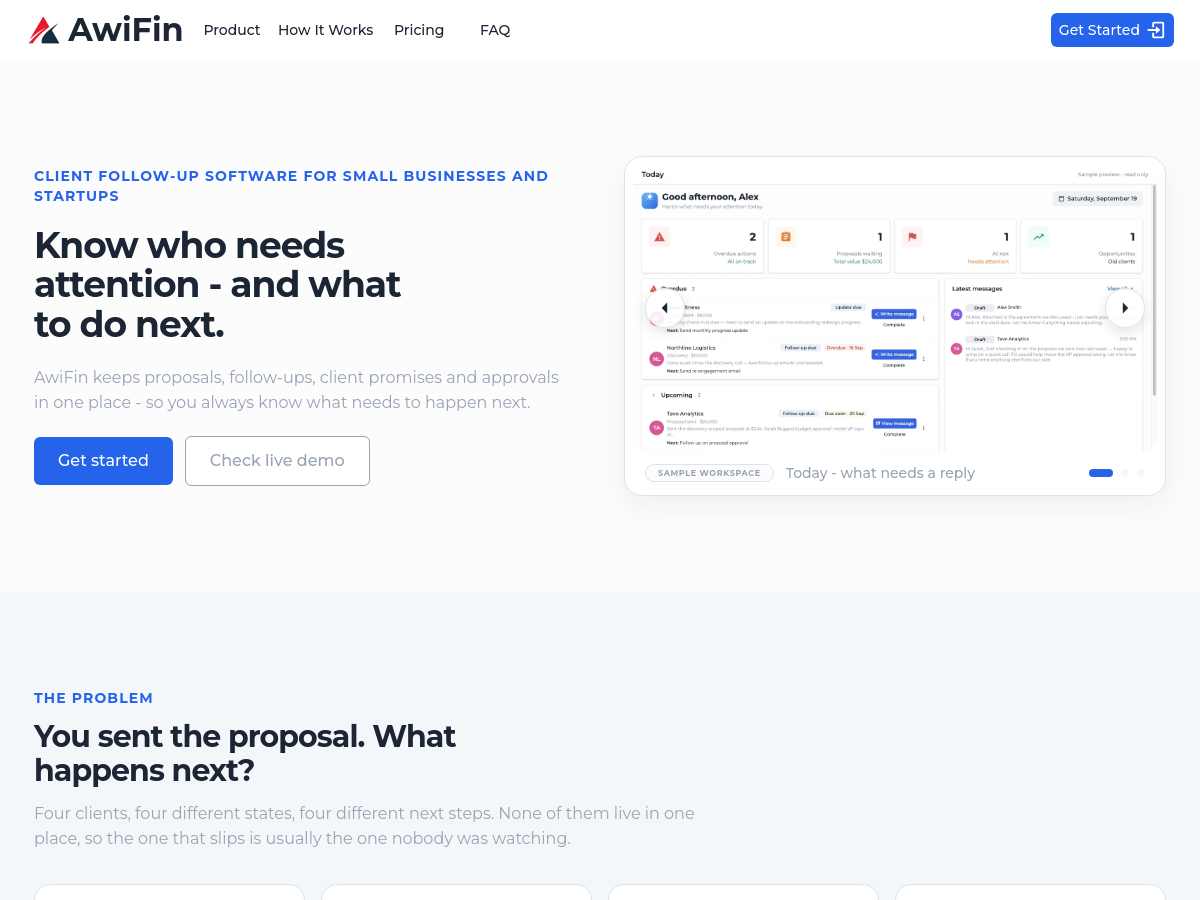
Screenshot of AwiFin
AwiFin
AI CRM Unknown

AwiFin is a client follow-up and lightweight CRM product aimed at founders, small agencies and independent consultants who run their own sales and account management. Rather than organizing work by pipeline stage alone, it organizes the day around attention: a daily view groups clients into Overdue, Today, Waiting and Upcoming so the user can see which promises, follow-ups and approvals need action now. Each record carries a client, a reason it surfaced, and an explicit next action with a date. The product keeps a lead and a converted client as a single continuous record. According to the vendor, a lead does not become a different record when it converts, so context, notes, promises and next steps carry across from first contact through proposal, follow-up, active client, updates, promises and approvals. The stated workflow is five steps: add a lead or client, capture what happened, set the next action, review the daily attention view, and send the next message. Integration is focused on where client communication already lives. Email sync connects an inbox so replies, requests and promises from client emails are picked up automatically; Outlook sync is described as built and in testing. Users can add a lead by pasting a LinkedIn profile URL to auto-fill details, or paste a block of free text and let AwiFin extract the details. Notion pages can be linked to a client so page content is pulled into notes without copy-pasting. AwiFin positions itself alongside project and delivery tools rather than replacing them: the vendor states that tools like Trello or Notion track the work while AwiFin tracks the relationship. Pricing is published in tiers, with Solo at $24.99 per month covering up to 40 active clients, 500 contacts and 2 team members, and a small-teams plan at $49.99 per month covering up to 200 active clients, 2,000 contacts and 5 team members, with AI-assisted message generation and higher AI allowances on the higher tier.

Solves

Founder-led and small-team sales lose deals not because of bad products but because follow-ups, client promises and approvals live scattered across inboxes, notes and project tools. AwiFin consolidates proposals, follow-ups, promises and approvals into one place and turns each into a dated next action, so the user can see in one daily view what is overdue, what is due today, what is waiting on the client and what is coming up, and therefore which relationship is at risk of going cold unnoticed.

Screenshot of Professional Headshot Generator
Professional Headshot Generator
AI Headshot Generator Unknown

Professional Headshot Generator (HeadshotGenerator.pro), branded as Headshot Studio, is a SaaS web application that uses AI to transform a single uploaded photo into a professional headshot. The homepage states users can upload one clear, front-facing photo, choose gender, background, and outfit, and receive a generated headshot in about 30 seconds. It is marketed for LinkedIn profiles, corporate websites, and other professional profile imagery. The workflow is described in four steps: upload a photo, pick a style, generate, and download. The service checks the uploaded photo for quality and a single visible face, then edits the photo in place—keeping the same face while changing outfit and background. During early access, the tool is free to use, and regeneration is also free according to the site. Privacy and security claims include AES-256 encryption in transit and at rest, private isolated GPU instances for AI processing, no selling, renting, or sharing of personal data with third parties, and deletion of uploaded photos and generated results on request. The homepage does not disclose the underlying model architecture, training data, post-early-access pricing, API availability, or supported integrations. It is positioned as an alternative to traditional studio photography for individuals and teams needing professional headshots quickly.

Solves

Traditional professional headshots typically require scheduling a photographer, traveling to a studio or setting up lighting, paying significant fees, and waiting for edited images. This tool addresses that by generating studio-quality AI headshots from one uploaded photo in about 30 seconds, reducing the time, cost, and logistical effort needed for professional profile imagery.

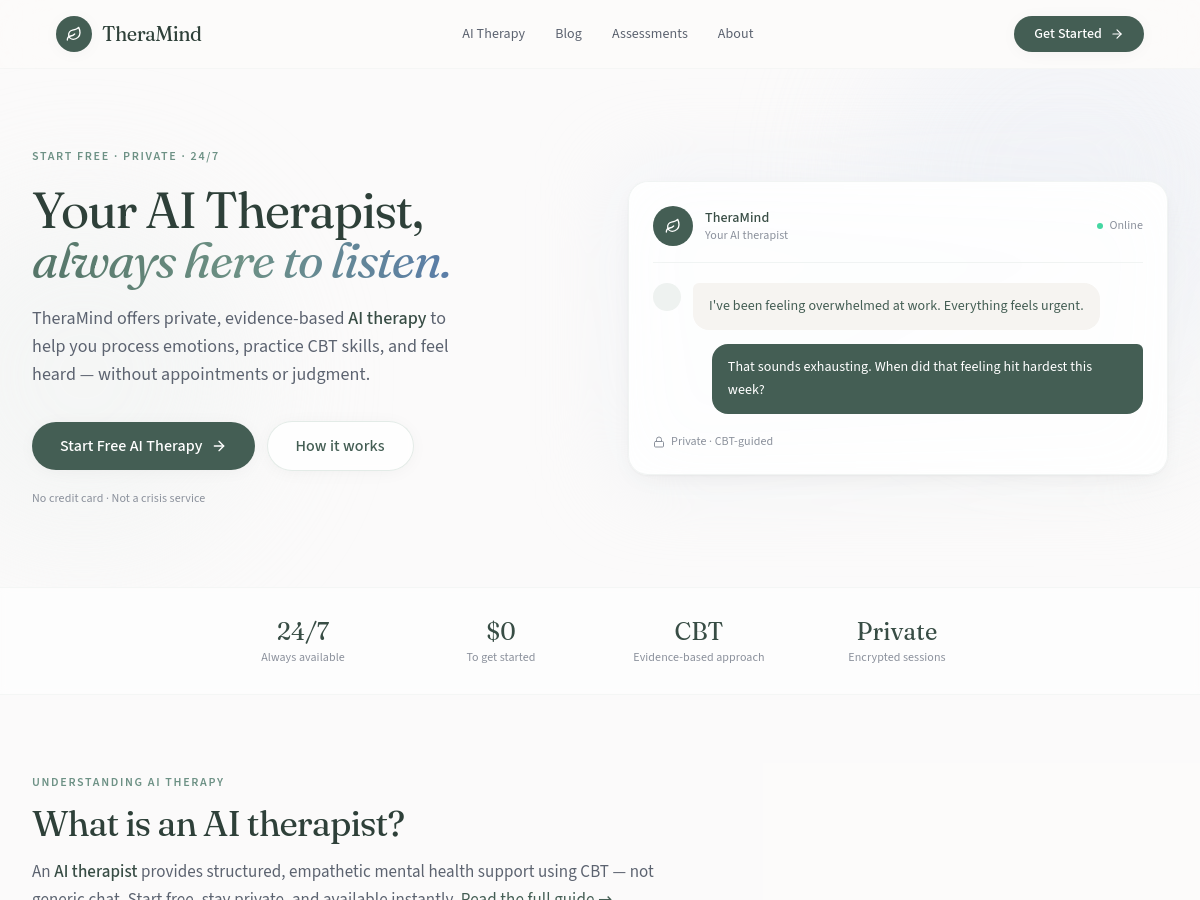
Screenshot of TheraMind - The AI Therapist
TheraMind - The AI Therapist
AI Therapist Free

TheraMind is a web-based AI therapist that delivers private, text-based mental health support grounded in cognitive behavioral therapy (CBT) techniques. Users sign up with an email and magic link, optionally complete a brief wellness check-in, and then start sessions immediately without intake forms, insurance, or appointments. The product positions itself as a supportive companion rather than clinical treatment, and it explicitly states it is not a crisis or emergency service. Sessions support four selectable modes — venting, finding clarity, getting practical steps, or a quick check-in — and the platform pairs conversation with structured CBT tools such as thought records, Socratic questioning, and behavioral exercises. Beyond chat, TheraMind bundles a fuller wellness toolkit: mood tracking, guided breathing and grounding exercises (box breathing, 5-4-3-2-1), an encrypted journal with prompts, and session summaries that include optional homework. The service emphasizes privacy and accessibility. Sessions are described as encrypted and readable only by the user, with no human reviewer, and availability is marketed as 24/7 at no cost to start and no credit card required. Content pages target common concerns including anxiety, stress and burnout, low mood, grief, loneliness, and relationship difficulties. TheraMind openly compares itself with human therapy, noting that it cannot diagnose conditions, assess risk, or coordinate care, and that it is best suited to daily support and skill practice rather than complex trauma or medication management. It directs users in need of urgent help to licensed professionals and crisis resources.

Solves

Access to mental health support is often limited by cost, waiting lists, scheduling, and the stigma or vulnerability of speaking to another person. TheraMind provides an always-available, private, low-friction way to process emotions and practice evidence-based CBT skills such as thought records and grounding, filling the gap between therapy sessions or serving people who cannot or do not want to see a human therapist.

Screenshot of Zero GPT - AI Detector
Zero GPT - AI Detector
AI Detector Unknown

ZeroGPT (zerogpt.live) is a web-based content verification service that bundles five detection and writing tools into a single interface: an AI text detector, a plagiarism checker, an AI image detector, a grammar checker, and an AI video detector. The platform is positioned as "forensic content verification" for separating authentic content from synthetic content across three media types — text, images, and video — and returns a consistent result shape for every scan: a confidence reading, a plain-language verdict, and an expandable technical breakdown. Text scanning accepts pasted text or uploaded files up to roughly 150,000 characters, with a stated minimum of 300 words for meaningful analysis, and returns a human/AI confidence score plus sentence-level flagging. The plagiarism checker produces an originality score with a source-by-source breakdown of matched published content. The image detector analyzes uploads for AI generation or AI editing and reports confidence across multiple signals such as machine-learning classification, OCR, and metadata inspection. The video detector accepts clips up to 50MB and performs frame-level authenticity analysis, returning a likely-AI or likely-authentic verdict, typically within about 10–15 seconds. The site states the models are tuned and calibrated specifically for English-language content, and that results are probabilistic rather than definitive — every output carries a disclaimer that detection is one signal, not proof. Basic usage is free with three scans and no signup required, and the interface is designed to work from mobile devices, letting users upload from a camera roll and review scan history across devices. Pricing details beyond the free tier and the underlying model architecture are not publicly documented on the homepage.

Solves

As AI-generated text, imagery, and video become indistinguishable from human-created content, educators, editors, publishers, and businesses need a fast way to assess whether a piece of content was machine-generated. ZeroGPT addresses this by consolidating text, image, video, and plagiarism detection into one no-signup web tool that returns a confidence score and a plain-language verdict, so users can flag suspicious submissions or assets without training or specialized software.

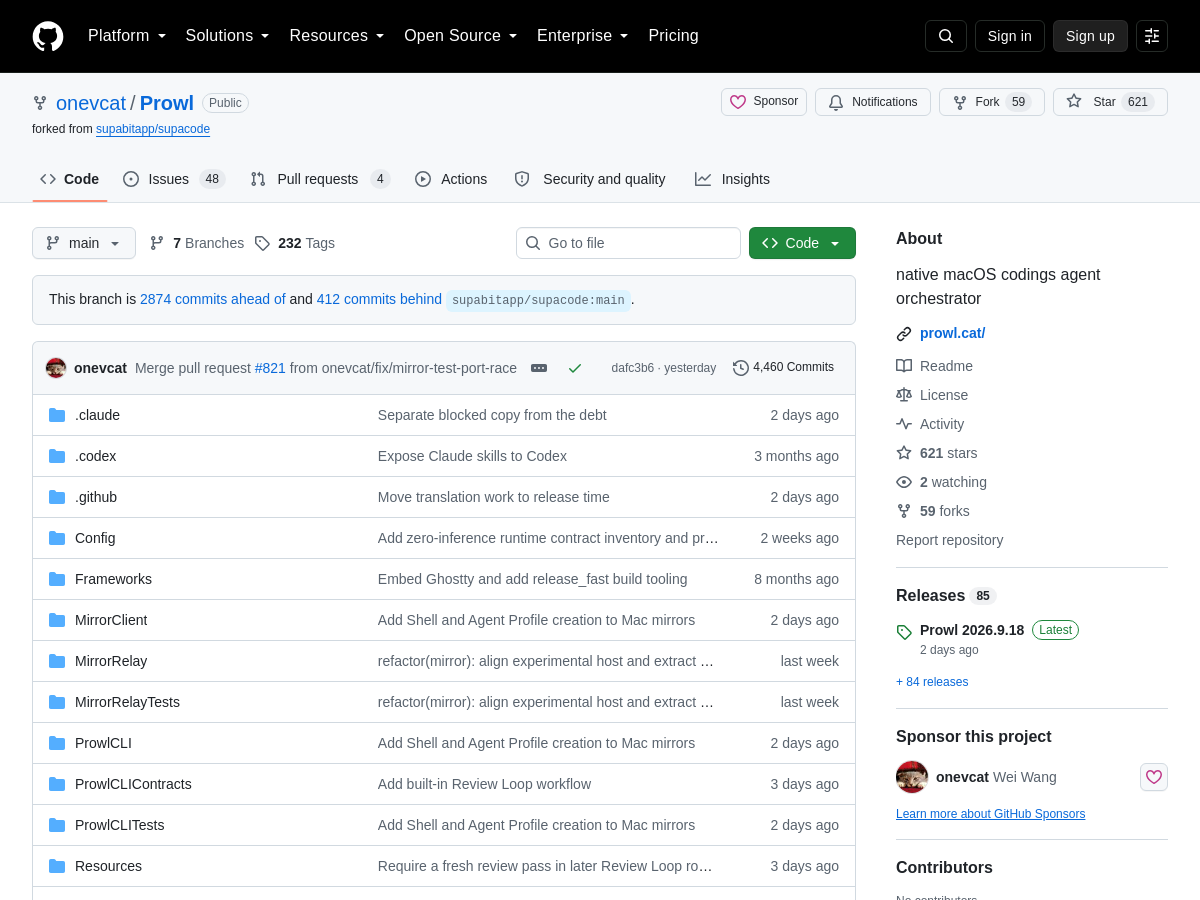
Screenshot of Prowl
Prowl
AI Agents Open Source

Prowl is an open-source, native macOS application that acts as a command center for running multiple AI coding agents in parallel. Rather than juggling several terminal windows, developers get a single window with vertical tabs for each session, a live canvas view that visualizes every running agent at once, and a command palette for fast navigation and control. The project is maintained by onevcat on GitHub and is positioned as a coding-agent orchestrator rather than an agent itself. Prowl works with external command-line coding agents such as Claude Code, Codex, and other compatible tools, wrapping them in a unified native interface. Its vertical tab layout keeps many concurrent sessions readable, while the canvas view is intended to give an at-a-glance picture of what each agent is currently doing. The command palette provides keyboard-driven access to sessions and app actions, matching the workflow expectations of macOS power users. Because the app is built natively for macOS and is distributed as an open-source repository, users install and run it locally on their own machine, and the agents it drives run under the user's existing credentials and tooling. The GitHub repository includes the README and source, and the tool is frequently listed alongside other agent orchestrators in community-curated lists.

Solves

Running several AI coding agents at the same time usually means opening many terminal windows or editor panes, which makes it hard to see which agent is working, which is stalled, and what each one has produced. Prowl solves this by giving macOS users one native window that tracks every concurrent agent session through vertical tabs and a live canvas overview, plus a command palette for fast switching, so parallel agent workflows stay observable and manageable instead of fragmented across the desktop.

Screenshot of LoftCue Studio
LoftCue Studio
Ai Generative Media Unknown

LoftCue Studio is a SaaS AI real estate video generator and listing video maker designed to turn existing property photos into ready-to-post videos. According to its homepage, it adds cinematic AI motion, captions, music, voiceover, and branding so agents and real estate teams can create professional property videos without filming or manual editing. The product targets vertical formats commonly used on Reels, TikTok, and Shorts, and it offers both branded and unbranded exports. The platform includes AI camera effects built for real estate, such as room walkthroughs, room-to-room transitions, interior tracking shots, cinematic push-ins, pull-back reveals, entrance approaches, facade arcs, vertical rise reveals, exterior life animation, day-to-night transitions, virtual staging reveals, construction-to-completion sequences, season transformations, and sketch-to-reality effects. It also provides image transformation options before video generation, including virtual staging, renovation visualization, and interior restyling. LoftCue positions itself for real estate agents, teams, and marketers who need listing videos but may not have videographer budgets or editing time. The homepage advertises a 5.0 rating from 168 reviews, no credit card required to start, and a pricing page for its AI real estate video service.

Solves

Real estate marketing increasingly depends on video, but many agents and teams lack the budget for professional videographers or the time for manual editing. Property tours and listing promos often require filming, editing, captions, music, and branding across multiple social formats. LoftCue addresses this by generating ready-to-post property videos directly from listing photos.

Screenshot of Pixelpromptx
Pixelpromptx
Prompt Engineering Tools Unknown

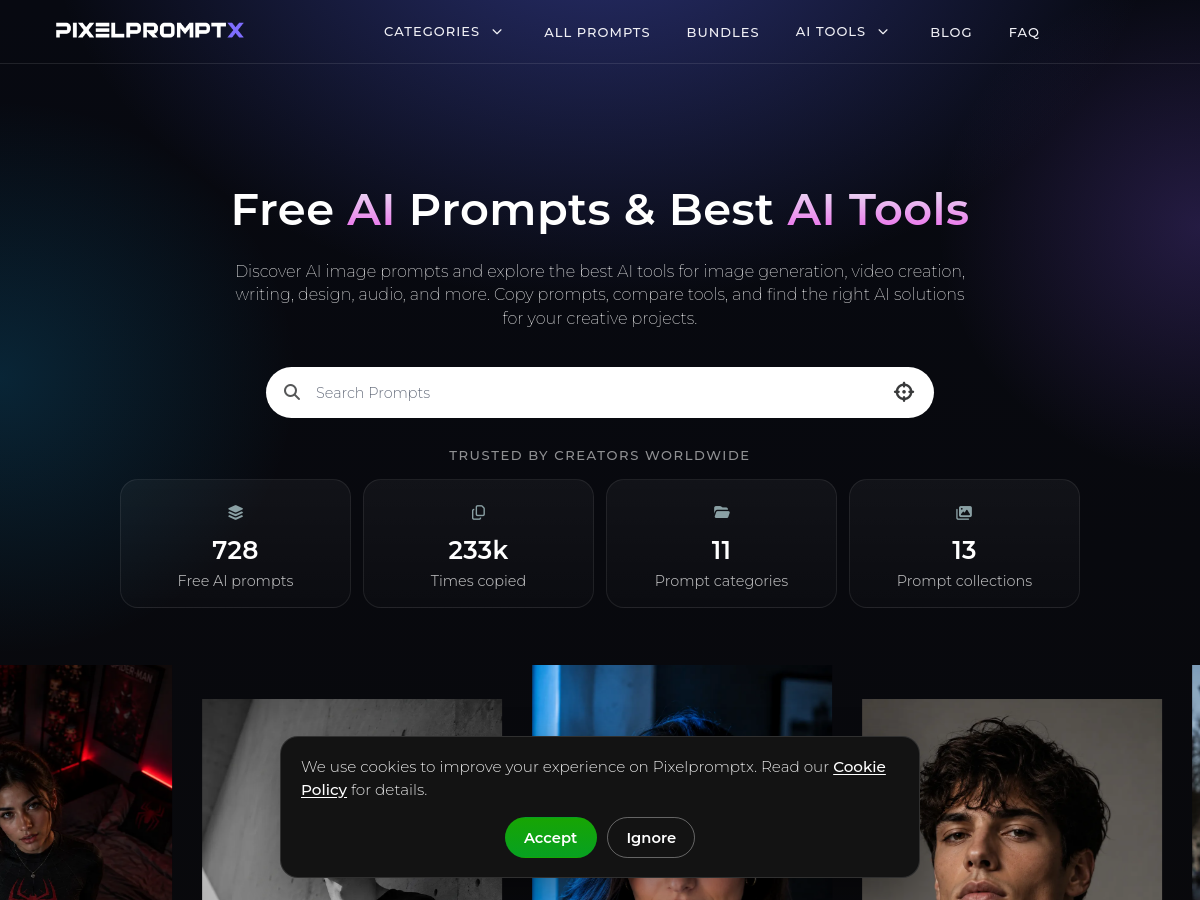
Pixelpromptx is a free, browser-based AI prompt library and AI tools directory focused primarily on image generation. Its catalog organizes ready-to-use prompts by category, hashtag, and supported tool, and the site states that prompts are written with a deliberate structure covering subject, setting, lighting, camera language, mood, and style so results are consistent across generators. Prompts are presented as plain HTML with full prompt text and an example image, allowing visitors to copy them without signing up. Alongside the prompt library, Pixelpromptx maintains a directory of AI tools spanning image generation, video, writing, design, audio, and productivity. Tool entries are described as covering features, pricing, pros, cons, and alternatives, positioning the site as a comparison resource in addition to a prompt repository. The platform explicitly markets itself as working across ChatGPT, Google Gemini, Midjourney, and similar services rather than being tied to a single model vendor. The product is aimed at creators, marketers, designers, and beginners who want to shorten prompt iteration time. Its workflow is deliberately simple: browse or filter for a prompt, copy it, paste it into a generator, and adjust individual details such as wardrobe, location, or color grade to fit a brand or brief. No installation, account, or setup step is described in the public documentation.

Solves

Crafting effective AI image prompts is slow and inconsistent because vague descriptions leave generators to guess, producing unpredictable results. Pixelpromptx addresses this by supplying pre-structured prompts that already encode subject, lighting, camera language, mood, and composition, so users can skip trial and error and get repeatable, professional-looking output.

Screenshot of Idlen
Idlen
AI Advertising Unknown

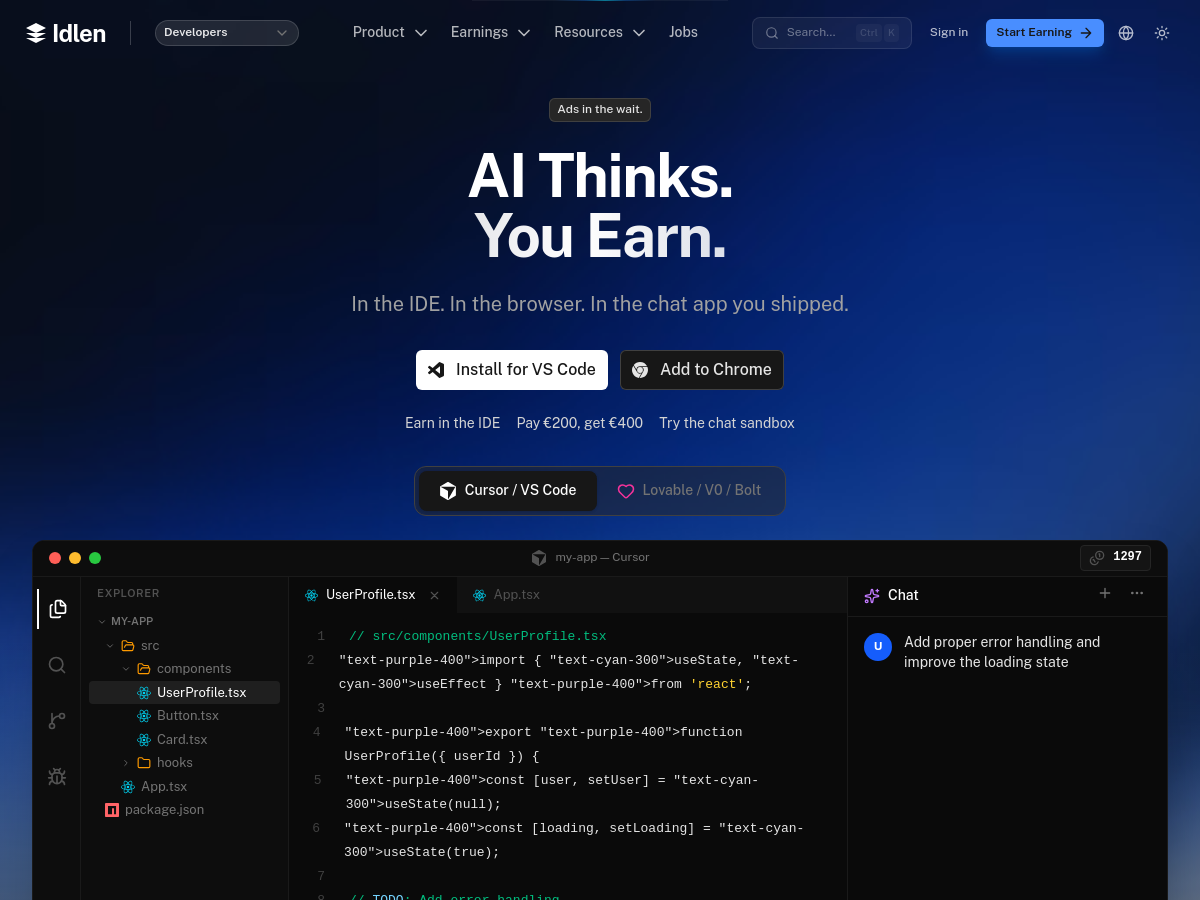
Idlen is a native developer advertising platform that places ads during AI wait time. It offers a VS Code extension for editors such as VS Code, Cursor, and Windsurf, Chrome and Firefox browser extensions, and a chat SDK for AI app builders. The platform connects developers who use AI tools with advertisers who want to reach them in their IDE, browser, and chat workflows. For developers, Idlen displays native ads from developer-tool advertisers while AI models process prompts. The homepage states that users can earn passive income without changing their workflow, with earnings paid via Stripe, PayPal, or API credits, including a 10% bonus option. Idlen also claims privacy: prompts and code stay on the user's machine and are not sent to the platform. For advertisers, Idlen targets developers based on the stack and tools they actually use. The homepage mentions a welcome offer of paying €200 and receiving €400. For AI app builders and publishers, Idlen provides a chat SDK that can be integrated in three lines of code, plus a sandbox to preview which ad would serve. Idlen positions itself as privacy-first and zero-latency, with ads loading only during AI processing. It supports popular AI tools and environments including Copilot, ChatGPT, Cursor, Windsurf, Replit, Claude, V0, Bolt, and Lovable. Pricing details are not fully specified on the homepage, though an advertiser welcome offer is listed.

Solves

Idlen addresses the unmonetized time users spend waiting for AI models to respond. Developers and AI tool users lose attention during model processing, while advertisers struggle to reach developers contextually in their IDE and browser workflows. Idlen inserts native ads into that wait time, letting developers earn passive income, advertisers target by developer stack, and AI app builders add a monetization layer with a few lines of SDK code.

Screenshot of Ima Studio
Ima Studio
AI Image Generator Unknown

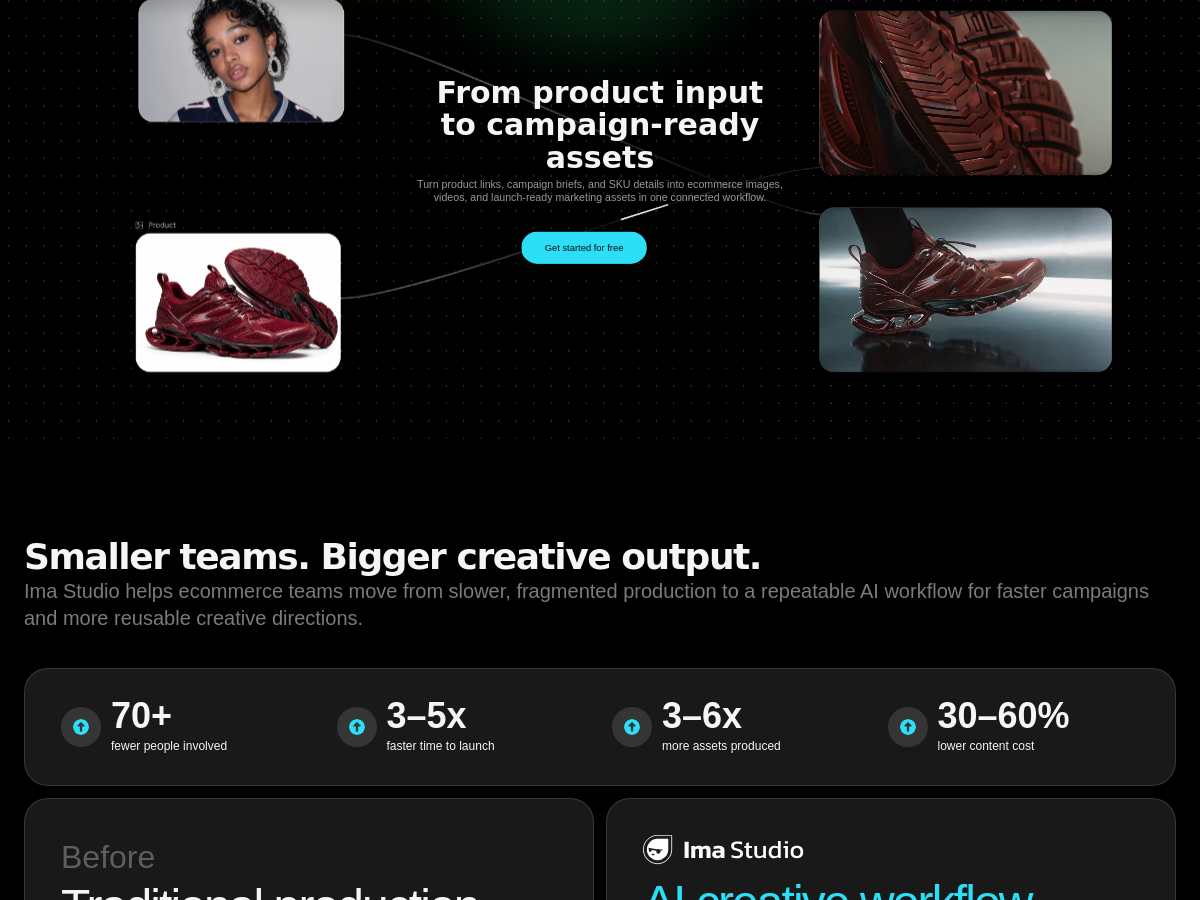
Ima Studio is a next-generation, multi-model AI platform designed for creating ecommerce images, videos, audio, and marketing assets. It allows users to prompt once and generate content with 10+ AI models, including [PERSON_NAME], Nano Banana Pro, and Seedream. The platform integrates a wide range of AI tools, from image and video generation to audio creation and editing. The platform offers a comprehensive AI suite covering image generation, video generation, song making, upscaling, background removal, object removal, text editing, and more. It includes specialized ecommerce tools such as AI Ad Maker, AI UGC Video, AI TVC Video, AI Product Video, and ad generators for TikTok, Facebook, and Amazon. Additional products include Ima Canvas (a canvas editor), Ima Claw, Ima Skills, Ima Drama (story generation), and Ima Arena (model comparison/review). Ima Studio also provides an API through ImaRouter and enterprise solutions. The platform is web-based and targets businesses and creators looking to streamline content production for ecommerce and marketing.

Solves

Ima Studio solves the problem of fragmented AI content creation for ecommerce and marketing by providing a unified platform where users can generate images, videos, audio, and ads using multiple state-of-the-art AI models with a single prompt. This eliminates the need to switch between different tools and subscriptions, streamlining the creative workflow and reducing production time and costs for businesses.

Screenshot of Social Walls by Taggbox
Social Walls by Taggbox
AI Social Media Unknown

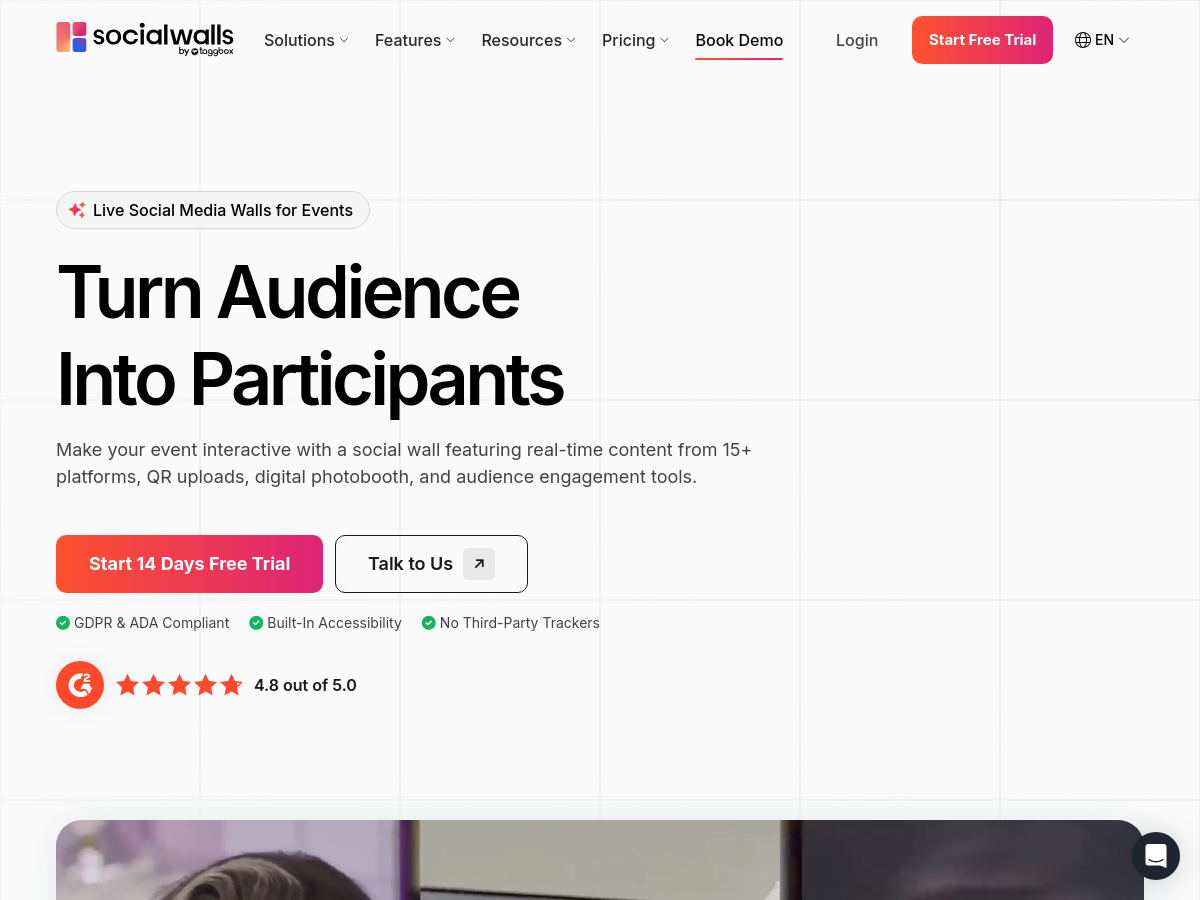
Social Walls by Taggbox is a SaaS platform for creating interactive social media walls that display real-time social content on event screens, websites, digital signage, and venue displays. It aggregates posts from more than 15 social platforms and supports QR-based uploads, a digital photobooth, live polls, live reactions, and audience engagement tools. The homepage states that it serves events, virtual experiences, internal communications, campaigns, and websites. It also offers content download and analytics features, and it advertises GDPR and ADA compliance, built-in accessibility, and no third-party trackers. The product is used by enterprises and event organizers, with logos including Google, Intel, Shein, Facebook, Etihad Arena, Royal Enfield, and Zendesk, and a G2 rating of 4.8 out of 5.0. The platform is designed to turn passive audiences into participants. Attendees can scan a QR code to upload moments without needing a social media account, while moderators can curate and display approved content. Social Walls supports use cases such as internal communications, virtual events, event displays, digital signage, campaigns, and website embeds. It provides a 14-day free trial and is positioned as a cloud-based tool accessible via app.socialwalls.com. Because it is a hosted SaaS offering, deployment does not require self-hosting. The homepage emphasizes accessibility and privacy features, including GDPR and ADA compliance and no third-party trackers. Specific technical implementation details, source code, and licensing information are not published on the homepage.

Solves

Social Walls solves the challenge of audience engagement at events and on digital screens by aggregating live social media content and user-generated uploads into a single moderated display. It allows organizers to show real-time attendee posts, photos, and reactions on venue screens or websites without requiring participants to have a social media account, helping brands increase reach and interactivity.

Screenshot of Qlynic
Qlynic
AI Healthcare Unknown

Qlynic is an AI-native electronic medical record (EMR) and clinic management platform for medical practices. It brings clinical records, coded prescribing, allergy cross-checks, intake forms, telehealth, lab/imaging/referral orders, and optional AI Scribe for SOAP notes into one system. The homepage also lists AI Advisor and country-based pricing as part of the product positioning. Beyond clinical charting, Qlynic covers clinic operations such as scheduling, recurring bookings, doctor shifts, time off, appointment reminders, two-way SMS, reviews, payments, patient portal access, and staff/payroll. It offers a REST API, with webhooks, pharmacy PrescribeIT, imaging/PACS, fax/document handling, and AI voice reception listed as forthcoming. Qlynic markets itself for practices worldwide, but its publicly documented live billing integrations are focused on Alberta, Canada, through AHCIP and H-Link. Ontario OHIP and British Columbia MSP are marked as 'Soon,' and the site targets small clinics and multi-doctor practices.

Solves

Clinics often run patient records, booking, billing, telehealth, reminders, and payments across disconnected tools, forcing staff to re-enter the same information. Qlynic addresses this by making every part of the clinic write to one patient record, from booking through charting to claims, while adding AI-assisted documentation and patient engagement features.

Screenshot of AStudio
AStudio
AI Agent Unknown

AStudio is an AI productivity workbench developed by iFlytek (科大讯飞) and positioned as a next-generation, all-scenario AI productivity platform. Rather than acting as a simple chat assistant, it accepts a user-defined goal, interprets the underlying intent, autonomously decomposes the goal into a plan, and then invokes authorized tools to carry out each step. The stated promise is that the interface stays the same even as the work changes — users describe what they want and the agent adapts its toolchain accordingly. Outputs are oriented toward knowledge work deliverables: documents, spreadsheets, web pages, and code. The platform emphasizes transparent, controllable execution, meaning users can inspect and steer the agent's plan and intermediate steps instead of receiving only an opaque final answer. A live preview and collaborative iteration loop lets users refine results continuously rather than regenerating from scratch. The product is delivered as a hosted web service at agent.xfyun.cn and is tied into iFlytek's broader Spark (讯飞星火) large-model ecosystem. Marketing material also references private deployment and enterprise procurement options, alongside capabilities such as natural-language data querying (智能问数), suggesting positioning for both individual productivity and organizational deployment. Because the tool combines planning, tool calling, and artifact generation in one workspace, it competes in the emerging category of general-purpose agentic workspaces rather than single-purpose chatbots or document generators. Public documentation for the tool remains limited, so specifics such as the exact tool catalog, supported model versions, quotas, and pricing are not fully disclosed.

Solves

Knowledge workers routinely need to produce multi-step deliverables — reports, spreadsheets, web pages, code — which requires juggling many separate tools and manually chaining steps. AStudio addresses this by letting a user state a goal once; the AI interprets intent, plans the task breakdown, and orchestrates authorized tools to produce the finished artifact, aiming to replace fragmented manual workflows with a single, transparent, iteratively editable workspace.

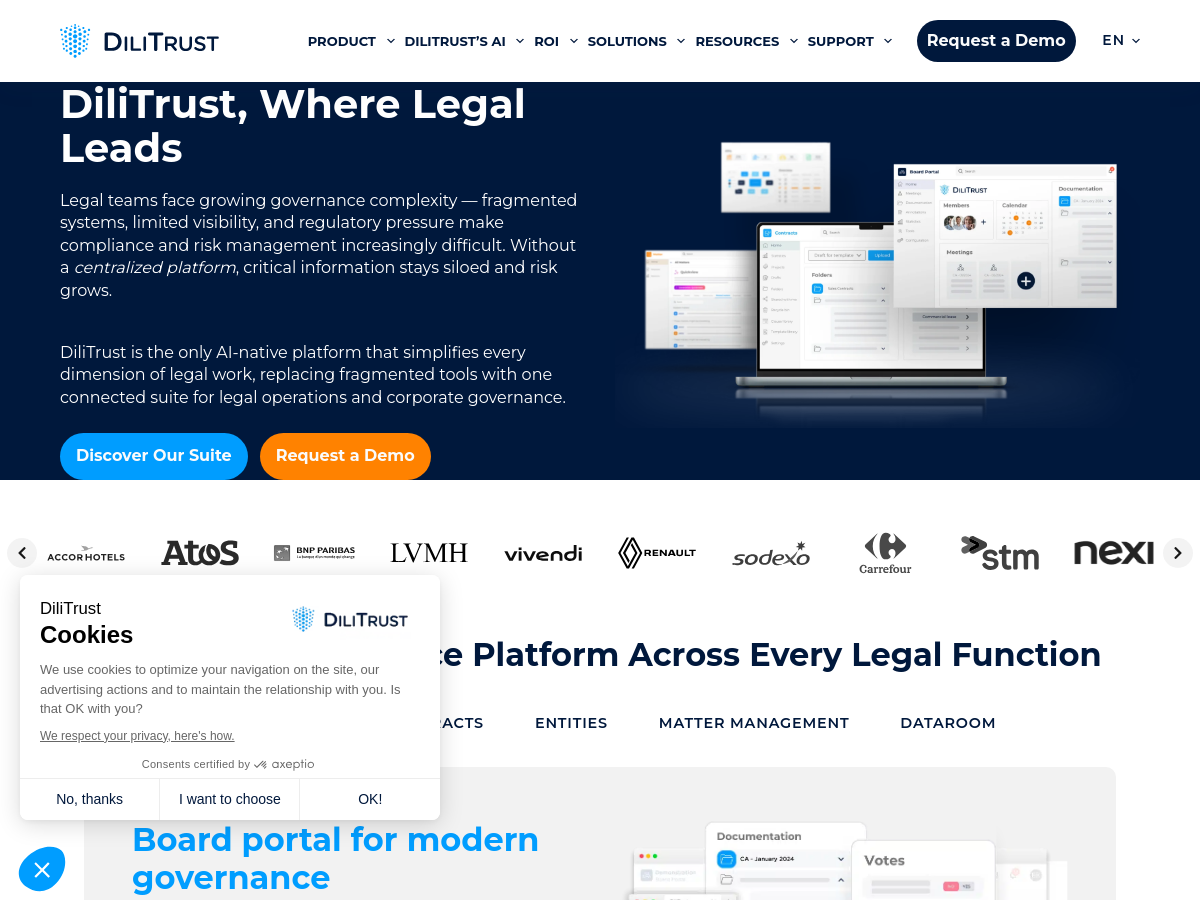
Screenshot of DiliTrust
DiliTrust
AI Legal Assistant Unknown

DiliTrust is an AI-native, fully integrated legal technology platform designed for corporate legal departments, governance teams, and compliance functions. It combines multiple modules—Board Portal, Contract Management, Matter Management, Entities Management, and Documentation Library—into a single suite to connect and simplify legal work across the organization. The platform includes proprietary AI capabilities such as audio transcription, automated data extraction, DiliChat AI legal assistant, document summarization, minutes generation, QuickView, and risk detection. DiliTrust targets industries including pharma, private equity, real estate, and energy, and supports roles such as board members, general secretaries, legal operations, corporate lawyers, and contract managers. DiliTrust positions itself as a platform for legal transformation, aiming to help teams move faster, reduce risk, and support strategic business decisions. Pricing is not publicly listed, and the product is delivered as a cloud-based SaaS solution.

Solves

Corporate legal and governance teams often rely on fragmented tools and manual processes to manage board meetings, contracts, matters, entities, documents, and compliance. DiliTrust addresses this by providing an integrated AI-powered platform that centralizes legal work, automates routine tasks, improves visibility, and reduces risk across legal operations.

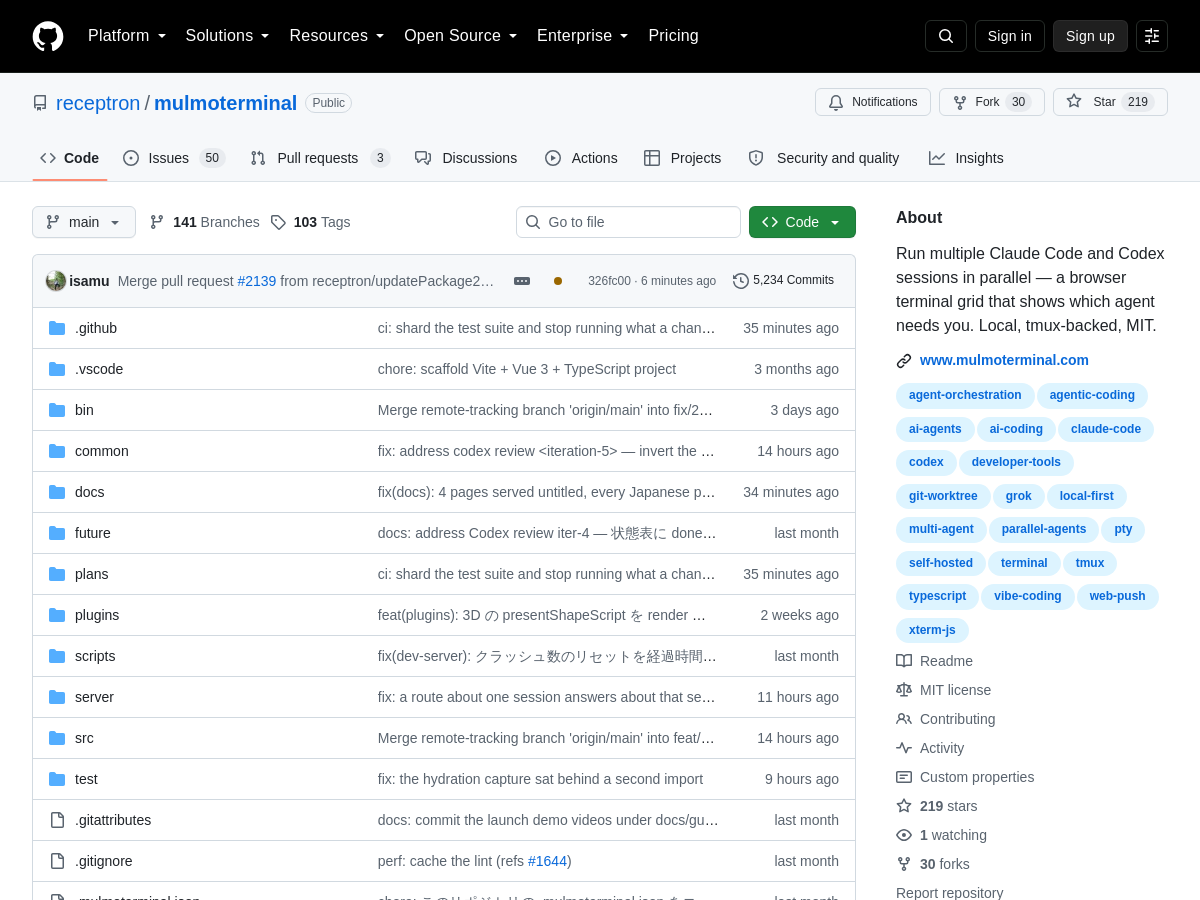
Screenshot of MulmoTerminal
MulmoTerminal
AI Agents Open Source

MulmoTerminal is an open-source developer tool from receptron that runs multiple AI coding agent sessions in parallel and displays them as a grid of live terminals in the browser. It is started with a single npx command and targets anthropic's Claude Code and OpenAI's Codex command-line agents, letting a developer supervise several concurrent agents without juggling separate terminal windows. Each cell in the browser grid is a real PTY (pseudo-terminal), so the agents behave exactly as they would in a normal shell. Statuses are colour-coded so the user can see at a glance which agent is working, idle, or waiting for input, and sessions are backed by tmux, which keeps them alive and re-attachable if the browser or the process is closed. Every cell is paired with its own git worktree, so parallel agents edit isolated working copies of the repository rather than conflicting in a single checkout. The tool runs locally on the user's machine and is distributed as an MIT-licensed project on GitHub, making it part of the emerging category of local AI-agent orchestrators.

Solves

Running several AI coding agents at once normally means many terminal tabs, lost context when a terminal closes, and conflicting edits from agents writing to the same working tree. MulmoTerminal solves this by presenting all sessions as an at-a-glance browser grid with colour-coded status, keeping them alive through tmux persistence, and isolating each session in its own git worktree.

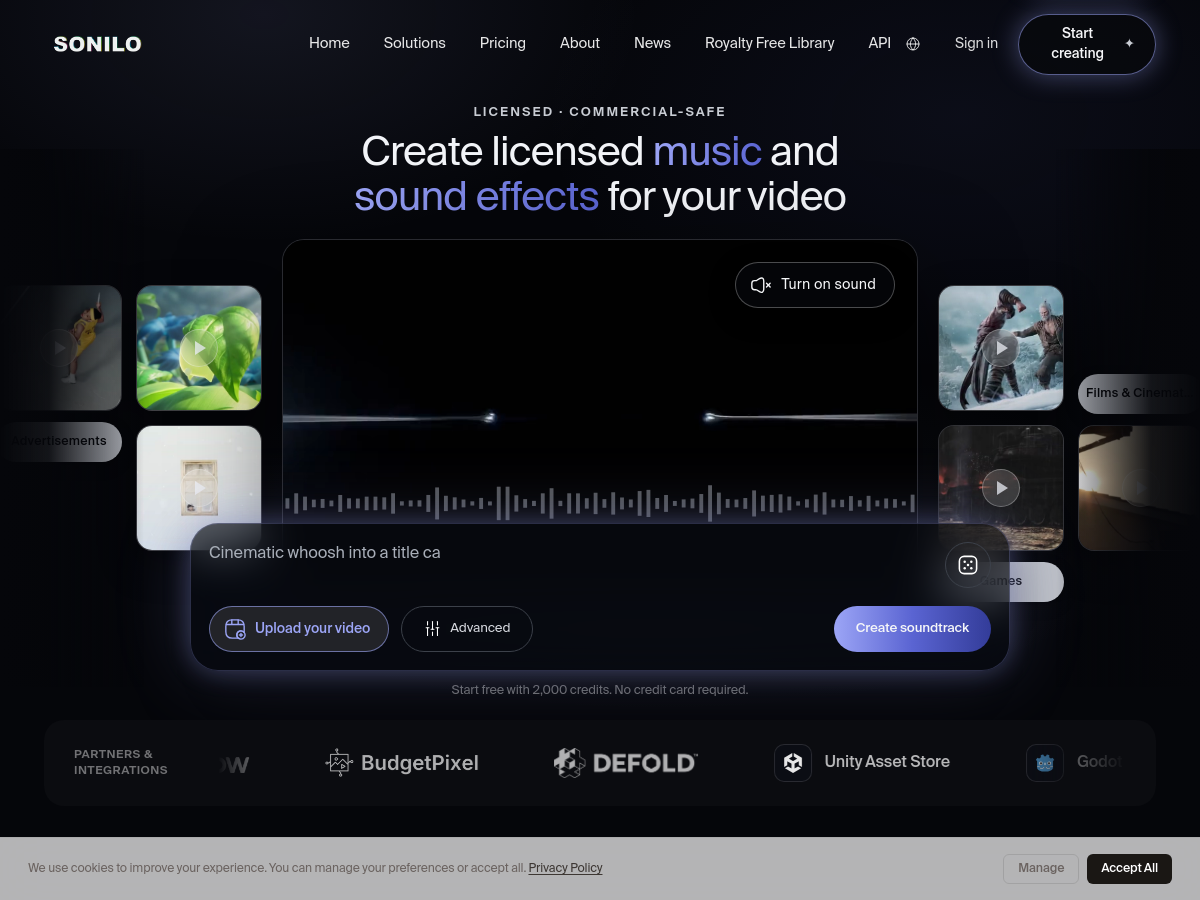
Screenshot of Sonilo
Sonilo
AI Music Generator Unknown

Sonilo is a web-based AI music and sound effect generator built specifically for video. Rather than requiring users to search a stock library or write detailed prompts, Sonilo analyzes an uploaded video edit, reading its timing, pacing, and emotional arc, and then composes an original soundtrack that matches the video's exact length. Audio is delivered as separate music and sound-effect tracks that can be exported either mixed into the finished video or as standalone files. Generation can also be driven from a text prompt alone when no video is supplied. The product targets the everyday problem of sourcing affordable, copyright-safe audio for monetized content. Its marketing cites internal usage data claiming an average 24.35% lift in video engagement versus picking a track from a music library, along with more than 5.3 million "copyright-risky" soundtracks replaced and over 700 brands using the platform. Tracks generated on eligible plans ship with a commercial license covering ads, sponsorships, and monetized channels, and the company has publicized a partnership with Shutterstock around licensed audio. Beyond the browser interface, Sonilo exposes an API through a separate platform portal and offers engine plugins distributed on the Unity Asset Store, Godot, Epic Games Fab, the Roblox Asset Store, and the Defold Asset Store, letting game developers generate licensed music and sound effects inside their projects. Integrations and partner listings also include ComfyUI, fal, WaveSpeed, Scenario, Tapnow, and BudgetPixel. A royalty-free sound effects library and a solutions page are available alongside the core generator. Pricing details are not fully published on the homepage beyond a free starting tier that provides 2,000 credits with no credit card required; commercial licensing is gated to Pro, Premium, Enterprise, and eligible API-user terms. Exact underlying model architecture, training data, and audio format specifications are not disclosed.

Solves

Creators need original, length-matched, copyright-safe music and sound effects for video, but stock libraries require manual track-hunting and licensing carries monetization risk. Sonilo analyzes an uploaded edit or a text prompt and automatically composes licensed audio that fits the video's duration, pacing, and emotional arc, reducing both search time and copyright exposure.

Screenshot of Nas.com
Nas.com
AI Website Builder Unknown

Nas.com is an AI-powered platform for launching and marketing online businesses. According to its homepage, users can start selling from a single photo: they upload a product photo or describe a product, skill, or service, and the platform generates a storefront, offer page, and checkout. The service also includes marketing automation. Magic Ads is positioned as a way to launch ad campaigns in a few clicks without a complex ads manager, while Magic Content generates studio-style photos, ad creatives, and social content. A Community Feed feature supports events, challenges, and email communication with customers. Nas.com includes Zero Link for global payment acceptance with a claimed 0% fee, plus a dashboard for checkout and order management. The homepage states it is trusted by 350,000 entrepreneurs and that more than 28,000 businesses have been built on the platform. Pricing details are not provided on the homepage, and the product is delivered as a hosted web service.

Solves

Nas.com addresses the operational and marketing burden of starting an online business. Many creators and small sellers lack the time or skills to build a website, produce content, run ads, and set up payments. Nas.com aims to automate those steps by generating a storefront and marketing assets from simple inputs such as a photo or offer description, then providing payment and customer-engagement tools in one place.

Screenshot of NotchLive
NotchLive
AI Transcription Unknown

NotchLive is a local-first speech workspace for Mac that displays live captions over any app audio, including video calls, recordings, lectures, and media playback. It runs speech recognition on the device, so audio is not sent to a cloud transcription service, and it requires no meeting bot or host-side configuration to caption platforms such as Zoom, Google Meet, or Microsoft Teams. The app is distributed as a macOS download and requires macOS 14 or later, with automatic speaker labels requiring Apple silicon. Beyond live captions, NotchLive bundles dictation into Mac apps, a live timeline, session history, voice notes, a personal dictionary, speaker attribution, translated captions and translated dictation, and export or sharing of transcripts. It ships with a set of local speech models and automatic language detection, and the marketing describes a 'Ghost Mode', meeting analytics, sign cues, and a local MCP integration. The product positions itself as covering the full speech workflow in a single private app rather than as a single-purpose captioning utility. Pricing is described on the site as live captions being free forever, with a one-time Pro purchase (listed at $24.99) and additional team-pack and education options. The download page references release v1.12.1. The vendor emphasizes privacy across local audio handling, analytics, payments, and updates, and compares itself against Apple Live Captions and cloud transcription services such as Otter.

Solves

Cloud meeting assistants and transcription services typically join calls as bots or upload audio for server-side processing, which raises privacy, consent, and setup friction. NotchLive captions and transcribes speech locally on a Mac, so users in legal, consulting, research, accessibility, and general business contexts can get real-time captions, transcripts, and translation without a meeting bot, host settings, or a subscription.

Screenshot of MiniMax H3 Max Video Generator
MiniMax H3 Max Video Generator
AI Video Generator Unknown

MiniMax H3 Max Video Generator (h3-max.pro) is a browser-based workspace for creating short AI videos from text prompts or reference images. Users write a scene brief, optionally upload a first frame and a last frame to anchor the composition and ending, and generate clips between 5 and 15 seconds long. The workspace is positioned as an independent front end for the MiniMax H3 Max video model rather than an official MiniMax product. Generation settings include two model tiers (H3 Max Standard and H3 Max Turbo), six aspect ratios (21:9, 16:9, 4:3, 1:1, 3:4, 9:16) and resolutions of 480P, 768P and 1080P. Image-to-video generation follows the aspect ratio of the uploaded source image. Costs are expressed in whole credits that vary by model, resolution and exact clip length, and a credit estimate is shown before the user commits to a generation. The site also provides a library of editable 'shot recipe' prompt briefs covering product films, vertical stories, material close-ups and establishing shots, plus a curated showcase gallery of generated clips. A separate video-to-prompt utility is offered alongside the main generator. Text and image inputs share the same credit rates, and prompts may optionally be submitted to the public showcase. The tool is aimed at creators who want quick, prompt-driven video takes for social, product and concept work without a camera crew or editing pipeline, keeping prompt, model settings and finished takes together for iterative revision.

Solves

Producing even a few seconds of usable footage traditionally requires cameras, locations, talent and editing time. This tool converts a written scene description or a reference image into a short finished clip, and it exposes model choice, framing, duration and resolution settings together with a pre-generation credit estimate so users can judge cost and iterate on a take before spending more.

Screenshot of A Little Box of Goodies
A Little Box of Goodies
Other Unknown

A Little Box of Goodies is a web-based service for creating and sharing personalized digital care packages. Users assemble a virtual box by selecting items such as notes, photos, songs, videos, gifts, voice messages, drawings, locations, coupons, and news to include for a recipient. The site uses a shipping-label and package motif: users fill in a 'to' name and a 'from' name, add goodies to the box, and then pay to generate a shareable link. The package can be sent by text, email, or any other method, and the recipient opens it online via the generated link. The homepage describes the product as a way to send 'a little care' for someone special. It provides a lightweight, browser-based alternative to physical care packages by letting users combine multiple personal media types into one digital parcel. Pricing details and technical implementation are not specified on the homepage.

Solves

It solves the problem of sending a thoughtful, personalized gift or care package when people are apart or when physical shipping is impractical. Instead of coordinating multiple messages, files, and links across different apps, users can bundle personal content into one shareable online package.

Screenshot of Wuli AI
Wuli AI
AI Image Generator Free

Wuli AI (呜哩AI) is a web-based, one-stop AIGC creative platform for generating images and videos. Its own site tagline translates to "one wuli, creativity blooms," and it positions AI drawing and video creation as being "within reach," with a community feed where prompts and outputs are shared and remixed. The homepage metadata explicitly describes it as an intelligent creation platform supporting text-to-image, text-to-video and other multimodal AI creation. The product is organized around two main areas: a Generate workspace for prompt-driven creation and an Asset library for storing and managing the resulting files. The site is Chinese-language first and carries regional and personal-brand keywords in its metadata, indicating it is aimed primarily at Chinese-speaking users rather than a global developer audience. Access is tied to an account with an invitation and points (credit) system — a homepage banner invites visitors to log in and earn bonus credits, which is a common monetization and growth pattern for consumer AIGC apps in that market. No public API, pricing tiers, model details or self-hosted option are documented on the homepage, so it should be treated as a closed, browser-only cloud service. No public GitHub repository or README is available, so details such as the underlying diffusion models, generation limits, resolution, or commercial licensing of outputs cannot be verified from the sources reviewed here.

Solves

Creators who want AI-generated stills and video usually have to run separate tools for images and motion, each with its own subscription and interface. Wuli AI bundles text-to-image and text-to-video generation, an asset library, and a community sharing space into a single free-to-start web platform, lowering the barrier for Chinese-speaking users who want to go from prompt to finished creative asset without switching services or paying upfront.

Screenshot of Melius
Melius
AI Workflow Unknown

Melius is a SaaS creative workspace that positions itself as an "AI-native operating system for creatives." Users describe the image, video, audio, or full campaign asset they want, and the platform routes the request to an appropriate generation model, executes a multi-step workflow, and surfaces every prompt used along the way so the user can iterate and steer results until they match the creative intent. The product is built around a canvas-style workspace where creative assets are produced as connected nodes. Marketing examples on the site include advertising and product mockups, e-commerce pack shots and PDP images, filmmaking character studies and movie cuts, fashion croquis, and branding visuals, spanning image and video outputs from multiple third-party models. Melius also targets team and campaign-level work rather than one-off generations, supporting campaign briefs and asset management across formats. The company advertises enterprise options and lists brands such as ClassPass, Gopuff, Life360, L Catterton, and Scale Venture Partners among its customers. Access is through a hosted web application with free sign-up and sign-in, plus a separate pricing page whose tiers are not detailed in the available homepage content. No public API, open-source repository, or on-premise deployment option is documented in the material reviewed.

Solves

Creative teams often juggle many separate generative AI tools for images, video, and audio, with inconsistent prompting, fragmented asset management, and little visibility into how a result was produced. Melius addresses this by centralizing multi-model generation in one canvas workspace, automatically routing prompts to suitable models and exposing the full prompt history so users can reproduce, refine, and coordinate assets within a single campaign workflow.

Screenshot of Superblocks
Superblocks
AI App Builder Unknown

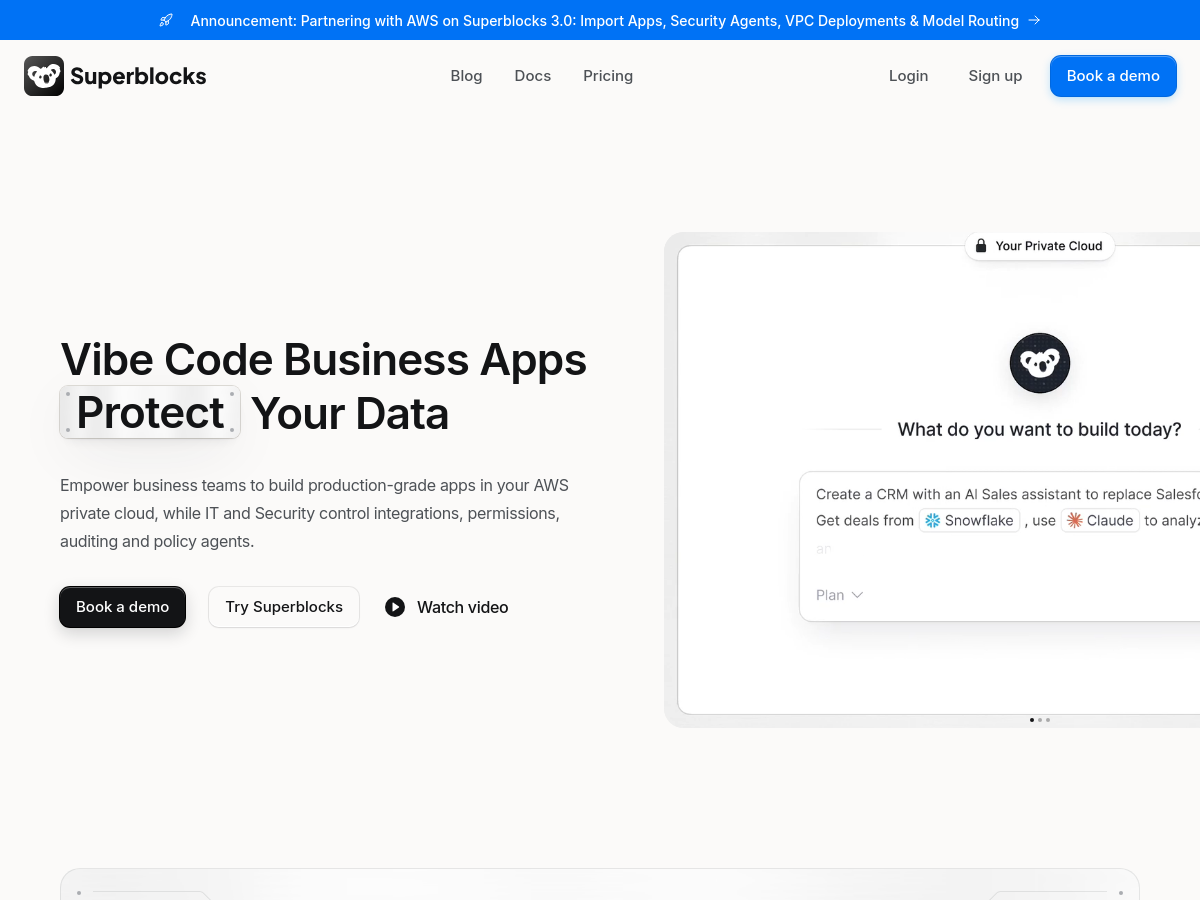
Superblocks is an enterprise platform for building, deploying, and governing AI-powered internal applications, positioned as a software factory for business teams. It lets business users generate production-grade apps on company data while IT and security teams centrally manage authentication, integrations, access controls, auditing, and policy agents.

Solves

Business teams increasingly use AI and low-code tools to create internal applications, but these apps can become ungoverned shadow IT that directly access business systems and sensitive data. Superblocks addresses this by providing a governed platform where apps inherit access controls, authenticate through a central integration layer, abstract secrets, and are audited, while IT and security retain policy control.

Screenshot of agent-session-manager-desktop
agent-session-manager-desktop
AI Agents Open Source

Agent Session Manager Desktop is an open-source desktop GUI for managing multiple AI coding-agent sessions. It is described as the GUI counterpart of agent-session-manager and provides a graphical layer over tmux, allowing developers to keep several terminal-based agents organized in one window rather than juggling many terminal tabs. The application is built with Wails, Svelte, and xterm.js. Each session can contain agent and shell tabs, and each tab has its own working directory, so different repositories, tasks, or contexts can run side by side without confusion. When an agent is waiting for input, a header counter appears; users can answer the prompt directly without switching tabs. The tool also supports ntfy push notifications, making it possible to notice waiting agents when away from the desk. The project targets workflows where developers run multiple AI coding agents, such as Gemini, Aider, and Codex, in parallel. By combining tmux session persistence with a desktop GUI and notification indicators, it aims to reduce context switching and missed prompts in terminal-heavy AI-assisted coding.

Solves

Running multiple terminal-based AI coding agents often means juggling tmux windows, losing track of which tab is waiting for input, and repeatedly switching contexts. Agent Session Manager Desktop centralizes agent and shell sessions in a desktop GUI, preserves per-tab working directories, highlights waiting agents with a header counter, and supports ntfy push notifications so users can respond promptly without hunting through terminal tabs.

Screenshot of Wan3 Video Generator
Wan3 Video Generator
AI Video Generator Unknown

Wan3 Video Generator is a browser-based AI video creation workspace hosted at wan-3.pro that turns text prompts or a single reference image into short cinematic clips using the Wan 3.0 model family. Users pick a mode (text-to-video or image-to-video), a model variant (Wan 3.0 or a richer "Prime" option), an aspect ratio, a resolution, and a clip duration before spending credits on a generation, and results can be reviewed and refined on the same terms. Output control is a core part of the product: 16:9, 9:16, and 1:1 aspect ratios are offered alongside 480P, 720P, and 1080P resolution and clips between 2 and 15 seconds long. Generation is credit-based and the workspace shows the cost before rendering (for example, 6 credits for a 5-second 720P clip). Published plans grant monthly credit allowances: Starter at $20/month for 80 credits, Pro at $40/month for 160 credits, and Enterprise at $150/month for 600 credits, with a yearly billing discount. The site highlights four repeatable workflows — product lens shots, character motion driven from a first frame, vertical social cuts, and storyboard previsualization — and describes controls such as first-frame anchoring, subject continuity, and camera-aware motion. It also advertises a server API so video generation can be called from other products, and states that generated files are kept private to the account. No GitHub repository or self-hosted distribution is published for this product.

Solves

Producing cinematic-looking video normally requires cameras, actors, lighting, and editing time, which is expensive and slow. Wan3 Video Generator lets a creator describe a shot or upload one still frame and receive a short, reviewable video draft in seconds, so motion, framing, and pacing can be iterated quickly without a production pipeline.

Screenshot of Manifest
Manifest
AI Agents Open Source

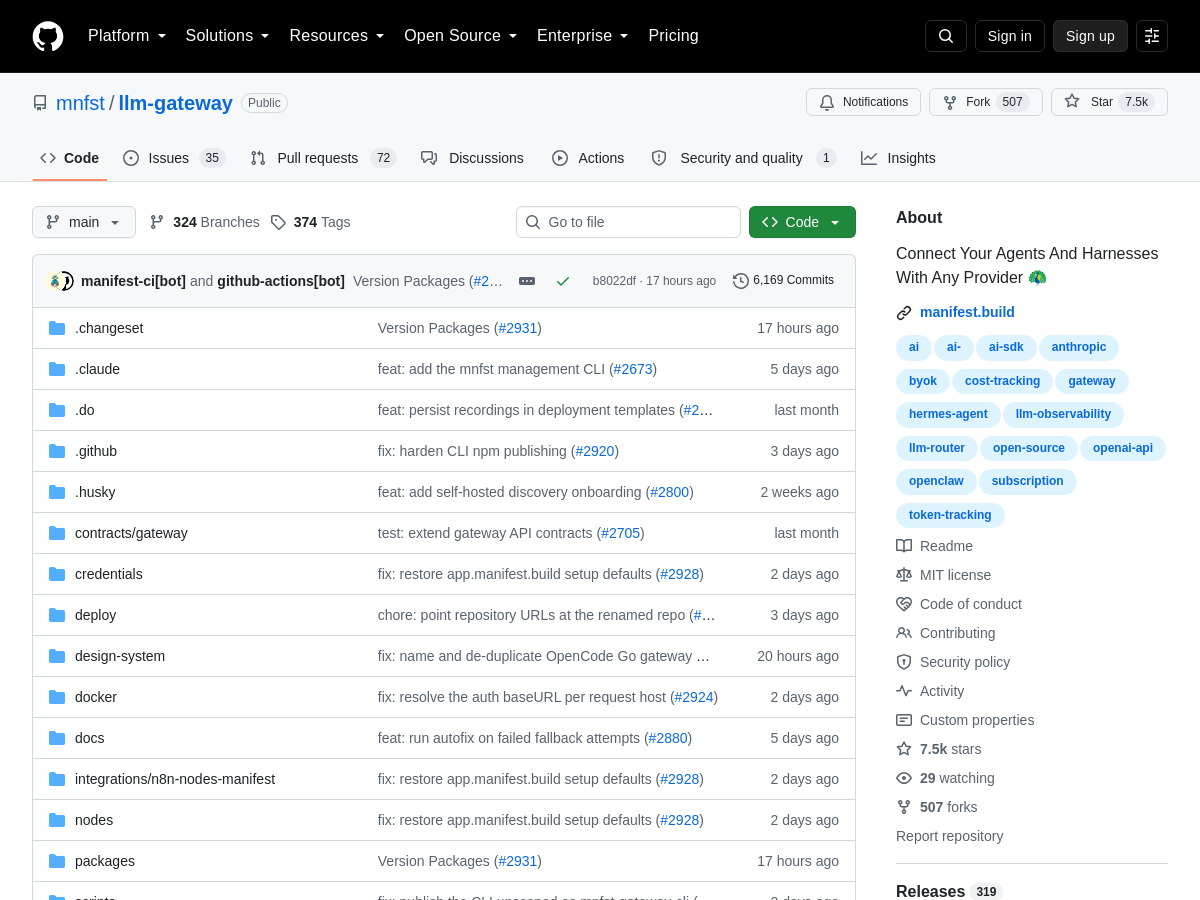
Manifest is an open-source, real-time cost observability platform for AI agents and LLM-powered applications. It connects agents and harnesses to any model provider through a gateway layer while capturing telemetry about tokens, costs, messages, and model usage. The project is published as llm-gateway on GitHub under the mnfst organization and is positioned as a way to unify provider access with usage accounting. A core part of the tool is a local-first dashboard that visualizes spend and usage as requests happen, rather than relying on delayed provider billing exports or spreadsheets. It advertises support for 28+ LLM models and accepts telemetry through OTLP ingestion, which is the OpenTelemetry protocol, allowing traces and metrics from instrumented applications to flow into the same observability pipeline. Because it is self-hosted and open source, teams can deploy the gateway and dashboard inside their own infrastructure and keep prompt, message, and cost data on their own systems. This makes it relevant for teams that need per-agent, per-model, or per-session cost visibility without sending operational data to a third-party SaaS vendor. The repository is aimed at developers building agents who want both routing to multiple providers and continuous insight into what those agents cost to run.

Solves

AI agents and LLM applications commonly call multiple providers and generate costs that are hard to attribute accurately in real time. Provider invoices arrive late and aggregate usage, so teams cannot easily tell which agent, session, or model is driving spend, or catch runaway token usage before the bill grows. Manifest addresses this by pairing a multi-provider gateway with real-time token, message, and cost tracking in a self-hosted dashboard, giving teams immediate visibility into model usage and spend as requests happen.

Screenshot of Ask BONBON
Ask BONBON
AI Knowledge Base Unknown

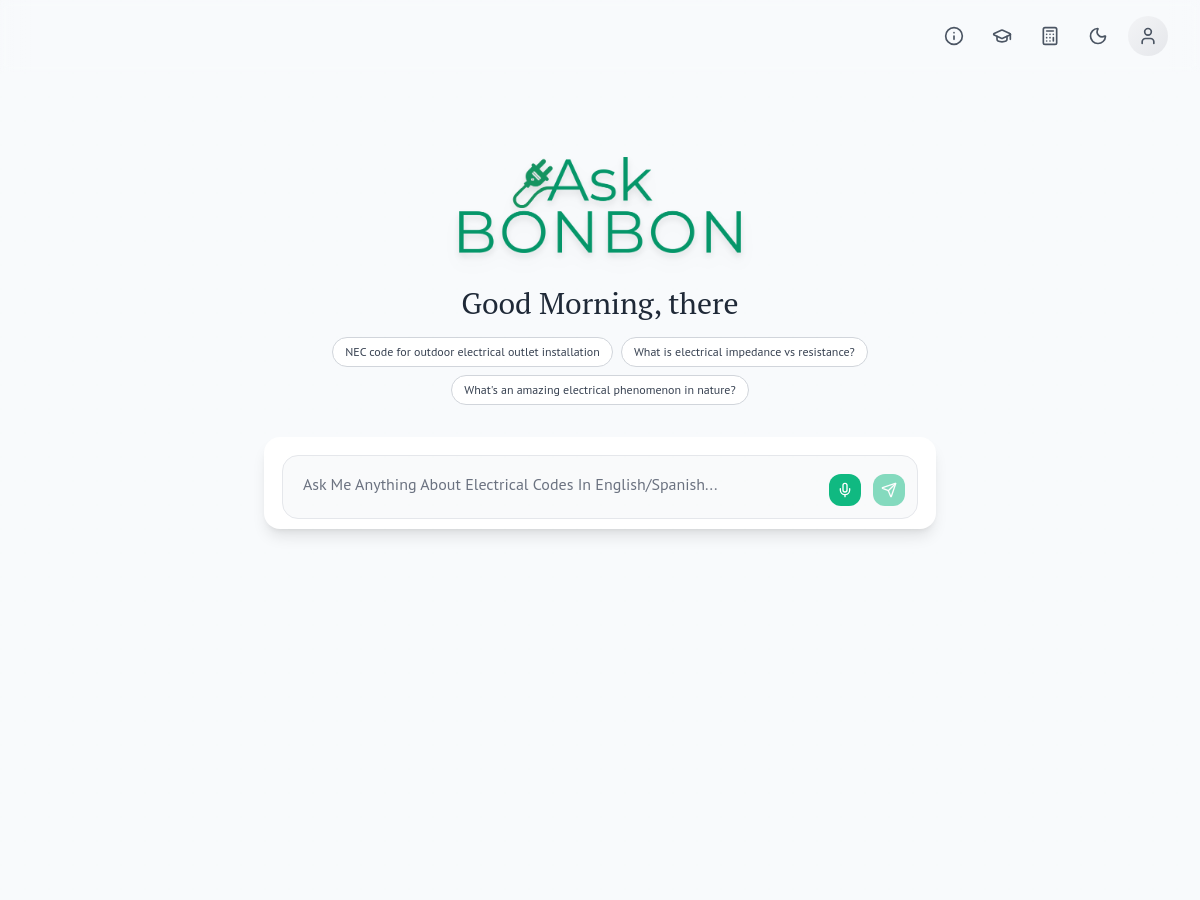
Ask BONBON is an AI-powered electrical code assistant designed to answer questions about the National Electrical Code (NEC) and Canadian Electrical Code (CEC) in plain English. The tool provides responses that cite the relevant code article, helping users locate authoritative references quickly. It is available on iOS, Android, and web, making it accessible across common devices used in the field and office. The product is aimed at electricians, electrical contractors, and inspection professionals who need fast, reliable code lookups without manually searching through lengthy code books. It also includes calculators, state amendments, and local code support, which can help users account for jurisdictional variations. Ask BONBON was formerly known as Ask [PERSON_NAME], indicating a rebrand or name change. Because the homepage is minimal and redirects, other technical details such as pricing, exact model architecture, and update frequency are not publicly specified in the available source. The tool positions itself as an AI assistant for electrical code compliance, troubleshooting, and inspection support.

Solves

Electricians and contractors often need to quickly find and interpret specific NEC or CEC articles, including state amendments and local code variations. Manually searching code books or PDFs is time-consuming and error-prone. Ask BONBON addresses this by providing plain-English answers with cited code articles, calculators, and jurisdiction-specific references in a single app.

Screenshot of agent-session-manager
agent-session-manager
AI Agents Open Source

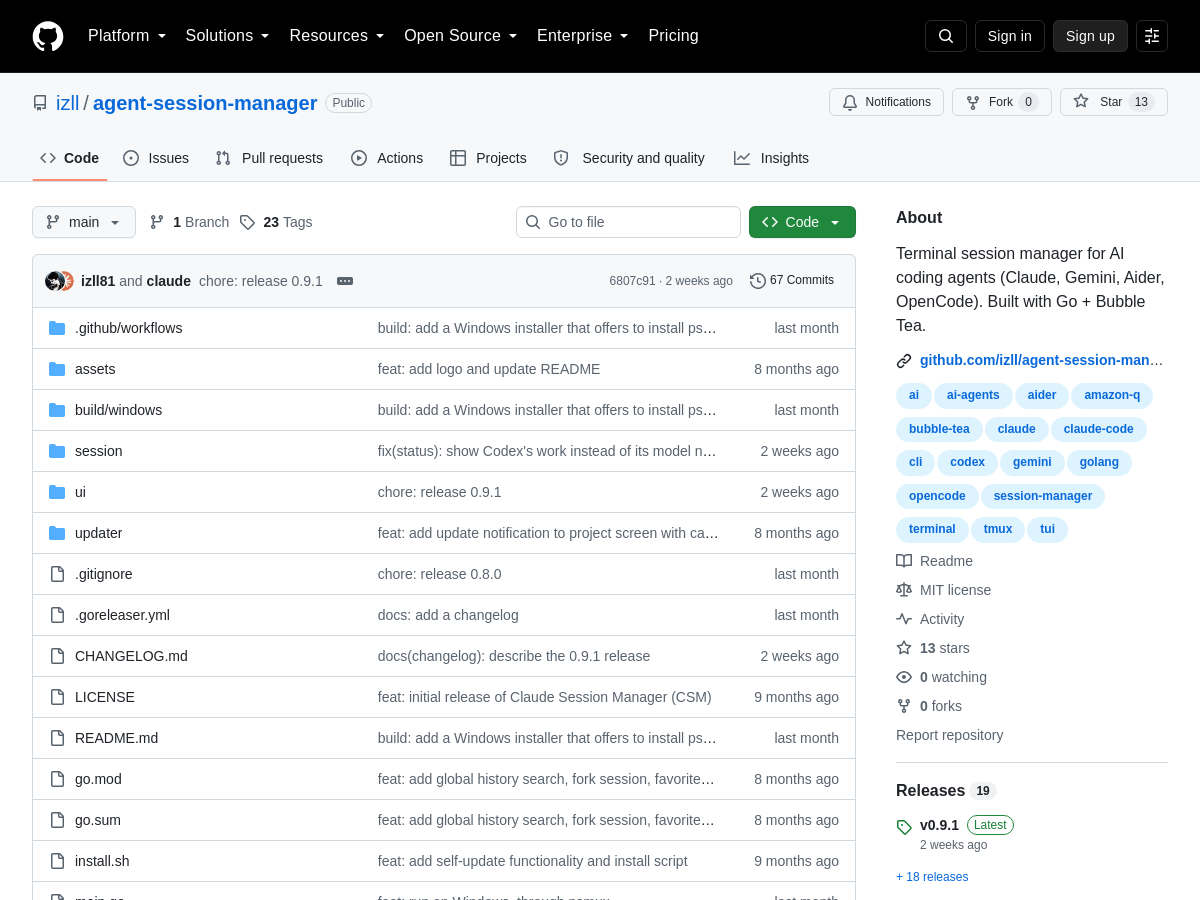
agent-session-manager is an open-source terminal session manager for AI coding agents, built with Go and Bubble Tea. It runs as a tmux TUI and provides a unified interface for launching, monitoring, and interacting with multiple agent sessions. It supports popular coding agents such as Claude Code, Codex, Gemini, Aider, Amazon Q, and OpenCode. It offers live status indicators, session grouping, and the ability to resume or fork existing agent sessions. Users can review diffs produced by agents directly in the terminal, helping to inspect code changes before accepting them. The tool also supports mobile push notifications that alert the user when an agent needs an answer or approval, allowing work to continue away from the terminal. By centralizing agent session management, it aims to reduce context switching and make parallel agent workflows more manageable for developers. The project is distributed as open-source software and is intended for terminal-centric development environments.

Solves

Developers using multiple AI coding agents in the terminal often struggle to track sessions, switch between contexts, and notice when an agent needs input. agent-session-manager solves this by providing a single tmux-based TUI for live status, session grouping, resume/fork, diff review, and mobile push notifications, making parallel agent workflows more organized and responsive.

Screenshot of Hyperagent
Hyperagent
AI Agent Unknown

Hyperagent is a hosted AI agent platform that deploys a fleet of autonomous agents to research, build, deliver, and continuously maintain business work. According to its homepage, agents operate with their own computing environments — including real browsers and shells — and are given access to a team's data, tools, and stylistic context so that output matches existing organizational conventions. Users brief the fleet once in natural language, and the agents then research, draft, share, and refine the work. The platform emphasizes persistent, long-lived agents rather than one-off chat sessions. Agents reportedly generate new memories and skills as they work, and execution is presented as transparent: users can watch each search, decision, and artifact as it is produced. Deliverables span websites, videos, slide decks, documents, dashboards, and other formats, with examples on the site covering out-of-home ad campaigns, cinematic real estate listing videos, a hiring command center with ranked candidates, and a full brand identity transformation. Finished work is surfaced where teams already operate, including Slack, email, Telegram, webhooks, and scheduled runs, with agents addressable via @-mentions. A central command center provides agent roster management, deployment, and connection setup. The homepage advertises per-artifact time and cost figures (for example, an 8-minute campaign for roughly $6.41), suggesting usage-based pricing, though no public pricing page details were available in the provided content. Hyperagent is positioned as a general-purpose "system of agents" for business work rather than a single-task helper, targeting teams that want repeatable, self-updating deliverables instead of static AI outputs. Exact model providers, underlying infrastructure, and licensing terms are not disclosed in the available homepage material.

Solves

Business knowledge work is fragmented across tools, and AI chat outputs go stale immediately after they are produced. Hyperagent addresses this by running persistent agents that research, build, and then keep deliverables current as data and organizational context change, removing the need to re-prompt or manually rebuild decks, dashboards, sites, and briefs every time something shifts.

Screenshot of Spook
Spook
AI SEO Tools Unknown

Spook is a web-based automated SEO platform marketed under the tagline "Get organic traffic on auto-pilot." According to its homepage, it identifies winnable Google and ChatGPT queries, generates SEO-oriented articles, and publishes that content automatically to a user's site. The product positions itself as an end-to-end loop for organic growth rather than a standalone keyword or writing tool, aiming to reduce the manual work involved in research, drafting, and publishing. The workflow begins by connecting a website, after which Spook surfaces query opportunities it judges achievable for that domain. It then drafts content around those queries and can publish the results on a schedule. The homepage also references integrations with Google Search Console data and display of domain rating metrics, suggesting users can track performance alongside the content pipeline. Beyond generation, the site highlights features such as Google Search Console statistics, domain rating visibility, and a backlink exchange function that lets listed apps swap free backlinks with one another. Spook is distributed as a hosted subscription service with a free trial period; the homepage states the first week is free with no charge until it ends, and invites visitors to try the tool on their real website without creating an account first. The homepage cites social proof including a 5.0 rating from a small number of reviews, roughly 84 users, and over 800 published articles, along with testimonials from founders, growth operators, and SEO practitioners. Pricing details are not fully enumerated on the page beyond the free trial and a user-cited price point, so the exact plan tiers and limits are unclear from the available information.

Solves

Spook addresses the difficulty small teams and solo founders face in running consistent SEO programs. Traditional SEO requires keyword research, competitive analysis, content writing, publishing, and rank monitoring, typically spread across multiple tools and significant manual effort. Spook consolidates these steps by connecting to a site, identifying queries that are realistically winnable, generating corresponding content, and publishing it automatically so that organic traffic can grow without dedicated SEO specialists.

Screenshot of GeekLink
GeekLink
AI OCR Unknown

GeekLink is a desktop AI subtitle application for macOS and Windows. It provides three focused workflows: OCR extraction of burned-in subtitles, translation of subtitle files, and speech transcription into subtitles. The app is designed for local-first processing, with the homepage stating that subtitle recognition and speech recognition run on the user's computer after initial model downloads; no uploads are required for those tasks. AI translation uses DeepSeek and requires an internet connection. The OCR tool targets videos where subtitles are permanently embedded in the image, such as foreign films, dramas, documentaries, and social media clips. The transcription tool converts spoken audio into subtitle files, while the translation tool can translate subtitle files into more than 40 languages, including English, Chinese, Japanese, Korean, French, German, Spanish, and others. GeekLink can also export finished videos with processed subtitles. GeekLink is distributed as a native desktop app. The macOS build requires macOS 13.0 or later and Apple Silicon (M1/M2/M3/M4); Intel Macs are not supported. A Windows 64-bit desktop build is also available. The app offers a 7-day free trial of Pro features without sign-up or login, and Pro activation uses a license key. App data is stored under ~/Library/Application Support/GeekLink/ on macOS, with exports under ~/Movies/GeekLink Exports/.

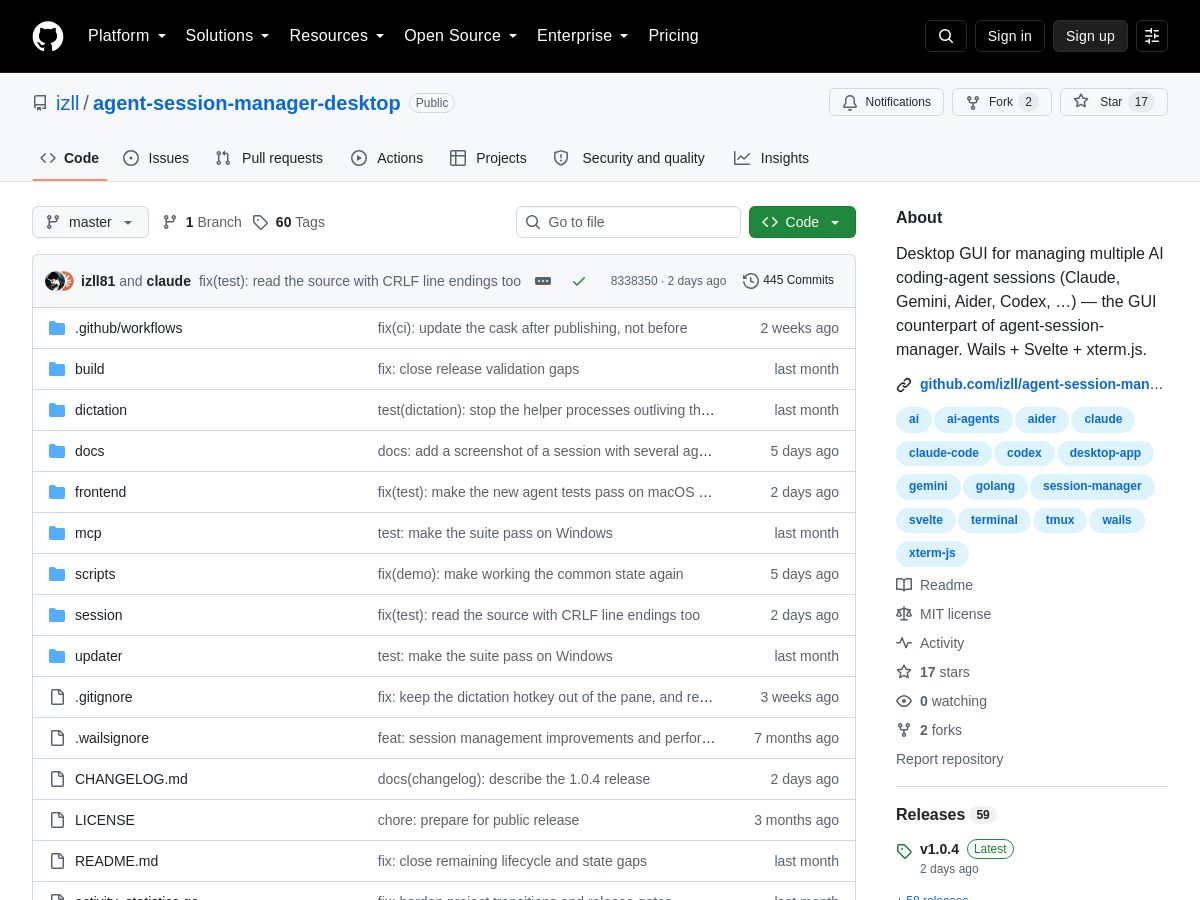
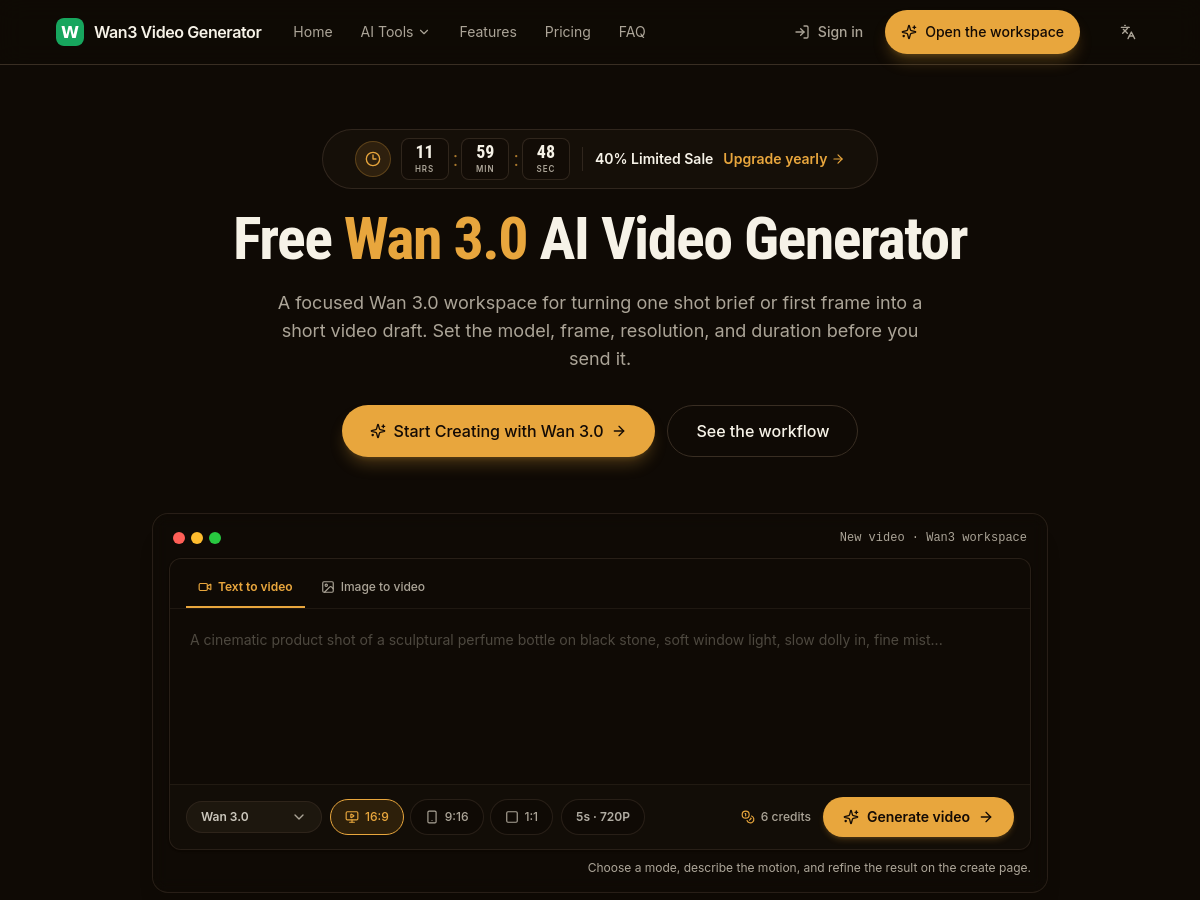
Solves

GeekLink solves the problem of extracting, transcribing, and translating subtitles for videos where subtitles are burned into the video image or exist only as speech. It reduces reliance on cloud upload services for OCR and speech recognition by running those tasks locally after model download, while providing subtitle translation and video export in one desktop workflow.

Screenshot of EasyVeo
EasyVeo
AI Video Generator Unknown

EasyVeo is a browser-based AI video studio focused on generating and cloning short-form video ads. Its headline capability is an "AI video ad cloner" workflow: users upload a reference ad or viral video, supply product photos (and optionally an avatar or start/end frames), and the tool regenerates the ad concept with the user's own product while attempting to follow the structure and motion of the reference. Output controls include aspect ratio (16:9, 4:3, 1:1, 3:4, 9:16, 21:9, Auto), resolution (480p, 720p, and 1080p on some models), duration (commonly 4-30 seconds depending on model), and quality presets. Rather than training its own video model, EasyVeo acts as a multi-model aggregation layer. The site advertises access to ByteDance Seedance 2.0, Seedance 2.0 Fast and Seedance 2.5, MiniMax H3, and Google Veo 3.1, Veo 3.1 Fast and Veo 3.1 Lite, with additional model names such as Kling 3.0, MiniMax Video, Hailuo and Vidu surfaced in the model discovery section. Users can mix engines per shot, choosing higher-fidelity models for hero shots and cheaper or faster models for iteration. Beyond ad cloning, the platform offers a general text-to-video and image-to-video generator, a viral video elements analyzer that breaks down reference clips into reusable patterns, an AI image tool, and a prompt library. Product photos are analyzed automatically after sign-in so the generated scenes can reflect real product details, and an avatar picker supports uploading a custom presenter image. The product is delivered entirely through a web interface with no install, and pricing is listed on the site but not publicly detailed in the homepage copy; credits are described as non-expiring. Because the underlying generative models are third-party, output fidelity, audio support and maximum clip length depend on the selected engine.

Solves

Producing short-form video ads traditionally requires scriptwriting, filming, editing and paid talent, which is slow and costly for small teams. EasyVeo addresses this by letting marketers reuse a proven reference ad as a template and regenerate it with their own product imagery using multiple third-party generative video models, reducing the path from concept to a testable ad variant without a production crew.

Screenshot of Metanew!
Metanew!
AI Games Unknown

metanew! is a web-based discovery and guide platform for Roblox, published at newgame.co.jp/metaverse. It aggregates the official Roblox popularity charts on a country-by-country basis and refreshes that ranking data daily, letting players see which experiences are trending in different regions rather than only in the global chart. The interface is available in English, Japanese, and Traditional Chinese, and it is aimed at players rather than at Roblox Studio developers. The site organizes its content into several sections: Discover (new and trending games), Ranking (country and category charts), Codes (redeemable promo codes and their rewards), Events (limited-time in-game events), Guides (how-to and walkthrough content), Board (community discussion), Game lists (curated collections), and My Games (personal library). The homepage advertises roughly 30,000 listed games, 9,000 or more codes, over 30,000 events, and around 4,500 guides, making it a fairly large editorial and database resource for the Roblox ecosystem. Beyond a simple list, metanew! supports filtering by genre, typical session length, age range, supported device, and how aggressively a game pushes players toward spending, so users can narrow the catalog to experiences matching their preferences. It also includes a light gamification layer called ROBRANK: logged-in users rate games and write reviews to earn EXP, which raises their profile rank and unlocks cosmetic progression. Daily missions, such as rating one game, are used to encourage ongoing participation. Account features require signing in with a Google account; browsing the catalog and codes is otherwise free and does not require payment information. No public API, open-source repository, or license information is published on the homepage, and the platform does not appear to be affiliated with or endorsed by Roblox Corporation.

Solves

Roblox hosts hundreds of thousands of experiences and its own charts are hard to browse by country, genre, session length, or monetization pressure, and redeemable codes and event details are scattered across wikis, Discord servers, and fan blogs. metanew! collects country-level Roblox rankings, promo codes with their rewards, event schedules, and practical guides into one searchable, daily-refreshed catalog so players can decide what to play and claim rewards without visiting many separate sites.