Tool discovery

What type of AI tool
are you looking for?

Search the active catalog with LambdaBase AI Search, or keep browsing the popularity-ordered directory below.

Submitted search queries and interaction metrics may be analyzed to improve result quality. Do not include personal or confidential information

Browse popular tools.

Screenshot of AgentGit
AgentGit
AI Agent Free

AgentGit is a free service for saving, sharing, and resuming AI agent sessions. It positions the session, not just the resulting files, as the unit of work: instructions, reasoning, attempts, and decisions are preserved so work can continue rather than restart. The homepage frames this with the line 'Code is cheap, show me your talk.' Users can install AgentGit via `npx -y create-agit` or by asking a supported coding agent to follow the quickstart documentation. AgentGit can import sessions from Claude Code, Codex, OpenCode, OpenClaw, Hermes, and WorkBuddy. Once a session is captured, it can be shared by link for viewing or handed off via a prompt so another person or agent can continue from where the previous session stopped. The service includes a web presence with login/signup, agents, workspaces, and docs, and it encourages collaboration through community channels such as Slack. It is aimed at developers and agent users who switch between tools or teammates and need continuity across sessions. The homepage does not detail self-hosting, storage limits, or licensing.

Solves

AI agent sessions contain the full process of solving a problem—instructions, reasoning, attempts, and decisions—but files alone capture only the final result. When developers switch agents, tools, or teammates, that context is often lost and the work must start over. AgentGit saves and transfers the complete session so it can be resumed, viewed, or handed off without losing the context needed to continue.
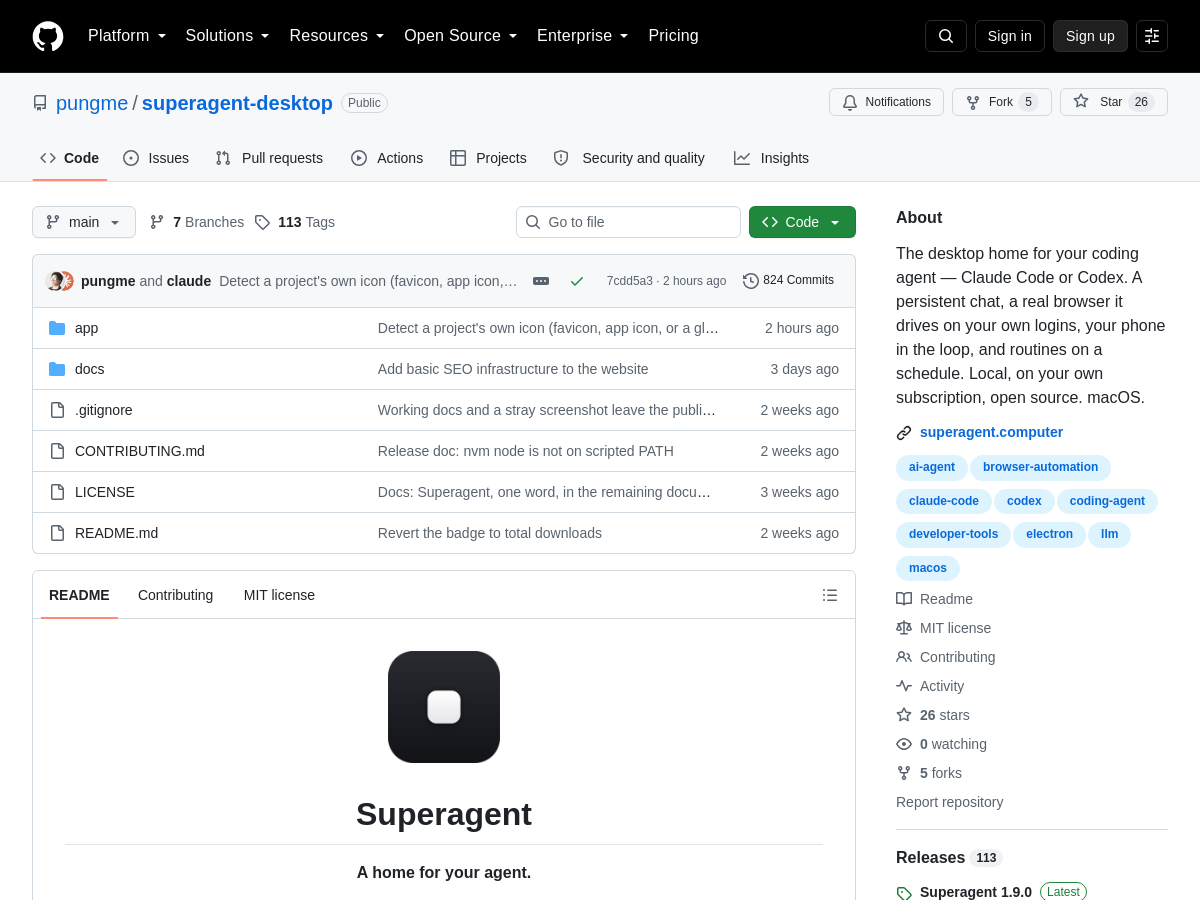

Screenshot of Superagent
Superagent
AI Agents Open Source

Superagent Desktop is an open-source macOS desktop application that acts as a home base for command-line coding agents such as a Claude Code–style agent or Codex. Rather than living only in a terminal window, the agent gets a persistent chat interface plus a set of local capabilities it can actually operate: a real browser it drives using the user's own logged-in sessions, and an iOS Simulator it can install and screenshot apps in. The project positions itself around keeping the agent loop local. It runs on the user's own machine and uses their existing agent subscription instead of proxying requests through a hosted service, and the source is openly available on GitHub. A companion mobile app is included so the agent's progress can be monitored remotely from a phone. Beyond single interactive sessions, Superagent Desktop supports scheduled routines, letting recurring tasks run on a timetable rather than only on demand. Combined with the browser and simulator integrations, this makes it suited to workflows that need to touch real web pages or verify mobile builds rather than operate purely on files in a repository. Because the tool is distributed as a desktop application rather than a library or hosted platform, adoption is a matter of installing the app on macOS and pointing it at an existing agent. It is a relatively young and niche project, so documentation and feature coverage should be verified against the repository before relying on it.

Solves

Coding agents are typically confined to a terminal and cannot interact with a real browser session or a mobile device. Superagent Desktop gives those agents a persistent desktop workspace with a browser they can drive on the user's own logins, an iOS Simulator for installing and screenshotting apps, scheduled routines, and a phone companion app for remote monitoring — all running locally on the user's existing subscription.

Screenshot of InteriorStage AI
InteriorStage AI
AI Interior Design Unknown

InteriorStage AI is a web-based room design tool that furnishes photos of empty rooms using AI image generation. Users upload a clear photo of an empty space, choose a design style, and receive a visualized concept showing furniture and decor placed within the existing architecture of the room, including walls, windows, flooring, and lighting as photographed. The product positions itself as a planning aid rather than a shopping engine: the generated images are meant to serve as inspiration before buying furniture, moving into a new home, or refreshing a blank space. It emphasizes showing seating, rugs, tables, art, lamps, and other movable items as one connected direction so users can react to the scale, visual weight, and mood of a full arrangement instead of guessing item by item. The homepage highlights room-specific guidance for bedrooms, living rooms, and city apartments, with before-and-after sliders demonstrating the empty room versus the furnished concept. It also offers a feature that turns selected room concepts into short video slideshows with transitions and music, using mood presets such as Modern, Luxury, Warm, or Cinematic. InteriorStage markets itself to homeowners and renters and offers a free start with a linked pricing page. Exact model details, output resolution limits, and commercial usage terms are not disclosed on the homepage and would need to be confirmed from the pricing and FAQ pages.

Solves

Empty rooms are difficult to evaluate because a blank space gives no sense of scale, proportion, or mood, and buying furniture item by item often leads to mismatched results. InteriorStage AI addresses this by generating a furnished concept image from a single photo of the empty room, letting users preview a complete furniture and decor direction before spending money on purchases or committing to a layout.

Screenshot of Evoriqa
Evoriqa
AI Customer Service Unknown

Evoriqa is a white-label AI customer service platform that turns a website and documentation into an AI support agent. The agent is trained on the user's knowledge base and answers customer questions instantly across chat and email in a unified inbox. It also captures leads, books appointments, and hands off to human agents when needed. According to the homepage, setup can be done in 60 seconds with no signup required to try. The platform supports omnichannel engagement, including a website widget, WhatsApp, Messenger, Instagram, Slack, SMS, email, and phone calls via an AI voice agent. It emphasizes grounded answers by citing sources from the knowledge base and stating 'I don't know' rather than hallucinating. Agentic capabilities allow the AI to capture leads, book appointments via Cal.com or Calendly, create tickets, look up orders, and call APIs, with every run logged. For human collaboration, Evoriqa provides a unified inbox with copilot assistance, canned replies, notes, and CSAT tracking. A shadow mode lets the AI draft replies for human approval before it is allowed to respond autonomously. The platform also offers a white-label reseller console for agencies to manage client workspaces under their own brand. It targets small businesses, agencies, and specific verticals such as law firms, clinics, restaurants, e-commerce, hotels, and real estate.

Solves

Evoriqa addresses the challenge of managing repetitive customer support inquiries across multiple channels, which can overwhelm small business teams and lead to slow response times. By deploying an AI agent trained on existing content, it automates answers, captures leads, books appointments, and routes complex issues to humans with full context, reducing operational costs and improving customer experience.

Screenshot of Archal
Archal
AI Testing Unknown

Archal provides stateful API sandboxes for testing AI agents and integrations. Each sandbox contains one or more simulated API environments, such as GitHub, Slack, Stripe, Supabase, Linear, and others. Environments expose familiar REST and, for many services, MCP interfaces, retain mutations across calls, and can be reset to a declared baseline state. This lets developers exercise agent workflows without test accounts, rate limits, or shared dirty state. The product is aimed at agent developers, connector teams, and integration engineers. A typical flow is to create a sandbox with selected environments, receive isolated endpoints once ready, call the APIs or tools as usual, inspect requests/responses/mutations/timing, and reset the sandbox to its starting state. Archal states that each environment is an independently built simulation of the service, not the provider's live service. Use cases include harness testing, CI integration testing, and agent training or reinforcement learning rollouts, where every run needs the same starting state while changes persist through the episode. Archal is hosted and offers sign-up with usage credits; setup can be performed through supported coding agents and the Archal CLI.

Solves

AI agent and integration tests often rely on shared test accounts, live APIs with rate limits, and state that becomes dirty between runs. Archal solves this by providing isolated, stateful sandboxes with simulated API environments that persist changes during a run and reset to a known baseline, making agent behavior repeatable and integration tests more deterministic.

Screenshot of LrcSong
LrcSong
AI Subtitle Generator Unknown

LrcSong is a web-based AI platform focused on synchronized lyrics, karaoke creation, and subtitle format conversion. It bundles several lyric and karaoke utilities into a single browser-accessible service, including vocal stripping, automatic lyric synchronization, and take scoring, so users can go from an audio track to a sing-along or subtitled output without installing desktop software. The service supports a range of common timed-text and subtitle formats, notably LRC, SRT, VTT, ASS, and TTML, and provides conversion paths such as SRT to LRC. This makes it useful for creators who need to move lyric or subtitle data between karaoke players, video editors, and streaming platforms that expect different caption standards. LrcSong targets audio inputs including MP3 and FLAC according to its published metadata, positioning itself around music files rather than general video. Access appears to follow a freemium credit model: the homepage advertises three free credits with no credit card required, after which additional usage is presumably paid, though the exact pricing tiers are not disclosed on the landing page. Because the product is delivered as a hosted SaaS application with no public GitHub repository, its internal models, licensing terms, and release cadence are not publicly documented. Users should treat capability claims such as vocal separation quality and lyric alignment accuracy as vendor-stated until verified against their own audio material.

Solves

Producing synchronized lyrics, karaoke tracks, and correctly timed subtitles is normally a manual, multi-tool workflow: separate vocals, transcribe or time-code lyrics, then convert between incompatible subtitle formats. LrcSong consolidates vocal stripping, lyric synchronization, and LRC/SRT/VTT/ASS/TTML conversion into one browser-based service, reducing the number of separate tools and manual timing steps needed to turn an audio file into a karaoke-ready or subtitled result.

Screenshot of Alex AI
Alex AI
AI Recruiting Unknown

Alex is a commercial AI recruiting platform that automates the top-of-funnel hiring workflow for employers, staffing firms, and recruitment process outsourcing (RPO) providers. Rather than acting as a simple sourcing tool, it is positioned as an end-to-end "AI recruiter" that conducts candidate interviews, screens resumes, verifies identity, proctors assessments, and coordinates scheduling inside a company's existing applicant tracking system. The product is organized into several modules: AI Interviews for automated first-round conversations, Resume Screens for high-volume filtering, Coordinator for scheduling and handoffs, Verify and Identity for confirming that a candidate is real and who they claim to be, Proctor for knowledge checks, and Talent Match for rediscovering candidates already sitting in an ATS. Candidates can be engaged over video, phone, SMS, and WhatsApp, which allows the system to reach hourly, frontline, and international applicants who may not respond to email. Alex integrates with more than 30 officially supported ATS platforms, so screening and interview outcomes flow back into existing recruiter workflows instead of a separate silo. The vendor markets the platform across healthcare, manufacturing and logistics, retail and hospitality, research and biotech, professional services, early-careers campus programs, and staffing/RPO use cases, with a stated emphasis on high-volume and frontline hiring. Pricing is not published publicly and is generally handled through a sales-led demo process. The company has publicly announced $20M in funding and publishes an ethical AI statement and a trust center covering security and compliance, indicating an enterprise-oriented go-to-market with attention to hiring fraud and candidate verification.

Solves

Recruiting teams are often bottlenecked by manual resume screening, repetitive first-round interviews, candidate verification, and scheduling coordination, which limits how many applicants they can genuinely evaluate. Alex addresses this by automating screening, interviewing, identity and knowledge verification, and calendar scheduling, allowing employers to interview every applicant at scale without proportionally increasing recruiting headcount.

Screenshot of 3DMaker
3DMaker
AI 3D Model Generator Unknown

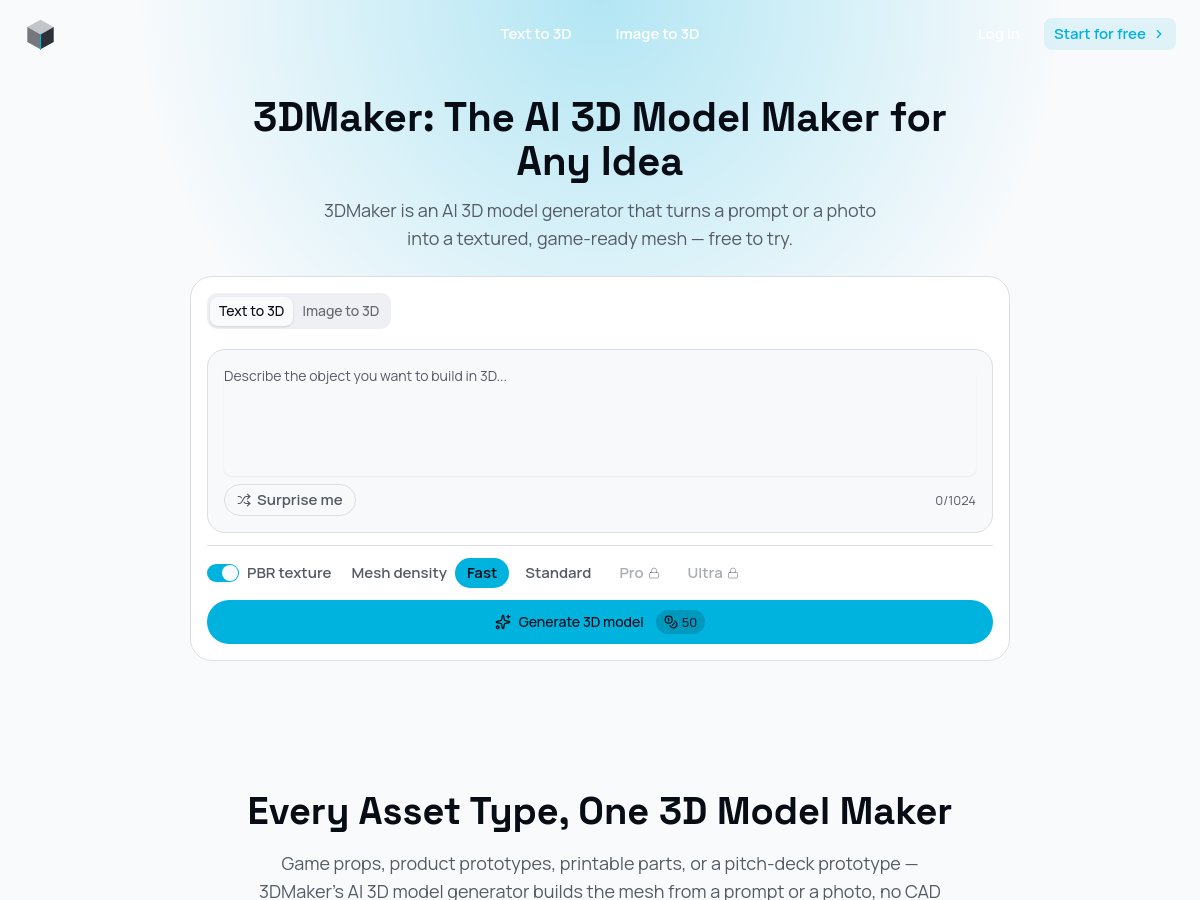
3DMaker is a browser-based AI 3D model generator that converts text prompts or reference images into textured, game-ready 3D meshes. Users describe an idea in up to 1,024 characters or upload a single photo (PNG, JPG, or WEBP, optionally up to four angles) and the service reconstructs geometry and applies PBR materials automatically, typically in 10 to 120 seconds depending on the selected mesh density. The tool exposes two entry points, Text to 3D and Image to 3D, both backed by the same generation pipeline. A mesh density control offers four levels — Fast, Standard, Pro, and Ultra — so users can trade generation time for geometric detail, from quick concept drafts to assets intended for close-up renders. PBR textures are generated alongside the mesh, avoiding a separate texturing pass. Generated assets are exported as GLB files that can be dropped into Blender, Unity, Unreal Engine, Three.js, Babylon.js, or model-viewer without a conversion step. The site's meta description also advertises FBX, OBJ, and USDZ export for game, AR/VR, 3D printing, and product design workflows. The homepage positions 3DMaker around asset types such as game props, characters, furniture, vehicle concepts, 3D-printable parts, and product prototypes. The product requires no CAD or 3D modeling experience and offers a free starting tier alongside paid plans, though exact pricing tiers are not published on the homepage. Marketing copy on the site also references Flux Kontext image generation and editing capabilities, indicating the platform bundles related AI image tooling alongside the 3D generator.

Solves

Producing textured 3D assets traditionally requires CAD or modeling expertise, hours of manual mesh work, and a separate UV/texturing pass. 3DMaker removes that barrier by turning a short text description or a single photograph into a textured, game-ready mesh in seconds, giving non-specialists a fast path to 3D content for games, AR/VR, 3D printing, and product prototypes.

Screenshot of Riverside
Riverside
AI Podcast Unknown

Riverside is a browser-based studio platform for recording, editing, streaming, and publishing podcasts and videos. It captures separate local tracks for each participant at up to 4K video and uncompressed audio quality, so recordings are not degraded by unstable internet connections during remote interviews. The platform also runs recording sessions through a web link, with macOS, iOS, and Android apps available for additional workflows. The product bundles a suite of AI-assisted production tools on top of recording. Transcription generates text-based editing, where cutting a transcript also cuts the corresponding audio and video. Magic Clips identifies highlight moments and exports short-form clips, while Magic Audio improves speech quality, and additional tools handle captions, AI translation, show notes, an AI co-creator, and an AI Twin feature. Beyond capture and editing, Riverside covers distribution and growth: podcast hosting with analytics, newsletters, social content scheduling, and HD live streaming to platforms. Webinar hosting, async recording, and in-person recording use cases are also supported, along with an MCP integration and free utility tools. Riverside targets podcasters, producers, marketers, and businesses that need studio-grade output without a full production crew. It offers a free tier with paid plans, and an enterprise-oriented offering for larger organizations.

Solves

Remote podcast and video production usually requires expensive recording hardware, separate editing software, and manual post-production across disconnected tools. Riverside removes that friction by capturing high-quality separate audio and video tracks per participant in the browser, then providing transcription-based editing, AI clip generation, captions, hosting, and distribution in one place, so creators can produce studio-quality content without a production crew.

Screenshot of getdesign
getdesign
AI Design Assistant Free

getdesign is an AI-powered tool that extracts design systems from public website URLs. It opens the site in a real browser, reads the site's actual CSS, and captures the rendered page to identify colors, typography, spacing, and components. The output is a downloadable design.md file that can be used as a style guide or provided as context to a coding agent. The tool offers five surfaces: a web dashboard, an HTTP API (GET /v1/design returning Markdown or JSON), a CLI runnable with bunx @getdesign/cli, a TypeScript SDK installable via bun add @getdesign/sdk, and a portable Skill for coding agents like Claude Code, Codex, and Cursor. The CLI, SDK, and Skill run locally on Bun, while the API and web dashboard provide hosted runs. getdesign is currently in beta and free to use, but hosted runs require your own Daytona and OpenAI API keys; there is no getdesign API key or run billing in V1. Users pay Daytona for browser capture and OpenAI for model usage. Dashboard runs are private until published, at which point a shareable link allows viewing and downloading the design document and screenshots.

Solves

Extracting a design system from an existing website currently requires manual inspection of CSS, color pickers, and typography tools, which is time-consuming and error-prone. getdesign automates this by reading the live site's CSS and rendered output to produce a structured design.md, saving hours when rebuilding interfaces or providing design context to AI coding agents.

Screenshot of TypeSafe AI
TypeSafe AI
AI Models Unknown

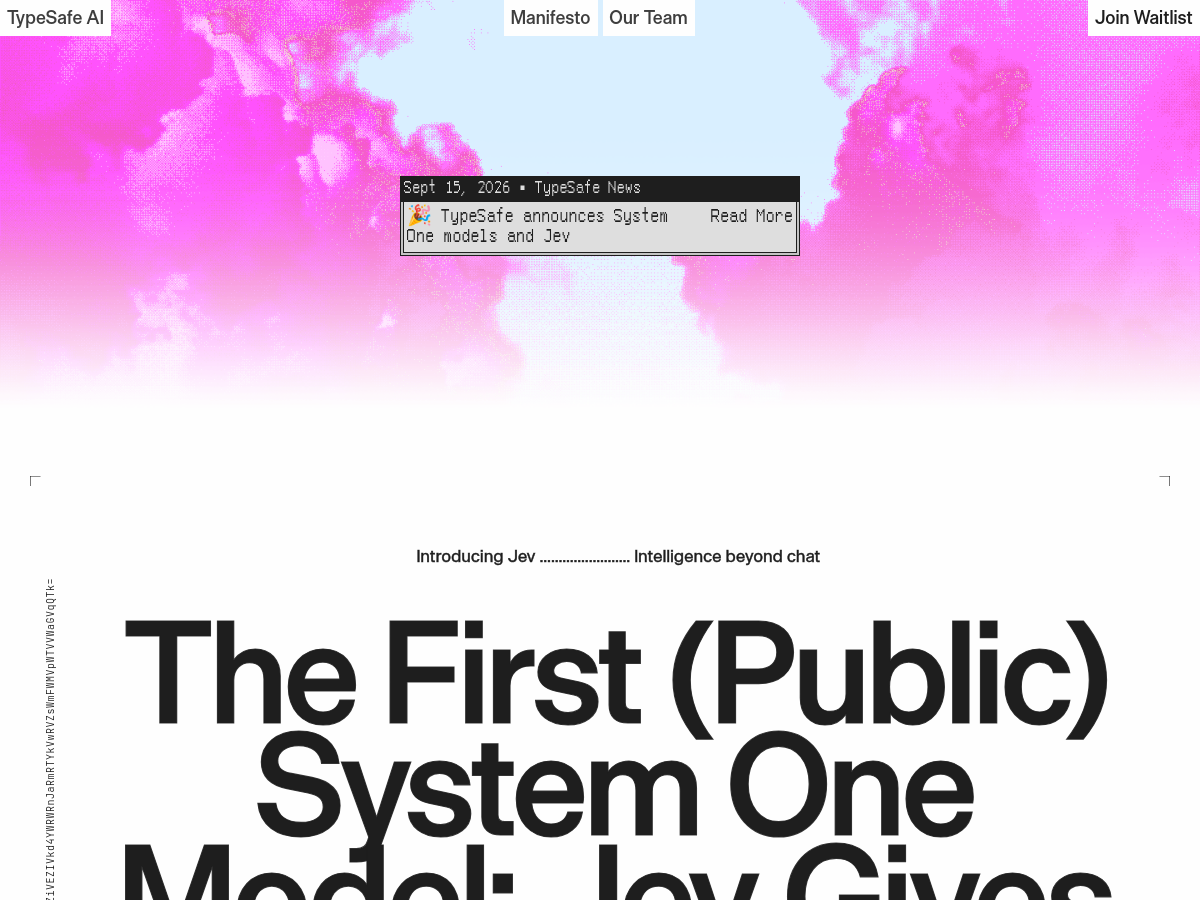
TypeSafe AI is an AI lab developing machine-native intelligence infrastructure for automation. The company is building a new class of models called System One Models, designed to be used natively by machines rather than humans. These models are trained with a novel algorithm called Reinforcement Learning for Calibrated Decisions (RLCD), which contrasts with Reinforcement Learning from Human Feedback (RLHF) used for chat models. RLCD aims to produce reliable, calibrated decisions rather than human-like conversation. System One Models return typed outputs that software can directly act upon, with each decision including a calibrated confidence estimate. This allows developers to set thresholds for autonomous action versus human review, and combine decisions in code to build complex workflows. TypeSafe AI claims significant performance improvements, stating that their models are 193.6x faster and 444.6x cheaper than LLMs for System One tasks. The first System One Model is available in early access via a waitlist. The approach addresses issues with RLHF-trained models such as mode dropping, overconfidence, and lack of reliability, which often require humans-in-the-loop. TypeSafe AI positions its models as reliable, fast, and type-safe alternatives for automation, emphasizing decisions over strings. The website indicates a version 0.01 copyright 2026 and the lab is based in a redacted location.

Solves

Current LLMs trained via Reinforcement Learning from Human Feedback (RLHF) are optimized for human preferences and chat, leading to issues like mode dropping, overconfidence, and reliability gaps. These flaws often require humans-in-the-loop, limiting automation. TypeSafe AI solves this by building machine-native models that produce calibrated, type-safe decisions with confidence estimates, enabling reliable automation without constant human oversight.

Screenshot of Snake Game
Snake Game
AI Games Free

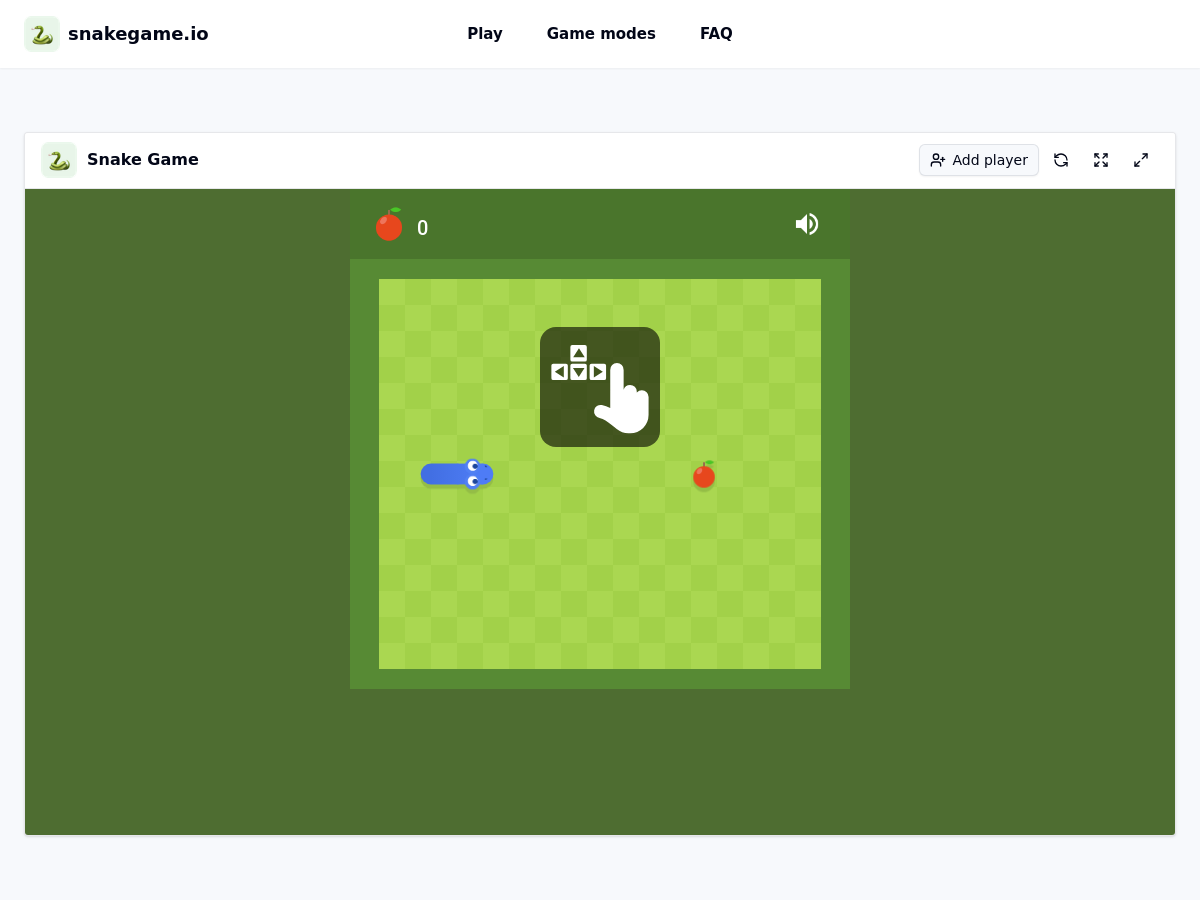
Snake Game at snakegame.io is a free online browser-based version of the classic snake game. It requires no login, download, or installation before play. Players control a snake to collect food, grow longer, and avoid walls, their own body, and opposing snakes in duel modes. The game offers three main modes: classic solo, local two-player duel, and AI opponent. In local two-player mode, player one uses WASD keys and player two uses the arrow keys on the same keyboard. AI mode provides Easy, Normal, and Hard difficulty levels that adjust the computer opponent's route planning and risk avoidance. Additional features include fullscreen or theater mode for a larger board view, quick restarts, and responsive keyboard controls. The site is available in English and runs entirely in the browser.

Solves

Provides a free, instantly playable version of the classic snake game for solo practice, local multiplayer competition, or AI challenge without account creation, downloads, or setup.

Screenshot of Vigil
Vigil
AI Agents Open Source

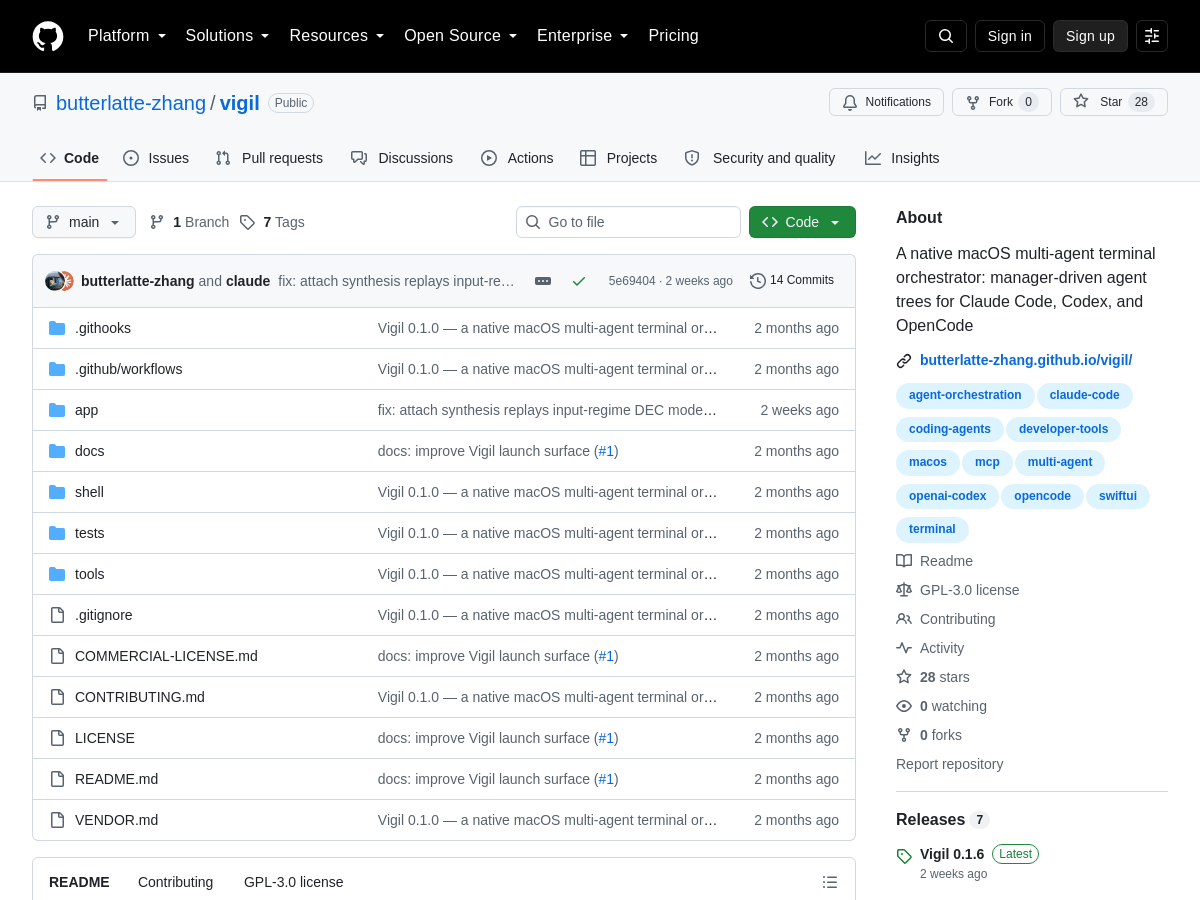
Vigil is an open-source native macOS multi-agent terminal orchestrator. It organizes AI coding agents into a manager-driven tree: a manager agent spawns workers and sub-managers, with detailed task context flowing down the hierarchy and summaries rolling back up. Each agent node runs inside its own terminal user interface (TUI), so users can inspect or take over any node directly. The project is designed for terminal-based AI coding CLIs such as Claude Code, Codex, and OpenCode. Rather than forcing all agents into a single chat or hidden process, Vigil keeps each agent in the CLI's native TUI, enabling interactive control and transparent monitoring. It is distributed as an open-source GitHub repository and targets macOS users who want to coordinate multiple coding agents. Because it is native to macOS and terminal-centric, Vigil is best suited to developers already using command-line AI agents. It provides a structured way to decompose larger coding tasks into subtasks, delegate them, and collect results without losing the ability to intervene manually.

Solves

Managing multiple AI coding agents in terminals is manual and error-prone: users must open separate panes, track context, copy summaries, and intervene without a clear hierarchy. Vigil solves this by providing a manager-driven agent tree where tasks and context flow down, summaries flow up, and every agent remains an interactive TUI that can be taken over.

Screenshot of Media.io AI Face Swap
Media.io AI Face Swap
AI Face Swap Generator Unknown

Media.io AI Face Swap is a browser-based AI photo editing tool from Media.io (a Wondershare brand) that replaces one face in an image with another. Users upload a source photo containing a face plus a second image that supplies the face to swap in; the service detects faces automatically, aligns them, and blends the replacement with AI so the result matches the original lighting, tone, and skin texture. No desktop software, manual masking, or retouching is required. The editor accepts JPG, JPEG, and PNG uploads up to 50 MB with a minimum width and height of 300 px, and returns a downloadable result in seconds. Work can also be started from images stored in the user's Media.io history. The tool sits inside a larger Media.io AI suite that includes video AI, image AI, audio AI, character and avatar creation, and other generation and editing utilities, so face swap output can be combined with other features under one account. Promoted scenarios on the product page include meme face swap, portrait face swap, group photo face swap, and costume face swap, with sample before/after previews. The page lists endorsement logos from technology review outlets but does not publish detailed pricing, model, or processing-location information.

Solves

Replacing a face in a photo traditionally requires professional software such as Photoshop, plus manual masking, color matching, and retouching skill. Media.io AI Face Swap automates face detection, alignment, and blending so non-designers can generate realistic-looking face swaps online in seconds without installing desktop software.

Screenshot of AI OTAKU LABO
AI OTAKU LABO
AI Tools Directory Free

AI OTAKU LABO is a Japanese-language web media and discovery platform focused on generative AI and AI tools. It publishes hands-on reviews, usage guides, pricing breakdowns, and comparisons covering a catalog of more than 200 paid and free AI services, spanning categories such as text generation, image generation, video generation, voice synthesis, and comic or anime art creation. The site positions itself as a specialist outlet produced by an "AI professional team" rather than a casual blog, and it emphasizes tutorials written so that readers without prior generative AI knowledge can follow along. Editorial content typically includes step-by-step instructions with diagrams, screenshots of the interface, and notes on actual subscription tests the editorial team performed themselves. Beyond reviews, AI OTAKU LABO organizes tools by use case (recommended AI by purpose), hosts image-generation techniques and tips, and covers industry news. Content is available primarily in Japanese, with an English-language section, making the material accessible to both domestic and international readers. Access to the site and its articles is free; the platform is monetized through advertising and affiliate links to the reviewed AI services. It functions as a comparison and research destination rather than a deployable AI product itself.

Solves

Generative AI tools launch and change pricing so quickly that non-expert users struggle to know which services are worth paying for or how to start using them. AI OTAKU LABO addresses this by aggregating over 200 AI services into one catalog, then adding Japanese-language reviews, pricing details, comparison lists, and beginner-friendly how-to guides so that readers can evaluate and adopt AI tools without deep technical background.

Screenshot of ShieldLabs
ShieldLabs
AI API Unknown

ShieldLabs is a fraud detection and prevention service for web applications. It builds a persistent identifier from 300+ device, network, browser, and OS signals collected on the first page load, so the same visitor can remain recognized across cleared cookies, rotated IPs, and incognito sessions. It turns anonymous traffic into a risk score for each visitor and links visitors, devices, and accounts into a single identity graph. The platform provides out-of-the-box detection for account takeover, account sharing, multi-accounting, promo and bonus abuse, free trial abuse, ad and traffic fraud, and traffic quality checks. It also recognizes returning trusted visitors to reduce repeated checks and friction. Risk signals include country, IP address, proxy/VPN, datacenter IP, anti-detect browser, abuser, incognito, suspicious paid click, device fingerprint, geolocation, and returning visitor signals. ShieldLabs is offered as a hosted web service with a free tier of 5,000 identifications, a 5-minute setup, and no credit card required. It targets industries such as AI, iGaming, cryptocurrency, SaaS, fintech, e-commerce, travel, marketplaces, media and streaming, ticketing, and gaming. Pricing beyond the free tier is not specified on the homepage.

Solves

ShieldLabs solves the problem of anonymous and masked abuse in web applications by turning device, network, and browser signals into a persistent visitor identity and risk score. It helps teams detect multi-accounting, account sharing, account takeovers, promo abuse, free-trial abuse, and bot-driven ad fraud before they impact revenue, ad spend, and business metrics.

Screenshot of PlayerZero
PlayerZero
AI Agent Unknown

PlayerZero is a SaaS AI production engineering platform that builds a living engineering world model grounded in code, tickets, observability signals, people, and workflow data. The platform is designed to give support, SRE, engineering, and QA teams a shared source of truth for coordinating ownership, reducing handoff friction, and resolving production work faster. The product uses collaborative AI agents that perform production engineering work and improve with every outcome. It supports use cases such as support triage and routing, incident monitoring and response coordination, root cause diagnosis and fix delivery, and QA validation of changes against expected behavior. PlayerZero also markets SIM-1, a model family for simulating large codebases and infrastructure for parallel debugging and verification. The company targets engineering teams operating complex, customer-facing production systems. On its homepage, PlayerZero reports customer outcomes including reduced L3 triage time, fewer engineering escalations, faster MTTR, and fewer defect escapes, with customers such as Zuora, First Street, KeyData, Georgia Pacific, and Onboard.

Solves

Production engineering teams often struggle with fragmented context across tickets, code changes, logs, incidents, and ownership handoffs, which slows incident resolution and lets defects escape to customers. PlayerZero addresses this by building an engineering world model that unifies those signals and uses AI agents to triage, diagnose, coordinate, and verify production work, aiming to reduce escalations, MTTR, and customer-impacting defects.

Screenshot of Wheel Picker
Wheel Picker
Other Free

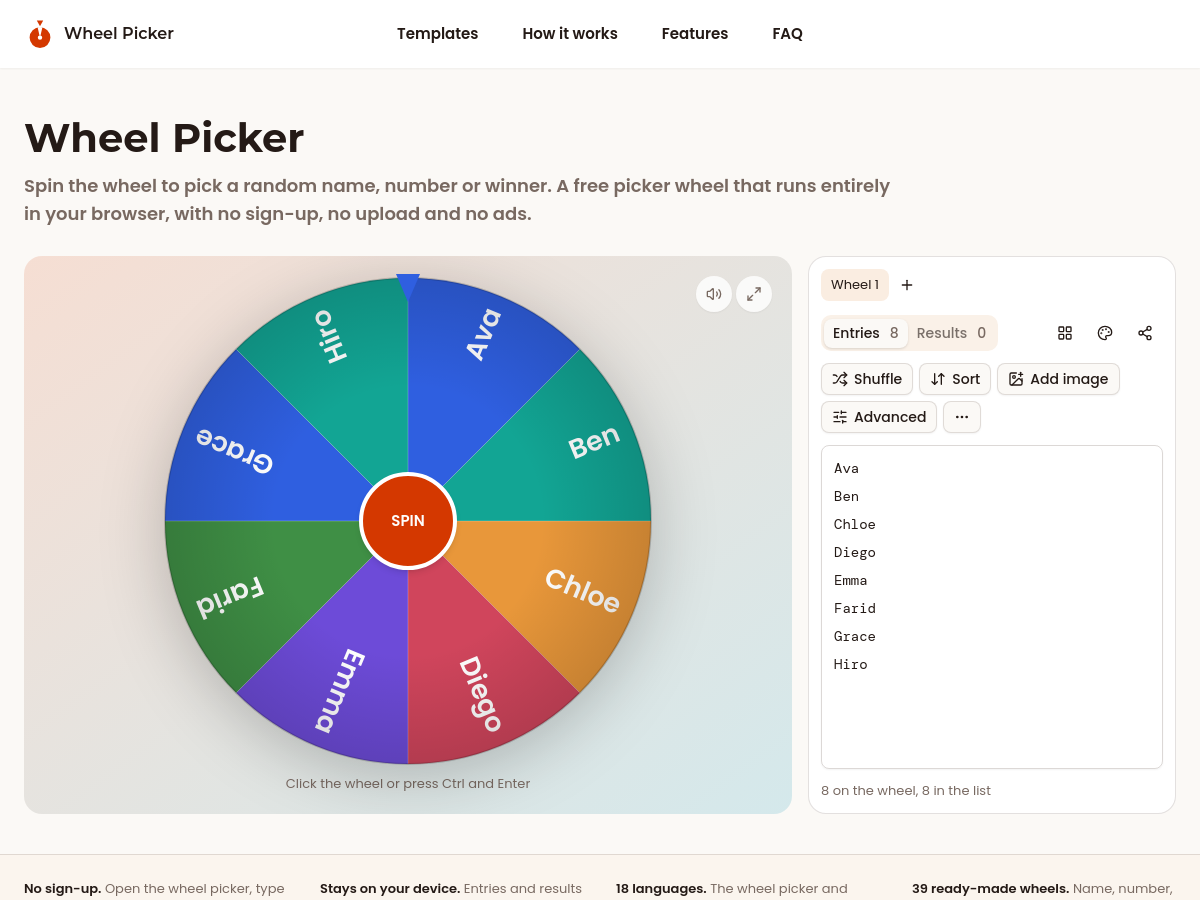
Wheel Picker is a free browser-based spin-the-wheel tool for randomly selecting names, numbers, teams, winners, and other options. It runs entirely in the browser, requires no sign-up, and states that entries, images, and results are never uploaded. The interface supports typing or pasting one entry per line, including lists from spreadsheets or CSV files, and provides 39 ready-made wheels such as name picker, number wheel, team generator, yes/no, raffle draw, and decision prompts. Features include weighted entries, live percentage display, three spin behaviors (Keep, Eliminate, Tally), photo-based entries resized in the browser, and customization with color palettes, surfaces, pointers, spin sounds, and celebrations. Users can share a wheel by link, display a QR code, or embed the wheel spinner in another page. The tool is translated into 18 languages. Common uses include classroom name calling, live giveaway draws, team formation, raffles, decision making, party games, food choices, chore assignment, and other everyday random selections. The homepage presents a three-step workflow: type or paste a list, set odds and appearance, then spin and act on the result.

Solves

Provides a quick, free, and transparent way to make random selections in front of an audience without accounts, uploads, or manual drawing. It removes the need for physical wheels, spreadsheets, or ad-heavy spinner sites when picking names, numbers, teams, or giveaway winners.

Screenshot of Newface
Newface
AI Video Generator Unknown

NewFace is an AI video generation platform that enables users to create UGC-style videos, advertisements, and social media content without filming or a production crew. It provides a unified canvas where a skill-powered agent builds videos based on user descriptions, streamlining the content creation process. The platform offers a suite of tools including AI image generation, video generation, video-to-audio conversion, product detail page creation, and specialized generators for TikTok ads, UGC videos, video ads, real estate ads, YouTube Shorts, and more. It supports various ad formats and industries, from skincare and fashion to tech and real estate. NewFace is designed for marketers, e-commerce businesses, and content creators, offering AI avatars, product ads, and templates for platforms like TikTok, Meta, Google Ads, and YouTube. The platform is accessible via a subscription-based SaaS model with pricing plans available on its website.

Solves

NewFace solves the problem of producing high-quality UGC-style videos and advertisements without the need for filming, actors, or a production crew. It enables rapid creation of social media content and ad creatives at scale, reducing time and cost associated with traditional video production.

Screenshot of Floor Planner
Floor Planner
AI Floor Plan Generator Unknown

Floor Planner is an online AI floor planning platform that generates 2D and 3D floor plans from text descriptions. The homepage states users can describe a space in words, choose room, house, or custom generation modes, set dimensions, and generate a detailed floor plan in under 10 seconds. It supports 10+ rendering styles, including Technical, 3D-Isometric, Colored 2D, Blueprint, Hand-Drawn, Anime, Watercolor, Marker Pen, Collage, and Realistic. The product also offers AI floor plan editing, a full floor plan editor, and image and CAD file conversion according to the provided category description. The homepage advertises no sign-up, free use, unit selection in square meters or square feet, aspect ratio options, and Basic/Advanced model modes. A history panel stores generated floor plans. The site reports 2K+ floor plans generated, a 98% satisfaction rate, and a 4.9/5 rating from 3,000+ users, though these are marketing claims. Floor Planner targets designers, homeowners, and business users who need quick conceptual layouts without specialized CAD training. It is web-based and positioned as a low-friction alternative to traditional floor planning software.

Solves

Creating floor plans traditionally requires CAD software, drafting skills, or professional design services, which can be slow and expensive. Floor Planner addresses this by using AI to turn natural-language descriptions, images, and CAD files into editable 2D and 3D floor plans, allowing users to visualize room layouts and full-house designs quickly without prior design expertise.

Screenshot of HEICtoJPG
HEICtoJPG
Other Free

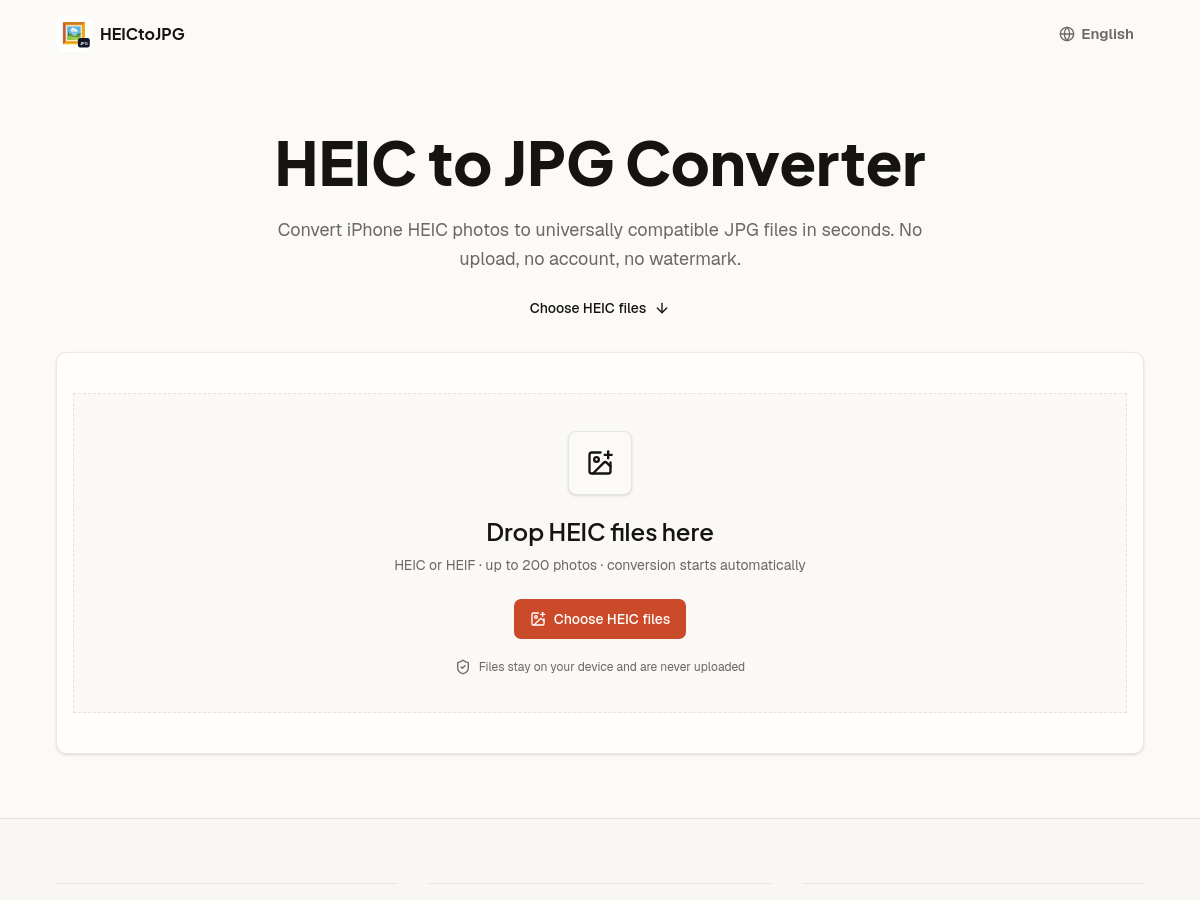
HEICtoJPG is a free, browser-based web tool that converts Apple HEIC and HEIF photos into standard JPEG files. According to its homepage, users can drag and drop up to 200 HEIC or HEIF images at once, and conversion starts automatically. Because the decoding runs inside the browser tab using an open-source HEIC decoder, the files are not uploaded to a remote server, and the working data is cleared when the tab is closed. The converter preserves the original pixel dimensions and orientation while re-encoding a standard JPEG, so no additional detail is added or cropped. Users can pick an output quality of 80%, 92% (the stated default) or 100%, trading file size against fidelity. Results can be downloaded one JPG at a time or, when several files are converted, as a single ZIP archive; a single failed file can reportedly be retried without restarting the whole batch. The tool targets the common friction point that iPhone and iPad devices save photos as HEIC to save space, while upload forms, Windows applications, printers and older image editors often refuse that format. It requires no account, adds no watermark, and positions itself as suitable for personal photos, IDs and client work given the local-only processing model. Conversion speed depends on the user's own hardware rather than on a server. The site states that HEIF is the container format, and HEIC typically refers to a HEIF image encoded with HEVC; both are decoded into .jpg output. The service is free and the homepage lists no GitHub repository, so implementation details such as the exact decoder library, licence and release history are not disclosed there.

Solves

Apple devices save photos in HEIC/HEIF, a format many upload forms, Windows applications, printers and older image editors cannot open. HEICtoJPG converts those files into universally compatible JPEGs directly in the browser, avoiding uploads of private photos and avoiding the need for desktop software or accounts.

Screenshot of VPS AI
VPS AI
AI Agent Unknown

VPS AI (vpsai.ai) is a hosted service that provides always-on cloud desktops built specifically for AI agents rather than for websites. Each machine is a real graphical desktop with Google Chrome, a filesystem, persistent browser logins, and its own outbound email address, streamed live to the user's browser so a person can watch the agent work and click in to take over the keyboard and mouse at any moment. The service is positioned as an alternative to a plain Linux VPS plus an evening of DIY setup: the agent tooling is already on the box and jobs are handed to it in chat, with no framework to install, and MCP-based agents such as Claude Code can also delegate work to the machine. Plans are sold as one dedicated machine per tier with AI usage bundled into the monthly price: Spark at $19/mo (2 GB burst RAM, 20 GB disk, $10 AI usage), Surge at $39/mo (4 GB / 40 GB, $25 usage), Apex at $79/mo (8 GB / 80 GB, $60 usage) and Godmode at $159/mo (16 GB / 160 GB, $140 usage, priority compute). Billing runs monthly through Stripe, can be cancelled at any time with effect at the end of the period, and the machine's disk is retained for 30 days after cancellation. Included usage resets each billing cycle, while topped-up credits do not expire. The company states that AI usage is metered at provider cost multiplied by 1.35 and paced by rolling 5-hour, 7-day and 30-day windows so that a runaway loop cannot consume a month's allowance in an afternoon. It also notes that the product is not a GPU server: model inference is called through APIs with usage included in the subscription, so the machine's role is to be the agent's computer rather than to host model weights. Receiving email is not yet enabled; the agent's address is currently for sending only, and account sign-up and billing are handled on the companion domain myclawn.com. The advertised core capabilities are sixfold: the machine stays on 24/7 regardless of whether the user's laptop is open; it runs a real Chrome display with sessions that survive; it has an identity of its own for outbound email; its screen can be watched live from laptop, tablet or phone; the user can seize control to solve a CAPTCHA, enter a two-factor code or complete a sign-in; and files, installed tools and logins persist across sessions rather than resetting between runs.

Solves

Most useful agent work happens behind a login on sites with no API, and a cheap headless Linux box cannot do it: it has no real browser, no persistent logins, no identity of its own and no screen a human can intervene on. VPS AI packages the always-on machine, the graphical desktop with Chrome, persistent sessions, an outbound email address, bundled model usage and a live, take-over-able screen into one managed monthly subscription, so users do not have to assemble and babysit that stack themselves.

Screenshot of Gauth AI
Gauth AI
AI Homework Helper Unknown

Gauth is an AI homework helper that converts STEM questions into full step-by-step solutions rather than bare answers. Users can type a question or upload a photo or screenshot of their homework, and the service returns numbered solving steps with explanations of the reasoning behind each move. Mathematical notation such as fractions, integrals, powers, roots and matrices is rendered in LaTeX for readability. The product covers mathematics first, including algebra, geometry, trigonometry, precalculus, calculus, statistics and linear algebra, and extends to science subjects such as physics and chemistry. Solutions are generated in seconds and are stored in a user account history so they can be revisited later, for example before a test. A first step-by-step solution is offered without requiring an account. Gauth is delivered as a web application with companion mobile apps referenced in user reviews. It operates on a freemium model: a free plan includes a limited number of solutions per day, while the paid Gauth Plus tier advertises unlimited AI queries, full step-by-step explanations and Assignment Solver credits. Subscriptions are billed through Stripe and can be cancelled from the account, with access retained until the end of the current billing period. The tool is aimed at students who want to check their own work, find where they went wrong, and understand underlying concepts. User testimonials on the homepage emphasise using it to verify practice problems and learn methods rather than simply copy answers.

Solves

Students working through STEM homework often get stuck on a problem and cannot see the intermediate reasoning that leads from the question to the answer. Gauth solves this by accepting typed or photographed problems and returning numbered, explained solution steps with properly rendered mathematical notation, so learners can identify mistakes and understand the method rather than only obtaining a final result.

Screenshot of AI video, image & music generator — all in one, on a single credit balance

WowMade is a web-based AI creative platform that generates video, images, music and text from natural-language prompts through a single unified interface. The site markets itself as an all-in-one generative studio, advertising access to third-party models such as Seedance 2.5 and Seedream 5.0 alongside its own workflow tools, with all generations billed against one shared credit balance rather than separate subscriptions per modality. On the video side, WowMade offers text-to-video and image-to-video generation plus a library of roughly fifteen preset cinematic "Visual Effects" — including Snap Zoom, Drone Pullback, Lens Dive, Dolly Warp, Hyperspeed, Orbit Burst, Liquid Chrome, Shatter, Ember Burst, Overgrowth, Crystal Bloom and Portal — which apply camera and physics-driven motions to a supplied still image. Image capabilities include text-to-image generation, AI upscaling and enhancement, and editing tools such as an object remover. A separate music module produces original audio, and a text creation page rounds out the suite. Positioning emphasises ease of use for non-professionals: the homepage states that no experience is needed and that users can cancel at any time, and it targets creative teams as well as individual creators. Outputs can be managed in a "My Creations" area and the site provides an Academy section with learning resources. Pricing is credit-based and tiered, with the homepage advertising savings of up to 42% per credit on larger plans. The platform is delivered entirely as a hosted product and depends on generating media in the cloud, so usage costs and availability scale with the underlying credit balance and the third-party models it routes to.

Solves

Creating video, imagery and music traditionally requires separate specialist tools, multiple subscriptions and significant editing skill. WowMade consolidates text-to-video, image generation and editing, and music generation into one browser-based platform with a single credit balance, letting non-experts produce cinematic clips, stills and audio from prompts without switching between applications or learning professional editing software.

Screenshot of Chattide
Chattide
AI Assistant Unknown

ChatTide is a browser-accessible AI assistant marketed as an easy-to-use conversational tool for creating, learning, and discovering. The public site presents it as a general-purpose chat product, with dedicated pages for AI chat and a free ChatGPT-style experience, plus a sign-in flow and an upgrade/pricing page. It positions itself as a low-friction entry point for people who want conversational AI without a complex setup. Beyond the marketing tagline and navigation structure, the homepage exposes little technical detail: it does not document the underlying model providers, context limits, supported file types, integrations, or data-handling practices beyond links to Terms of Service and Privacy Policy. A free tier appears to exist alongside a paid upgrade path, but exact quotas and prices are not stated on the captured page, so pricing should be treated as unconfirmed. Because no public GitHub repository or developer documentation was found, ChatTide should be categorized as a closed SaaS web application rather than a library, framework, or self-hosted tool. Evaluation of fit should therefore be based on hands-on trial rather than published specifications, and organizations with strict data-residency or model-transparency requirements should verify those details directly with the vendor before adoption.

Solves

ChatTide addresses the friction of getting started with conversational AI: instead of requiring API keys, model configuration, or local installation, it offers a ready-to-use web chat interface for drafting, learning, and exploratory Q&A. It targets users who want immediate assistance from a browser session and a low-effort upgrade path, rather than a customizable or self-hosted AI stack.

Screenshot of Reply200
Reply200
AI Social Media Unknown

Reply200 is a SaaS tool for AI-powered comment moderation and auto-reply across Facebook, Instagram, TikTok and YouTube. It monitors comments on organic posts, paid ads and live streams, then classifies each one and takes an action: reply, like, ignore, hide or delete. The vendor positions it as an always-on layer that keeps engagement flowing without a human manually reading every comment. The core mechanism is a voice replica. Reply200 scans a connected page's past replies, posts, captions, bio and links to build a profile of the account's tone, slang and emoji habits. When a new comment arrives, the system combines that voice profile, the content of the post, a context library and configured page goals to generate a reply intended to read as if the account owner wrote it. Moderation is rule- and intent-driven. Spam, competitor bait and abusive comments can be hidden or deleted automatically, while genuine questions, purchase intent and positive sentiment get replies or likes. Setup is marketed as a one-click account link with no code, and moderation versus engagement behaviour can be toggled per Page or Business Manager at any time. Pricing is not published on the homepage beyond a 7-day free trial with cancel-anytime terms. Marketing claims about scale include 500+ teams and 4M+ comments handled, but these figures come from the vendor and are not independently verified. A blog and documentation site are available.

Solves

Social accounts accumulate comments that go unanswered: purchase questions, shipping and sizing queries, and positive fans who expect a response. Silence lowers engagement signals, which can reduce organic reach, and unanswered questions under paid ads waste ad spend while spam and competitor bait degrade brand perception. Reply200 addresses this by automatically classifying every comment and either replying in the account's own voice or hiding/deleting spam and abuse, so no comment needs manual review.

Screenshot of freebeat
freebeat
AI Music Video Generator Unknown

freebeat is a web-based AI content platform centered on generating music videos and synchronized visual content. Its documented entry point at freebeat.ai/lyric-video positions it as a tool for turning audio tracks and lyrics into videos, where visuals are timed to the music and the words being sung or spoken. The product is delivered entirely through the browser, so no local installation or render hardware is required from the user. The tool targets music-adjacent creators who need visual output fast: independent musicians, producers, and social media creators publishing to YouTube, TikTok, Instagram, and similar channels. The typical workflow is upload or paste audio and lyrics, choose a visual style or template, and let the AI handle scene generation, beat matching, and text animation, then export a finished video. The description available for this catalog entry is brief and the public homepage was not retrievable during enrichment (the URL returned a hosting provider security checkpoint rather than product content), and no public GitHub repository was found. Details such as exact render resolution limits, watermark policy, export formats, credit pricing, and licensing terms are therefore unverified and should be confirmed directly on the vendor site before relying on them.

Solves

Producing a music or lyric video conventionally requires editing software, stock or generated footage, manual beat synchronization, and typographic timing work, which is slow and demands skills most musicians and small creators do not have. freebeat addresses this by automating scene generation and lyric-to-audio synchronization in a browser-based workflow, reducing a multi-hour editing task to a guided upload-and-export process.

Screenshot of Video Trimmer
Video Trimmer
Other Unknown

Video Trimmer is a free browser-based tool for cutting and trimming video clips online. The homepage describes a three-step workflow: drop in a file, drag the trim handles to select the range to keep, and export the result as MP4 or another common format. The tool states that trimming runs locally in the browser tab, so the video is not uploaded to a server, and that no account or software installation is required. Beyond basic start-and-end trimming, the workspace offers single-clip editing tabs for cropping, rotating, flipping, resizing, speeding up or slowing down, changing volume, muting, looping, and adding text or image overlays. This positions it as a lightweight alternative to full video editors for quick clip cleanup, with output quality described as matching the source after a cut. The homepage also says exports are free and watermark-free, with no stated limit on video length or file size. It markets the tool to people who frequently trim short clips, such as product marketers, support teams, content creators, teachers, and social media managers. A separate meta description on the same page references an AI image generator based on Flux Kontext, which is inconsistent with the main video trimming content.

Solves

Video Trimmer solves the need to quickly cut a video down to its useful part without opening a complex multi-track editor, installing desktop software, creating an account, or uploading private footage to a remote server. It focuses on fast single-clip trimming and lightweight edits in the browser.

Screenshot of Body Type Calculator
Body Type Calculator
AI Beauty Free

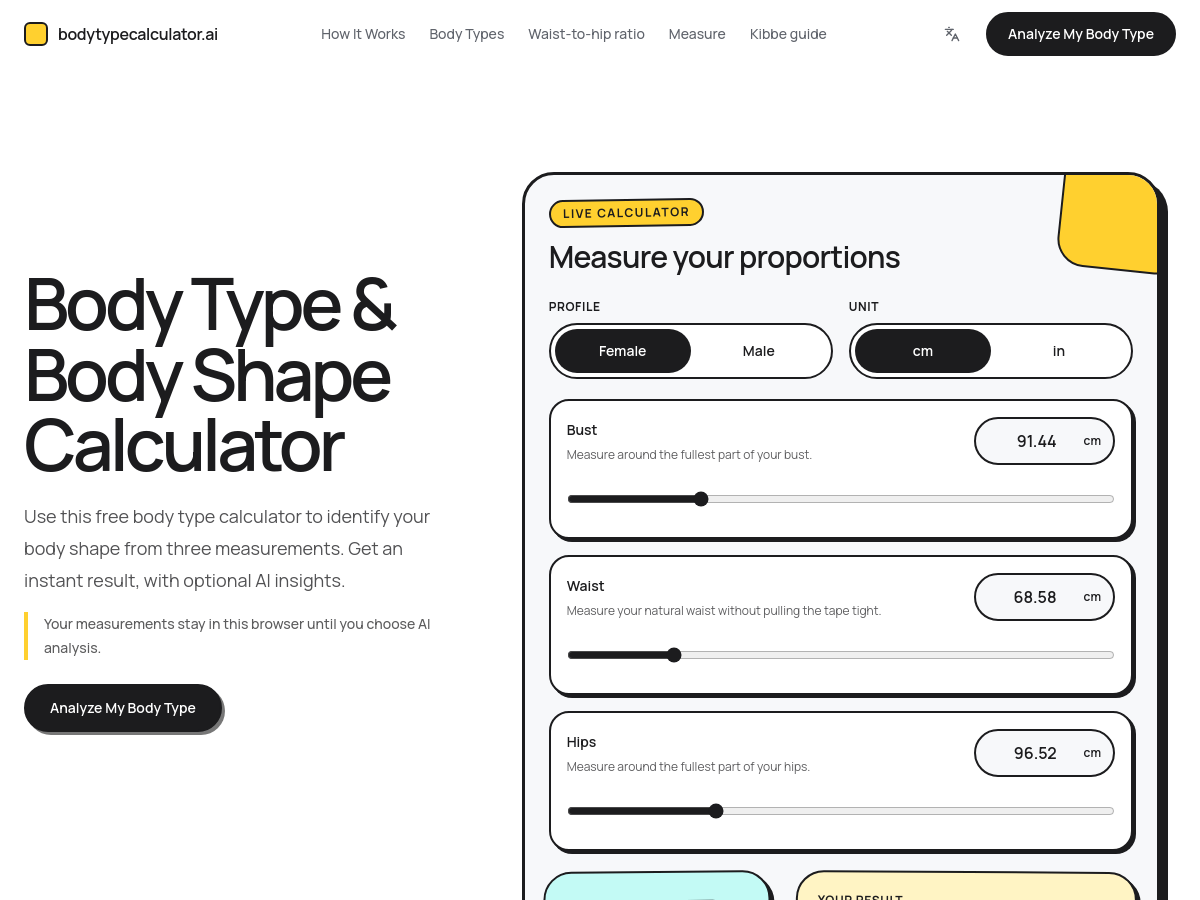
Body Type Calculator is a free web-based tool that estimates a person's body shape from three circumference measurements: bust/chest/shoulders, natural waist, and fullest hips. It supports female and male profiles, accepts centimeters or inches, and returns an instant rule-based classification such as hourglass, pear, apple, rectangle, or inverted triangle for women, and trapezoid, rectangle, oval, triangle, or inverted triangle for men. The calculator also displays ratios like bust-to-waist and waist-to-hip, indicates when a result is near a category boundary, and provides links to styling and measurement guides. The homepage states that the measurement formula decides the body type, while an optional front-facing photo can be uploaded to enhance the written explanation with AI. The photo does not change the measurement-based result. Measurements remain in the browser until the user chooses AI analysis, and no sign-in is required. Results are presented as general proportion and styling guidance, not medical advice. The site includes supporting pages for female and male body type categories, a body type quiz, a waist-to-hip ratio calculator, and instructions on how to measure the body accurately. Users can copy a share link or download a PNG of their result.

Solves

It removes the need to manually interpret body measurement rules by instantly classifying body shape from bust, waist, and hip measurements, while offering optional AI explanation and styling references without sign-in or payment.

Screenshot of 网易叭哥说 (NetEase Bageshuo)
网易叭哥说 (NetEase Bageshuo)
AI Speech-to-Text Free

NetEase BaGeShuo (网易叭哥说) is a free desktop AI voice input agent developed under NetEase Youdao. It converts spoken language into clean, structured text and inserts the result directly into whatever application the user is working in, functioning as a system-wide dictation layer rather than a standalone note-taking app. Beyond raw speech-to-text, the tool applies AI post-processing to the transcript: it polishes sentence flow, removes filler words and verbal tics, and organizes rambling speech into more readable, structured output. It also supports speech translation, so users can dictate in one language and obtain text in another. Because input works across applications, the tool is positioned as a replacement for typing in chat clients, email, documents and other text fields. The vendor claims dictation is up to five times faster than typing, and highlights privacy and security messaging alongside community and business-contact channels on its homepage.

Solves

Typing is slow and speech-to-text output is usually messy: raw dictation captures filler words, false starts and unstructured phrasing that must be cleaned up manually. BaGeShuo addresses this by combining system-wide voice input with AI polishing, filler-word removal and translation, so users can speak naturally into any application and get text that is ready to send or publish.

Screenshot of Hypit
Hypit
AI Video Generator Unknown

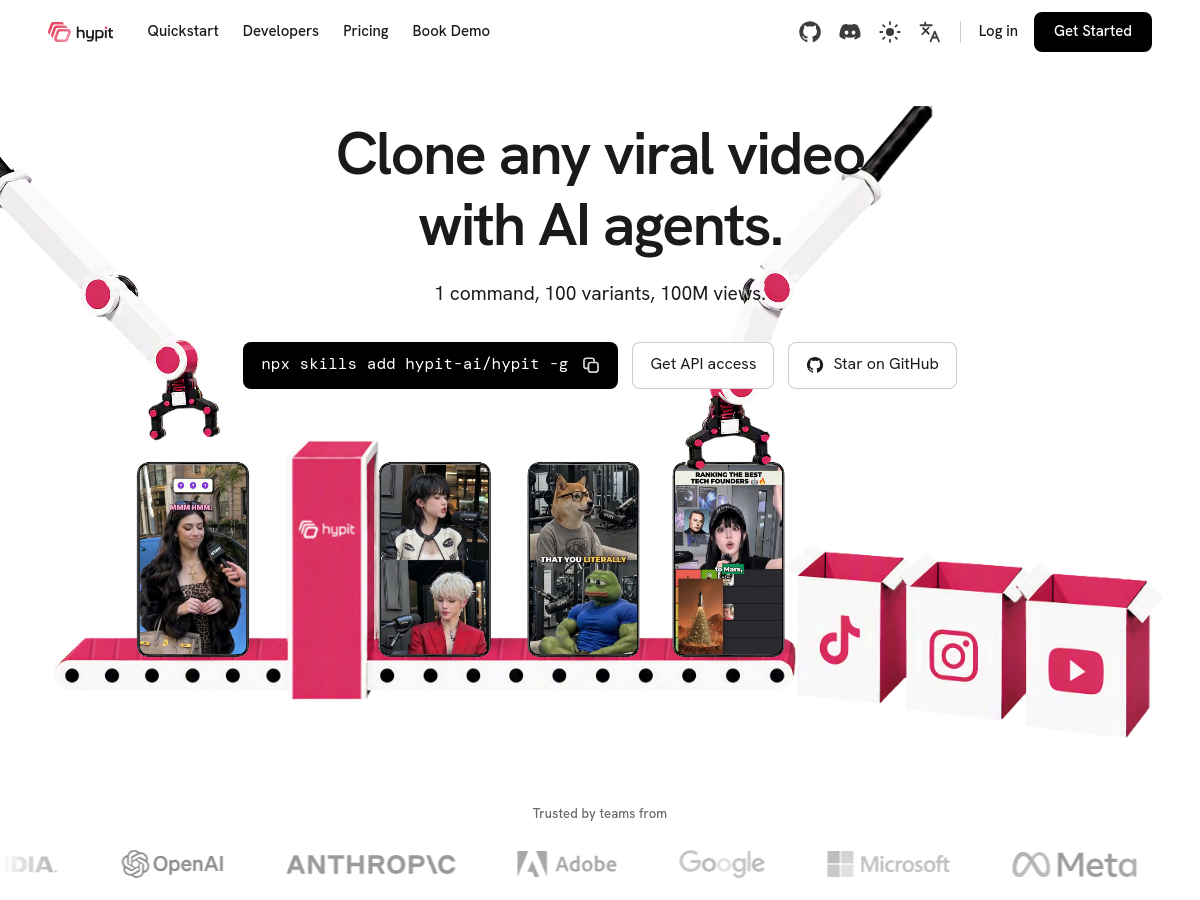
Hypit is an open-source AI platform for cloning viral videos and turning them into editable, repeatable workflows. Rather than generating isolated clips, it reproduces a whole video—face, dialogue, B-roll, captions, and effects—so that the result can be re-run and varied in bulk. The project is positioned as an agent-driven tool: one command can produce tens or hundreds of variants, letting teams iterate on short-form video at scale. The product markets itself on a 'BYOK' (bring your own key) model, meaning users can plug in their own model providers or use a hosted Hypit API. It supports agent compatibility with tools such as Claude, Codex, and other agents, and exposes both a command-line quickstart and API access. The core is free to use and can be self-hosted, while a commercial pricing tier exists for hosted access. Hypit differentiates itself through full-video cloning and open-source control rather than template-based remixing. Its comparison table contrasts it with Arcads, Higgsfield, and Seedance, highlighting batch scale of 10, 50, or 100+ runs per invocation, model-provider freedom, and no mandatory platform catalog. Editing is described as anchored to words (transcript-aligned) instead of timeline seconds, which suits script-first video production. Because the tool is distributed as an open-source project, its exact language, license, and release cadence are best confirmed from the GitHub repository (hypit-ai/hypit). Guidance, developer documentation, and a Discord community are linked from the homepage.

Solves

Producing short-form video at scale is slow and manual: creators must script, shoot, edit, caption, and then repeat the process for every variation. Hypit addresses this by cloning a proven viral video into a structured, editable workflow and then generating many variants automatically, so teams can test hooks, faces, and edits without rebuilding each video by hand.

Screenshot of Reverse Video Search
Reverse Video Search
AI Video Search Unknown

Reverse Video Search is a web-based video provenance workspace for tracing the original source of a video clip and finding reposts. It accepts a video upload, a public URL, or keyword search, and supports formats such as MP4, MOV, AVI, GIF, with stated limits of 50MB and 20 minutes per upload. The service is designed for journalists, rights teams, brands, and researchers who need to investigate where a clip came from and how it spread. The tool extracts and compares visual fingerprints from keyframes that can survive compression, crops, and repost edits. It also offers premium deep-search options such as transcript matching, audio matching against accessible candidate videos, OCR and watermark detection from keyframes, timeline comparison, and an evidence report with an editable DMCA draft. These signals are combined to produce ranked candidate matches with source links, dates, captions, and confidence details. Reverse Video Search positions its results as leads for human verification rather than a black-box verdict. Users can compare source pages, dates, captions, edits, and accounts, then save an evidence report before acting. The site states that one search is available without an account, sign-up includes five bonus credits, and each search costs five credits, with more credits available for purchase. Monitoring is listed as not yet available. Target scenarios include finding the earliest known upload, checking whether viral footage is presented out of context, documenting unauthorized reposts, and monitoring brand or campaign assets. The homepage notes that the tool cannot see every private account, deleted post, regional restriction, or unindexed page, so origin and ownership should be confirmed independently.

Solves

Video clips are frequently renamed, cropped, mirrored, translated, compressed, or reposted without credit, and ordinary keyword search often sees only the new title, caption, or description. Reverse Video Search addresses this by searching underlying media signals such as keyframes, audio, transcripts, watermarks, and upload timelines to help users find earlier sources and understand how a video moved across platforms.

Screenshot of warmwind
warmwind
AI Agent Unknown

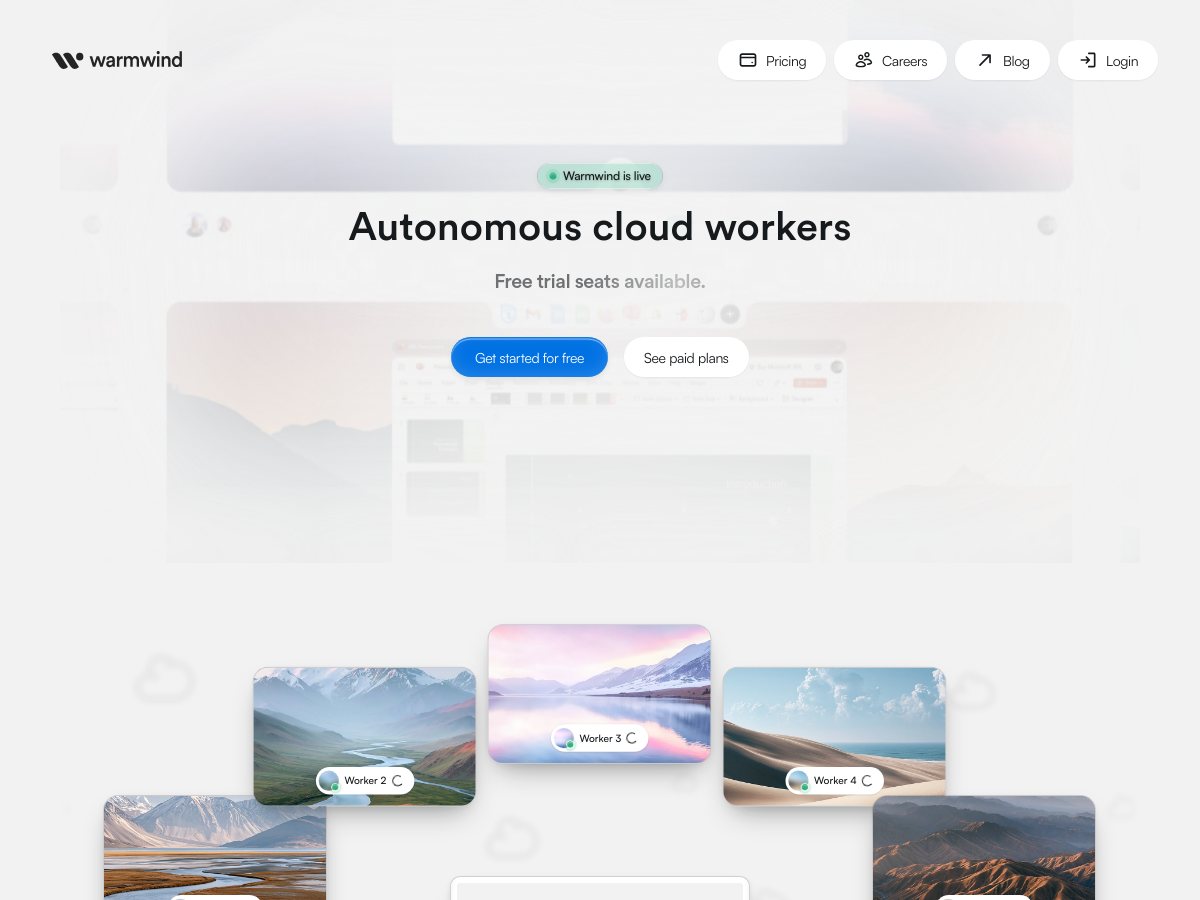
warmwind is a cloud-based product that provides autonomous AI workers intended to automate visual office workflows. According to its homepage, it positions itself as an all-in-one solution for AI workers with the stated promise of eliminating "tool chaos" by keeping everything in the cloud. The product targets repetitive, screen-oriented office tasks, meaning work that is normally performed through graphical interfaces such as browser tabs, web apps, dashboards, and documents. warmwind describes its workers as autonomous and cloud-hosted, so tasks are executed remotely rather than on a user's local machine. Publicly available information is currently limited to the vendor's own homepage and marketing copy. There is no public GitHub repository, documentation set, or third-party technical review available, so details about supported models, integrations, orchestration method, security posture, and pricing are not verifiable from the sources reviewed. Because the exact capabilities are not documented in the available material, this entry should be treated as a high-level catalog record rather than a validated technical assessment.

Solves

Office teams often run repetitive tasks across many disconnected web applications and desktop tools, which creates manual work, copy-paste errors, and fragmented automation scripts. warmwind aims to solve this by offering autonomous cloud-hosted AI workers that operate visual office workflows directly, so users do not have to stitch together multiple separate automation products.

Screenshot of ImageHub
ImageHub
AI Image Generator Free

ImageHub is a free web-based AI image toolkit for generating, editing, enhancing, and transforming images. It organizes its capabilities into categories such as AI Generate, AI Enhance, AI Remove, AI Edit, and AI Beauty, offering a broad set of one-click tools through a browser interface. The AI Generate section includes text-to-image generation, image-to-image transformation, background generation, anime conversion, headshot creation, emoji making, product photography, and art generation from photos. The AI Enhance tools cover image enhancement, outpainting, upscaling, unblurring, denoising, photo restoration, and shadow generation for product shots. For editing and cleanup, ImageHub provides object removal, background removal, watermark removal, photo editing, background changing, white background creation, blur background effects, character swap, face swap (including multiple face swap), and open-eyes correction. AI Beauty features include natural portrait enhancement, virtual try-on, outfit extraction, haircut changes, and body editing. The platform is accessible through a free plan with account sign-in and is positioned as a no-cost online alternative for common image generation and editing workflows. No open-source repository, API, or self-hosted deployment details are provided on the homepage.

Solves

ImageHub solves the problem of needing multiple specialized, often paid, image editing and generation tools by bundling common AI-powered image tasks into a single free web platform. Users can generate, enhance, clean up, and edit images without installing desktop software or having advanced editing expertise.

Screenshot of DragBin
DragBin
AI Files Unknown

DragBin is a secure cloud storage and file sharing platform that emphasizes privacy and quantum-resistant encryption. It offers 25GB of free storage with end-to-end encryption, allowing users to store, sync, and access files across devices. The service features zero-knowledge architecture, ensuring that only the user can access their data. DragBin also provides advanced sharing controls such as password protection, expiring links, data rooms, geo-restrictions, watermarks, and view/download limits. Additionally, it includes link analytics to track engagement. A key differentiator is its post-quantum encryption, designed to protect against future threats from quantum computers. DragBin uses ML-KEM (FIPS 203) and AES-256, and provides a white paper detailing its cryptographic implementation. The platform also integrates with other cloud storage services like Google Drive, Dropbox, and OneDrive, allowing users to manage all files from one place. It offers a local AI workspace that runs on-device without telemetry, enabling users to interact with their files privately. DragBin targets both individuals and businesses, with dedicated features for creators and businesses. It boasts a multi-edge server architecture for fast uploads and downloads, and claims no file size limits. The service is accessible via web and mobile interfaces, with apps for iOS and Android implied by mobile screenshots. A free tier is available, and paid plans likely exist, though pricing is not explicitly stated on the homepage.

Solves

DragBin addresses the need for secure cloud storage and file sharing that protects against current and future threats, including quantum computing attacks. Traditional cloud storage often lacks end-to-end encryption or relies on classical cryptography that may become vulnerable. DragBin provides zero-knowledge, post-quantum encrypted storage, giving users control over their data and enabling secure collaboration without compromising privacy.

Screenshot of Reeldo AI
Reeldo AI
AI Video Generator Unknown

Reeldo AI is a browser-based AI video generation platform that turns text prompts, images, and reference material into short cinematic clips. The site presents three connected workspaces: Frame Lab for still-image tasks such as text-to-image generation, image editing, upscaling, background removal, and storyboarding; Video Studio for generating clips from prompts; and Reference Studio for steering motion and style using text, images, and reference clips. Generation modes advertised include text-to-video, image-to-video, and reference-driven video. According to its homepage, Reeldo AI routes requests to several third-party generative engines, named as Seedance 2, Kling 3.0, Veo 3.1, and MiniMax H3, and the platform states it is not the official website of those model providers. Output options described on the site include 4–15 second clips, multiple aspect ratios (16:9, 9:16, 1:1, 4:3, 3:4, 21:9), resolutions from 480p up to 4K, and watermark-free exports on paid plans. A "sound-on" feature renders dialogue, ambience, and effects alongside the picture rather than in a separate audio pass, and the platform advertises character continuity to keep faces, outfits, and scene style stable across frames and shots. Access is subscription-based, with tiered monthly plans (Basic, Standard, Pro, and Max) that grant monthly credit allowances, with credits shown before a generation is started. Higher tiers unlock higher resolutions, priority queues, commercial-use rights, and dedicated support. An API is listed as a question in the FAQ, but the homepage copy does not confirm that a public developer API is available.

Solves

Producing cinematic-quality video traditionally requires cameras, crews, editing suites, and separate audio work, which is slow and expensive for individuals and small teams. Reeldo AI consolidates text-to-video, image-to-video, reference-guided generation, still-image preparation, and audio generation into a single cloud workspace with credit-based pricing, so users can go from a written idea or a still frame to a finished, downloadable short clip without specialized production equipment or editing software.

Screenshot of Mireye
Mireye
AI API Unknown

Mireye is a cited geospatial data API and MCP (Model Context Protocol) server designed to connect AI agents to physical-world context. It exposes a single API surface with endpoints such as /v1/ask (natural-language questions about a place), /v1/geocode (resolving any string into a place), /v1/lookup (aggregating the full data stack from one input string), /v1/fetch (retrieving cited facts at a location), /v1/proximity (computing measurements the raw data cannot express, such as distance to the nearest transmission line), and /v1/field-requests (requesting data fields that do not yet exist in the catalog). The service positions itself as infrastructure for agents rather than a human-facing map product. It is intended to be called by assistants and agent frameworks such as Claude, ChatGPT, Gemini, Cursor, Grok, Copilot, DeepSeek, or custom agents, which query it through the API or MCP tools and receive structured responses containing values, sources, fetch timestamps, and confidence indicators. Mireye emphasizes provenance: the site states that every value is cited, listing source organizations including USGS, FEMA, NOAA, USDA, EPA, EIA, FCC, Census, NREL, USFWS, USFS, FHWA, FAA, BTS, USACE, BLM, HUD, FHFA, BLS, NSIDC, Overture, Regrid, JRC, and Sentinel-2. Example outputs include elevation from USGS 3DEP with a datum, source URL, fetch date, and confidence level. The vendor markets the product around sector workflows rather than generic mapping, with example desks including data center siting (slope, FEMA flood zone, nearest 345 kV line, substation voltage and status, county interconnection queue), renewable energy siting (slope, aspect, irradiance, interconnect distance, soil drainage class), and insurance underwriting (flood zone, base flood elevation, design wind speed, coastal distance). Mireye is backed by Y Combinator. Pricing details are not stated in the supplied homepage content.

Solves

General-purpose language models have no reliable, current, or sourced access to physical-world facts about a specific location, so they answer geospatial questions with estimates, missing units, and no provenance. Mireye provides one API and MCP interface that returns cited, timestamped location data, enrichment, signals, and computed proximity measures, so AI agents can make auditable decisions about real places.

Screenshot of TextSight
TextSight
AI Detector Unknown

TextSight is a web-based AI content detection and humanization platform. It analyzes pasted text, URLs, or uploaded files and produces an Authenticity Score from 0 to 100, along with per-sentence AI probability highlighting. It reports signals such as perplexity, burstiness, sentence variance, vocabulary range, and readability grade, and its homepage states support for 50+ languages. The tool combines detection with an AI Rewriter that suggests sentence-level rewrites aimed at preserving facts, names, numbers, and citations while varying rhythm and reducing repetitive AI-style phrasing. Tone options include conversational, professional, academic, blog, and email. TextSight markets its detection as calibrated against detectors including GPTZero, Turnitin, Originality.ai, Copyleaks, Winston AI, ZeroGPT, and Sapling. TextSight offers a free trial and a Pro subscription. The free workflow allows users to check text for AI without a card or signup, while full rewrite suggestions and higher usage limits are tied to an account and paid plan. The service is positioned for writers, students, teams, and organizations that need to assess and improve content before submission or publication.

Solves

TextSight addresses the need to determine whether a piece of writing appears AI-generated and then improve it. It provides an AI probability score, sentence-level highlighting, and rewrite suggestions so users can identify machine-written patterns and revise content while keeping its original meaning, facts, and citations.

Screenshot of Tineo
Tineo
AI Travel Unknown

Tineo is an AI travel planner that converts booking confirmation emails into organized itineraries. Travelers can import flights, hotels, trains, car rentals, activities, tickets, and trip files, then use an AI assistant to keep trip details clear. The platform supports collaboration, allowing friends and family to plan trips together and keep shared details in one place. Tineo is available on web, iOS, and Android, and it also stores travel documents, tickets, and reservations alongside the itinerary. The homepage compares Tineo to other AI travel planners such as Layla, Mindtrip, Tripadvisor Trips, and ChatGPT, as well as itinerary managers like TripIt. It also positions itself for business travel for founders, owners, and small teams, with comparisons to TravelPerk, Google Calendar, and Expensify.

Solves

Travelers receive booking confirmations scattered across email inboxes, making it difficult to assemble a clear, shareable itinerary. Tineo solves this by automatically parsing travel emails and organizing flights, lodging, and activities into a structured trip plan that can be shared and edited collaboratively.

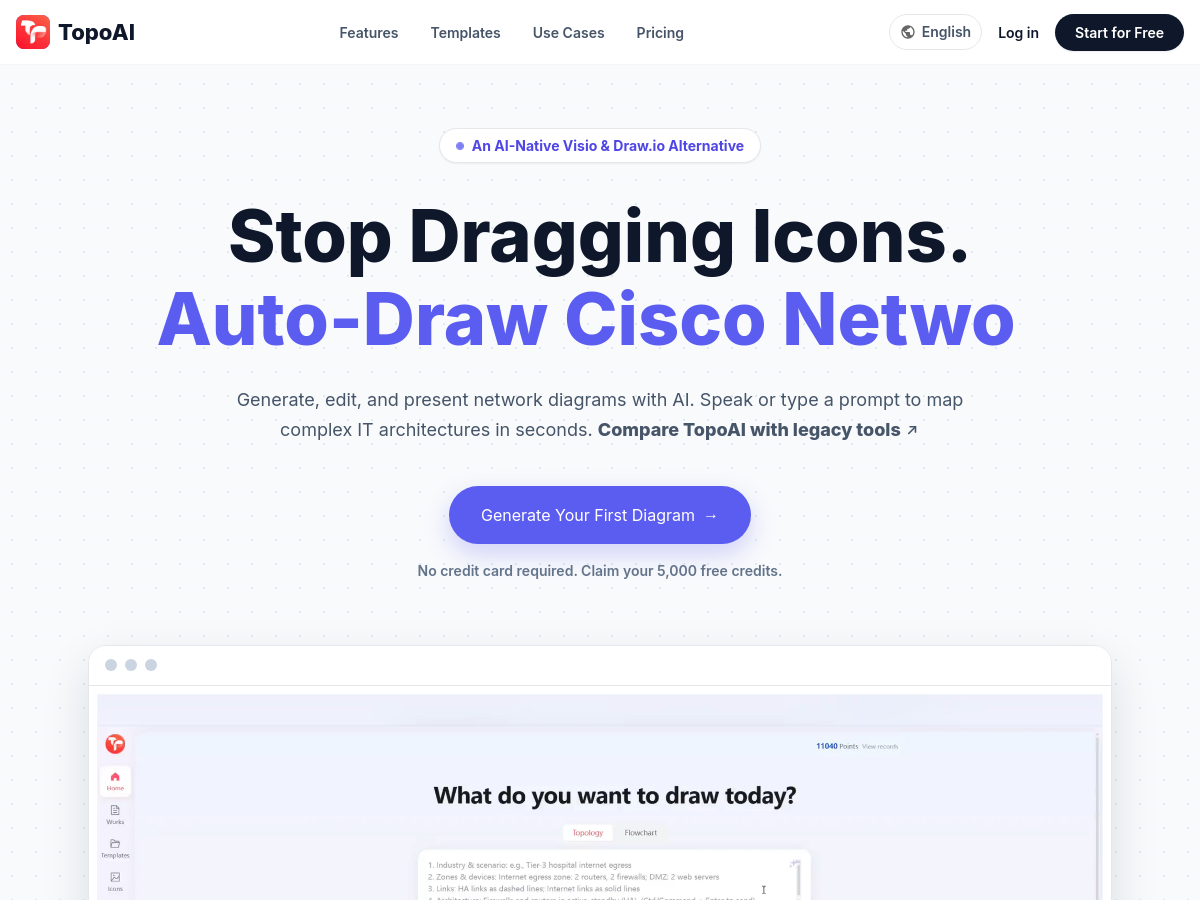
Screenshot of TopoAI
TopoAI
AI Diagram Generator Unknown

TopoAI is a browser-based, AI-assisted diagram editor focused on network, cloud, and security topology diagrams. According to its homepage, it turns sanitized requirements into an editable topology first draft, so teams can start from a generated structure instead of a blank canvas. The workflow is positioned around drafting and refinement: a user supplies sanitized network, cloud, or security requirements, the tool produces an initial topology, and the user then adjusts nodes, links, labels, and styles. The site also mentions support for refining repeated branches, which suggests handling of recurring structural patterns such as redundant links or replicated subnets. TopoAI is presented as a diagramming aid rather than a source of authoritative network design. Its homepage emphasizes review and refinement by an engineering team, and it explicitly refers to sanitized inputs, indicating that the vendor expects users to avoid submitting sensitive configuration or topology data. No public pricing details, license information, or open-source repository were available at the time of enrichment, so the tool should be treated as a hosted, closed-source web service with undisclosed commercial terms.

Solves

Drafting network, cloud, and security topology diagrams manually is slow and often starts from an empty canvas, which creates rework when requirements change. TopoAI addresses this by converting sanitized textual requirements into an editable first-draft topology that engineers can review, correct, and restyle, reducing the initial layout and documentation effort.

Screenshot of ButterKit
ButterKit
AI Agent Unknown

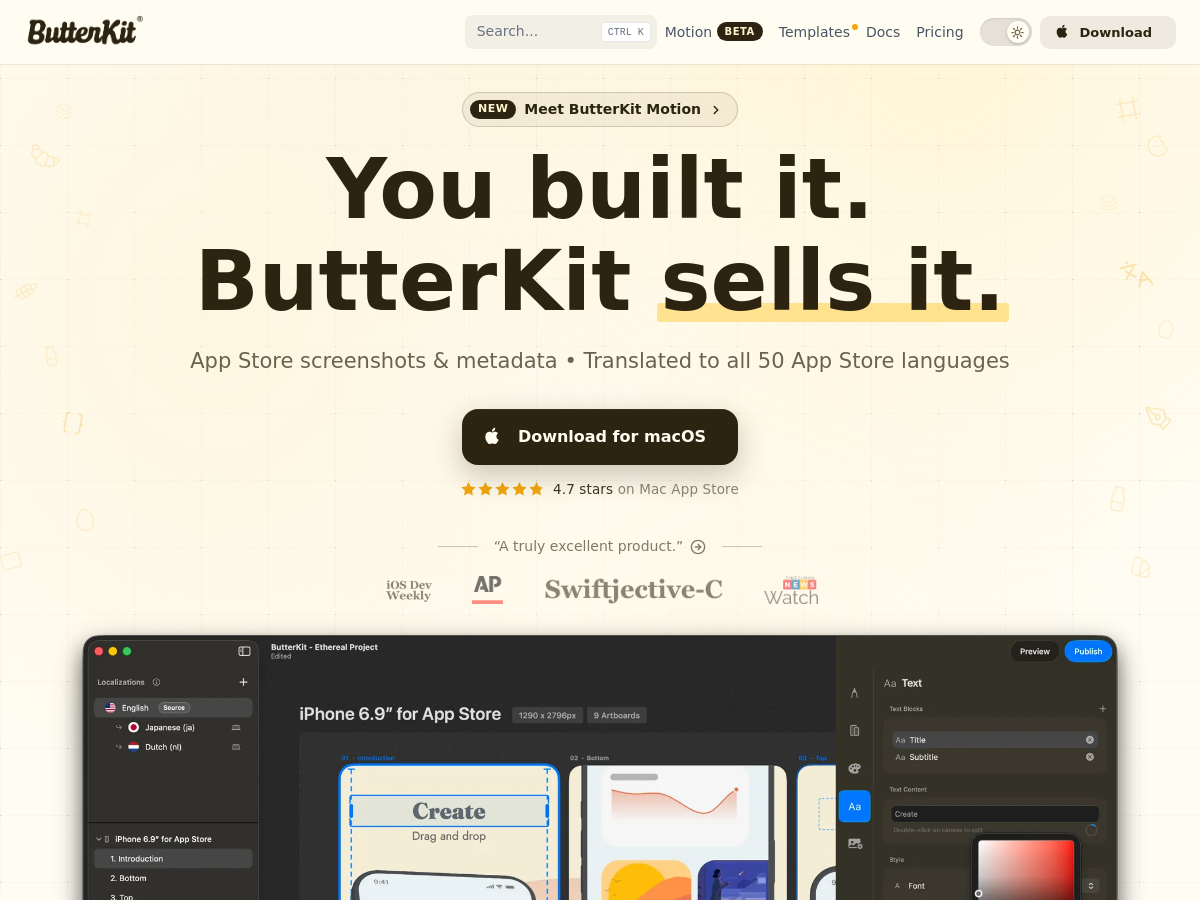
ButterKit is a native macOS application for creating, localizing, and publishing App Store screenshots and metadata. It combines screenshot capture from Xcode Simulator, image import from linked folders such as Fastlane, and design tools in one app. Users can place screenshots into high-resolution 3D device frames, apply professionally designed templates, fonts, gradients, and backgrounds, and preview designs. The app also provides AI-powered translation for screenshots and metadata across all 50 App Store languages. ButterKit supports automation through AI/MCP integration and bulk export or upload to App Store Connect, aiming to reduce repetitive file juggling and manual localization. It is distributed as a macOS app, including via the Mac App Store, and offers templates, documentation, and a Motion beta feature.

Solves

App Store screenshot production and localization is often manual and fragmented across design tools, translation services, Xcode exports, and upload workflows. ButterKit solves this by providing one macOS workflow for capturing, designing, translating, and publishing screenshots and metadata to App Store Connect, with optional AI/MCP automation.

Screenshot of RankHero
RankHero
AI SEO Tools Unknown

RankHero is a web-based SEO toolkit built specifically for Etsy sellers and marketed as a creator-friendly SEO hub. Its homepage states that more than 500,000 sellers use the platform, that 10 million listings have been optimized, and that it serves customers in 127 countries. The product is organized as a collection of focused tools rather than one monolithic dashboard, covering keyword and tag research, shop and listing analysis, trend tracking, and listing content generation. Named tools include a Tag Generator, Keyword Generator, Shop Analyzer, Listing Analyzer, Etsy Trends, Niche Finder, Best Sellers, Buyer Check, Rank Check, and a profit Calculator. Additional AI-assisted utilities generate titles, descriptions, and videos, while Listing Studio is positioned as a way to build complete listings from product photos and RankHero AI acts as a conversational selling assistant. The site also links to eBay tools and a general web SEO keyword generator. Pricing is published on the homepage as a free tier limited to three searches per day, a Business plan at $9.99 per month that unlocks all tools, and an Enterprise plan at $29.99 per month for large-scale use. Sign-up is handled directly through the RankHero website, and no credit card is required for the free tier.

Solves

Etsy sellers need to understand and act on marketplace-specific SEO, which involves keyword and tag research, title and description writing, ranking checks, and diagnosis of underperforming listings. RankHero packages these tasks into guided tools so sellers can find demand, fix weak listings, and improve visibility and conversion without deep SEO expertise or enterprise budgets.

Screenshot of Transcribe Audio to Text
Transcribe Audio to Text
Audio To Text AI Unknown

Transcribe Audio to Text is a browser-based AI transcription service offered by Audio Converter AI. It converts uploaded audio and video files, online links, and recordings into editable text, and also provides AI summaries. The homepage advertises 99.9% accuracy, support for 200+ languages, unlimited minutes, speaker recognition, timestamps, and privacy/security features.

Solves

Manual transcription is slow and expensive, and raw audio/video is not easily searchable or reusable. This tool automates speech-to-text conversion for recordings, links, and media files, producing editable transcripts with timestamps and speaker labels so users can create notes, subtitles, summaries, and searchable records.

Screenshot of Kira AI
Kira AI
AI Assistant Unknown

The product at kiraai.ai is described as an all-in-one AI assistant and workspace. Its homepage positions it for automating work, managing life, and coordinating AI agents. The meta description states that it automates tasks, manages workflows, creates content, schedules meetings, and boosts productivity with AI agents. Pricing details are not provided in the available homepage snapshot. No public GitHub README was available for this enrichment, so technical implementation, deployment model, and licensing are not confirmed. The listed capabilities suggest a general productivity assistant rather than a narrowly scoped developer library or model. It appears to be a SaaS web product, though this is inferred from the homepage URL and wording rather than an explicit pricing or deployment statement. The tool's focus on agent coordination and personal/work management places it in the broader general AI assistant category.

Solves

The product aims to reduce tool fragmentation for individual and team productivity by combining task automation, workflow management, content creation, meeting scheduling, and AI agent coordination into a single assistant/workspace. It is positioned for users who want one AI system to handle both work tasks and personal organization.

Screenshot of image 2.5 sunburst
image 2.5 sunburst
AI Image Generator Unknown

Image 2.5 Sunburst is a browser-based AI image generator and editor that provides access to a model in the GPT Image 2.5 family through an independent studio interface. According to its homepage, the site connects users to the underlying model via an API provider and offers a single workspace for both text-to-image generation and reference-based image editing. Generation works from a written brief: users describe the subject, composition, lighting, and intended use, and then select model, format, aspect ratio, and resolution options. Editing is triggered automatically when a reference image is attached; the studio accepts up to 16 PNG, JPG, or WebP files, each under 30 MB, so users can modify an existing photo or refine a previously generated result with the Edit this image action. The homepage emphasizes commercial creative output such as product photography, promotional posters, social media visuals, presentation covers, and landing-page hero images. A featured prompt template library provides starting points for common business tasks, including white-background marketplace hero shots, food editorial photography, retail sale posters, cosmetic packaging, YouTube thumbnails, comic strips, and data report posters, which users can load directly into the prompt field. The site states that credits are consumed per generated image (a default of 10 credits per generation is shown) and lists a pricing page, but the homepage does not publish concrete plan prices or a specific credit-to-currency conversion. Because the tool is an independent front end to a third-party model, availability, watermarking, and commercial usage terms depend on the upstream API provider and the site's own terms of service.

Solves

Producing commercial-grade creative imagery traditionally requires stock photography, design software, or a photoshoot, each carrying cost, licensing constraints, and turnaround time. Image 2.5 Sunburst addresses this by combining text-to-image generation with reference-led editing in one browser studio, letting users create product shots, posters, and social visuals from a written brief or an uploaded photo and iterate on the result without specialized design tooling.

Screenshot of SpriteSheetMaker
SpriteSheetMaker
AI Pixel Art Unknown

SpriteSheetMaker is a web-based AI tool for generating and animating pixel-art game sprites. It allows users to create sprites from text prompts, specifying perspective, direction, size, and outline. The tool can animate a single sprite into a consistent frame sequence by choosing actions like run or attack, setting frame count, and previewing motion. It exports assets in PNG, GIF, and JSON formats. It supports integration with game engines such as Unity, Godot, RPG Maker, GameMaker, and Unreal Engine. A free plan is available, and no art skills are required. It also includes a pixel editor for manual adjustments.

Solves

Creating pixel-art sprites and animations for games is time-consuming and requires artistic skill, often becoming a bottleneck in game development, especially for small teams or solo developers without dedicated artists.

Screenshot of AI Photo Editor Pro
AI Photo Editor Pro
AI Photo Editor Unknown

AI Photo Editor Pro is a web-based AI photo editing and image generation service at aiphotoeditorpro.com. Users can upload or reference an image and describe edits in natural language, or start from a text prompt to generate a new image. The service presents a prompt field, a model selector set to Auto, and a credit cost for generations. The homepage highlights specialized workflows including AI Hairstyle & Color, AI Photo Enhancer, AI Photo Colorizer, AI Watermark Remover, and AI Gender Swap. Example before/after showcases cover portrait retouching, blur and detail restoration, black-and-white colorization, watermark removal, product photo enhancement, and scene replacement while keeping the subject recognizable. The site includes account-oriented pages such as My Creations and Pricing, indicating a hosted SaaS model with credit-based usage. Exact pricing tiers, underlying model providers, and technical architecture are not specified in the supplied homepage content, and no GitHub repository or open-source license information is available.

Solves

Traditional photo editing can require desktop software, manual masking, and specialized skills, especially for portrait retouching, background replacement, restoration, colorization, and product imagery. AI Photo Editor Pro addresses this by offering browser-based, prompt-driven editing and image generation with tools for common transformations, reducing the need for manual editing expertise.

Screenshot of Free GPT Image 2.5 Generator Online
Free GPT Image 2.5 Generator Online
AI Image Generator Unknown

Image25 is a browser-based AI image generator and editor built around a model it markets as "GPT Image 2.5." The site describes a single workspace where users type a text prompt — or upload a reference photo and describe an edit — and receive a rendered image without installing software or managing a local GPU. Output controls include aspect ratio, resolution up to 4K, quality level, and number of variations, and generated results are stored in a per-user creation history so prompts and settings can be revisited. The product emphasizes two capabilities: rendering legible in-image text (headlines, labels, captions) and instruction-following edits on uploaded images, such as background swaps, product-shot restyling, outfit changes, and detail fixes. The homepage positions these as the differentiators that make output usable for posters, covers, thumbnails, and ad creative rather than just concept art. Access is advertised as usable without login for a limited number of daily free generations, with paid one-time credit packs for more images or higher resolutions and no required subscription. The homepage explicitly states that Image25 is an independent platform and is not affiliated with OpenAI, so the "GPT Image 2.5" branding reflects the operator's own naming rather than a verified OpenAI product. The public material is a marketing site: it documents intended workflows, example galleries, and pricing hints (50% off badge, credit packs), but it does not publish underlying model architecture, training data, API documentation, or independent benchmarks, so performance and output-quality claims should be treated as vendor statements.

Solves

Creating publish-ready images normally requires either design software and image-editing skills or a local GPU setup with a diffusion model. Image25 addresses this by offering a hosted, no-install browser workspace where a plain-language prompt or an uploaded reference photo produces edited, high-resolution images — including legible in-image text — so non-designers can produce posters, thumbnails, product shots, and concept art without owning or configuring image-generation tooling.